The B2B settings allow you to control how product information and shopping features are displayed to B2B customers. You can hide product prices, Add to cart buttons, or the cart icon from customers who are not logged in as B2B customers.
From your Shopify admin, go to Online Store.
Click Edit Theme on your current theme.
Open Theme settings.
Select B2B.
Configure the available options based on your needs.
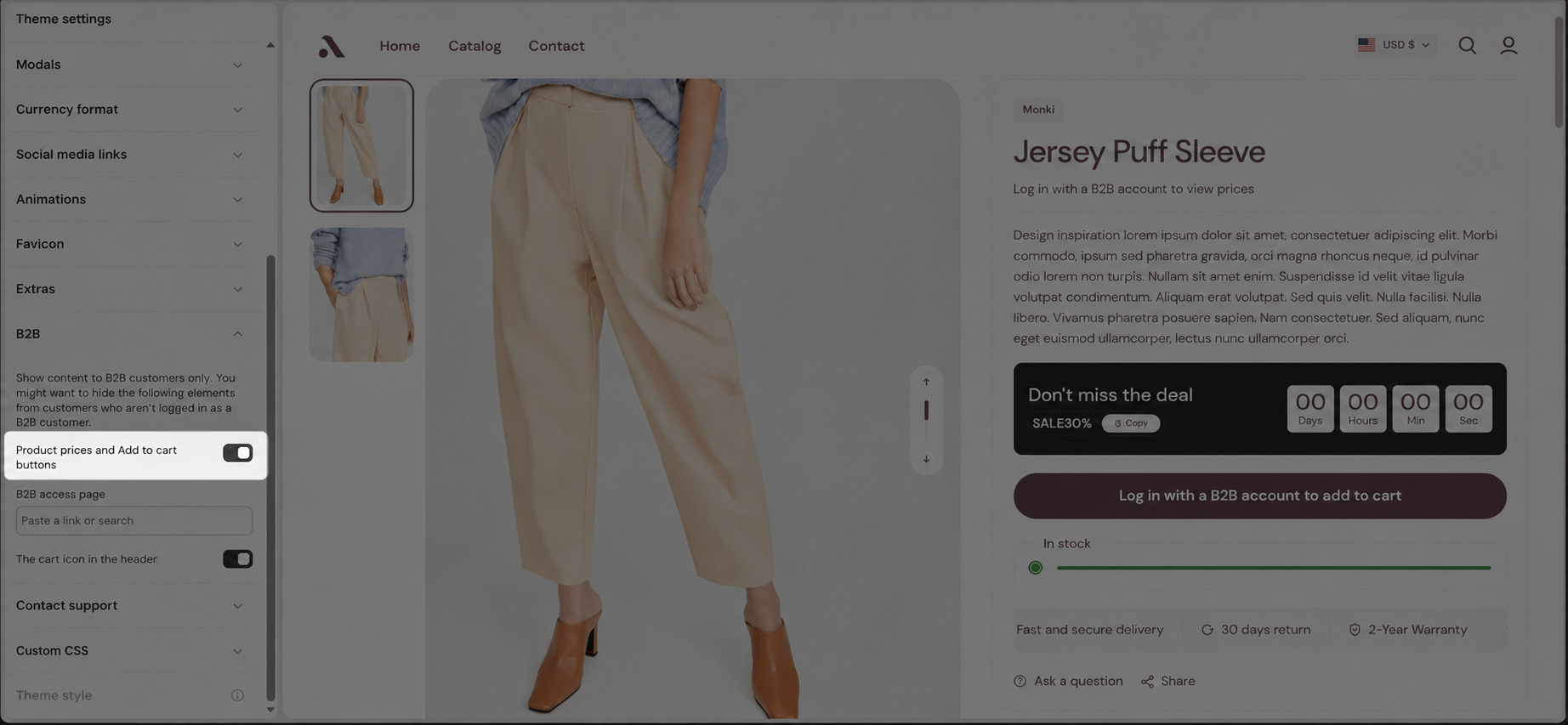
Enable this option to show product prices and Add to cart buttons only to B2B customers.
When enabled, customers who are not logged in as B2B customers will not be able to view product prices or add products to the cart.
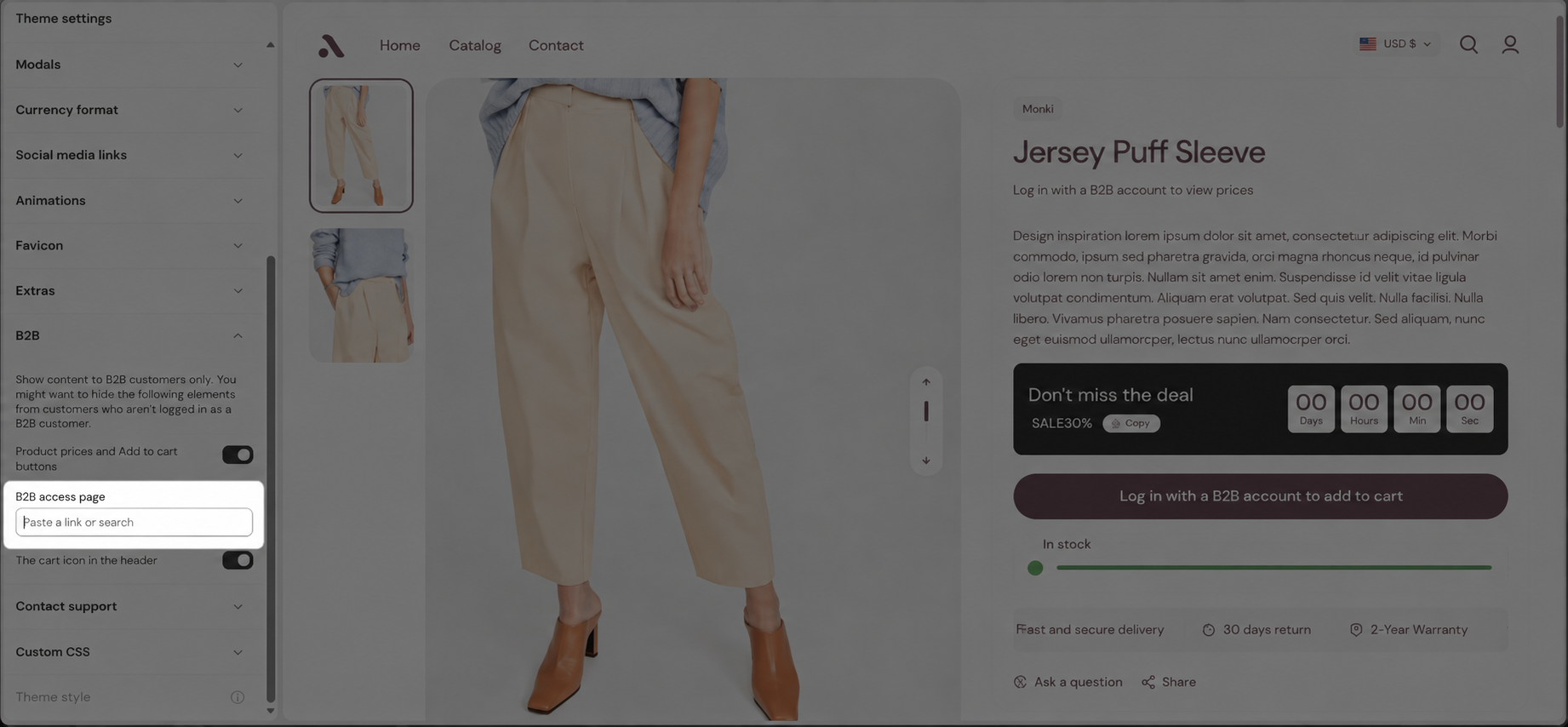
Select the page that customers can use to access your B2B store or log in to their B2B account.
You can search for or paste a page link into the field.
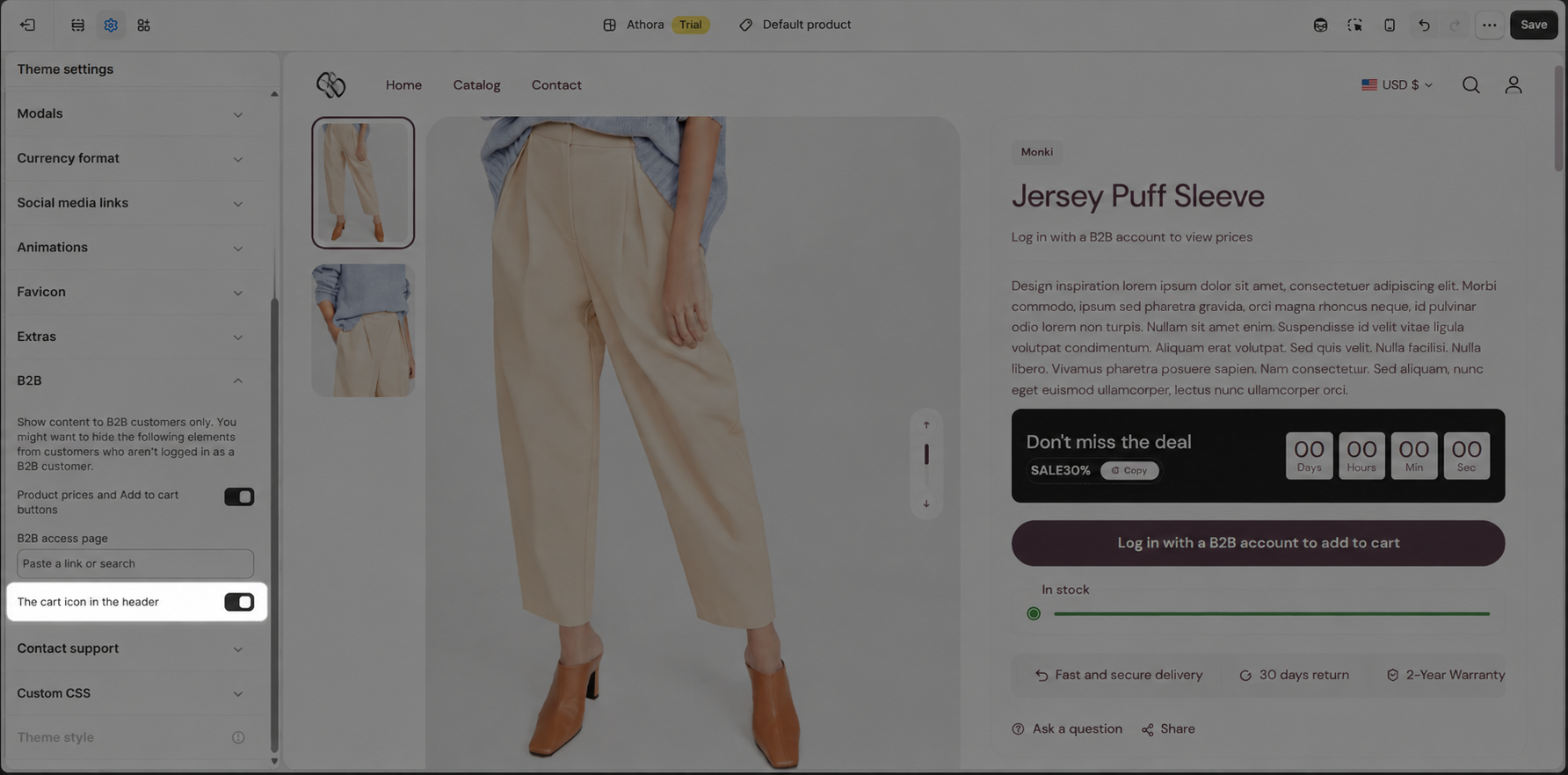
Enable this option to show the cart icon in the header only to B2B customers.
When enabled, customers who are not logged in as B2B customers will not see the cart icon in the header.
If you enable Product prices and Add to cart buttons, visitors who are not logged in as B2B customers will see the product information without the price and Add to cart button.
Once a customer logs in with a valid B2B account, the product prices and purchasing options will be displayed.
These settings are useful for stores that want to restrict pricing and purchasing features to B2B customers while keeping the storefront accessible to other visitors.