If you want to clone the design from an existing store to a new store, there are two options:
Option 1: Download and upload the theme
You can download the theme from your existing store and upload it to the new store.
However, Shopify may restrict theme updates because the uploaded theme is not recognized as being installed directly from the Shopify Theme Store.

Option 2: Keep the Theme Store version and copy the customizations
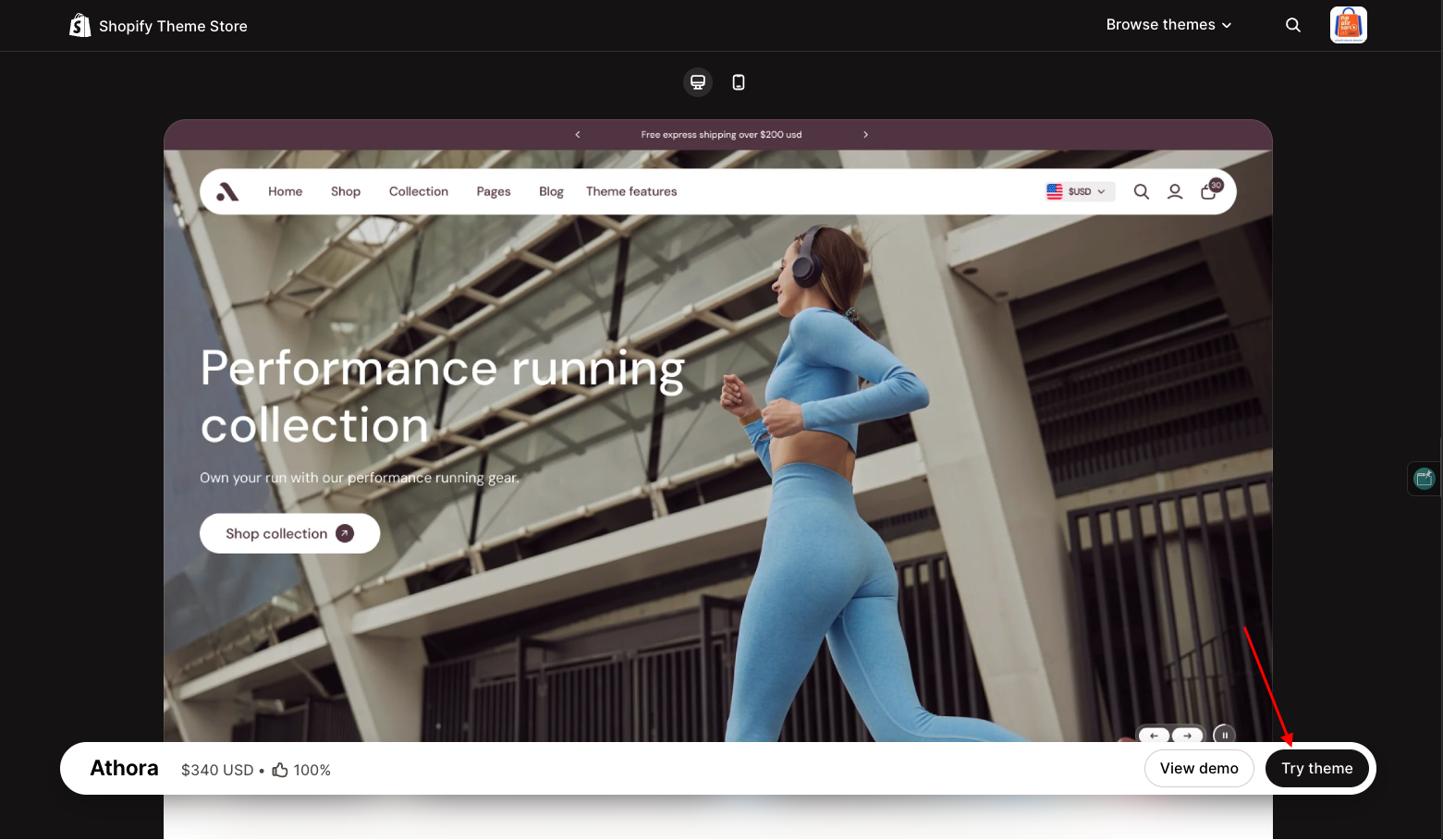
If you want the new store to continue receiving theme updates, install the theme directly from the Shopify Theme Store on the new store, then copy the customizations from your existing store.
Go to Themes -> Edit code

The main files to migrate are:
config/settings_data.json – contains the theme settings and configurations.

templates/*.json – contains the customized template configurations.

section / overlay-group.json

section/ header-group.json + footer-group.json

This approach allows you to keep the theme as a Theme Store installation on the new store while transferring the design and customizations from your existing store.