Important note:
1. To import demo, you need to install theme file to your store. Follow this guideline to upload zip file.
2. Shopify only allows the download of theme demo data and assets uploaded within the theme, such as settings, slideshow images, banners, and image galleries. However, content uploaded through the Shopify Dashboard (like products, pages, blogs, menu navigation, and metafields) cannot be packaged and included within the theme. Therefore, you need to use your store's specific information for these elements.
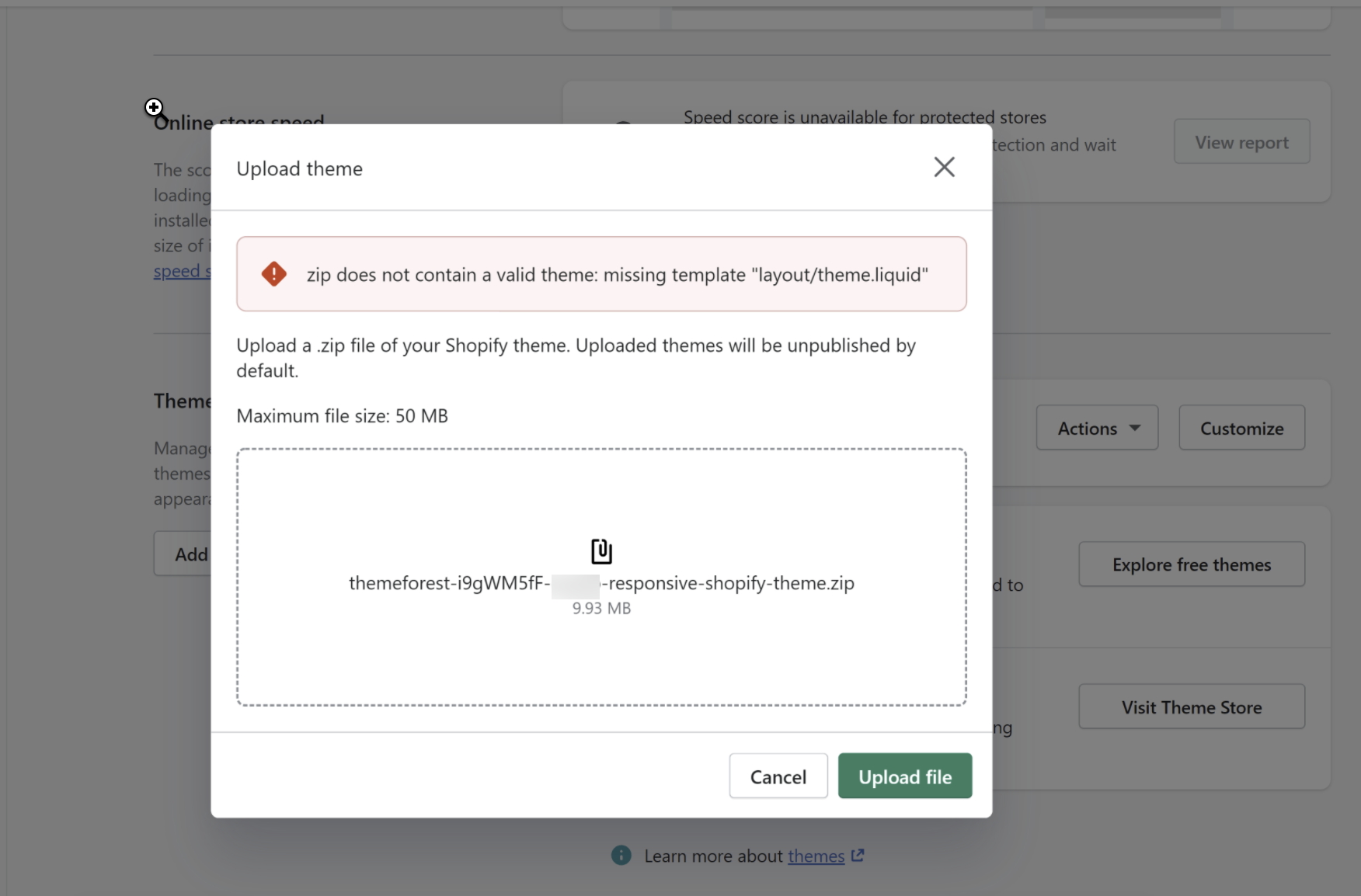
Please make sure that you have unzipped the theme package that you download on Theme Forest before upload it to your store. Otherwise, you will get the issue: zip does not contain a valid theme: missing template "layout/theme.liquid". Then please upload Theme_x.x.zip file to your store.
Theme" - it means name of your theme such as Kalles, Basel, Gecko, Unsen, Ecomus and Ocolus.
Currently, Nitro: Upsell & Cross‑Sell is compatible with Basel 3.0, Kalles 4, Kalles 5 Gecko 6, Unsen, Ocolus and Ecomus

Nitro: Upsell & Cross‑Sell is a powerful support application for The4 themes, designed to save you time compared to traditional demo imports by copying the settings_data.json and index.json files.
This application requires only a few simple steps to import the demo, including banner images, layouts, and customizations. Please follow the steps below:
Step 1: Install app Nitro: Upsell & Cross‑Sell
Step 2: From Nitro: Upsell & Cross‑Sell dashboard > Click on Settings > Select Theme Working "Choose a theme to work on" > Then Save
Note: you must choose the correct Kalles theme to go to the next steps.

Step 3: Access The4 Theme > Choose Import Demo > Explore and then you can Preview Demo you want to Import > Select demo.
Step 4: Read carefully the term and tick on the check box > Import Demo and wait to progress complete.
Helpful tip: To import a section from different demo
Example, you are using Homepage default, and you want the Collection list (the second section) from Home Fashion 15. Follow the steps below:
Extract Theme package file > open 'Demo data' folder > open the demo you want > open 'index.json'
Copy the code of the section you want (example, the second section is Collection list of Home Fashion 15)
Go to Theme > Edit code > open 'index.json'
Paste the code at the beginning of the file, under 'section'
Copy section ID and paste it at the bottom of index file, under 'order'
How to resolve "Incompatible version" issue:
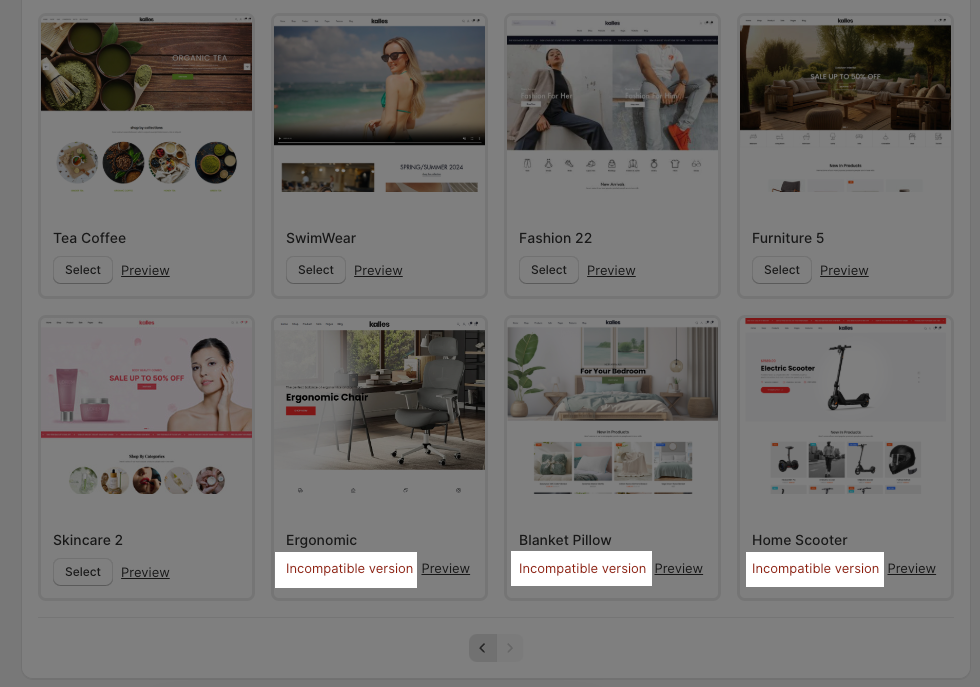
If you encounter an "Incompatible version" error while trying to import a demo in Nitro: Upsell & Cross‑Sell, it may be due to some reasons below:
1. Theme version is not compatible:
Ensure that your current theme version supports that demo. You should check the theme change log to verify if that demo has been released for your version. Verify that your theme version matches one of these supported versions.
2. Your theme is outdated:
If your theme is outdated, consider updating to the latest version.
You need to upload 2 files Settings_data_json and Index_json of the Demo that you want.
Notice: You must install Sublime Text (or other editor softwares) to your device in order to open index.json and settings_data.json. You can click here and choose the suitable Sublime Text version to install.
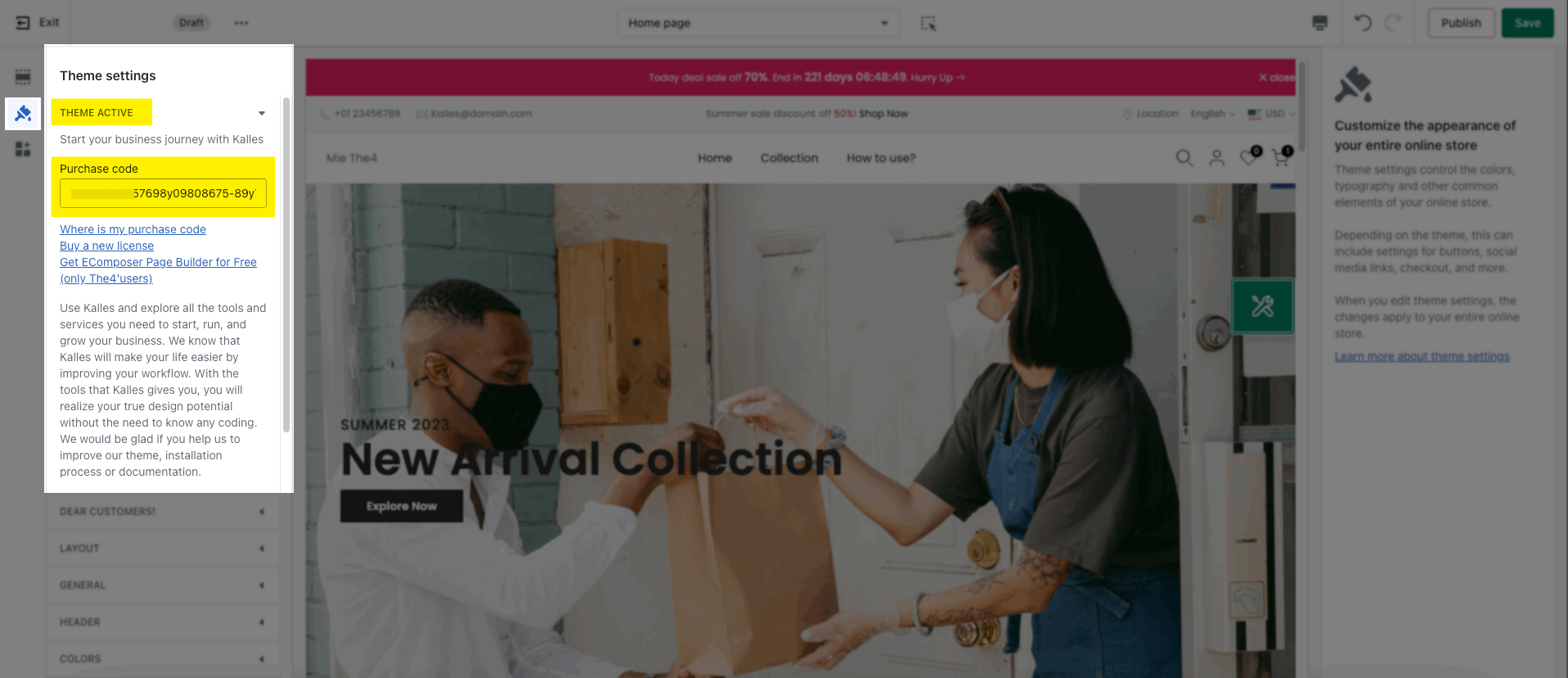
When you complete the import file, you need to active the theme with your license code.