This is an advanced section. Knowledge of web design languages such as LIQUID, HTML, and CSS is required.
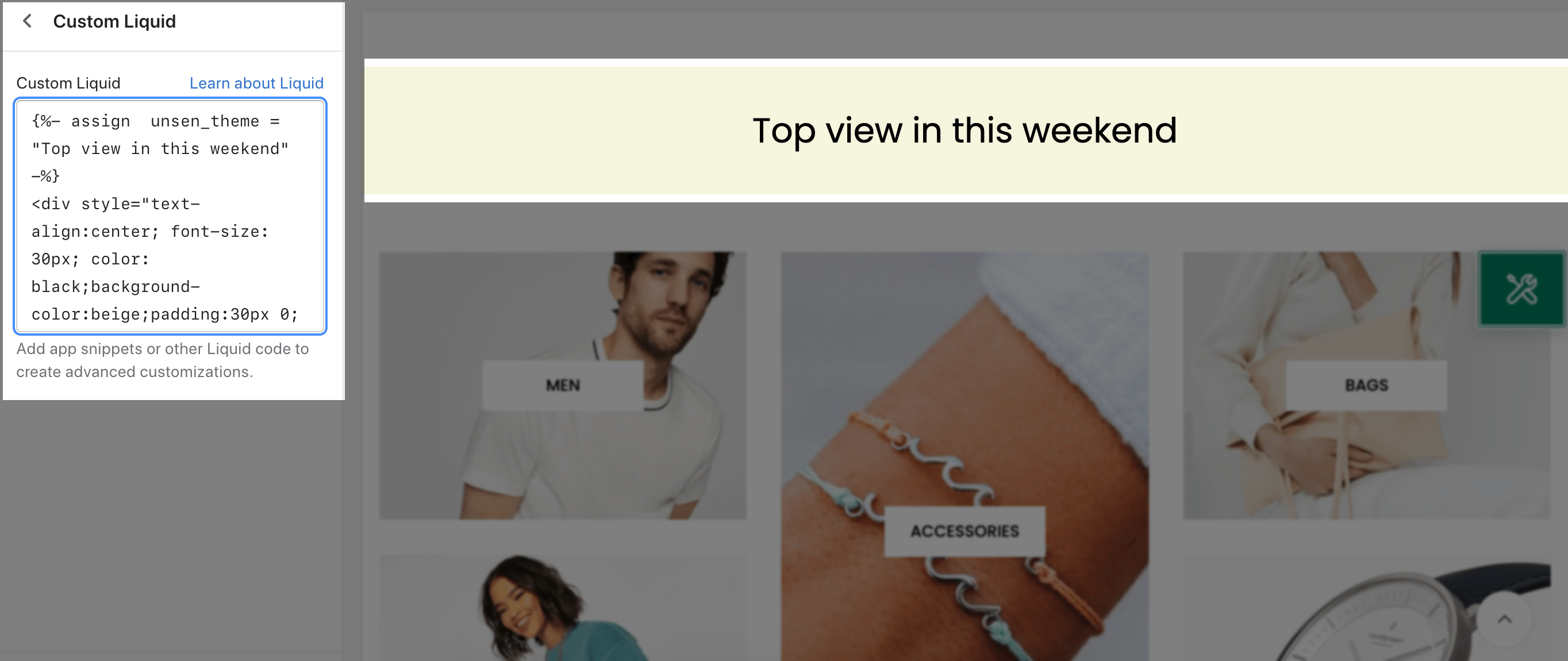
It is usually located on Homepage. However, Shopify 2.0 allows you to add the Custom Liquid section to any pages that you wanna use.
Steps
In the theme editor (Customize), click Add section
Search Custom Liquid
Click Save button
Custom Liquid: This option allows you to add app snippets or other Liquid code to create advanced customizations.
Example: If I input this liquid, the content will display the same as in the image below.
{%- assign unsen_theme = "Top view in this weekend" -%}
<div style="text-align:center; font-size: 30px; color: black;background-color:beige;padding:30px 0;">
{{unsen_theme}}</div>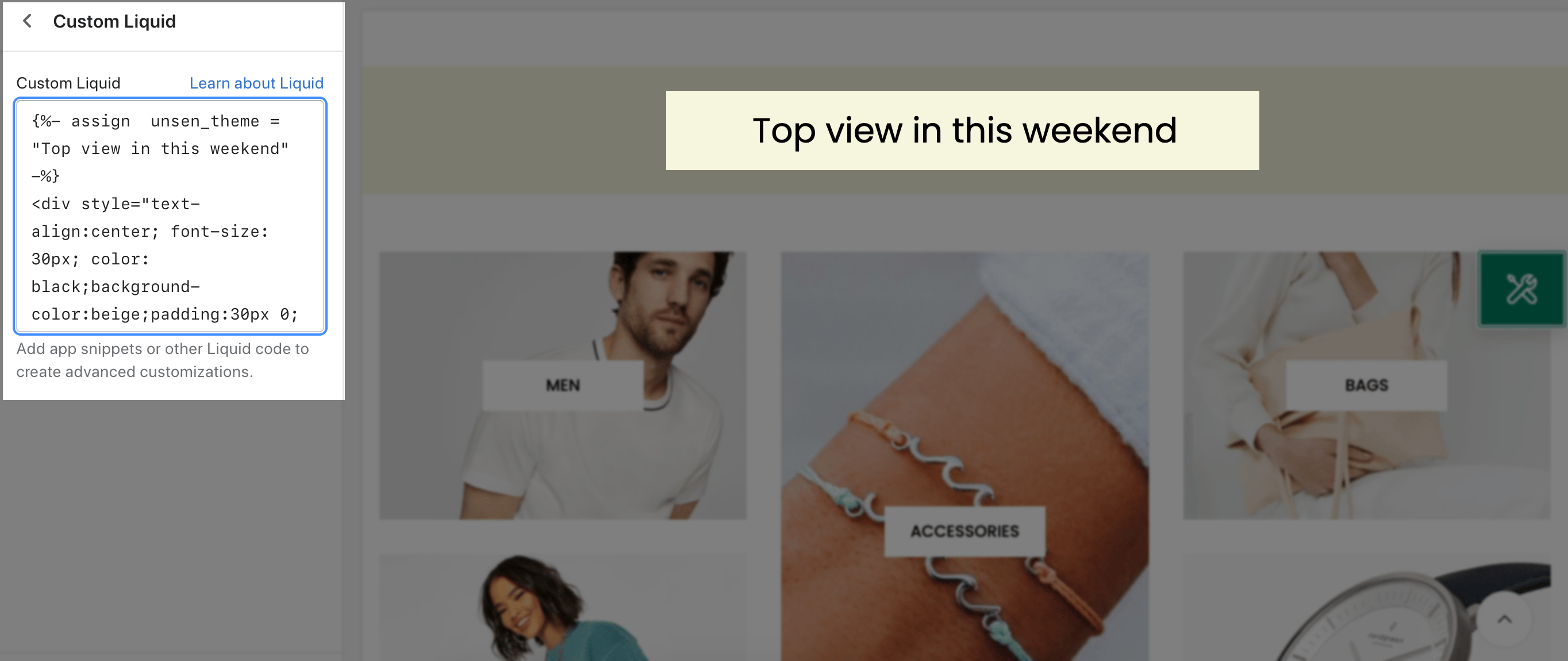
Note: You can visit to this liquid to understand more about the liquid: Link