It is usually located on FAQ page. However, Shopify 2.0 allows you to add the Accordion section to any pages that you wanna use.
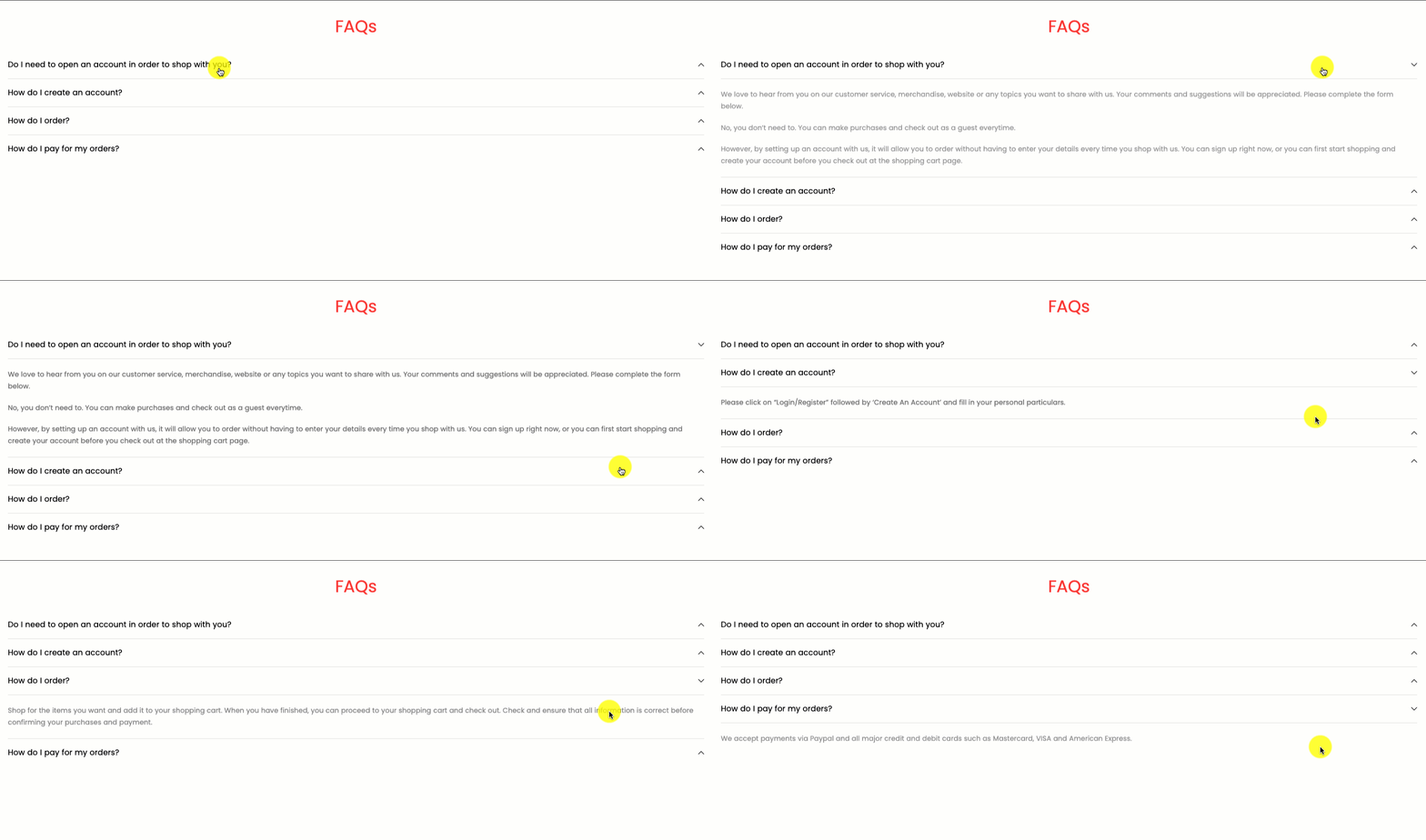
Steps:
In the theme editor (Customize), click Add section
Search Accordion
Click Save
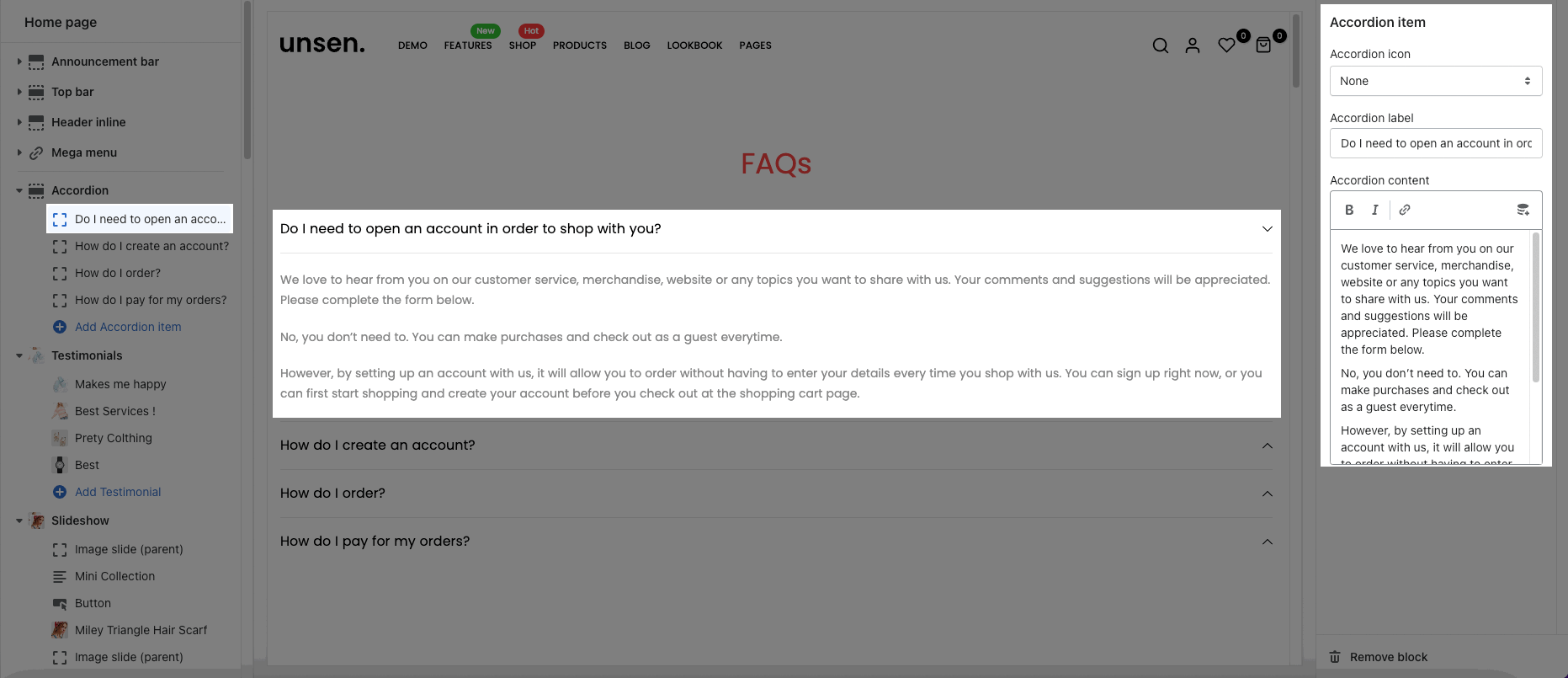
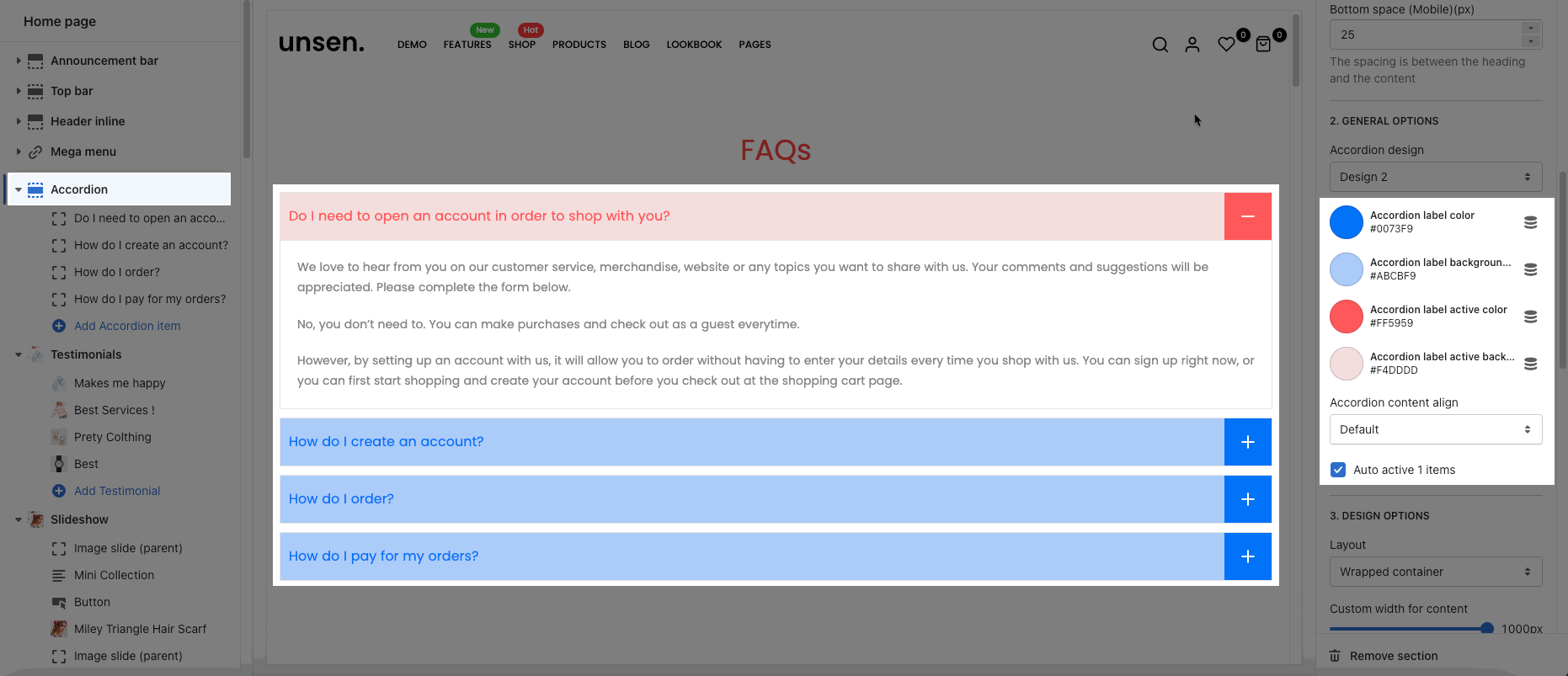
In Accordion section, you can add a Accordion item block. It includes Accordion icon, label and content.
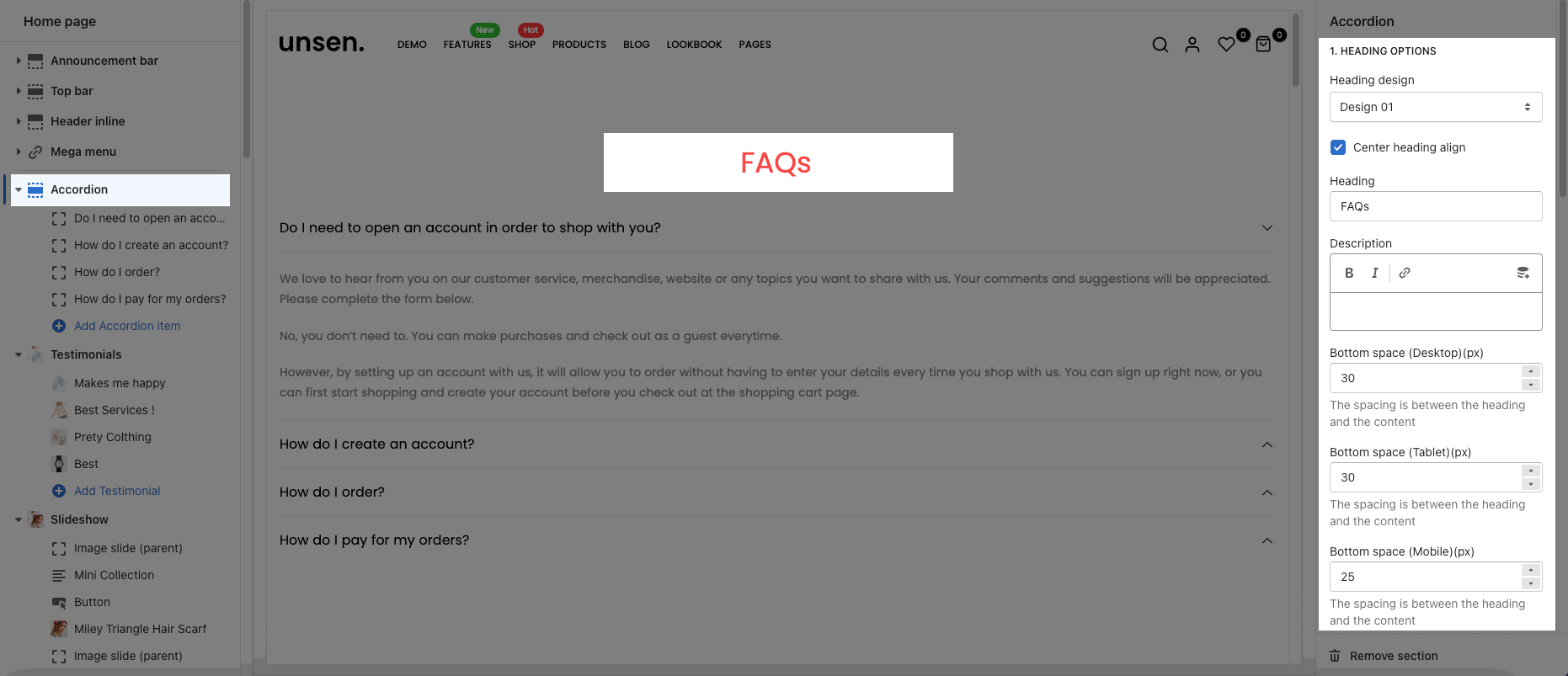
You can choose the design for the heading, also can choose text align: center or heading inline for it.
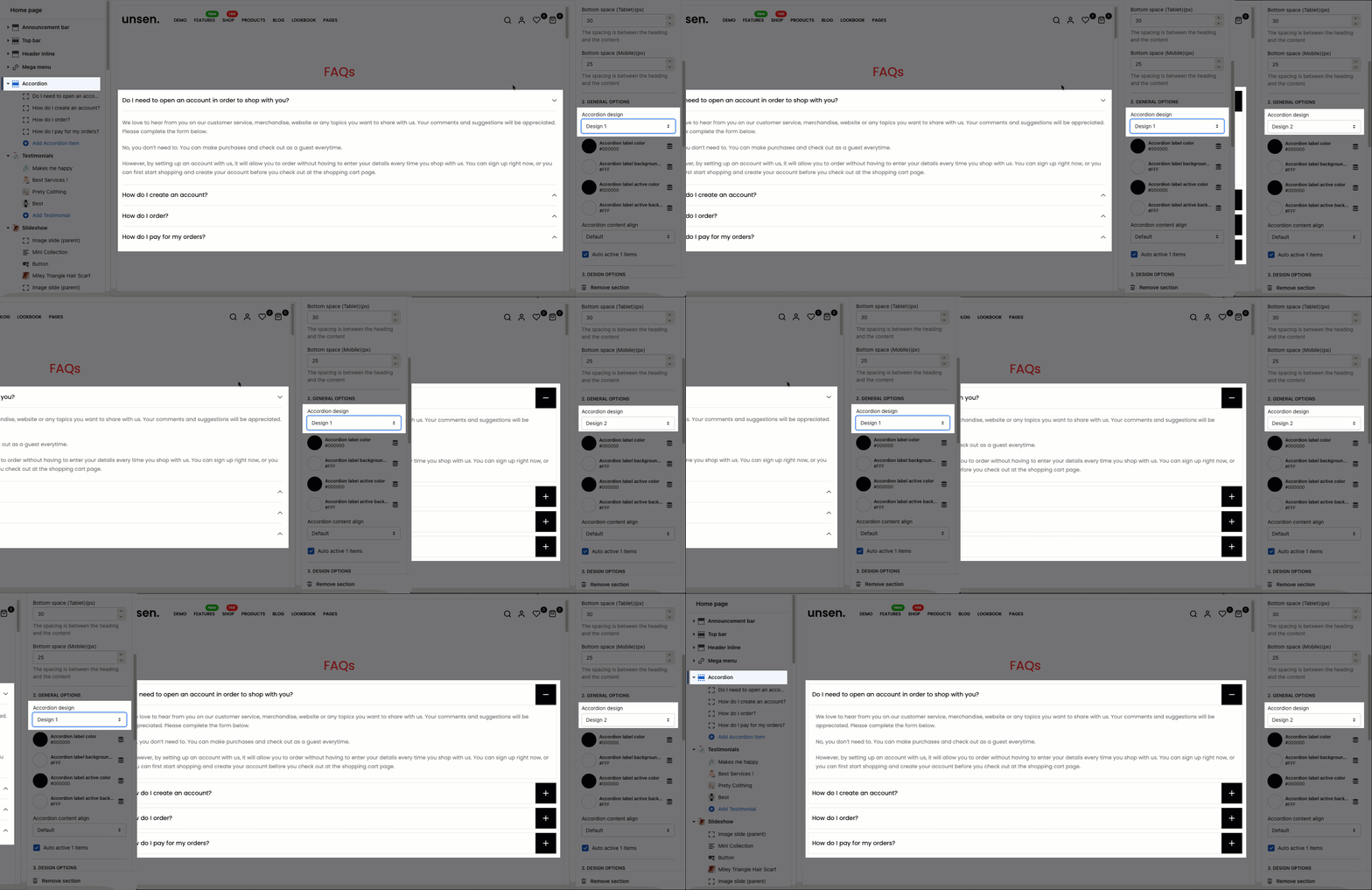
Accordion design: We have total of 2 designs for Accordion items. You can look over this video to know more:
Color options: you can change color for heading, content, border, background, rating.
Content align: choose the align default or center for content
Auto active 1 items: The first accordion item will be auto active when you open the page.
Please follow this guideline to config Layout, Background, Margin/Padding for the section.