The section helps us insert Pins (Text, Products), Text, etc. easily onto a banner. This section is usually added to the homepage. However, on Shopify 2.0, you can add it to any page and any position that you want.
Steps
Theme editor (Customize) > Add Section
Search Banner Text Lookbook
Click Save
There is a total of 6 blocks for you to choose including Text, Text Pin, Product Pin, HTML Space, and Button.
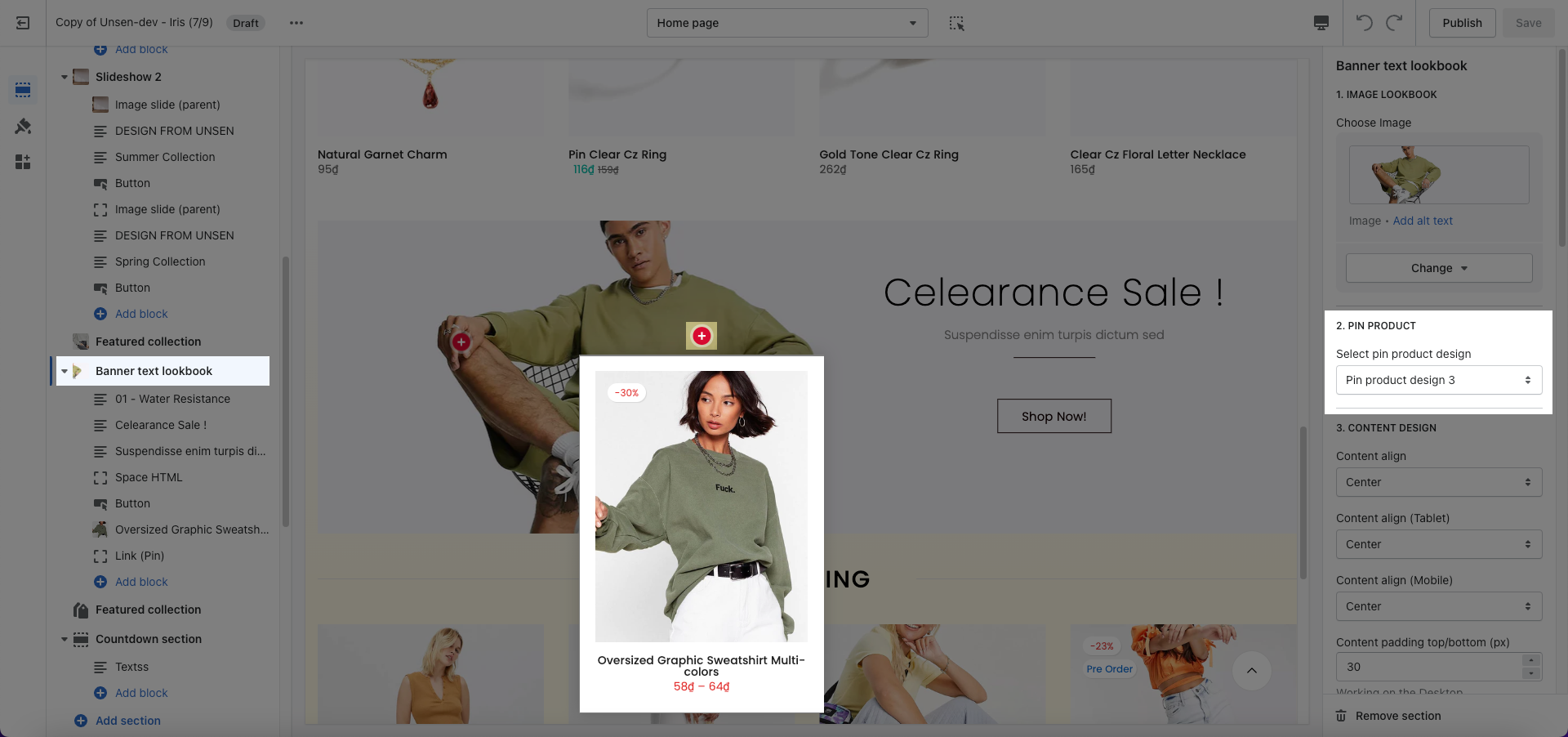
Pin Product: After uploading an image for the banner, you can add a product pin and then choose styles for it. Please hover on the Product Pin to see clearly.
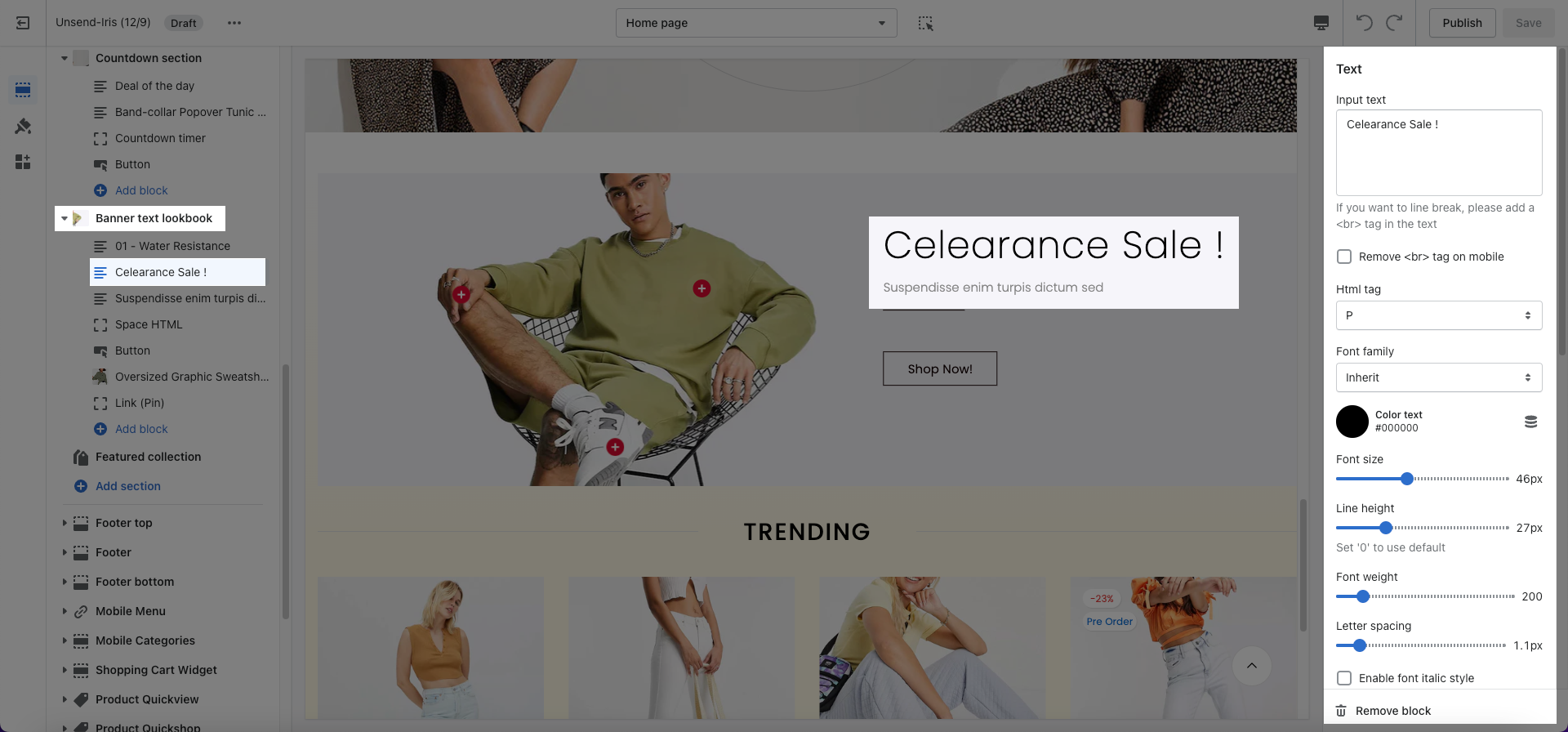
Content Design: This option allows you to change align and padding for Text block (all desktop, tablet, and mobile devices).
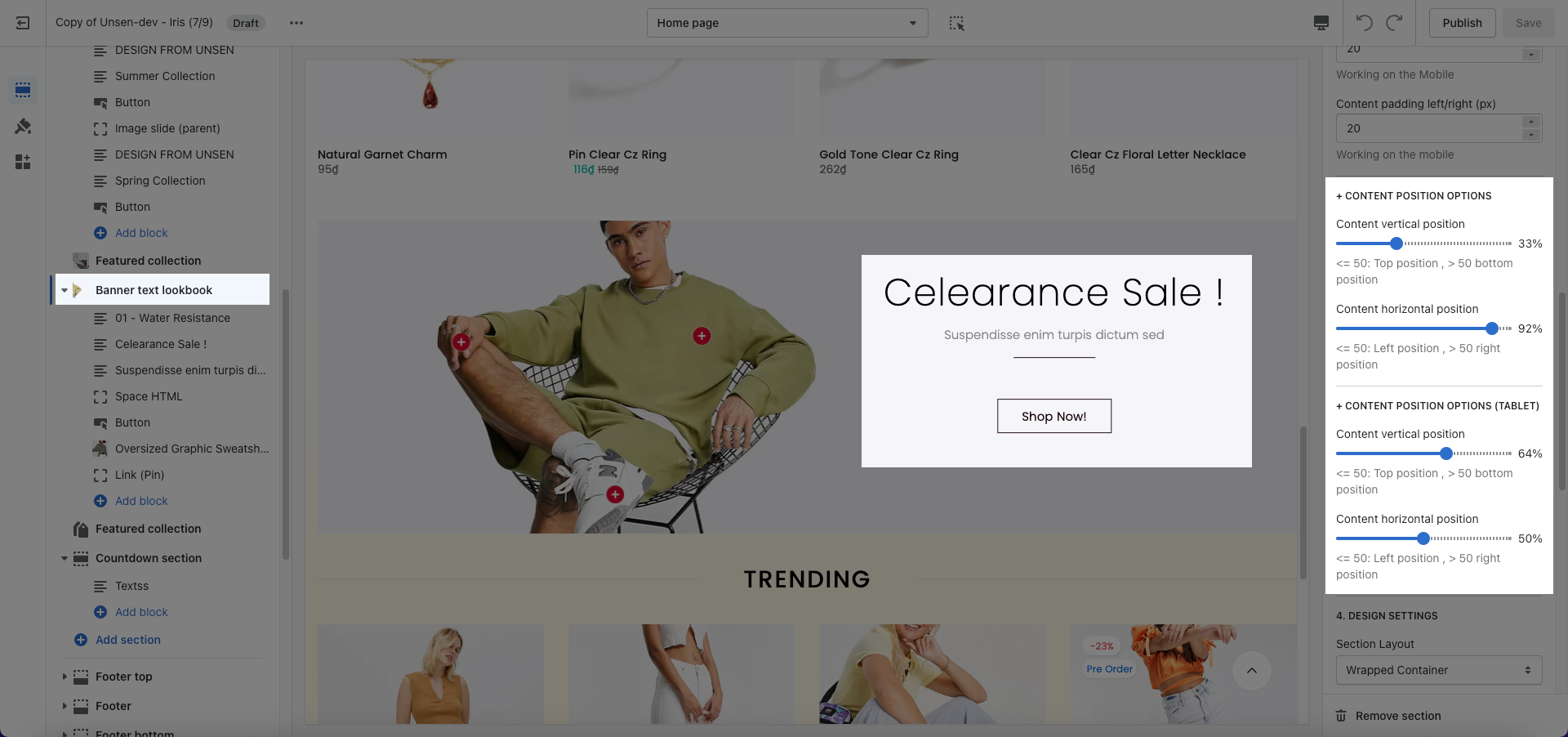
Content position options: If you are looking for an option to change the position of content (text, button, HTML space), this option is here for you. You can change content positions separately on desktop, tablet, and mobile.
Please follow this guideline to config Layout, Background, Margin/Padding for the section.