This section allows you to add multiple texts as blocks It is usually located on Home Page. However, Shopify 2.0 allows you to add the Box Simple to any pages that you want.
Steps:
Theme editor (Customize) > Add Section
Search Box Simple
Click Save
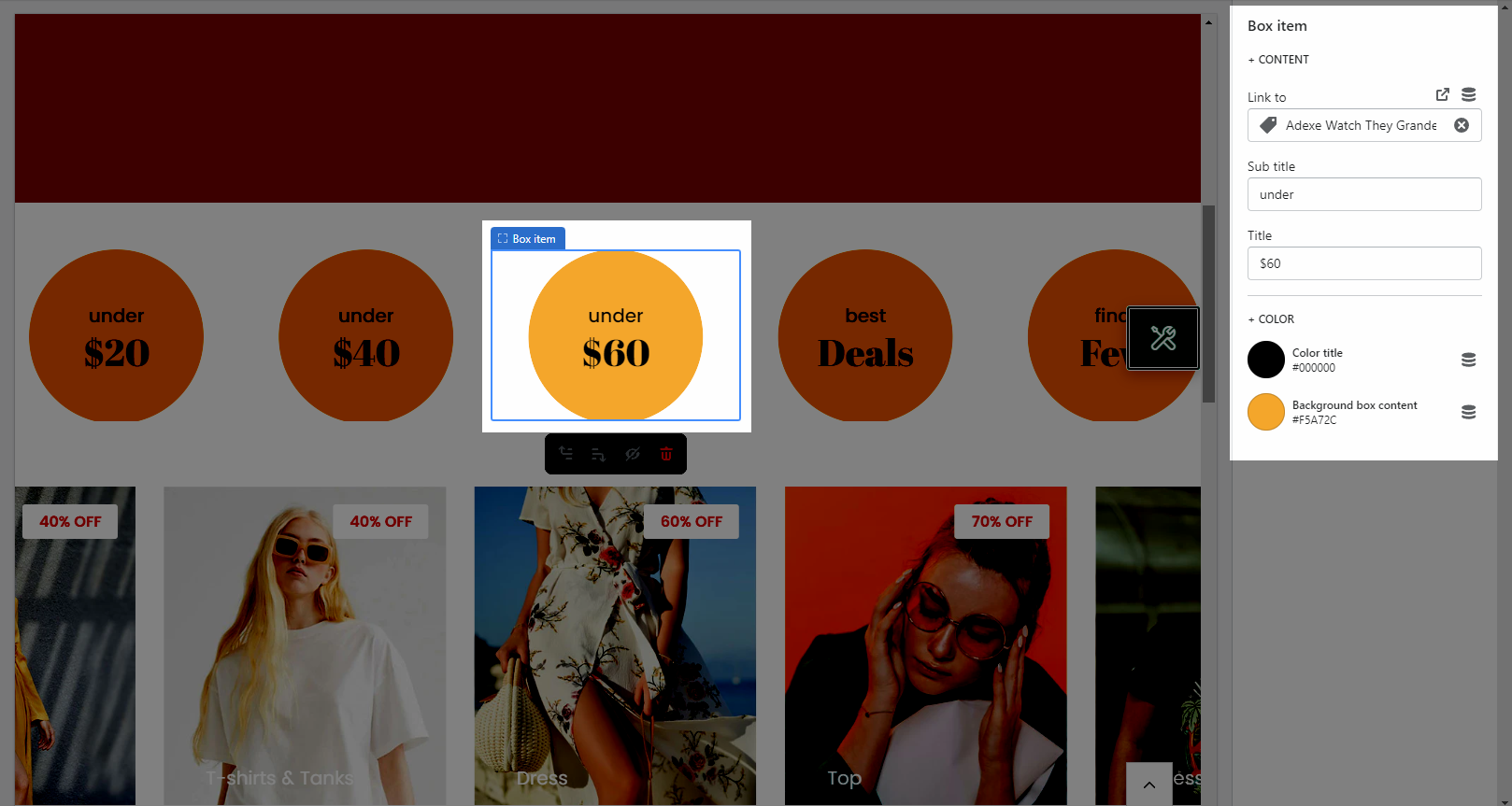
This option allows you to enter the content of the Title, Sub Title, add Link to and configure color for it.
Heading option: This option allows you to choose a design heading and set the Heading align center or not. And you can also enter the content of the Heading and Description for section.
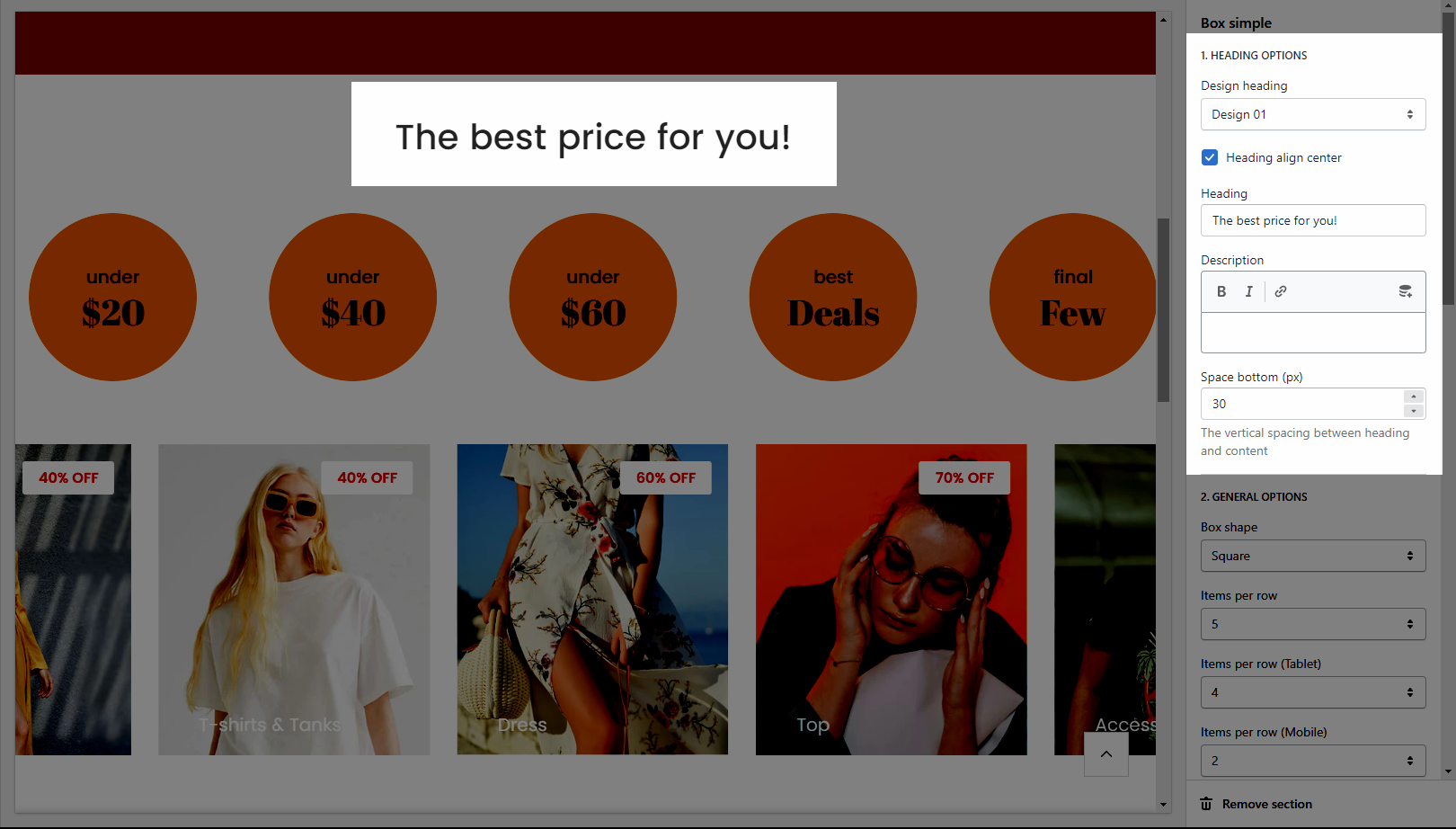
General options: It helps you configure the box simple section with options for Box shape, Items per row (all desktop, tablet, and mobile devices) and Space horizontal items, Box radius, Open link in, Box effect when hover.
Please follow this guideline to config Layout, Background, Margin/Padding for the section.