This section helps you to display products purchased together in bundle items.
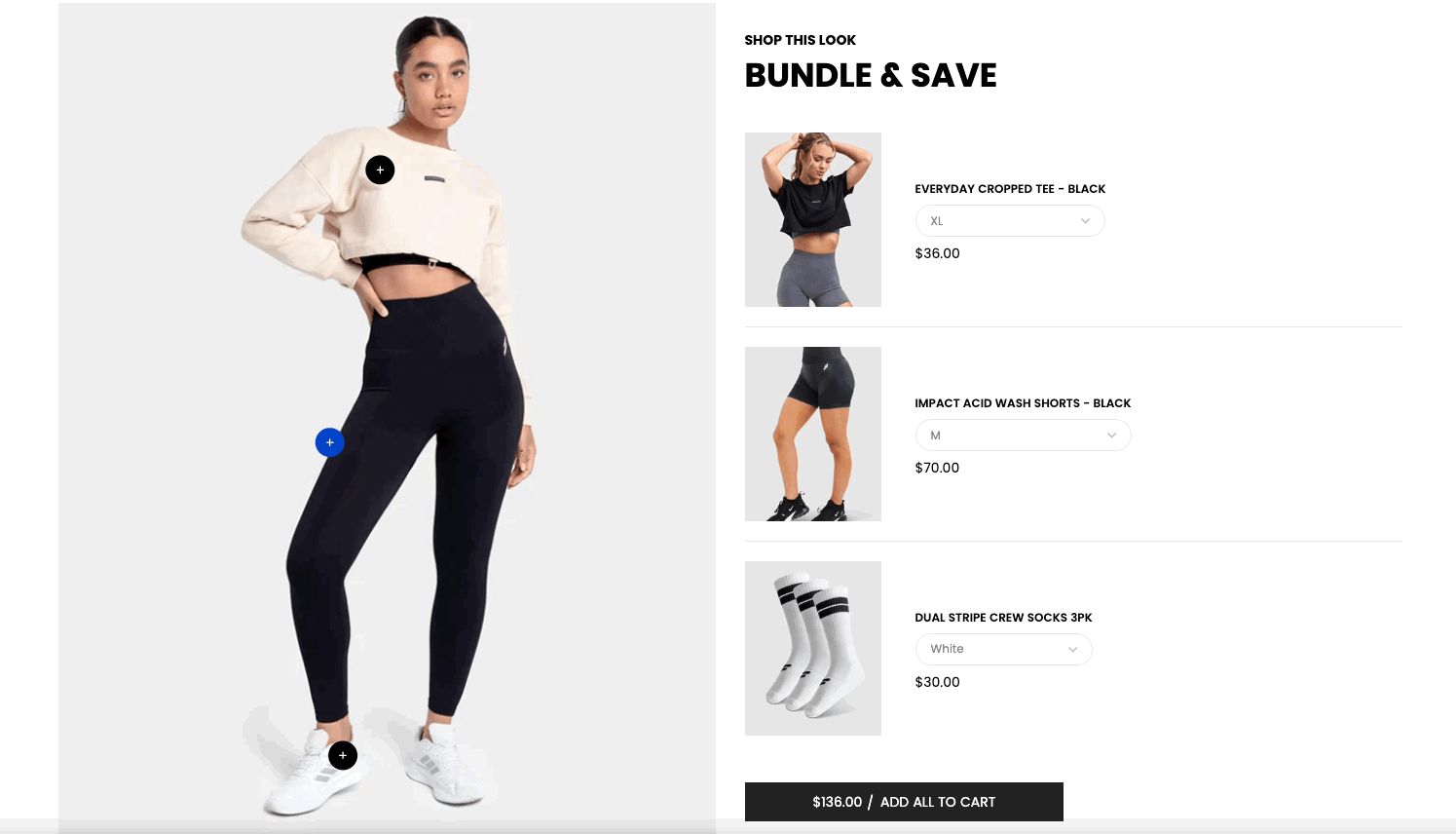
Steps
In the theme editor (Customize), click Add section
Search Bundle products
Click Save
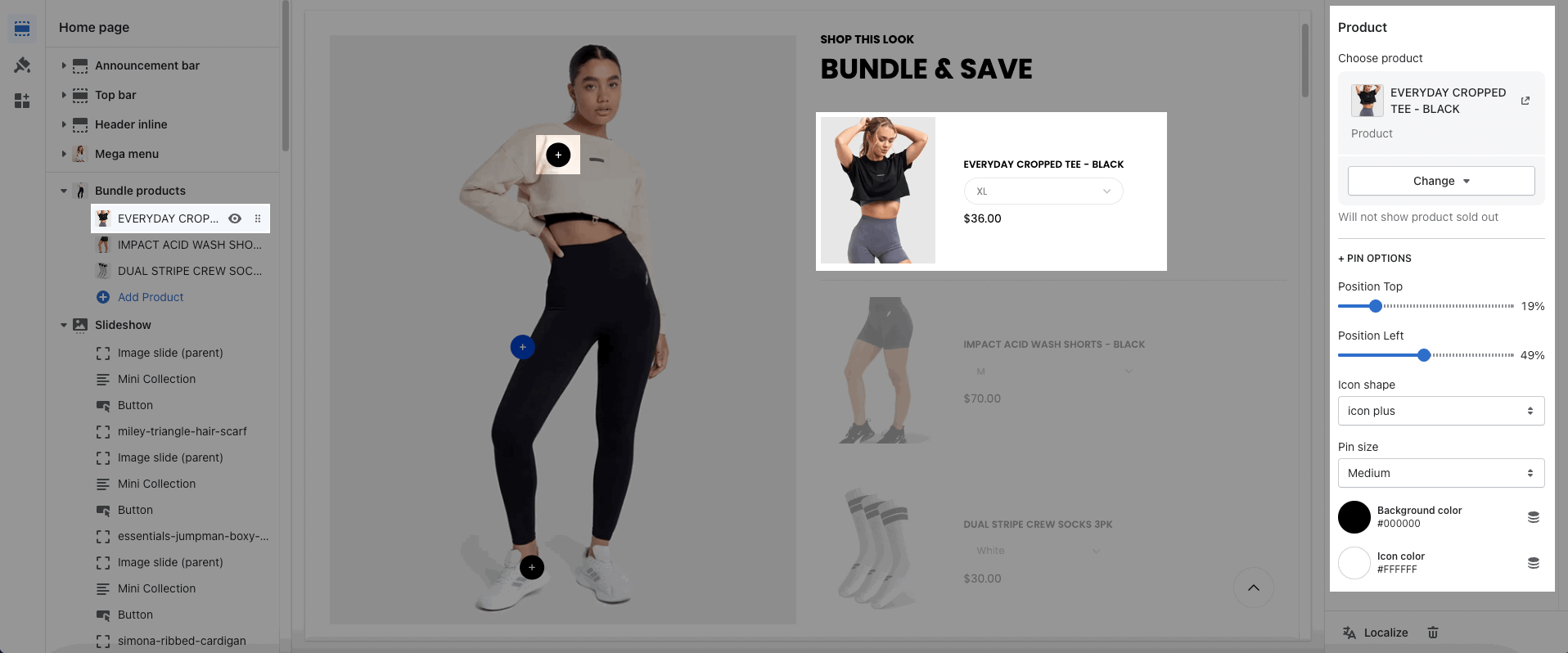
You can add the Product Item for the Bundle. Moreover, you can config the options for the Pin.
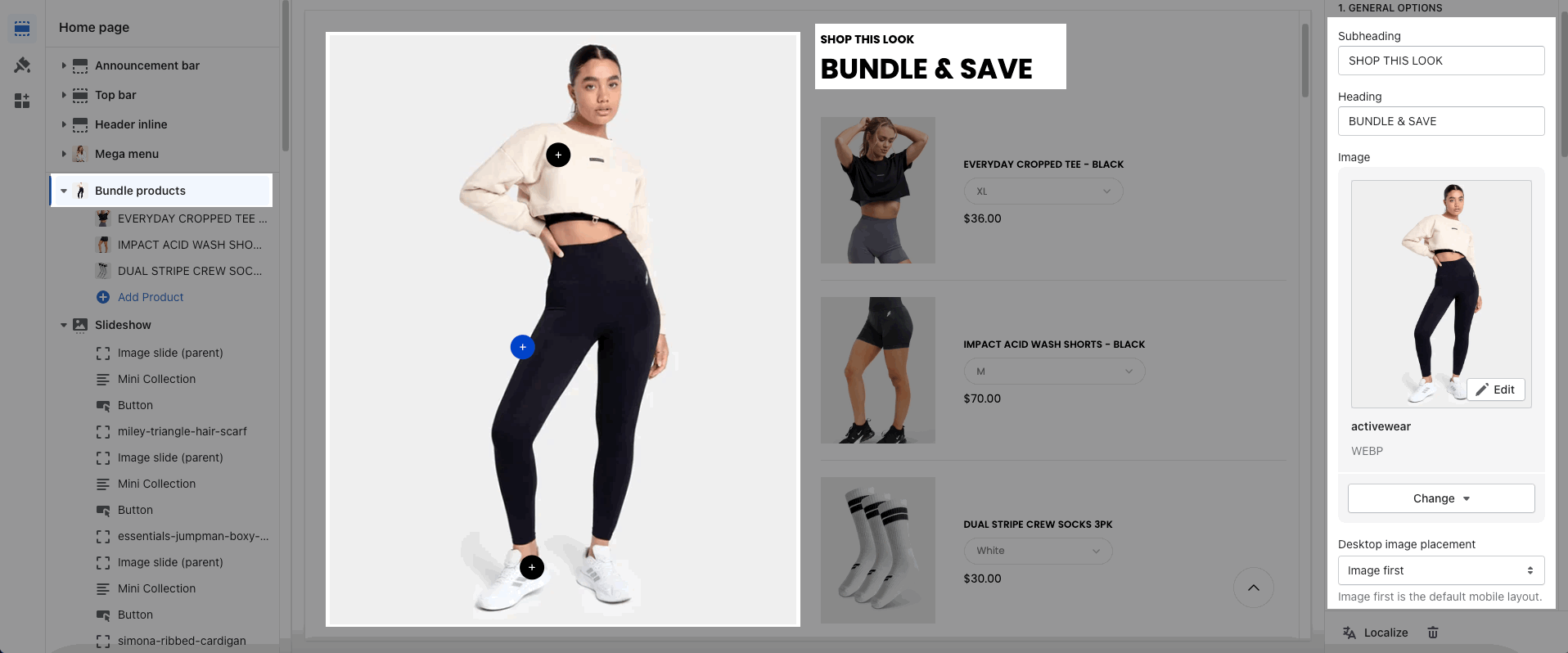
You can enter the Subheading, Heading, upload an Image.
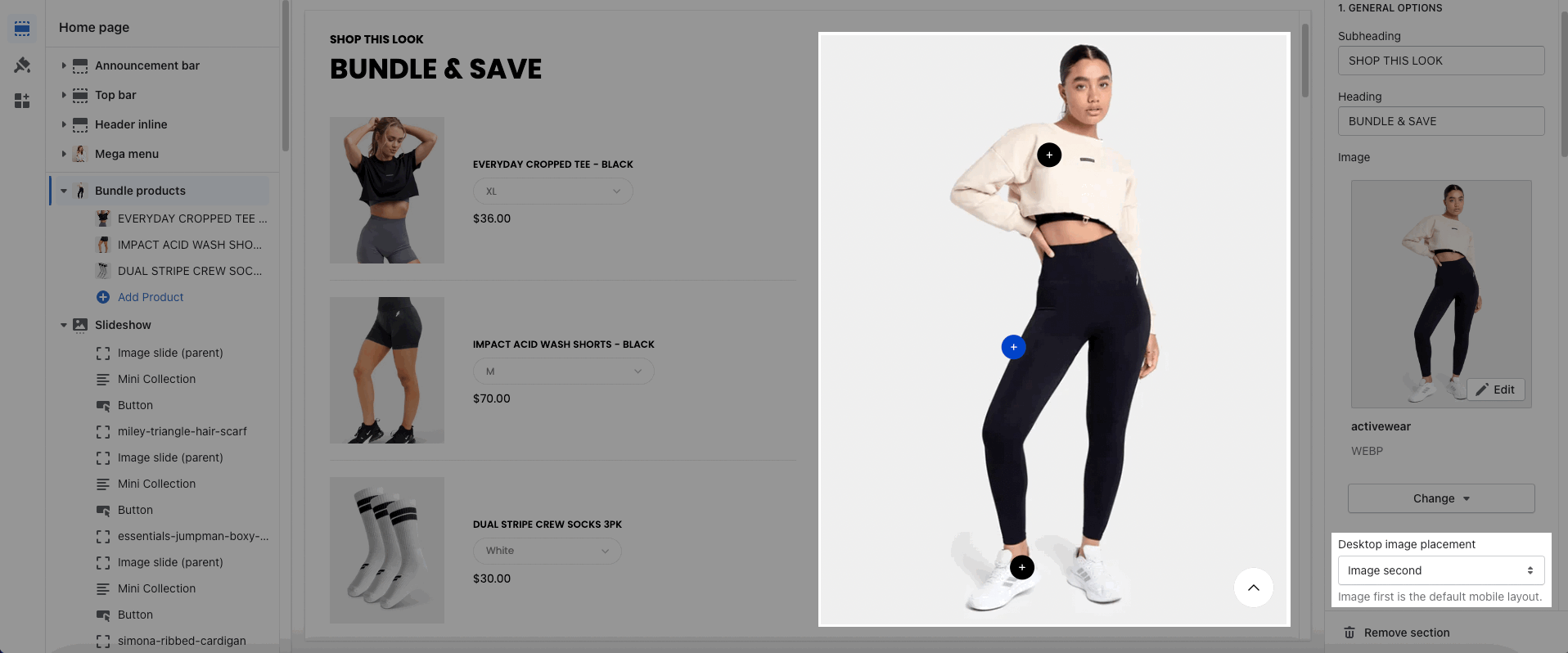
In addition, you can choose the position Desktop image: Image first or Image second. On mobile devices, Image first is the default mobile layout.
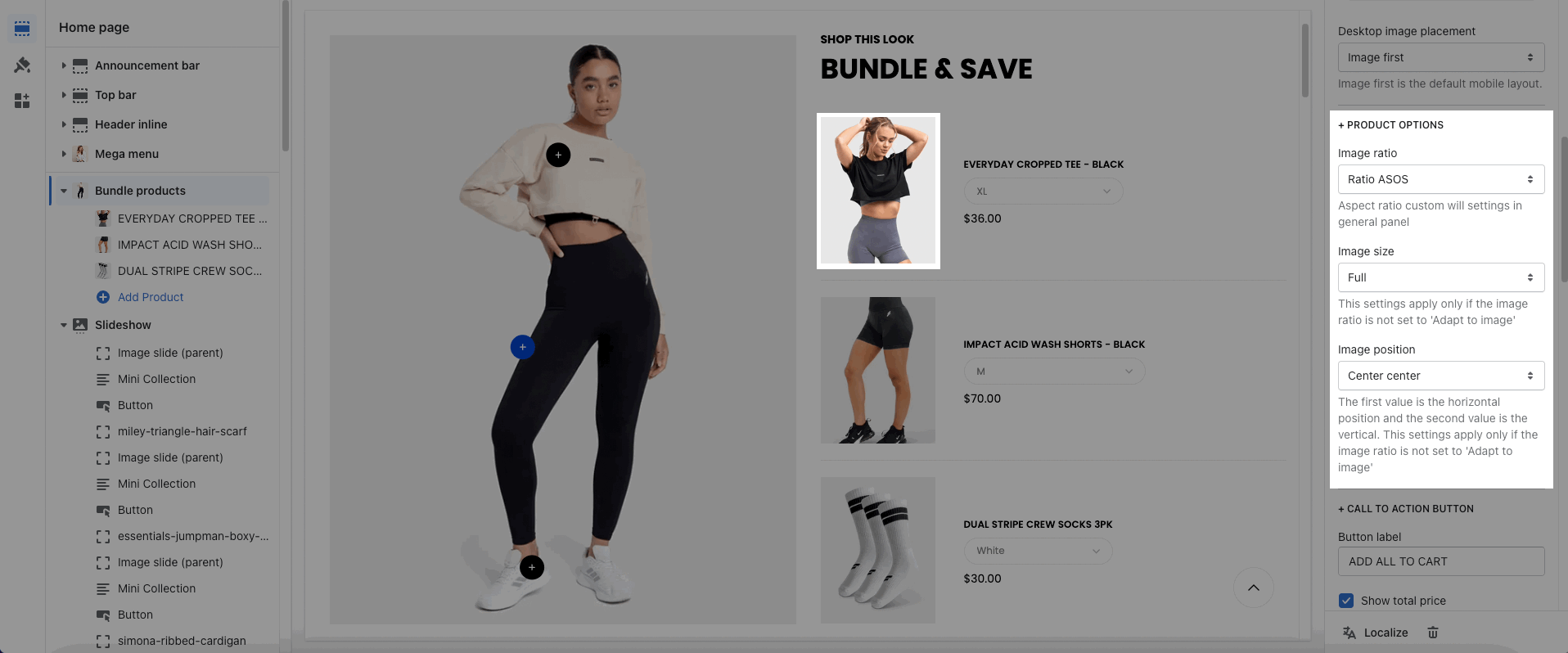
These options allow you to config the image: Image ratio, Image size, Image position
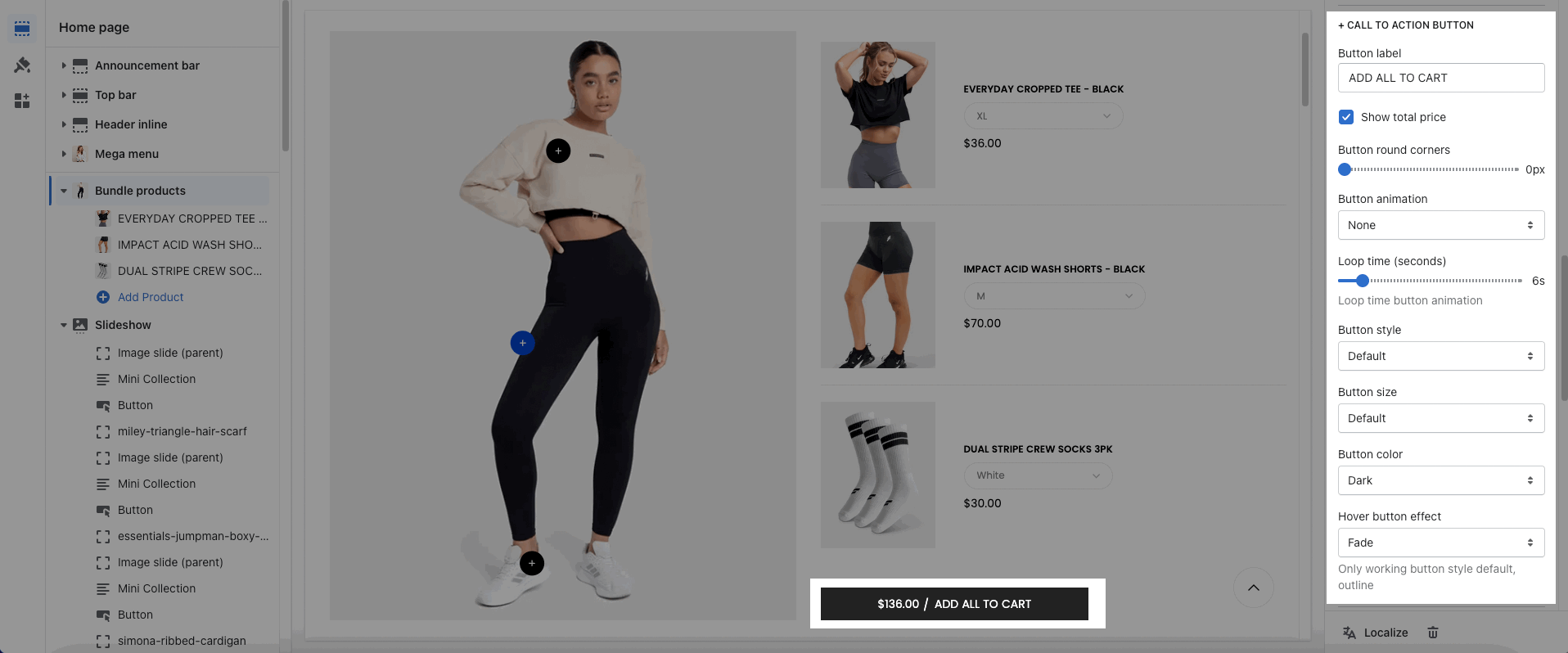
You can enter the Button label and many other options to choose the design for the button.
Please follow this guideline to config Layout, Background, Margin/Padding for the section.