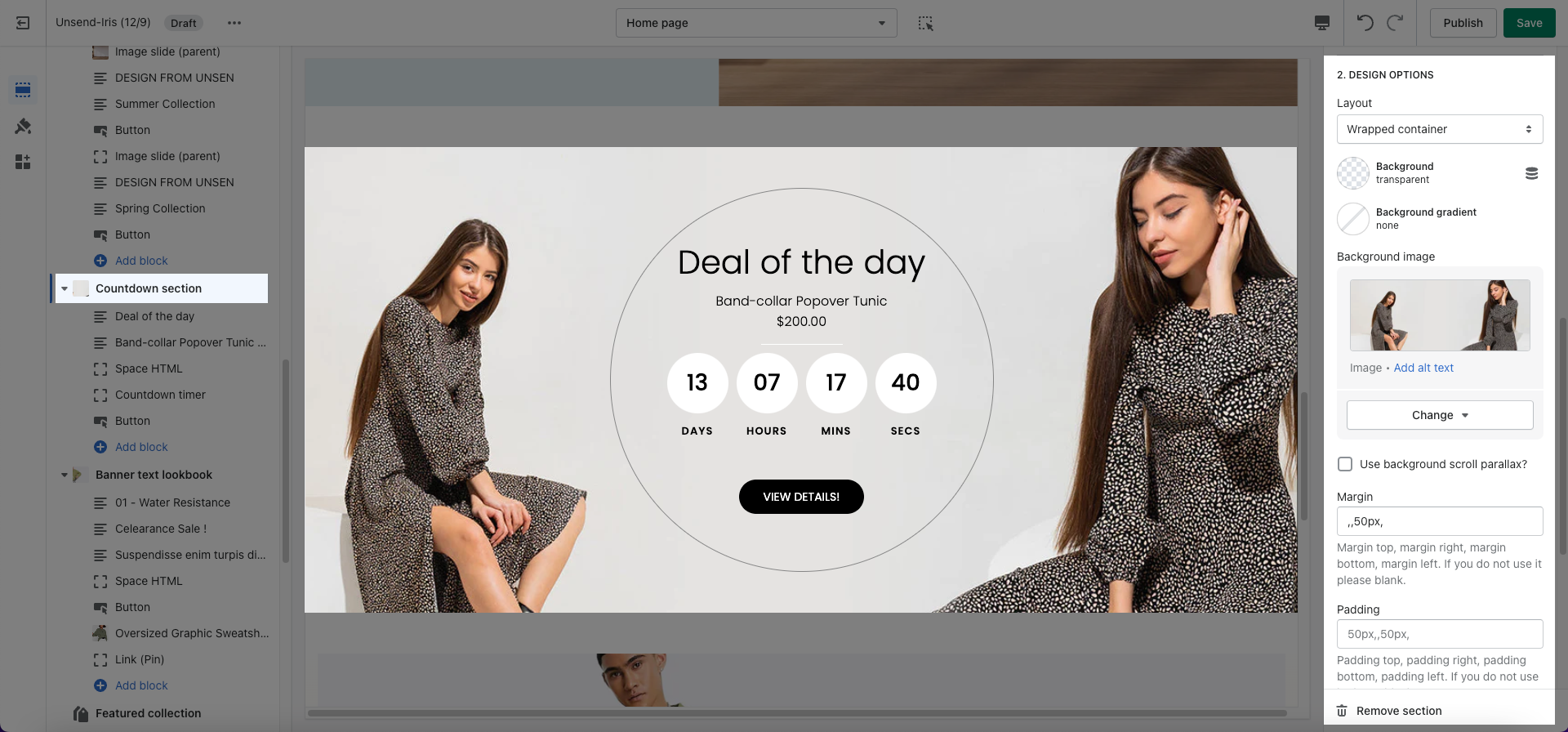
This section helps you have a high-profession countdown section. It allows you to add more text, buttons, child images, etc. Let's figure them out in this article.
Steps
Theme editor (Customize) > Add Section
Search Countdown Section
Click Save
The Countdown section allows you to add many other blocks of Text, HTML space, Countdown timer, Button.
General section: In these General sections, you can insert a Box content. Then, change Border box with, Border radius, and Border Color, Align, Padding, etc.
Design options and Design mobile options: These options allow you to change Layout, Background image, Background color, etc.