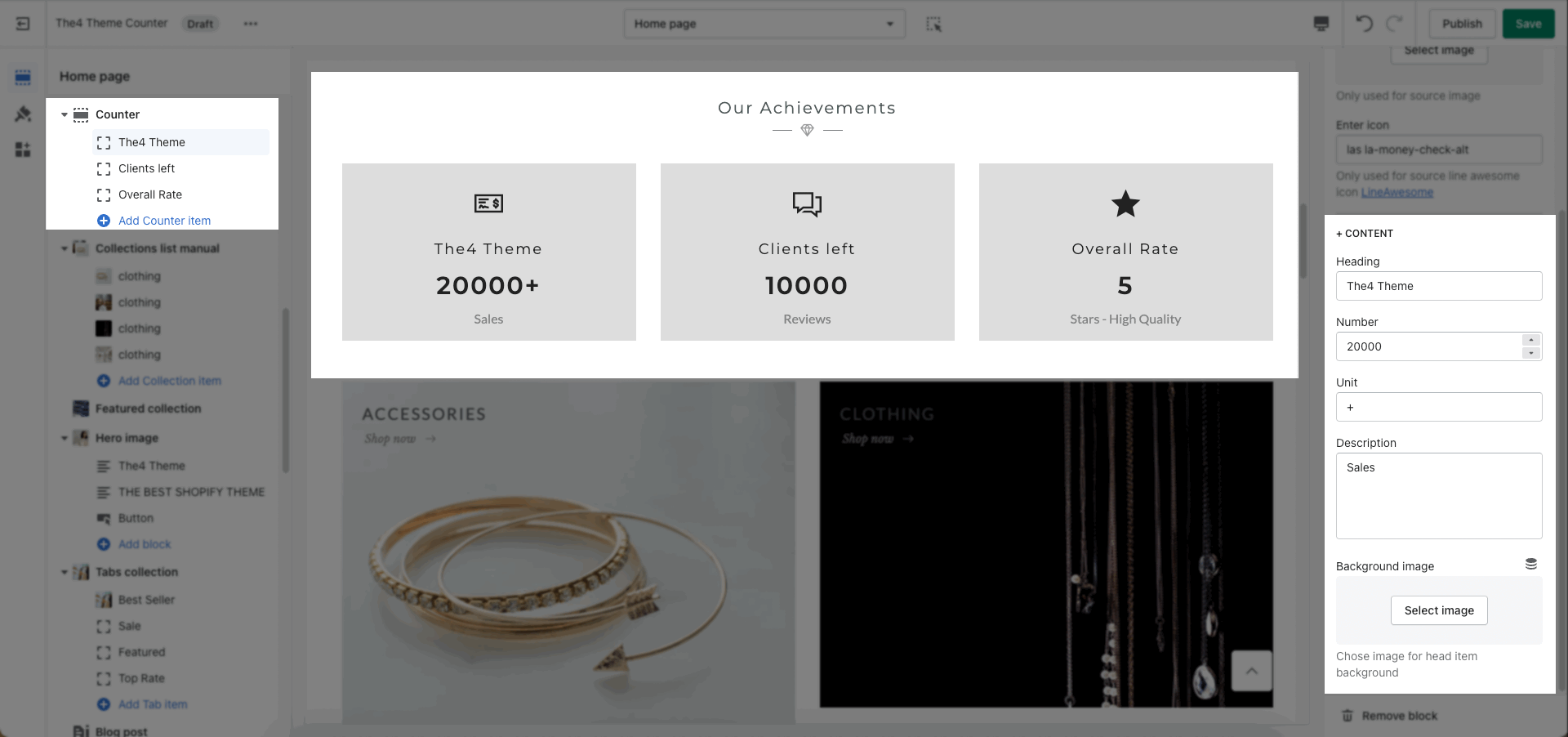
The Counter section makes it possible to highlight your achievements anywhere within your theme.
There are many options that allow you can config the Heading, General, and Design options.
There are 3 sources for Icons: Select icon, Choose image, and Enter Icon.
To use it, you need to select it in the Counter, then add the icon.
Follow this video below:
This option allows you add Heading, Number, Unit, Description and Background image.