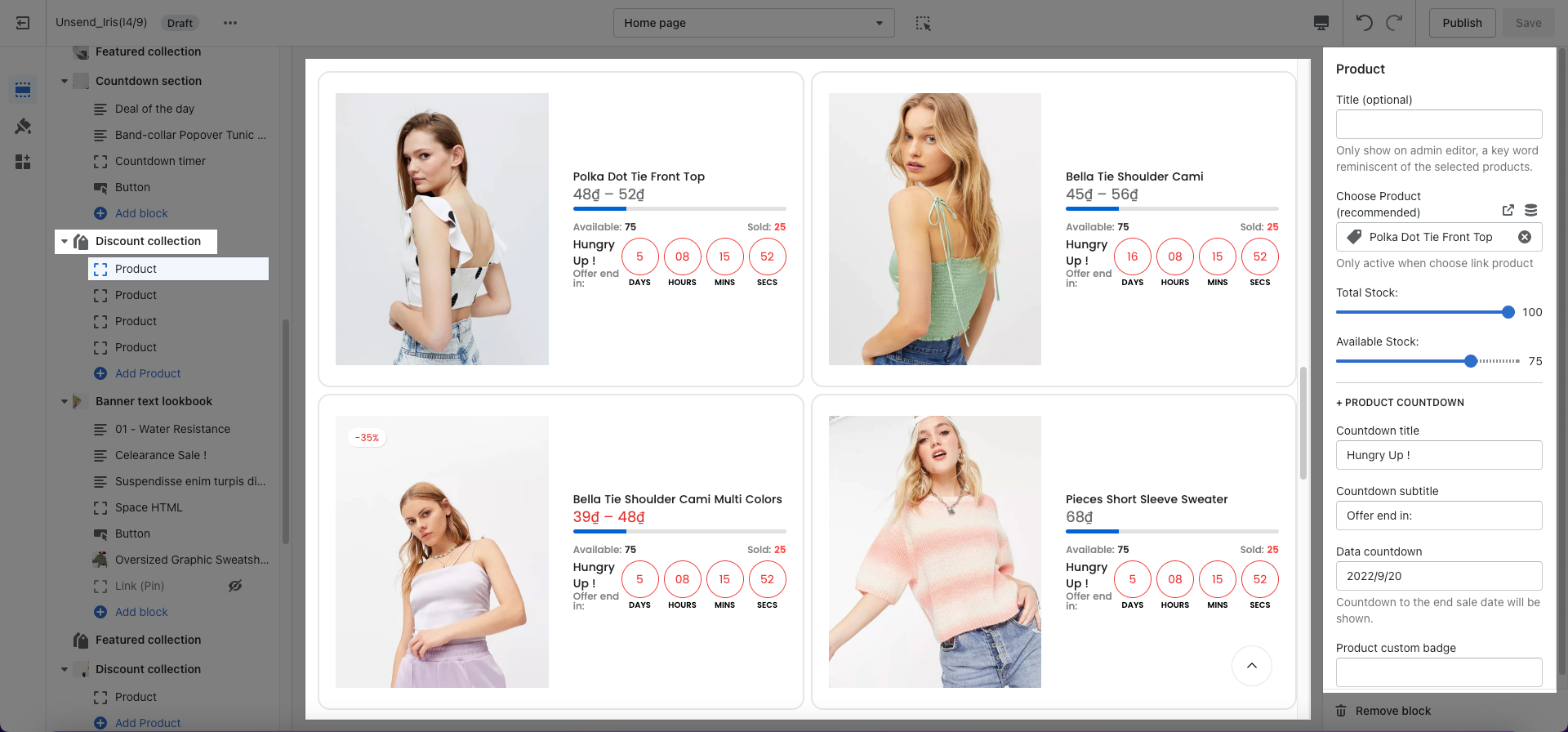
This section allows you to add many different discounted products. Moreover, you can also add a countdown timer, progress bar, etc. for each product. There are two typical styles here that you can refer to:
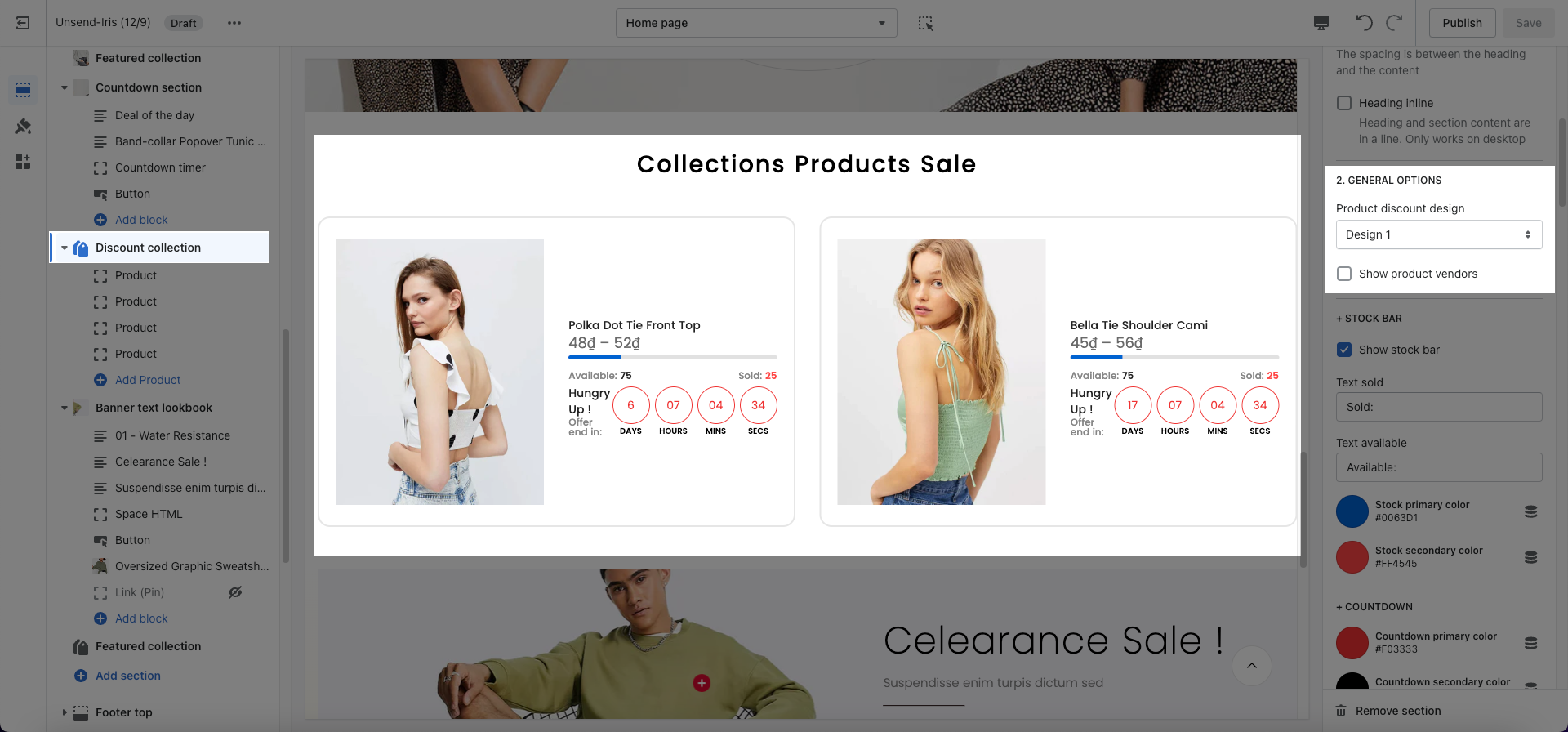
Design 1 (With product image)
Design 2 (Without product image)
Steps
Theme editor (Customize) > Add Section
Search Discount collection
Click Save
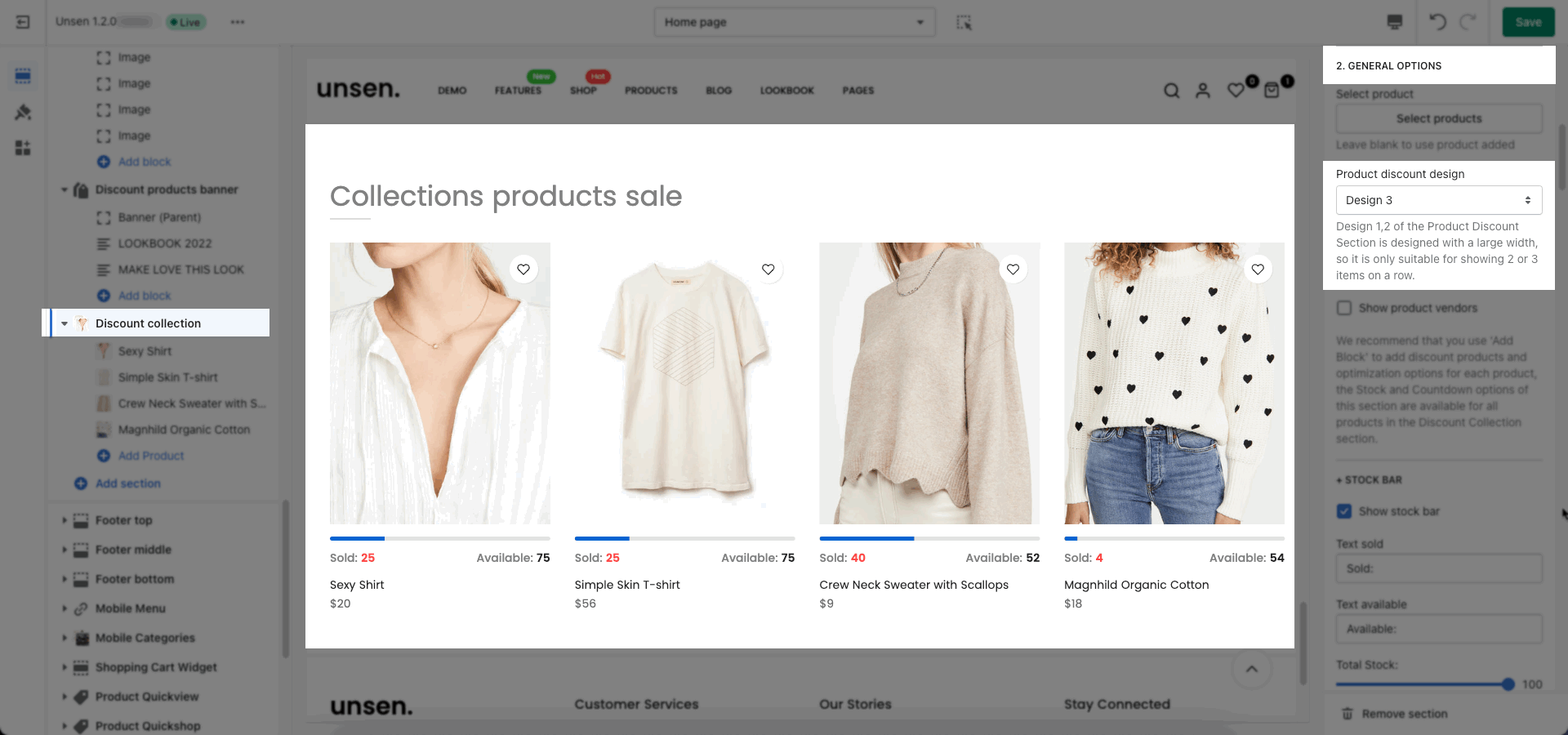
To choose Designs, please go to Discount Collection > General Options > Product Discount Design.
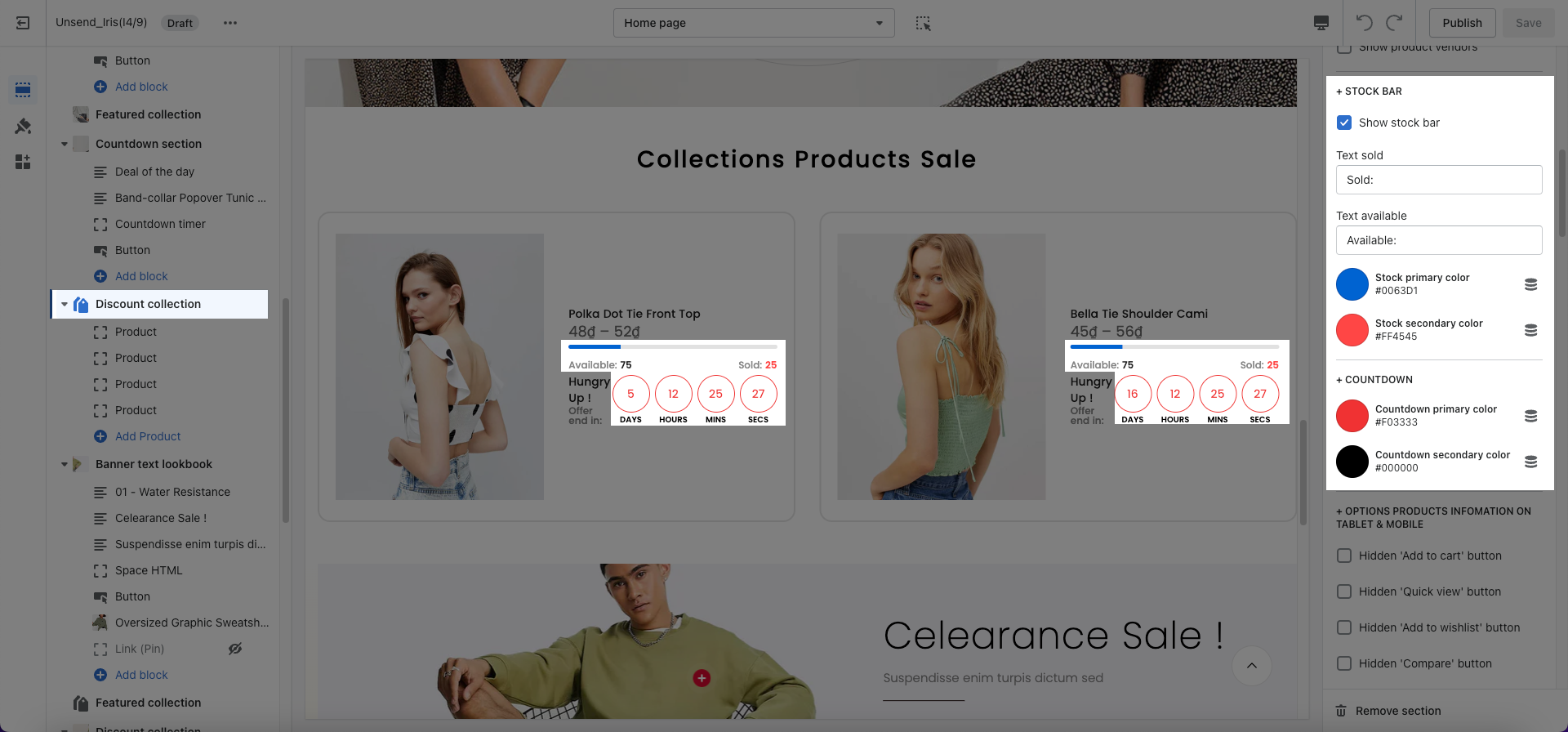
Stock bar: You are allowed to change text, show, or hide this bar.
Countdown: You can set the date for each product and here in this option, you can only change color for all countdowns here.
Box option: You can choose between Grid and Carousel layout. For each designs, you have other options to customize.
Options for Carousel layout: You are allowed to enable/ disable Autoplay, Loop, Pre/Next button, Page dot.
Options for Grid layout: You can choose the maximum of item number to show here. Then, you can also choose number for row for each devices (desktop, tablet, mobile).
You can choose a product, then customize Heading (optional), Fake total stock and instock, and product countdown.