This section allows you can add text and icon or image with beautiful layouts.
Steps:
Theme editor (Customize) > Add Section
Search Shipping
Click Save
You can freely add the shipping item for the section and customize it with many design options.
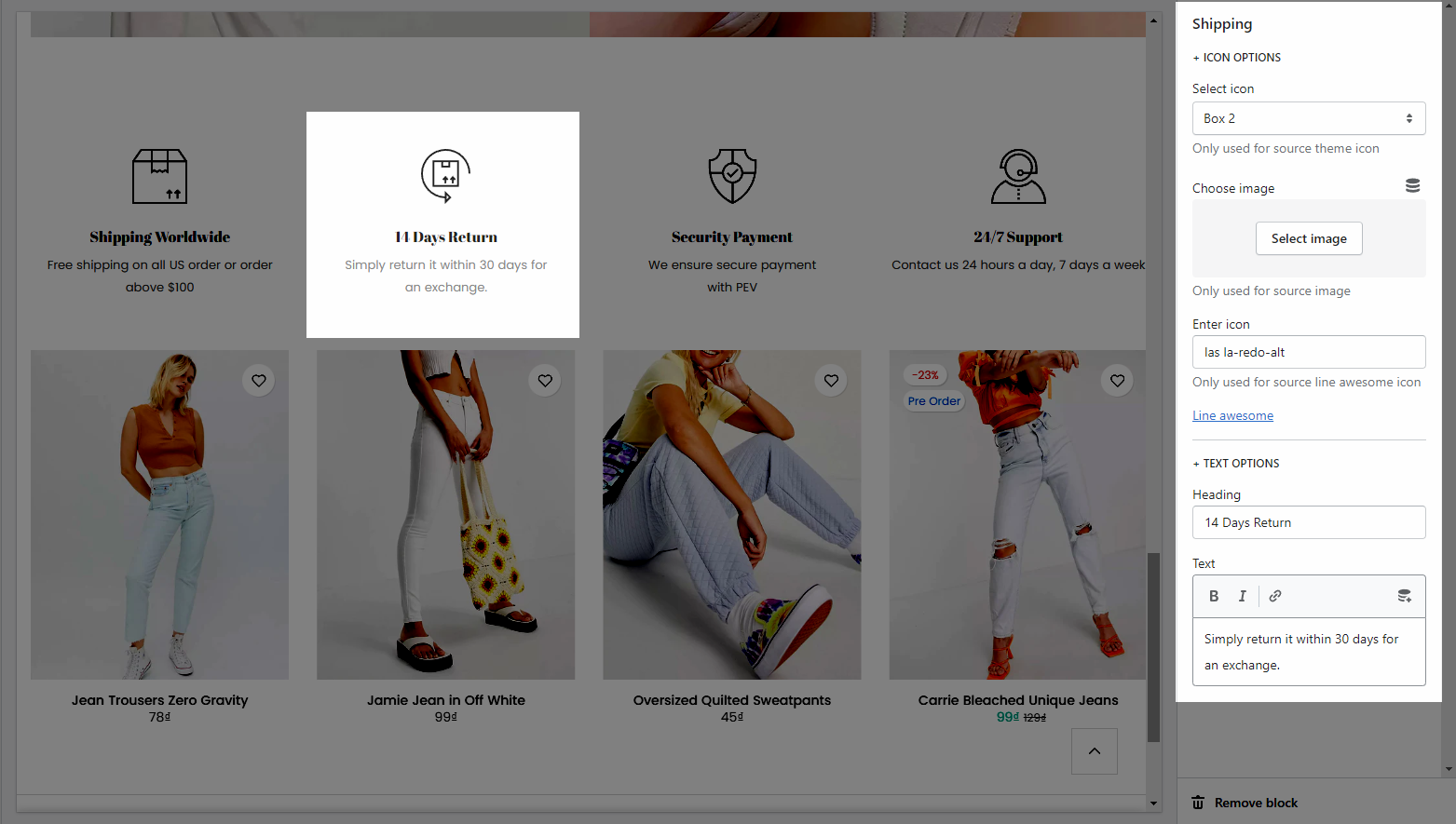
Heading options: This option allows you to choose a design heading and set the Heading align center or not. And you can also enter the content of the Heading and Description for section.

General options: It helps you configure the section with options for Content align, Content align vertical center, Divided, Source icon, Icon size, Icon hover effect, Items per row, Space horizontal items , Space vertical items. You can also change the color, font-size for the Icon, Heading annd Content.
Carousel layout: This option allow you to configure for the carousel layout on mobile.
Please follow this guideline to config Layout, Background, Margin/Padding for the section.