This section helps you quote customers' comments and reviews about products, customer support, etc. It makes increases the credibility of your store.
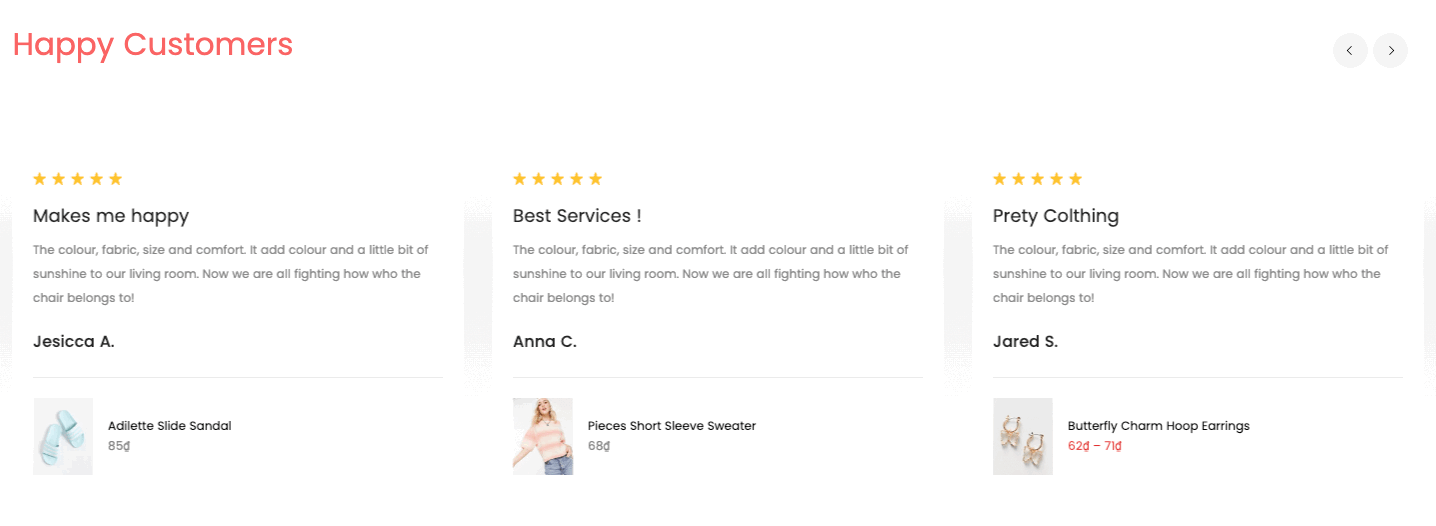
Steps:
In the theme editor (Customize), click Add section
Search Testimonial
Click Save
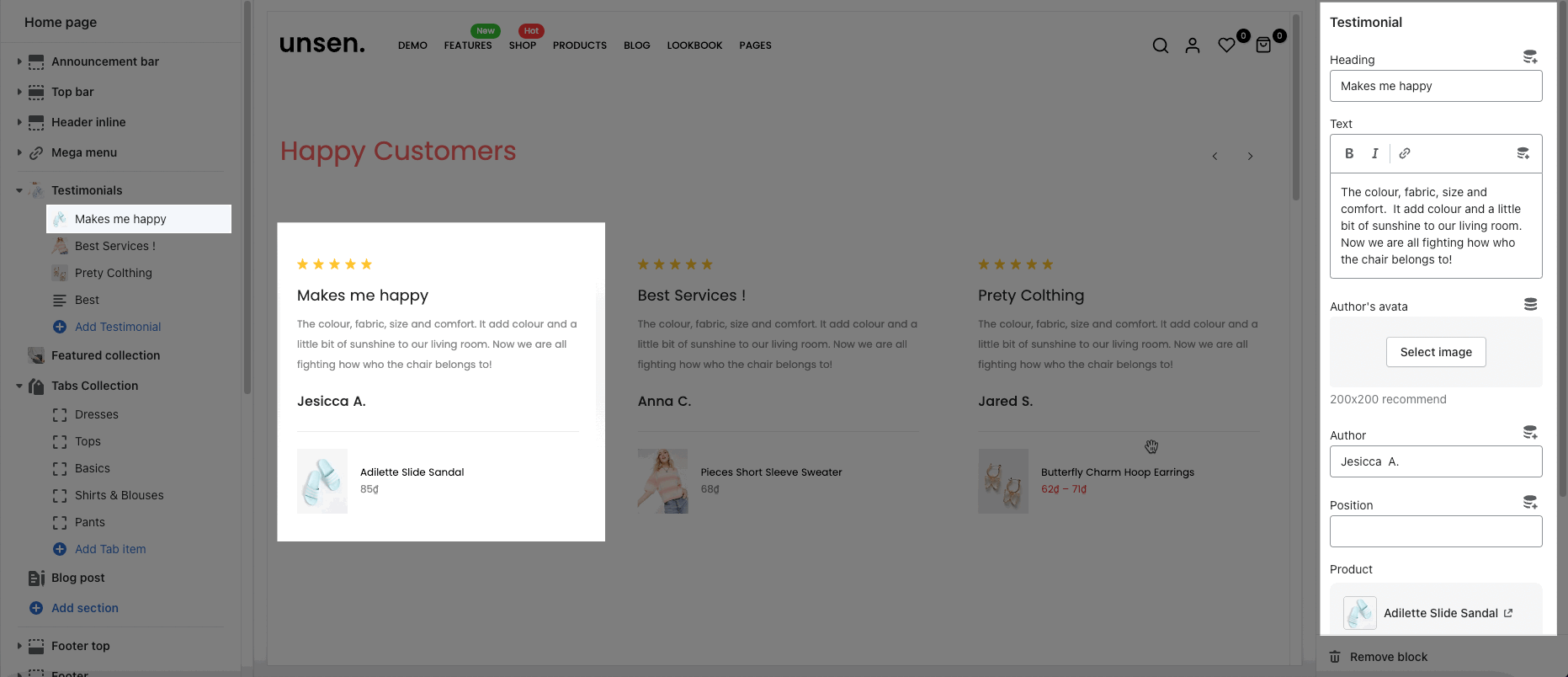
In Testimonial section, you can add a Testimonial block. It includes Heading, Text, Author's avatar, Author, Position, Product and Rating.
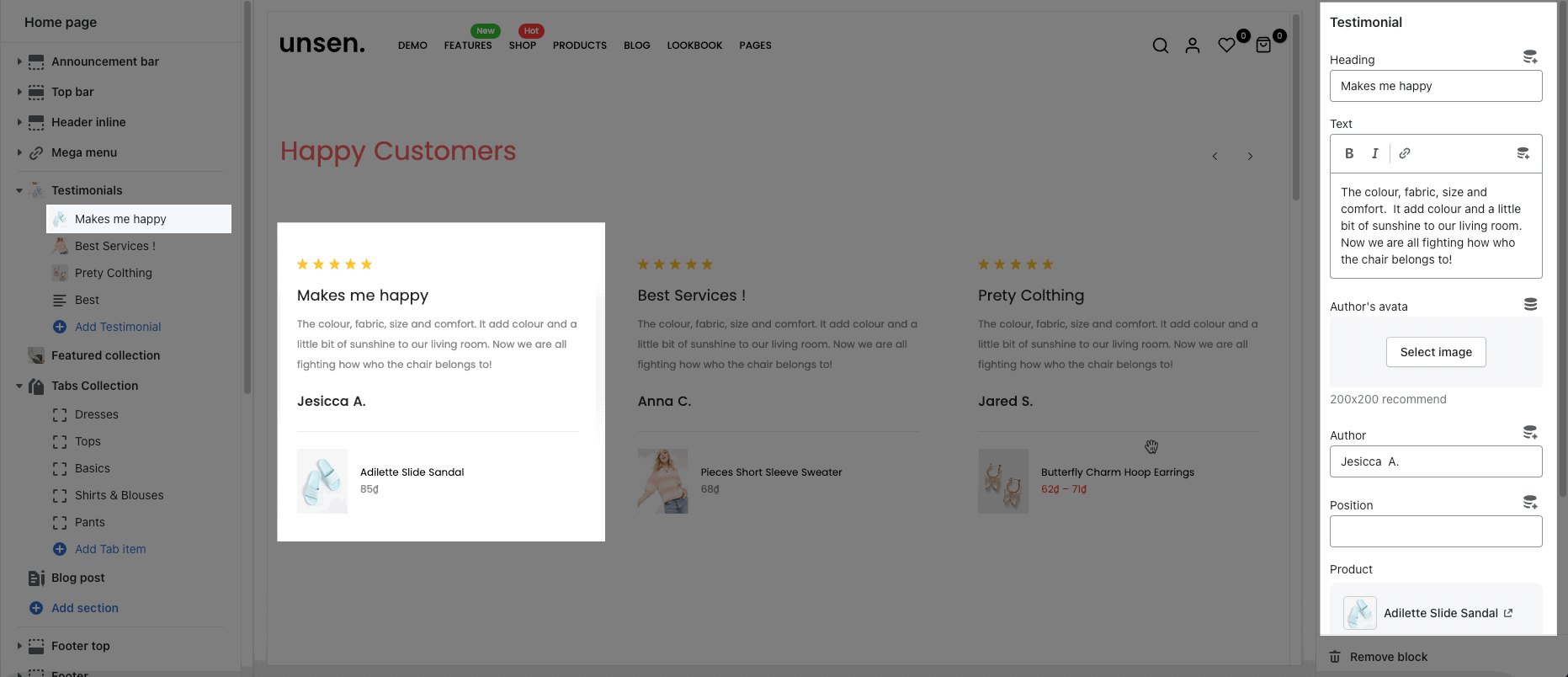
You can choose the design for the heading, also can choose text align: center or heading inline for it.
Testimonial design: We have total of 5 designs for Testimonial items. You can look over this video to know more:
Color options: you can change color for heading, content, border, background, rating.
Item border radius: change the round corner of items
Content align: choose the align default or center for content
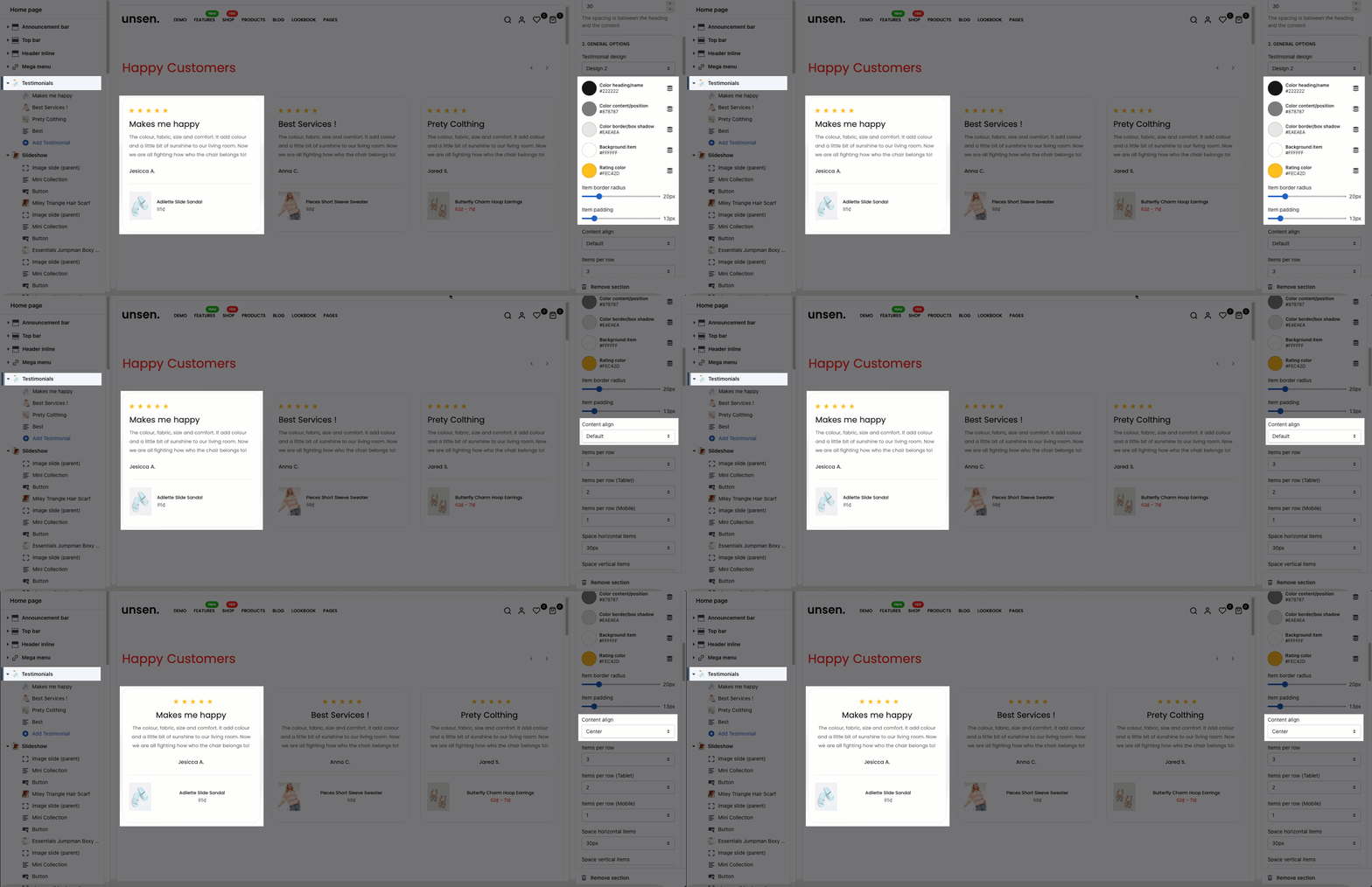
Items per row: You can choose the number of Testimonial item displayed per row for special devices: Desktop, Tablet, Mobile
Space between items: Choose the spacing between each Testimonial item.
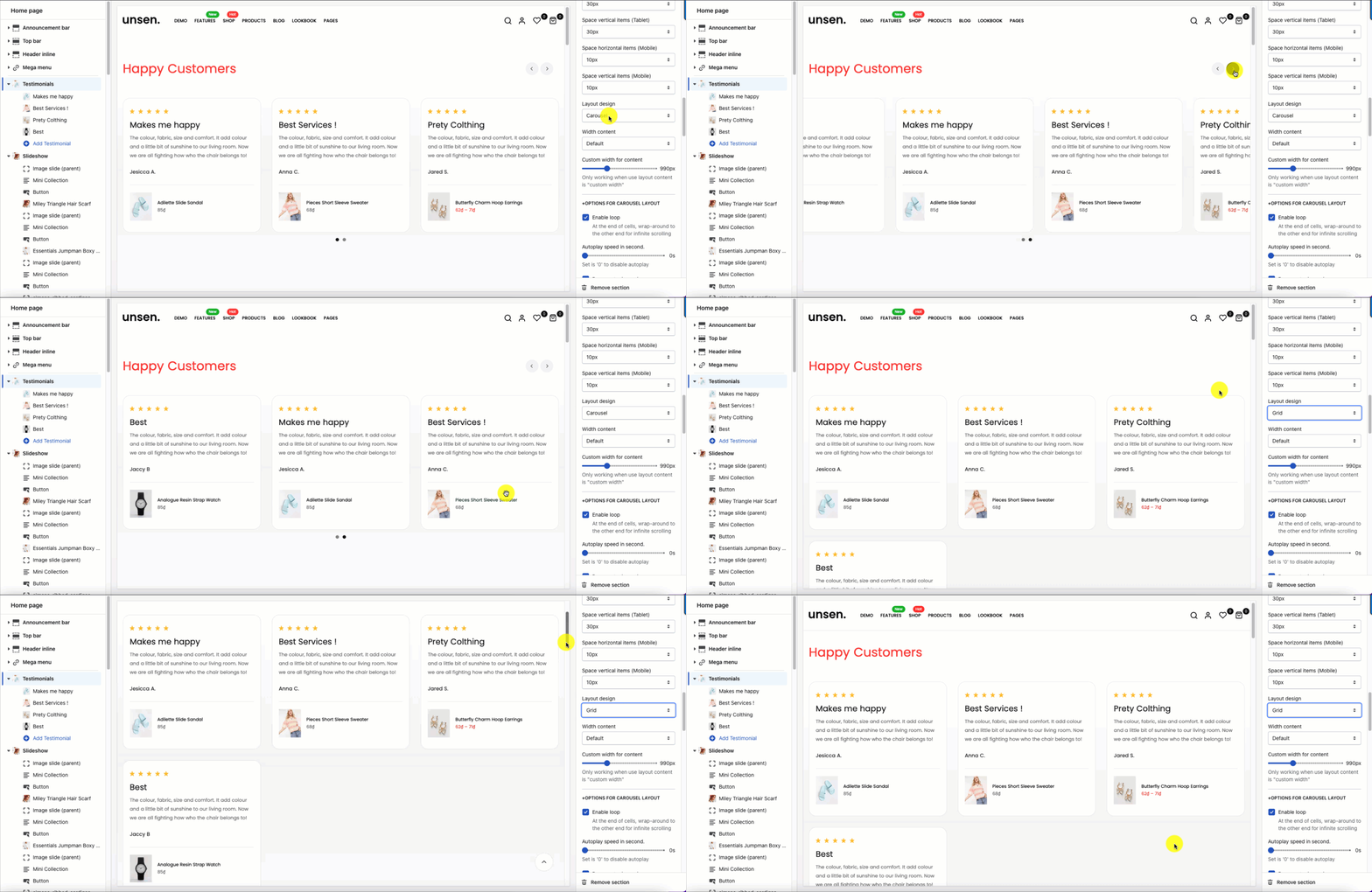
Layout design: You can choose layout Grid or Carousel
Please follow this guideline to config Layout, Background, Margin/Padding for the section.