This section helps you create customer testimonials with slider section which is very importance in marketing.
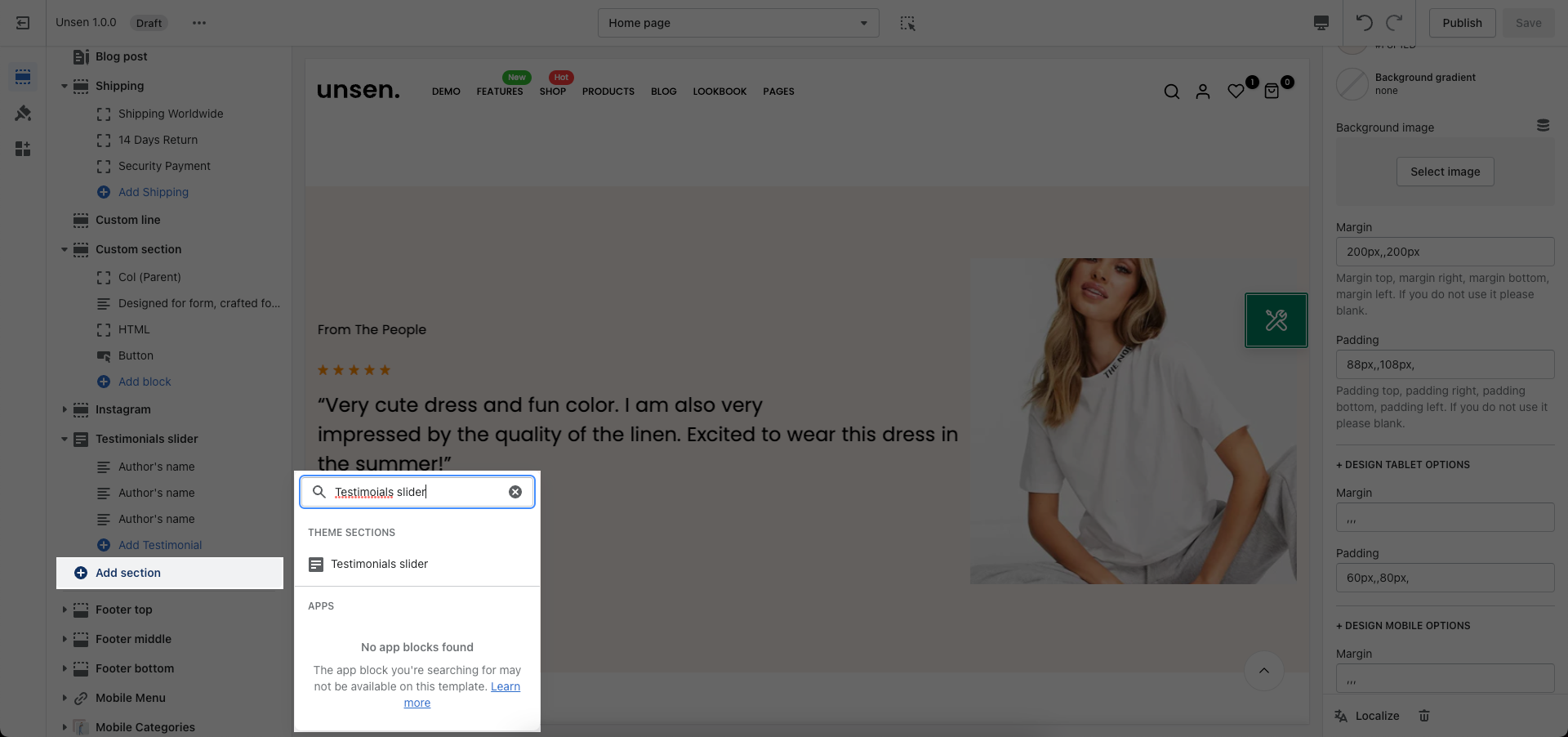
From Theme Section Sidebar -> Add section Testimonial Slider
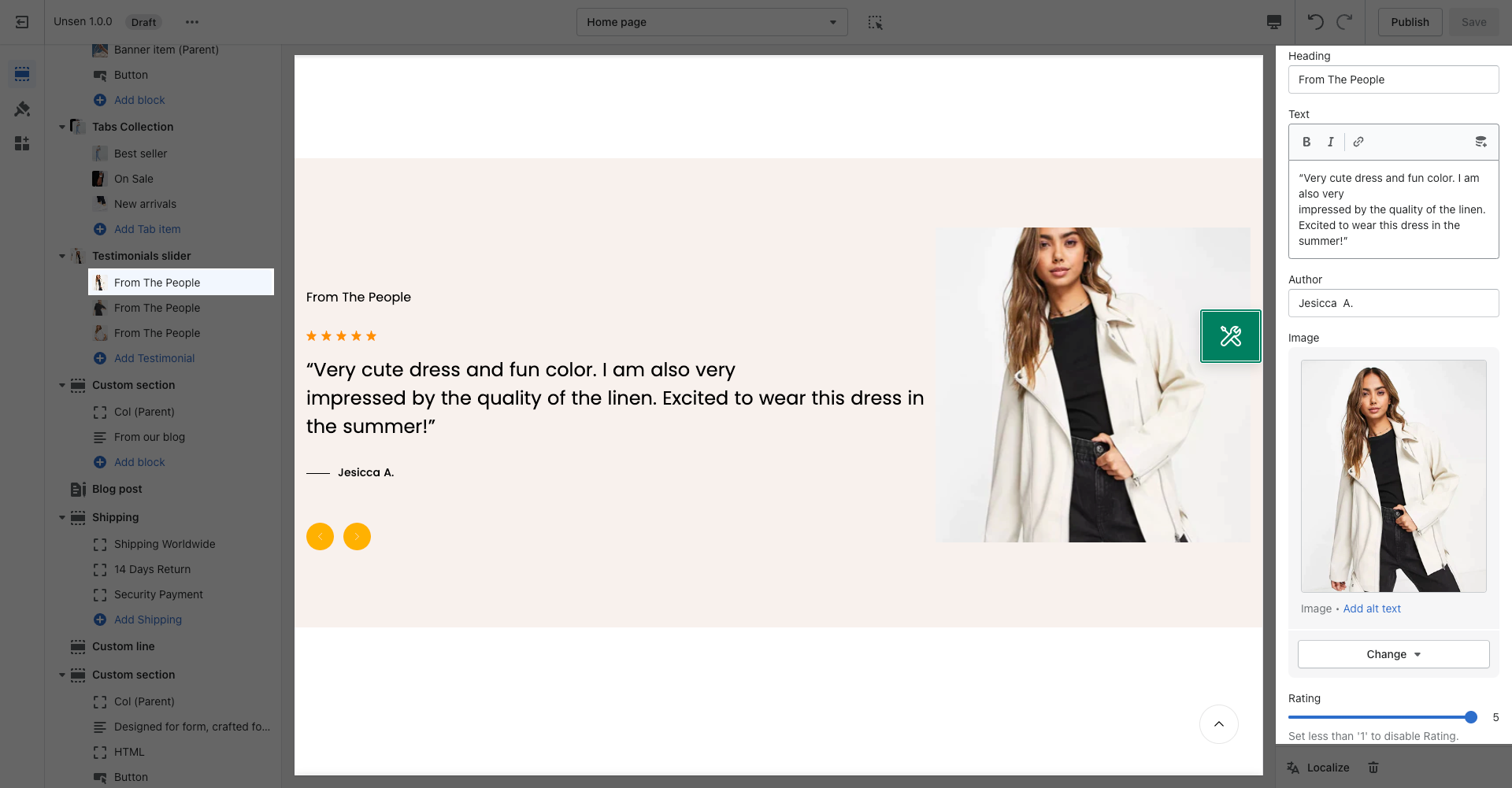
With this block, you can add customer testimonials contents such as:
Heading.
Text.
Author.
Image.
Rating.
This settings will help you customize your Testimonials slider easily and still ensure a high User experience.
You can customize your section heading with 6 designs, add description and adjust spacing.
Here, you can adjust color for heading/name, content/position, Background item, Rating color and align content.
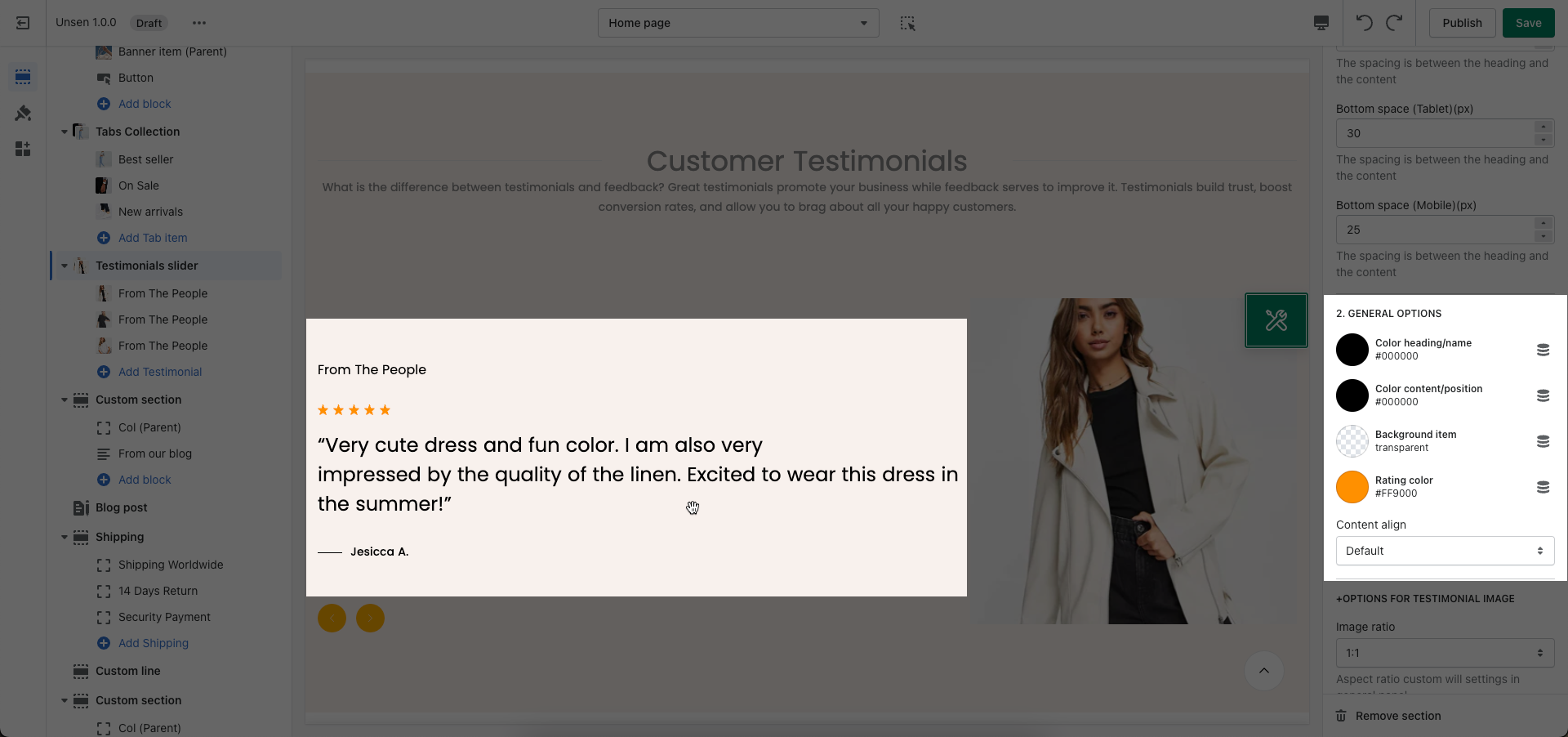
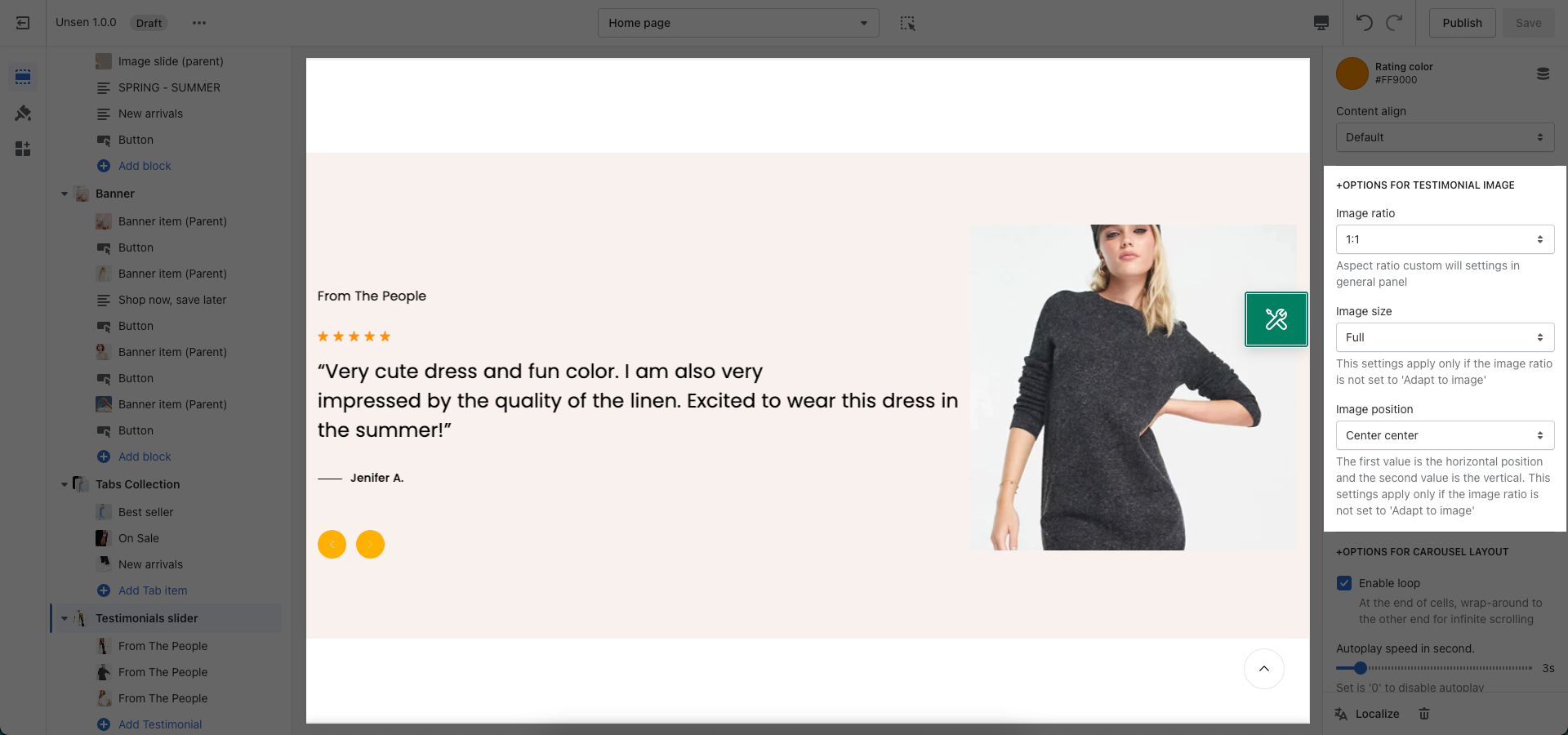
Image ratio: Aspect ratio custom will settings in general panel.
Image size: This settings apply only if the image ratio is not set to 'Adapt to image'.
Image position: The first value is the horizontal position and the second value is the vertical. This settings apply only if the image ratio is not set to 'Adapt to image'.
Enable loop: At the end of cells, wrap-around to the other end for infinite scrolling.
Autoplay speed in second: You can set the automatically time move on to the next slider. Set is ‘0’ to disable auto play.
Pause autoplay on hover: Auto-playing will pause when the user hovers over the slideshow.
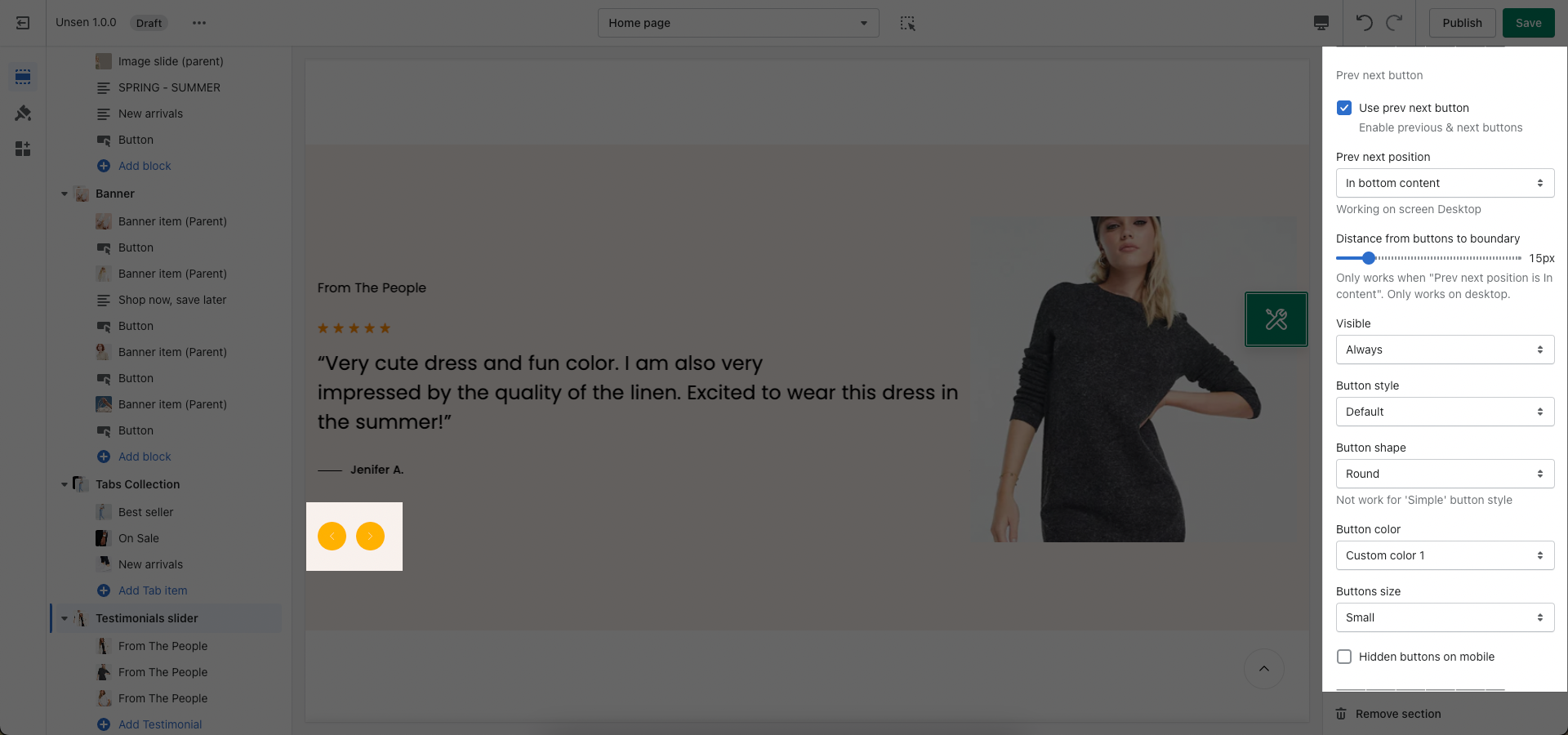
You can Customize your Prev next button in this settings.
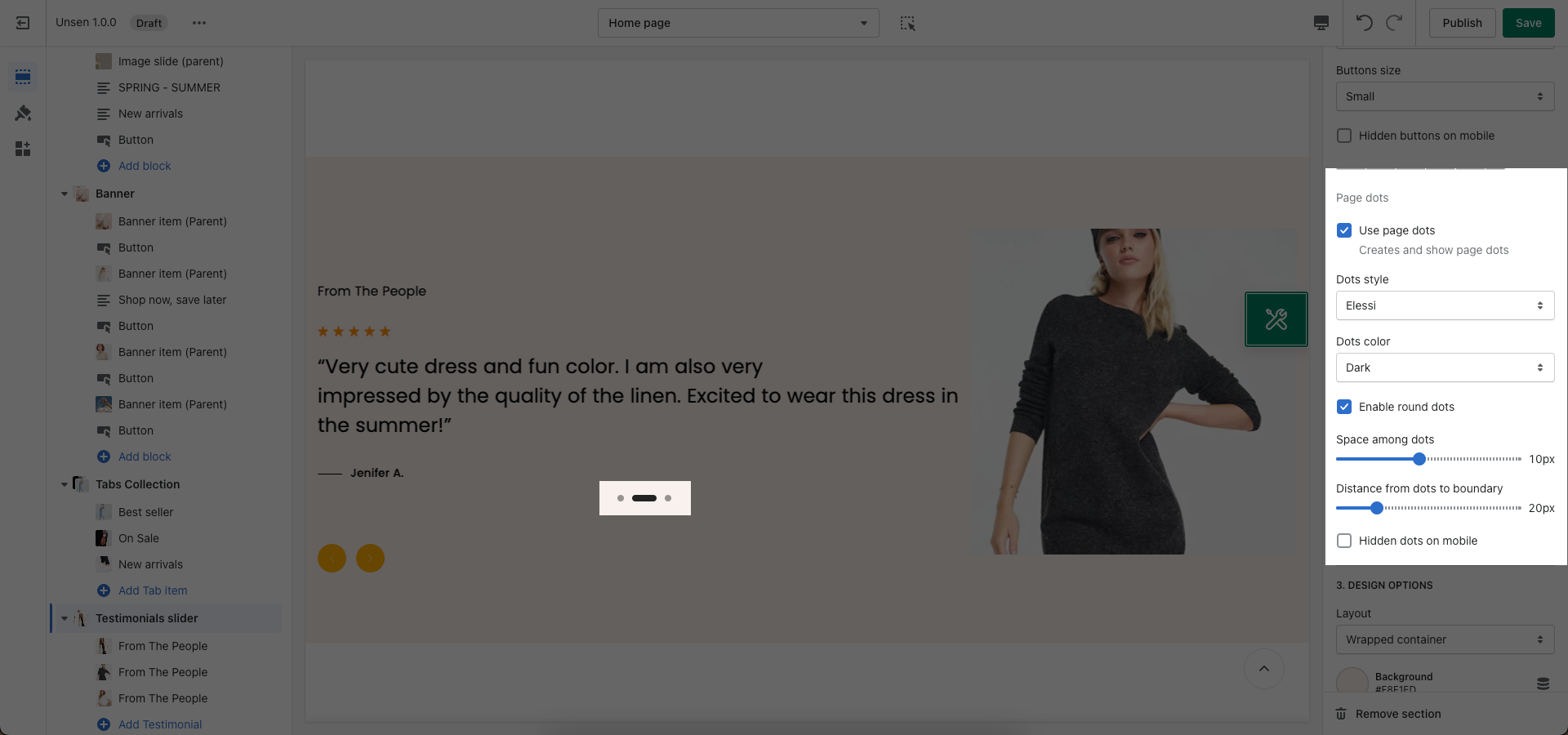
This settings help you configure your page dots.
Please follow this guideline to config Layout, Background, Margin/Padding for the section.