This section helps you create vacancies for Career page.
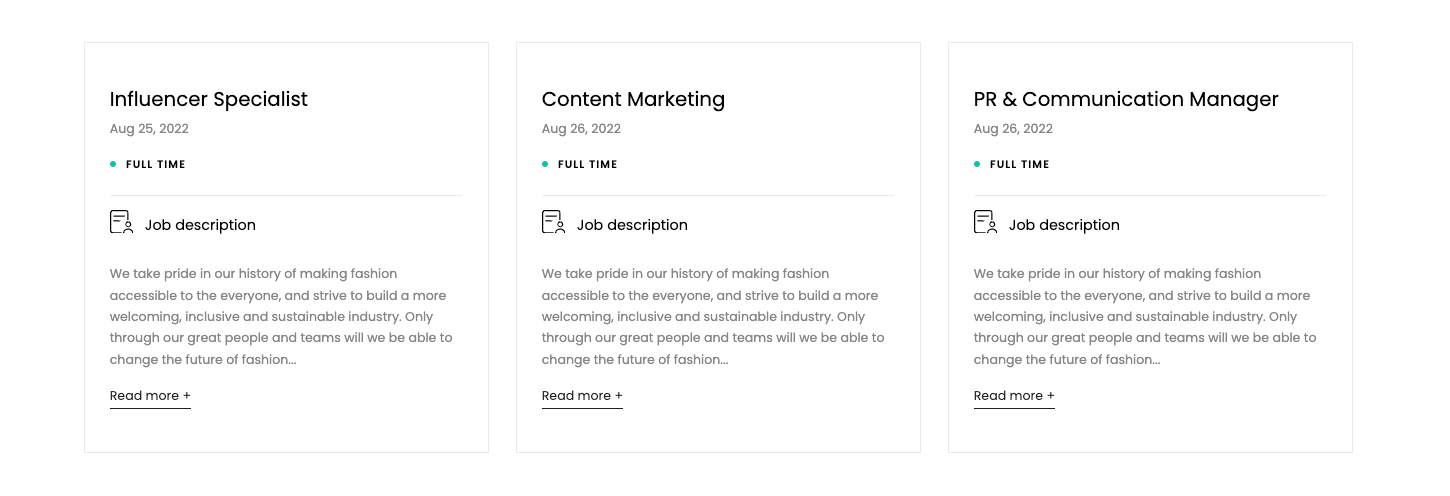
Steps
In the theme editor (Customize), click Add section
Search Career
Click Save
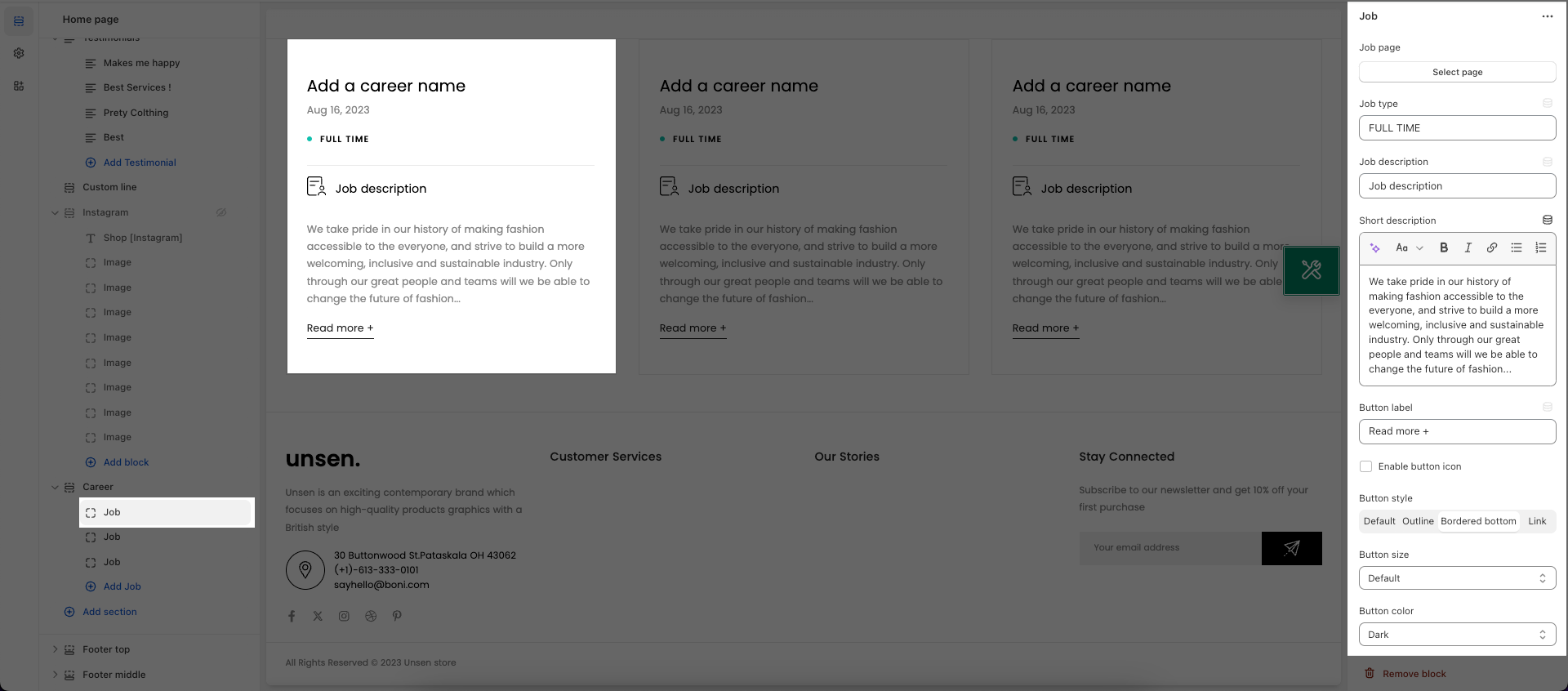
In this section, you will have Job blocks to create a different vacancies with details informations.
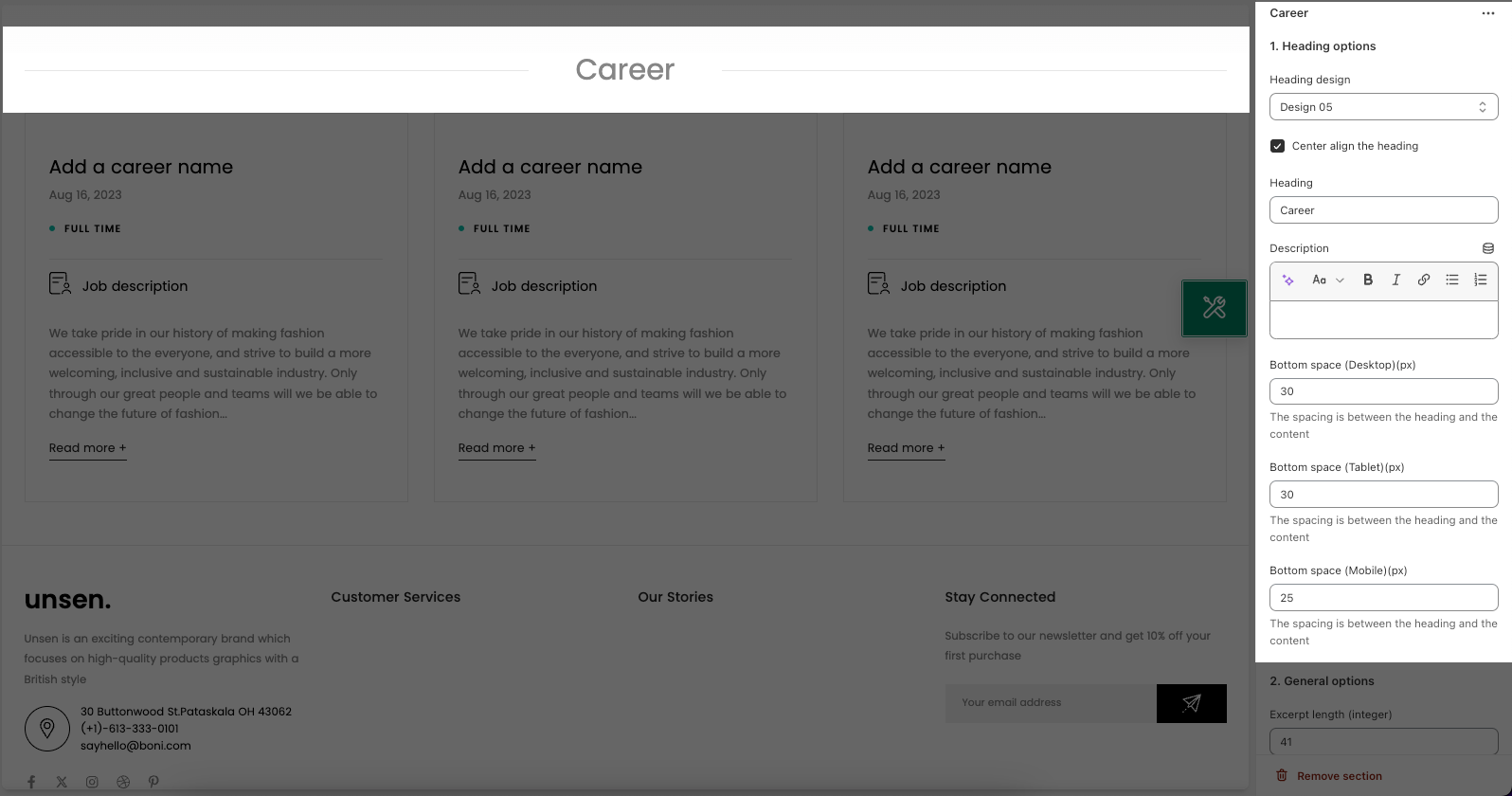
- Heading options
You can create and configure the section header here:
- General options
With general options, you can freely adjust the section Number of words, Layout, Space, Effect for your section.
- DESIGN OPTIONS
Please follow this guideline to config Layout, Background, Margin/Padding for the section.