This section is available on Gecko v6.2.4
Product video section offers you an immersive view of the quality, functionality, and unique features of each item. Now, let's add Product Video section to Gecko theme on Shopify.
In this article, we will explore the steps involved in configuring the Product Video section.
You can use video uploaded from device or use YouTube/Vimeo link
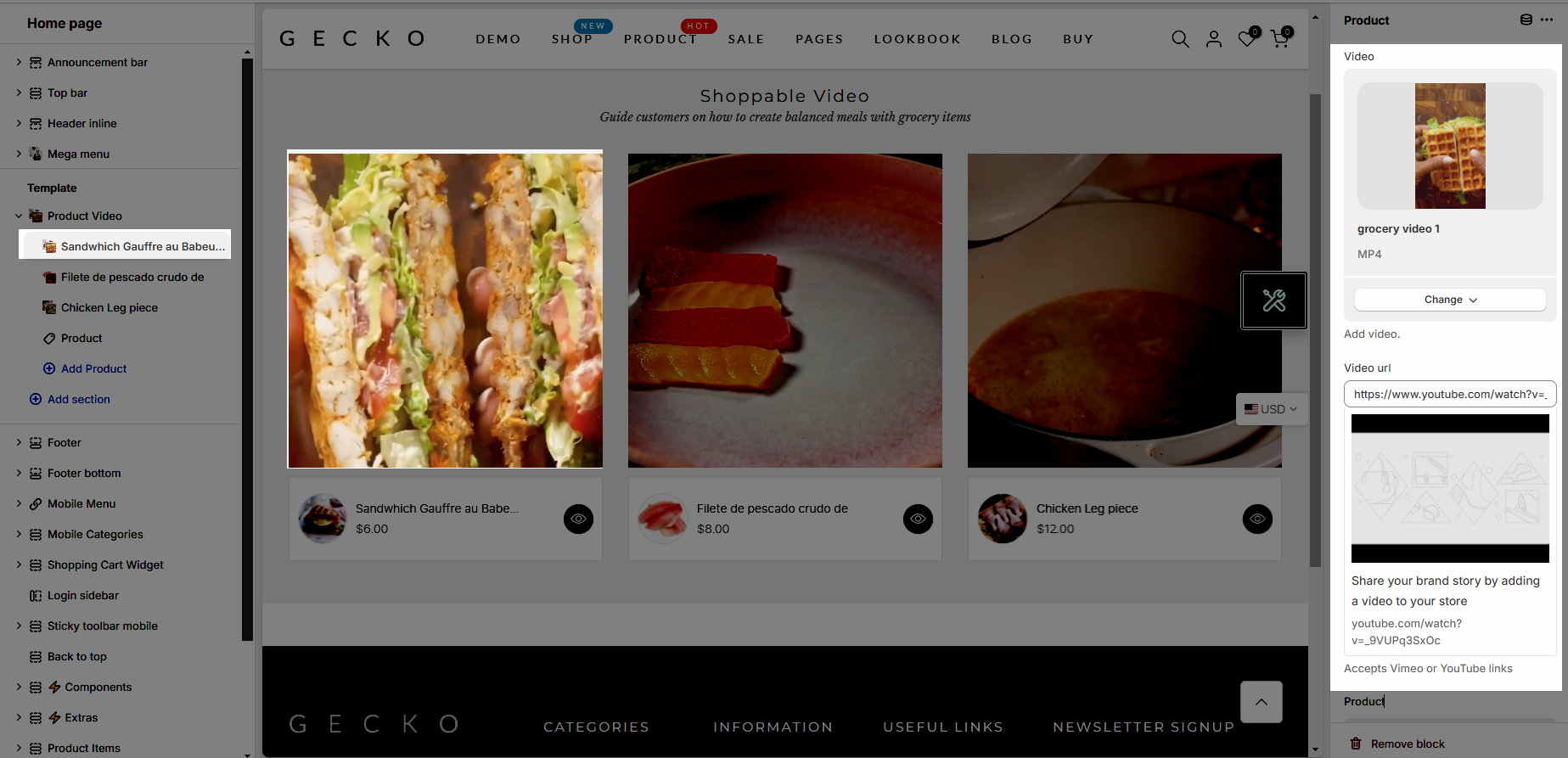
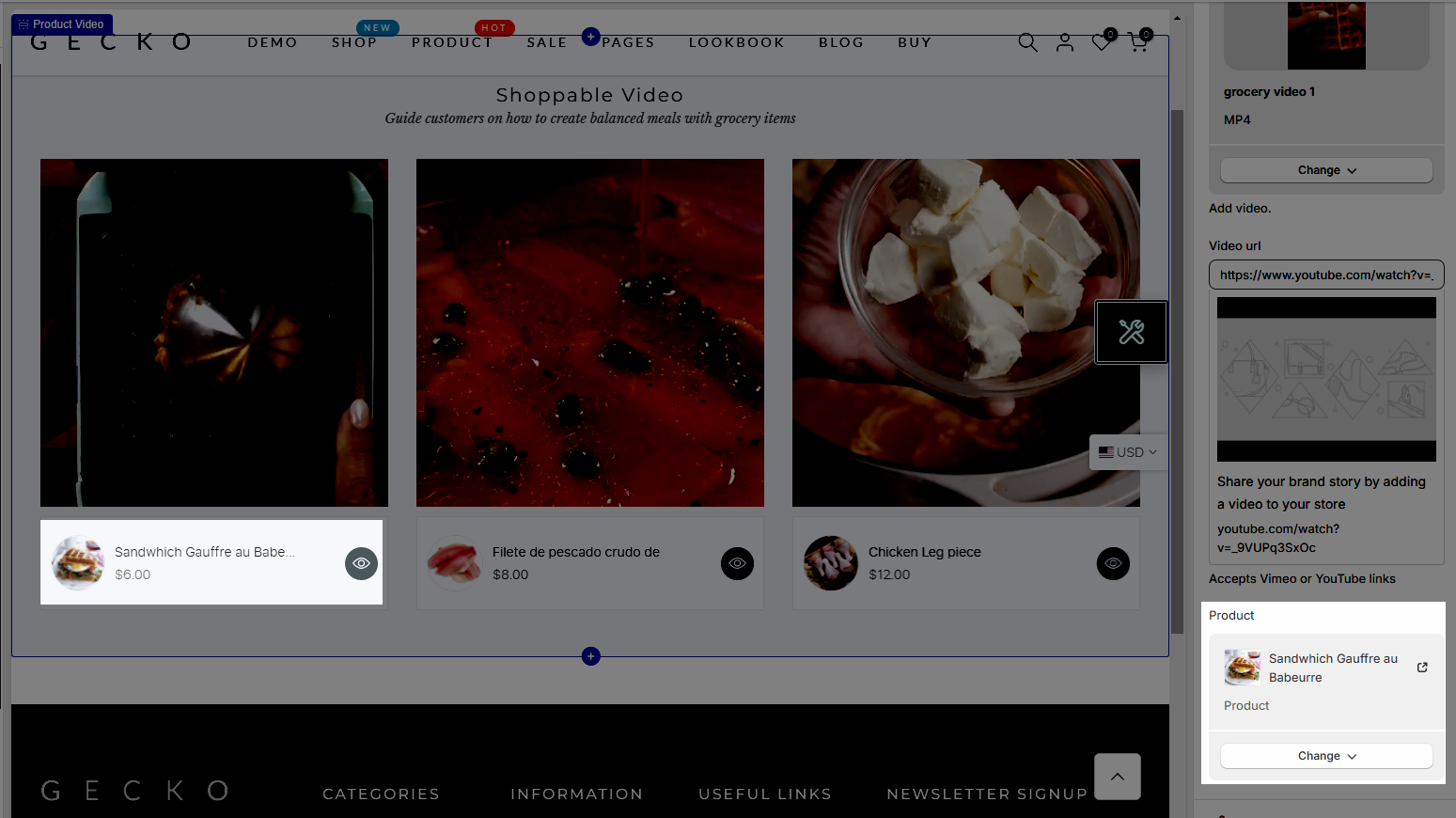
Then, select a product you want
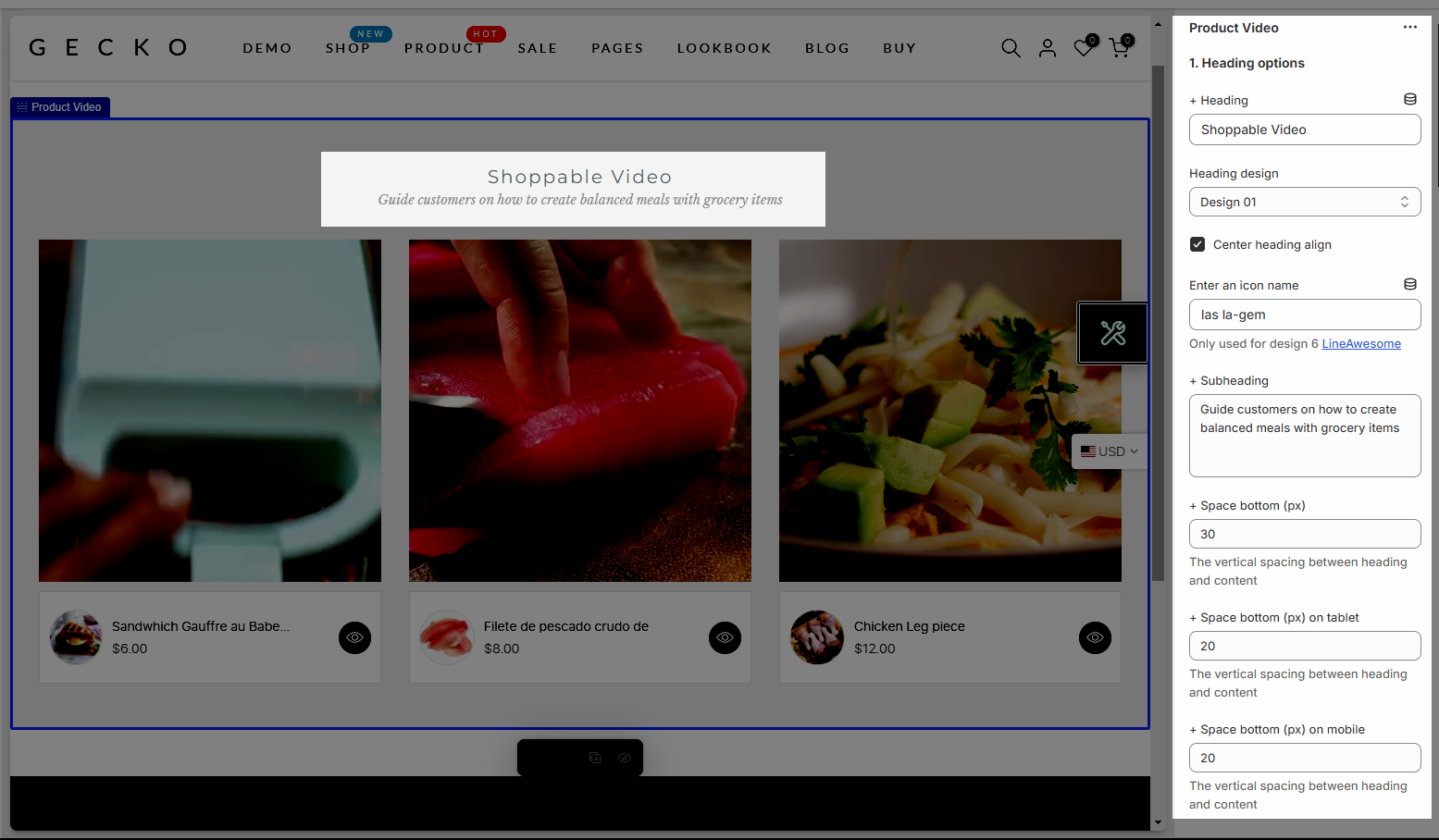
You can enter the Heading and Subheading, choose the design for the heading, also can choose text-align & adjust space bottom for Desktop/Tablet/Mobile
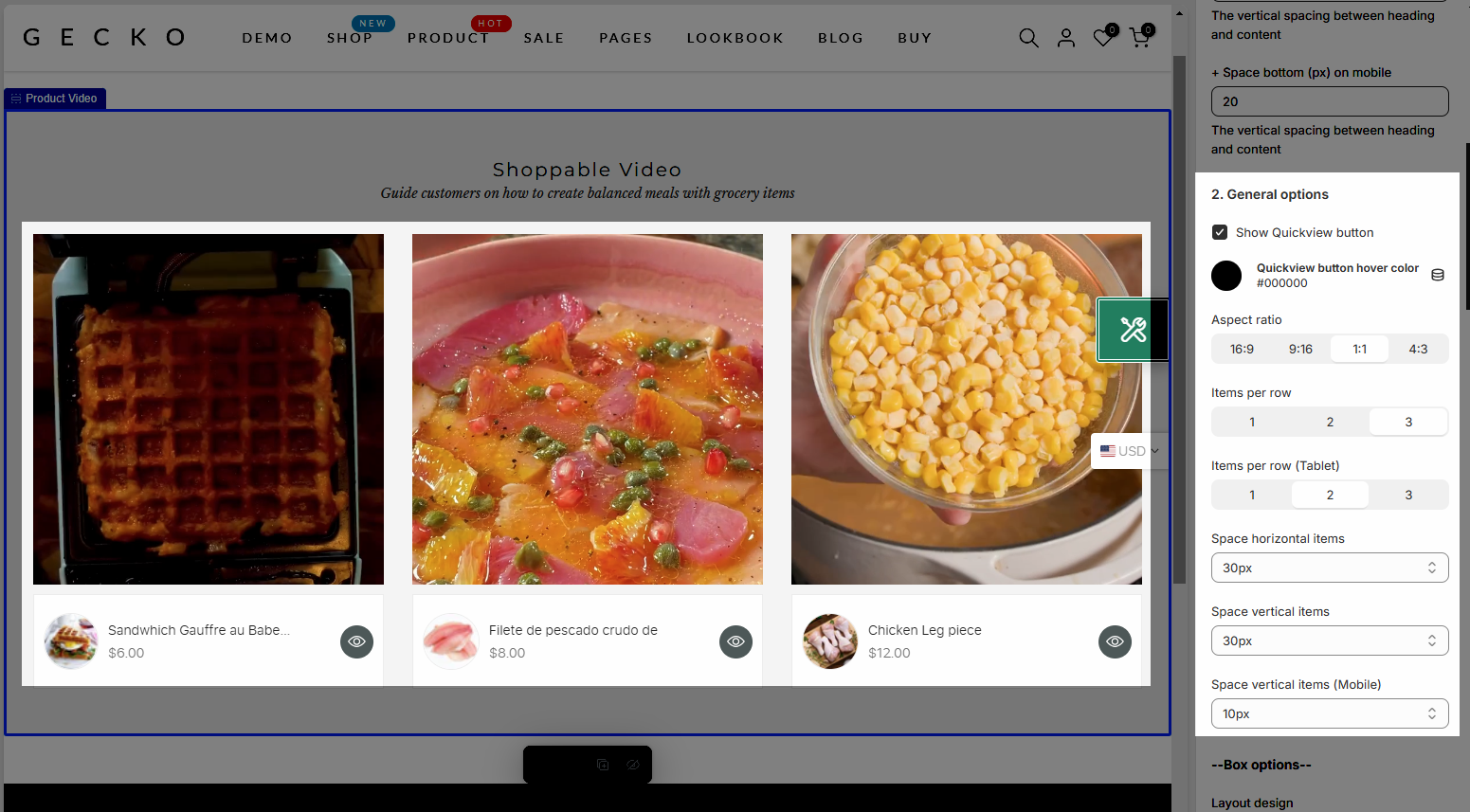
Quickview button: You can enable button & add hover color
Aspect ratio: Select ratio you want
Items per row: You can adjust these values based on the design and user experience you want to provide across different devices
You can Space horizontal items & Space vertical items for Desktop & Mobile
BOX OPTIONS
Layout design: you can choose Grid & Carousel layout
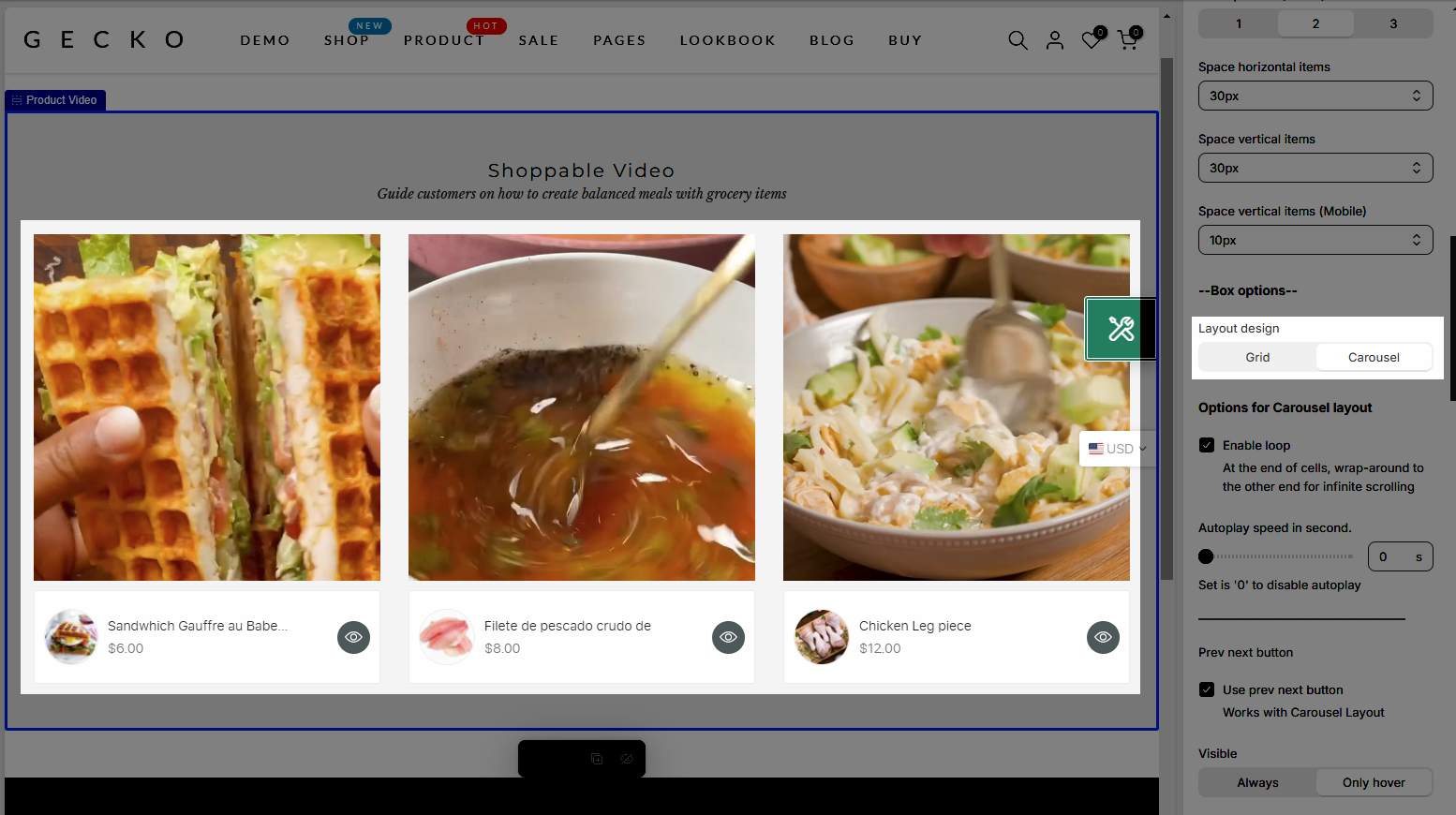
Options for Carousel layout: Config for Carousel layout here like loop, Previous/Next button, Page dots,...
Please follow this guideline to config Layout, Background, Margin/Padding for the section.