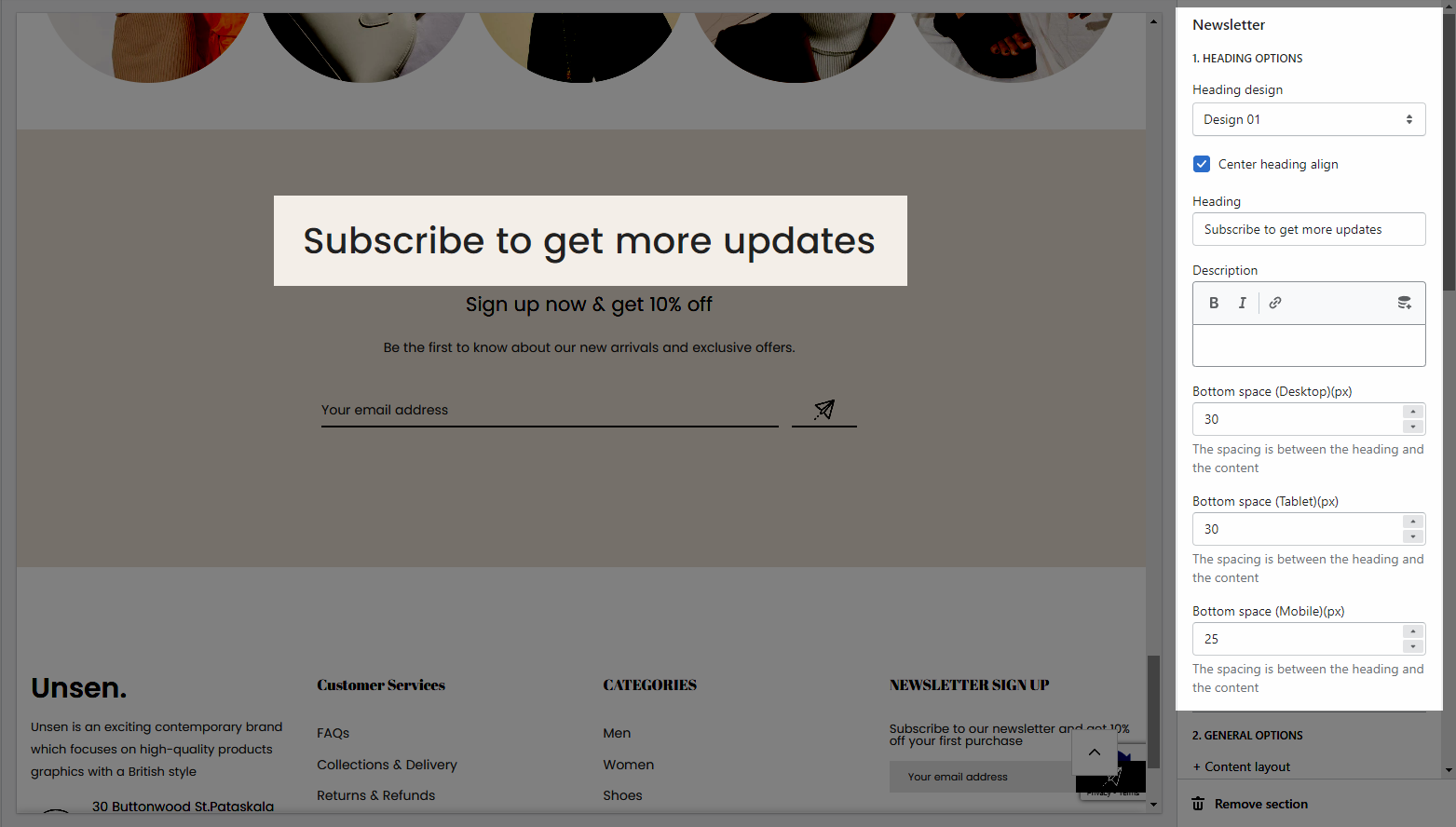
Heading options: You can freely add the section heading and customize it with many design options.
General options: You can choose a layout, design and set the content align, Enable border of newsletter box for the section.
Newsletters are one of the most powerful digital marketing tools at your disposal since they let you communicate directly with your customers in a personalized way when they subscribed.
Steps:
In the theme editor (Customize), click Add section
Search Newsletter
Click Save
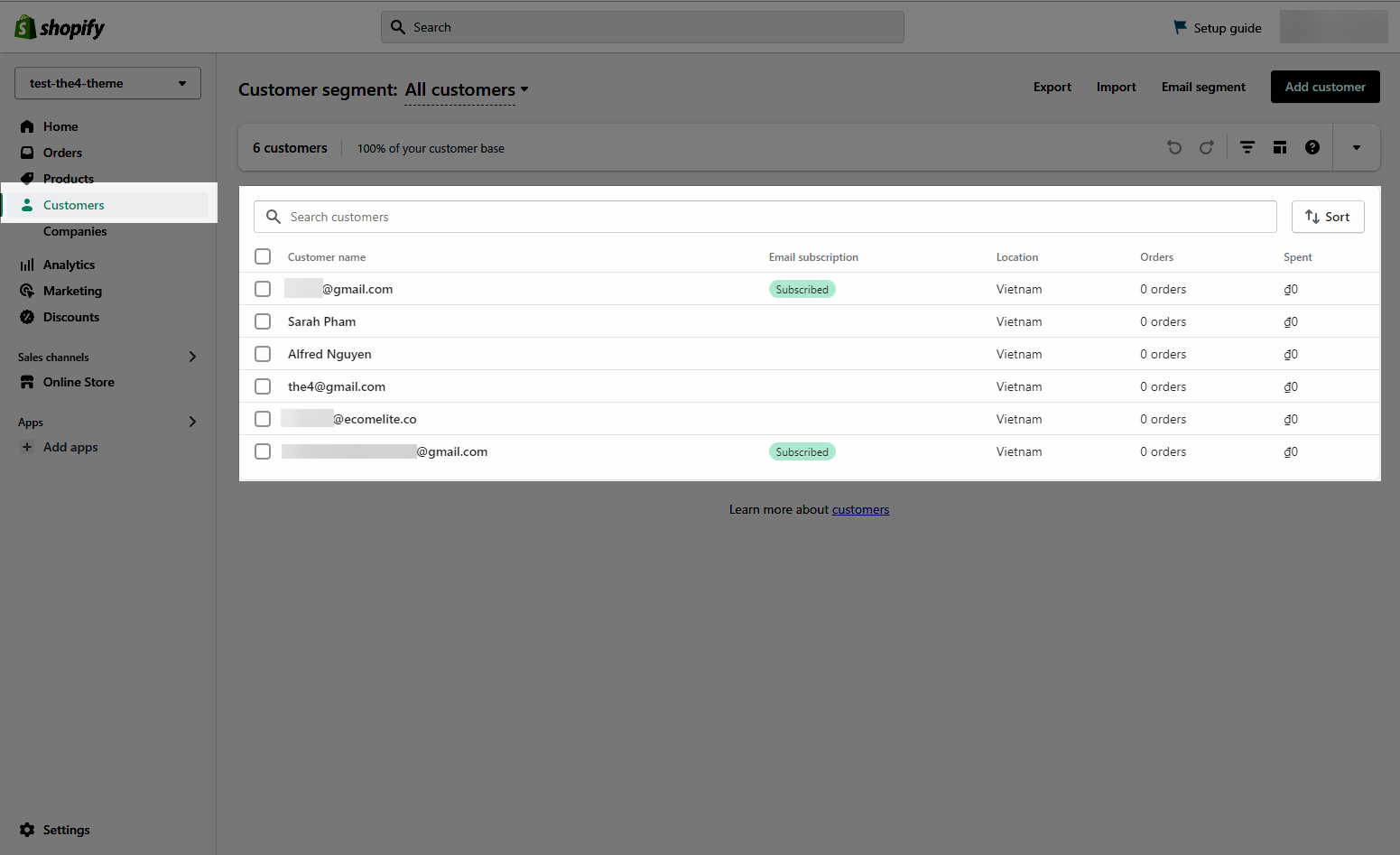
After the customer fills in the email in the newsletter form, the customer's email will be saved in Shopify admin > Customers or in the email marketing app that you use. This belongs to the setting in Theme settings > General.
The Newsletter section has total of 7 content blocks, you can use those blocks to build the Newsletter layout that you wanna use, you can view the video below to know about the Newsletter section blocks:
Heading options: You can freely add the section heading and customize it with many design options.
General options: You can choose a layout, design and set the content align, Enable border of newsletter box for the section.
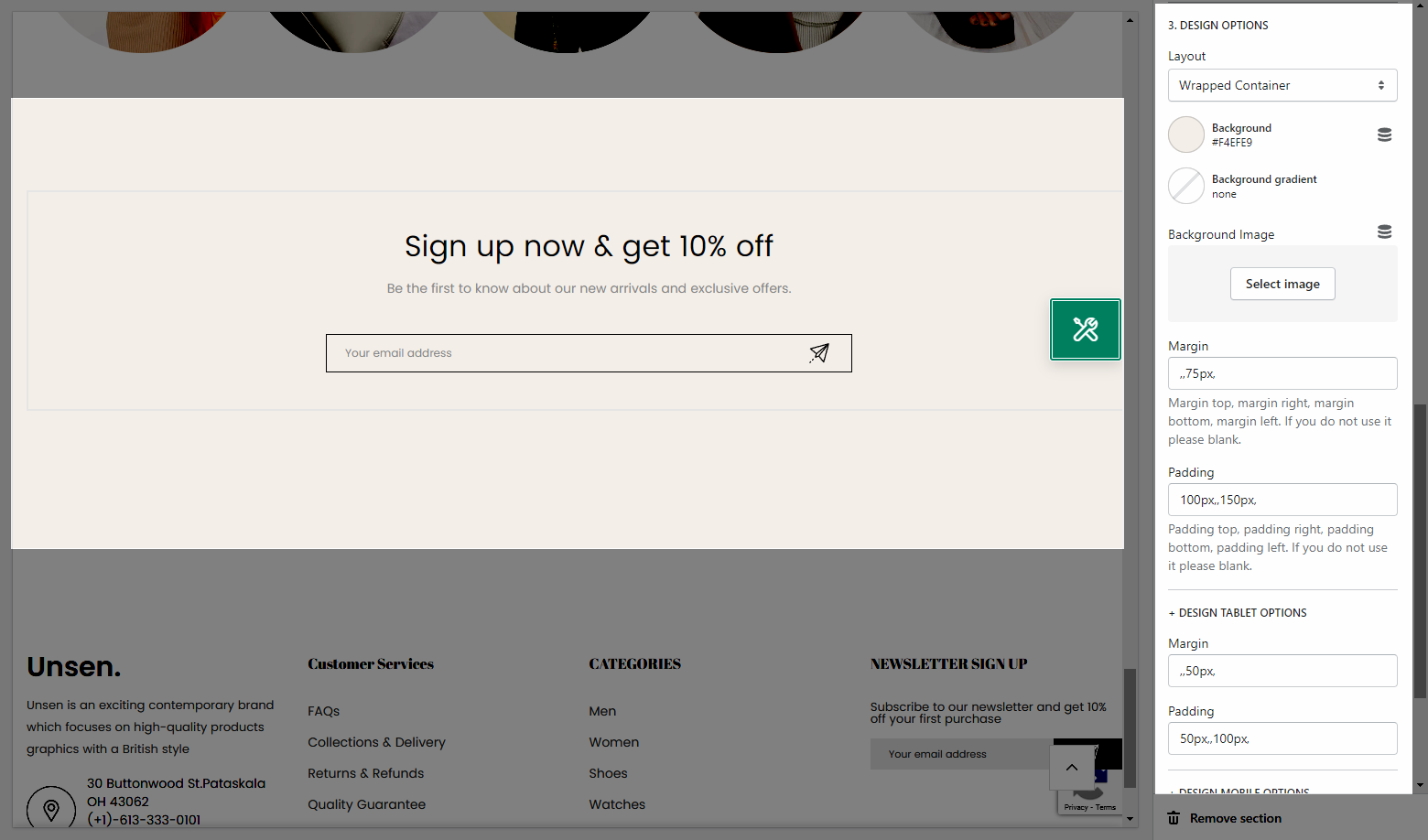
Design options: With these options, your section now shaped clearly and you will know what to do next.