Contact Form allows customers to leave contact information to support marketing campaigns. Besides, customers also have information about the online store to contact. It is quite important in a website, with Shopify 2.0 you can add sections in many places.
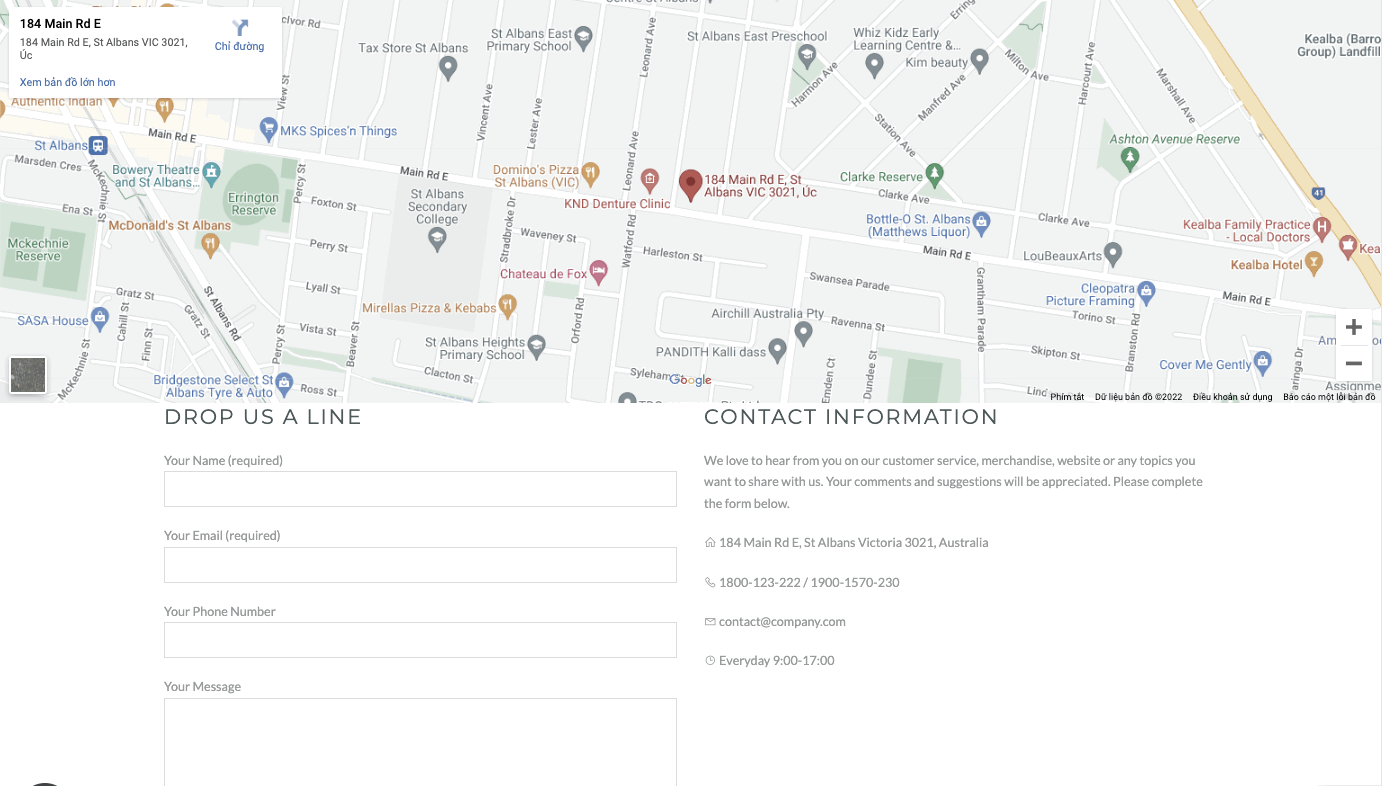
Steps
Theme editor (Customize) > Add Section
Search Contact Form
Click Save
Use map option and you can change the address of your store on Google Maps.
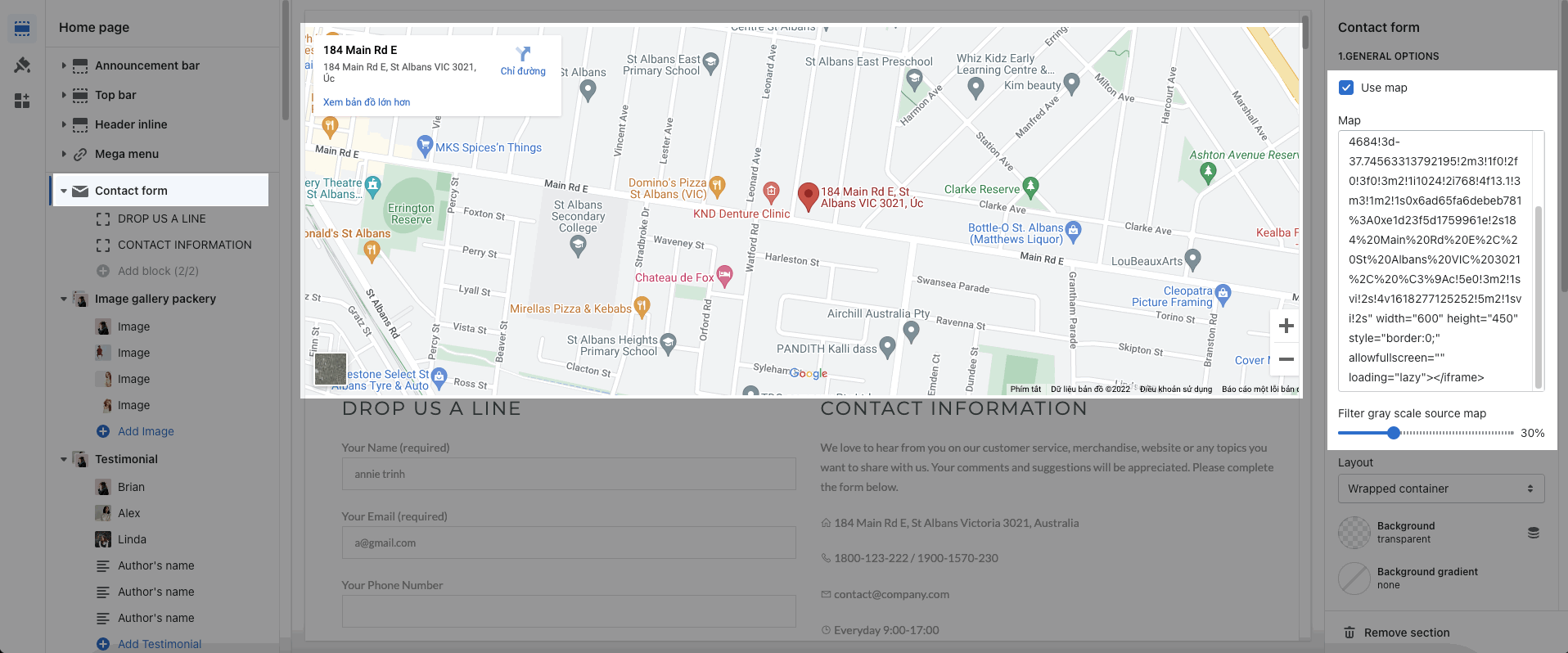
You can change the design of this section by layout, background, margin and padding on each device.
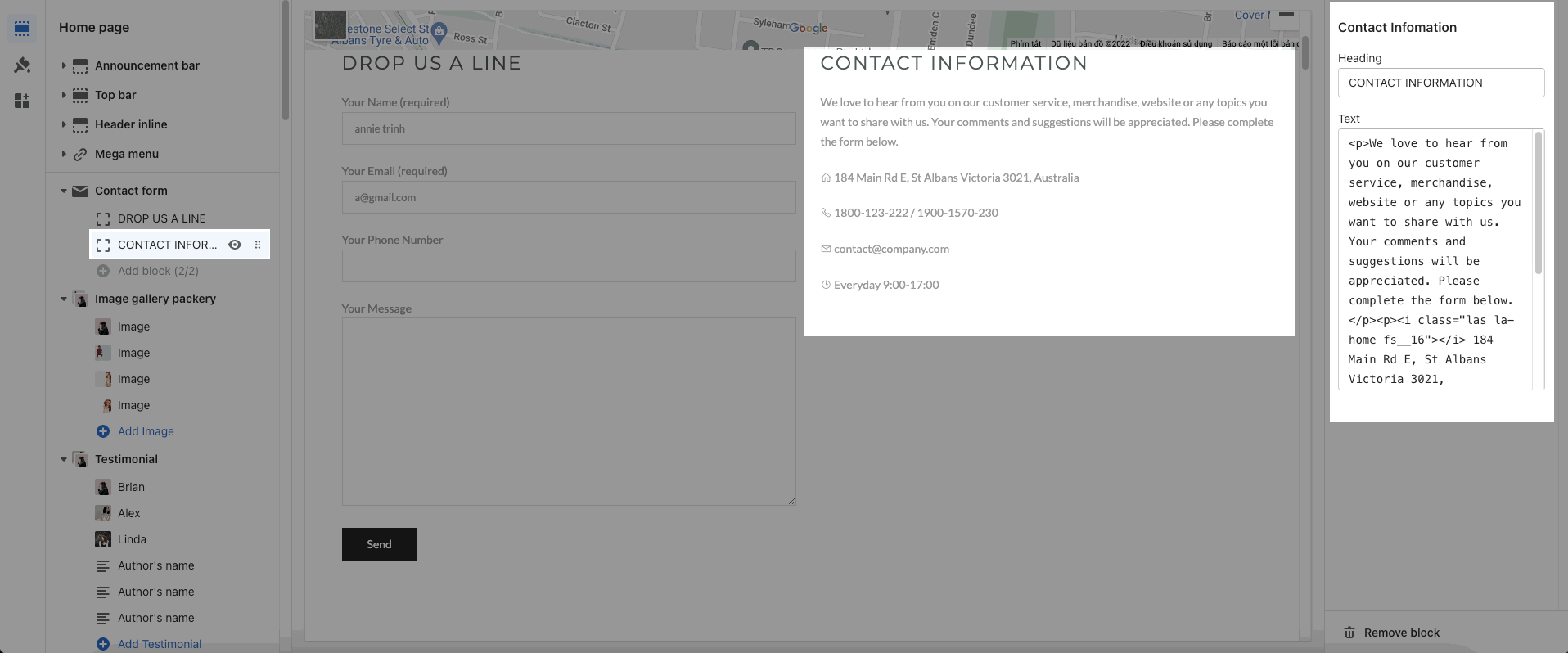
Contact Form: This block helps customers can leave information such as name, email, phone number and message.
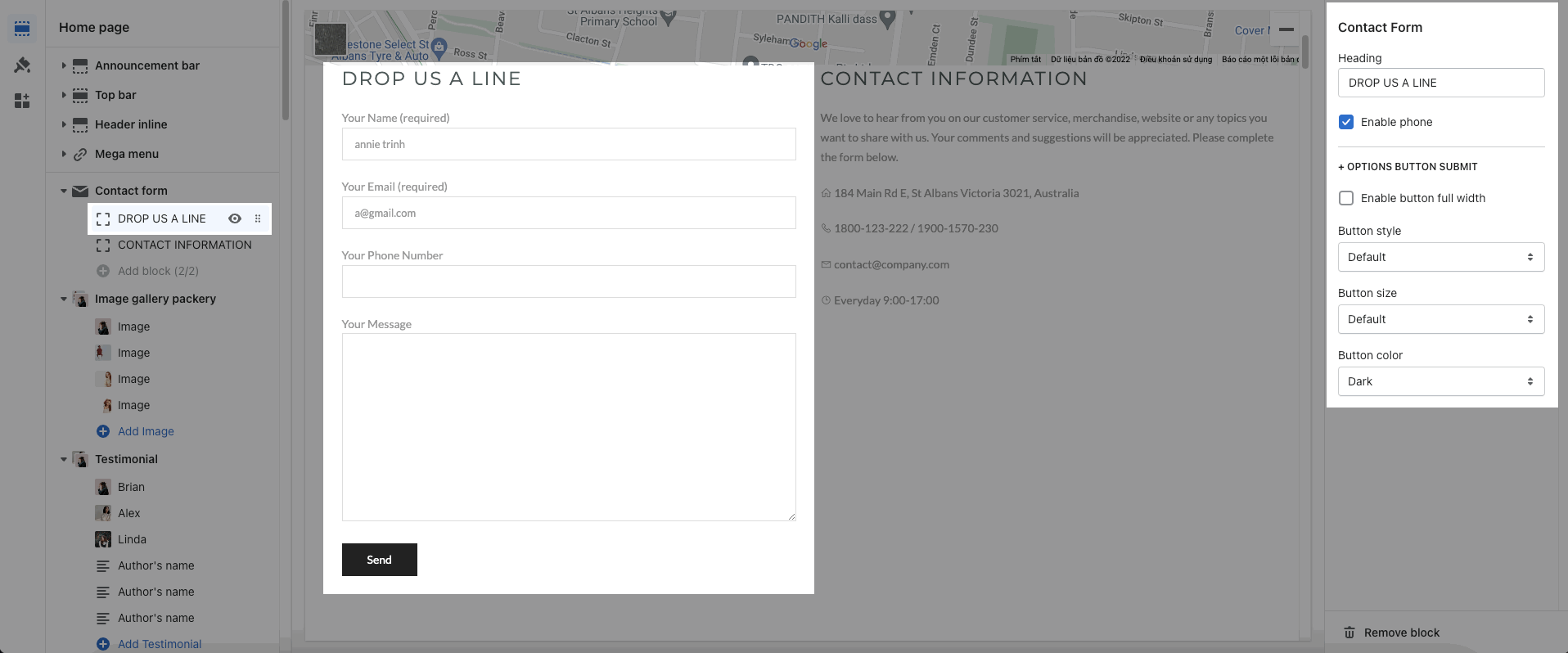
Contact information: It allows you can add your information to contact such as an address, timetable, etc.
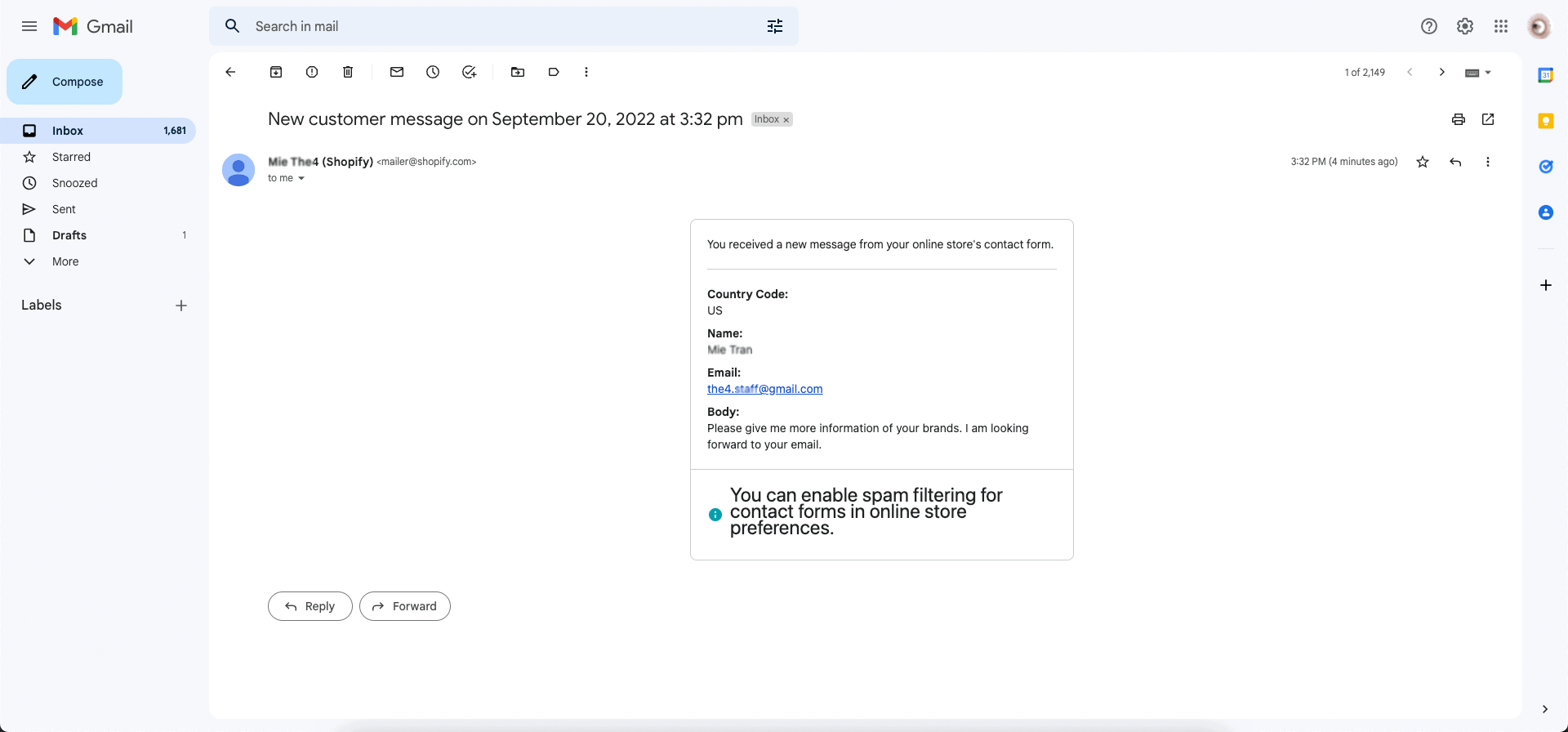
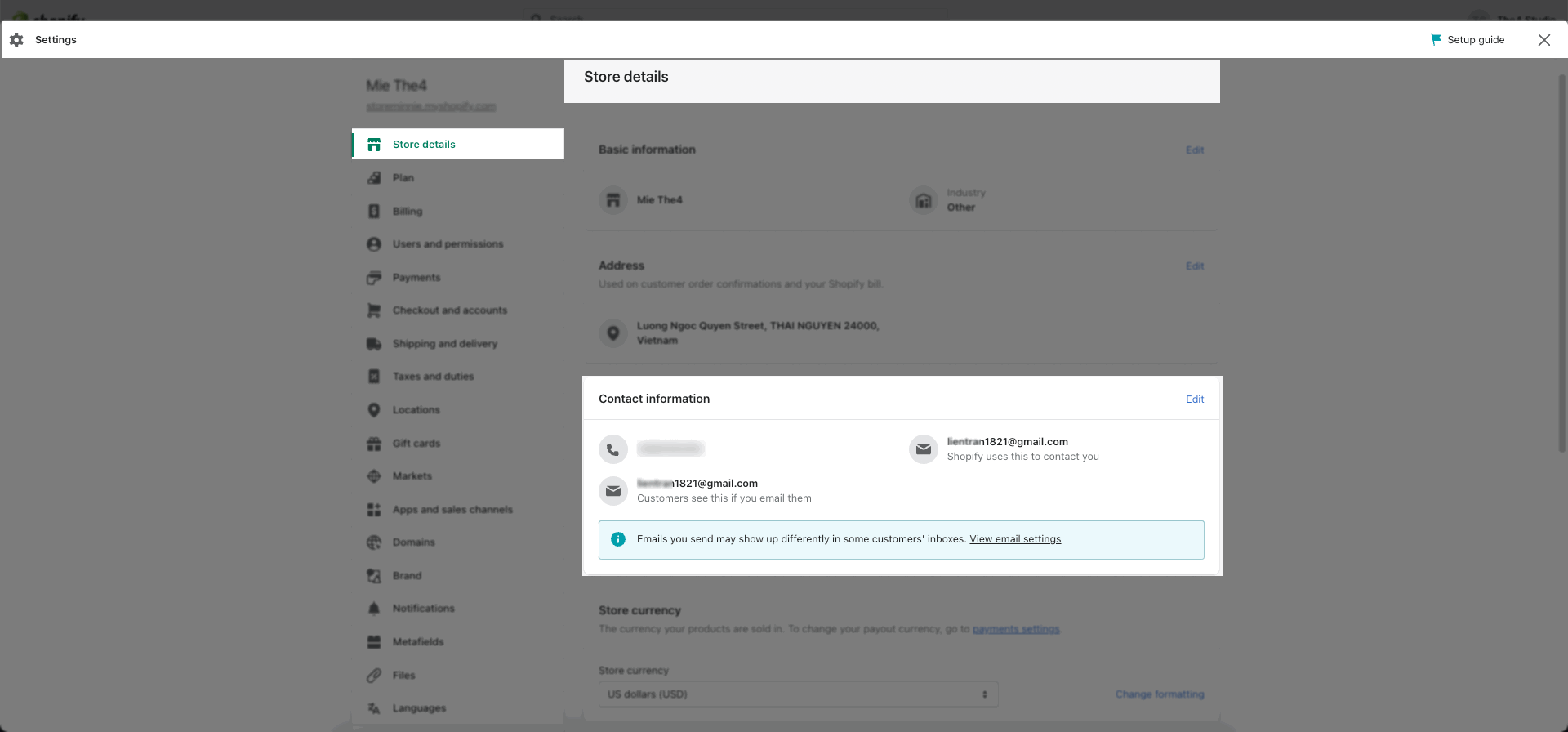
Note: When a customer sends you information, it will be sent to your email that is registered to receive notifications in Store Details. If you don't see Shopify email please check Spam Email.
This is the email from Shopify sent you if you have a customer leaving the information.