It is usually located on the FAQ page. However, Shopify 2.0 allows you to add the Accordion section to any pages that you wanna use.
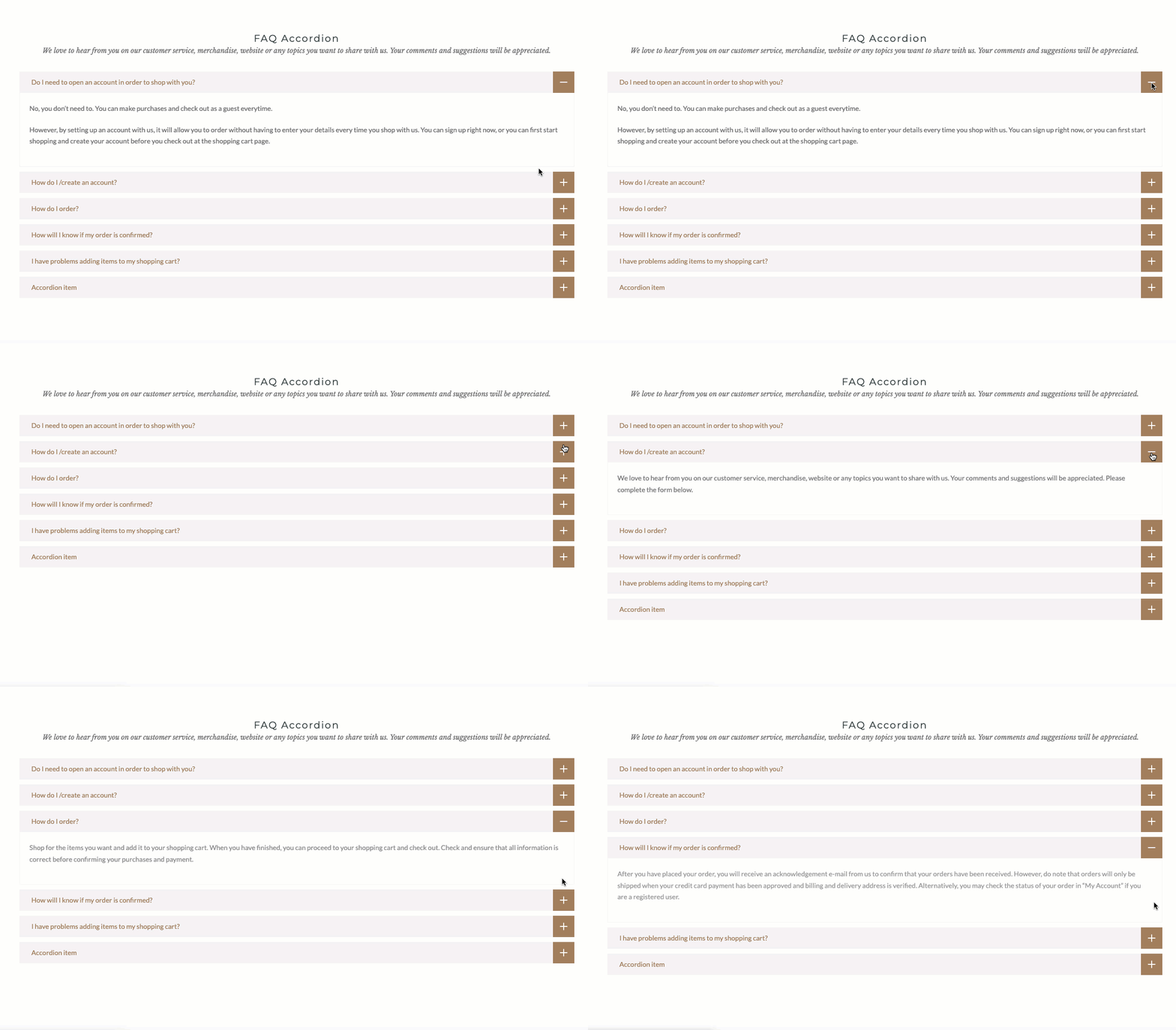
Steps:
In the theme editor (Customize), click the Add section
Search Accordion
Click Save
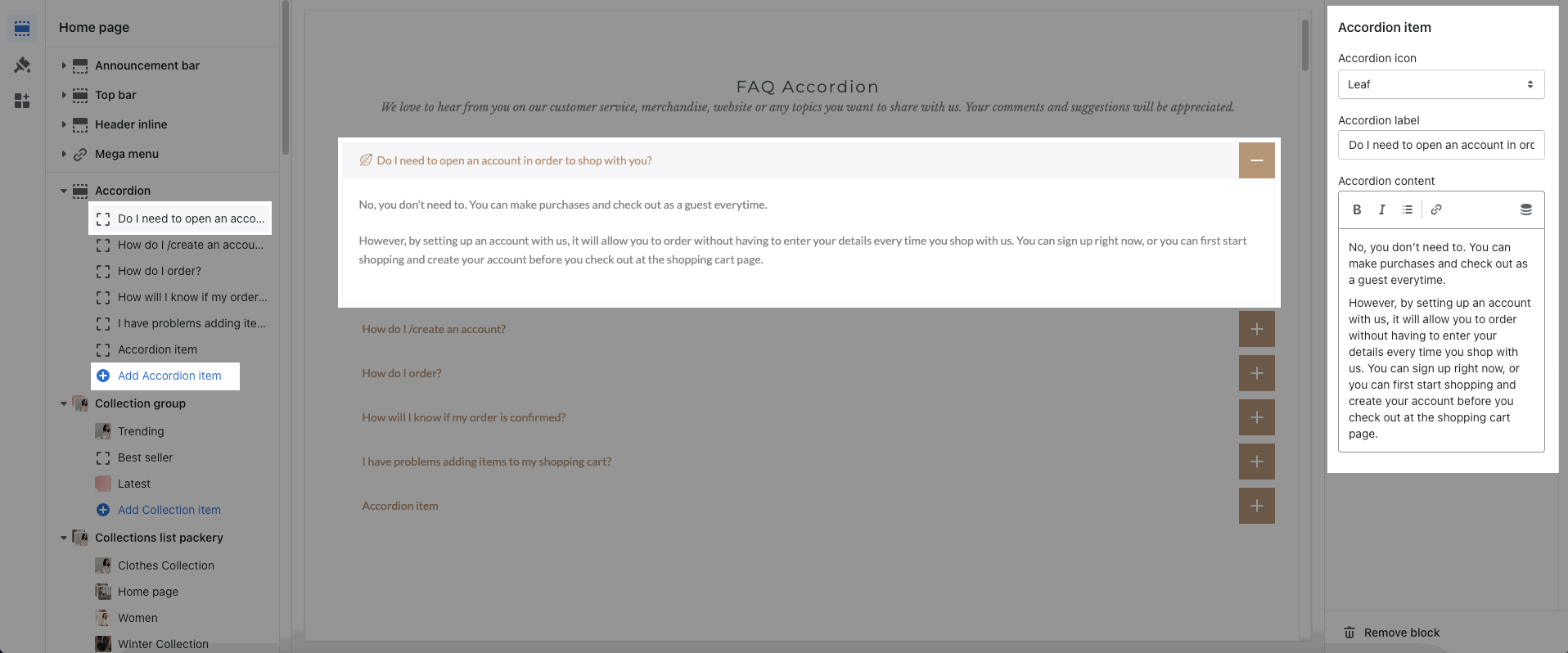
In the Accordion section, you can add an Accordion item block. It includes an Accordion icon, label, and content.
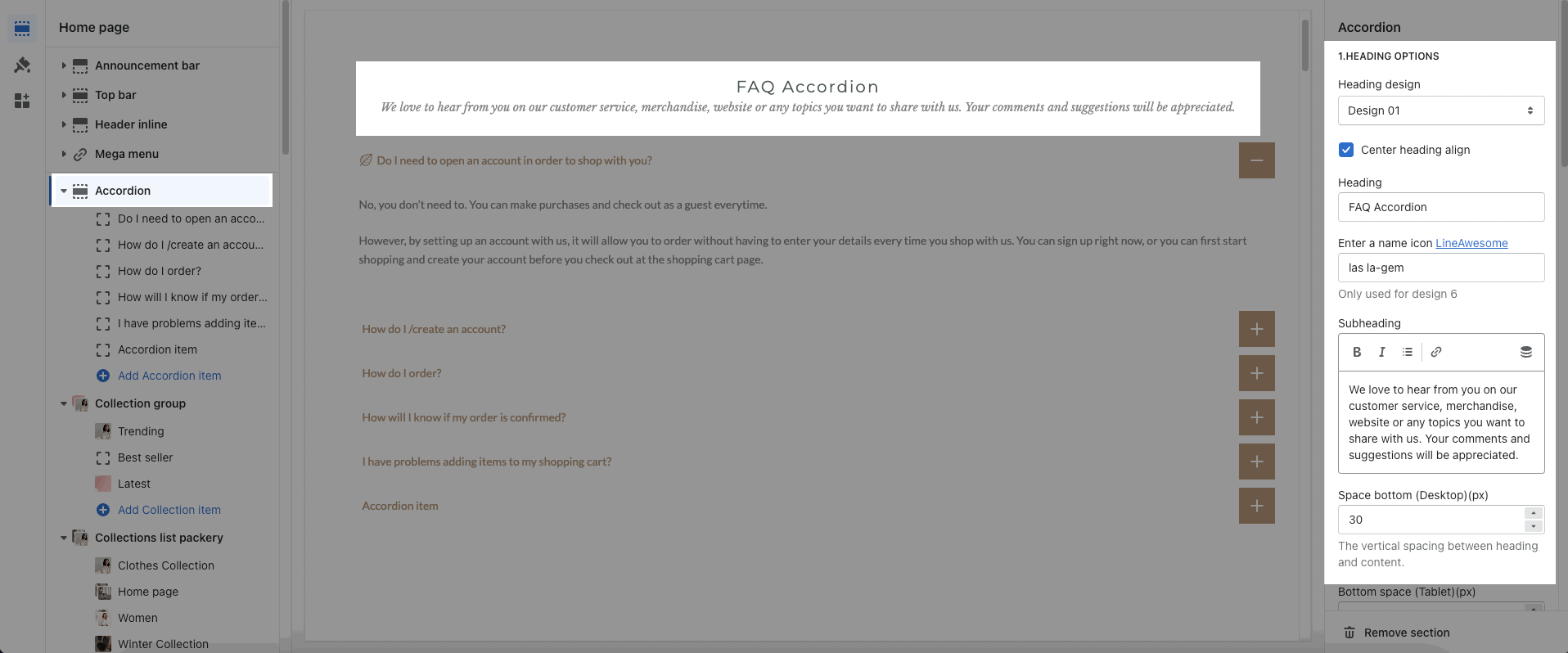
You can enter the Heading and subheading. You also can choose the Heading design, Center heading align, or Space bottom.
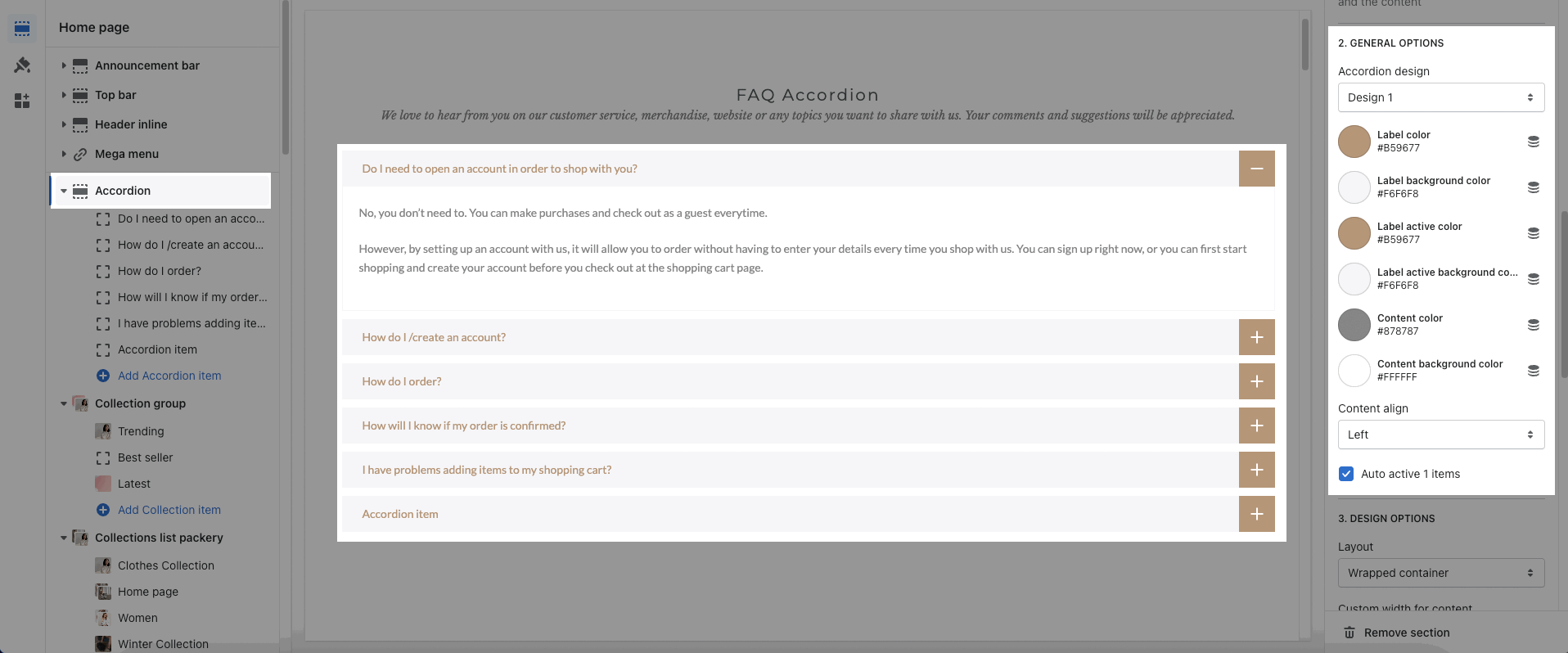
Accordion design: We have a total of 2 designs for Accordion items.
Color options: You can change color for label, content, background
Content align: Choose the align left, center, or right for content
Auto active 1 items: The first accordion item will be auto-active when you open the page.
About Design options, please follow this guideline to config Layout, Background, and Margin/Padding for the section.