Here is an amazing section that will help you design the Banners creatively and professionally. It has never been easier to create a banner.
From Theme section sidebar -> Add section -> Banner Section
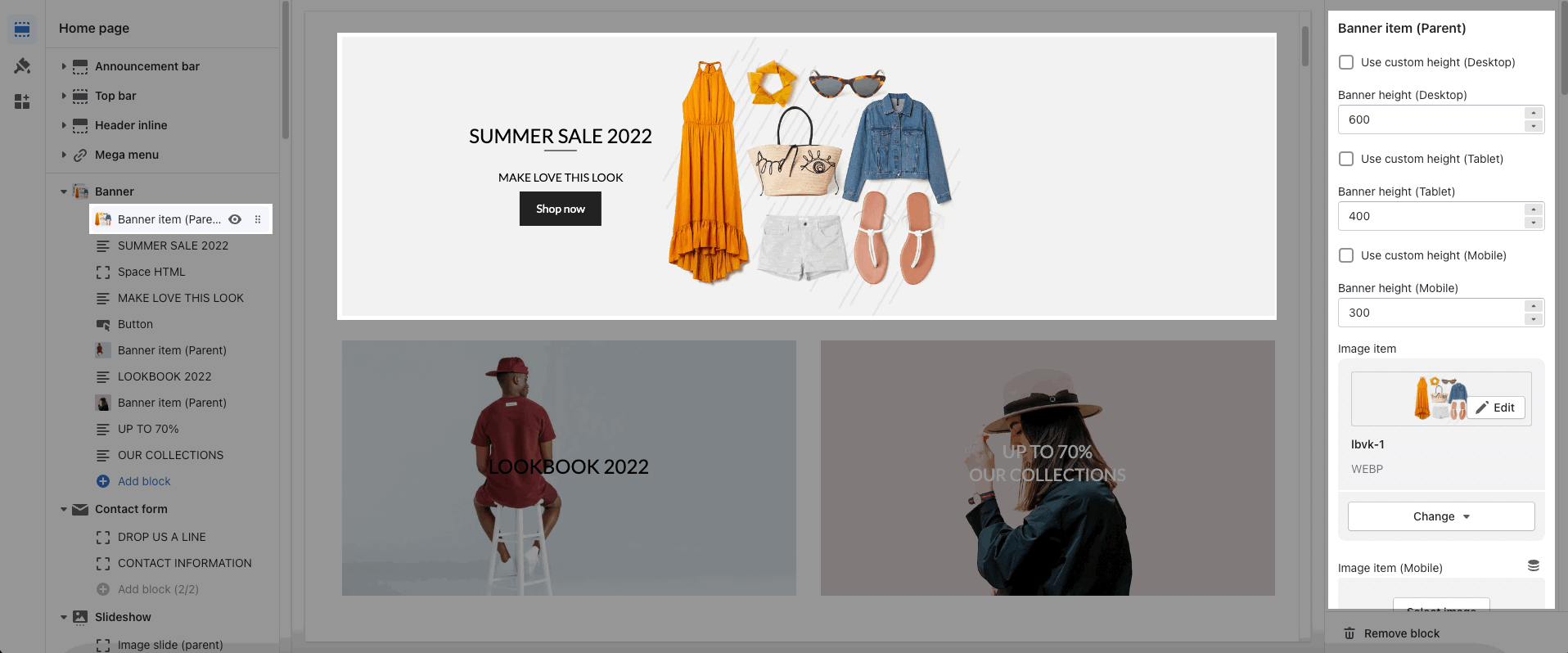
Each image represents one banner. In this block, you can adjust your Banner with many options below:
Use custom height for many devices: Desktop, Tablet, Mobile
Add image item and config the image size, image position
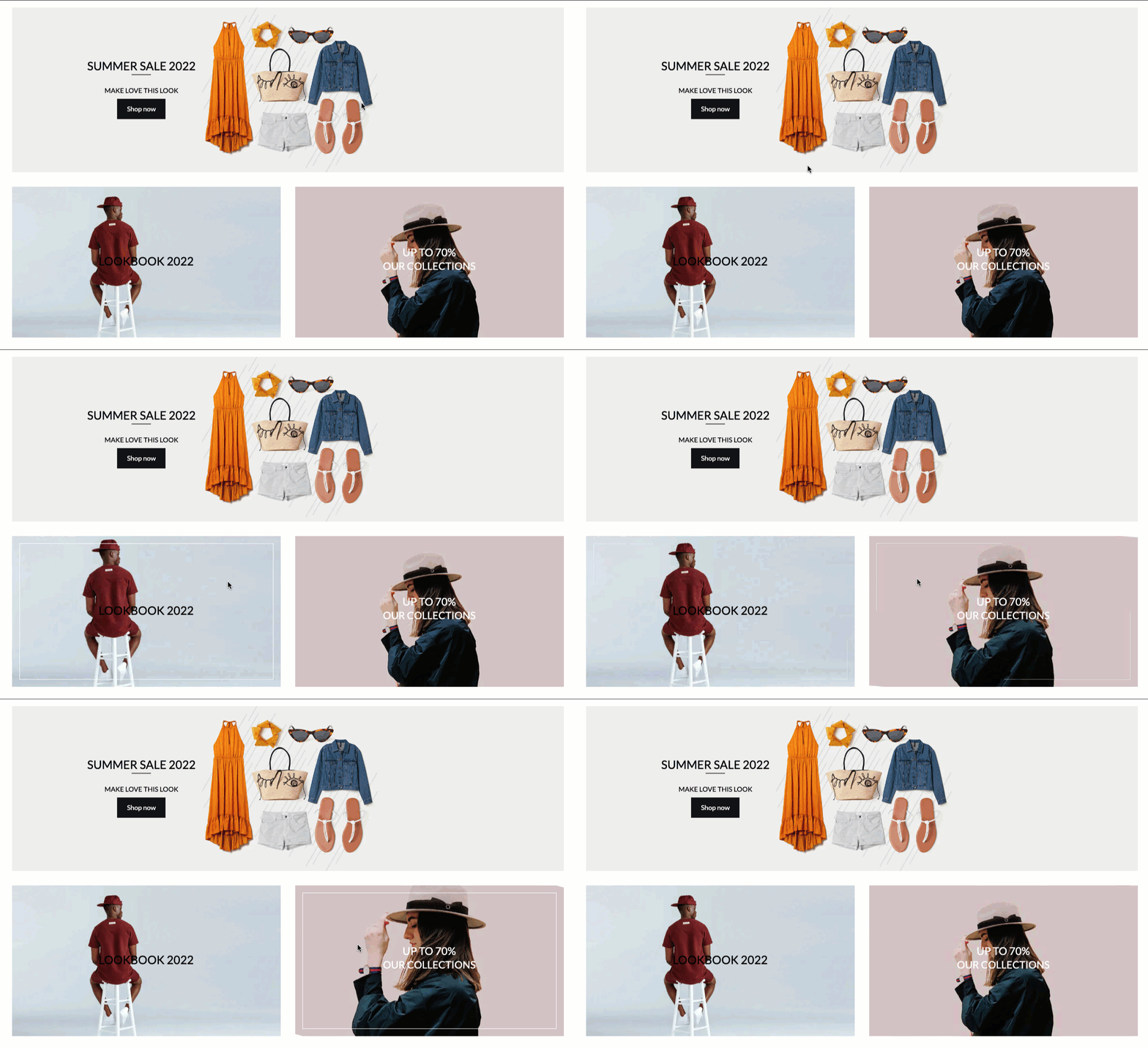
Choose an effect when hover image and banner
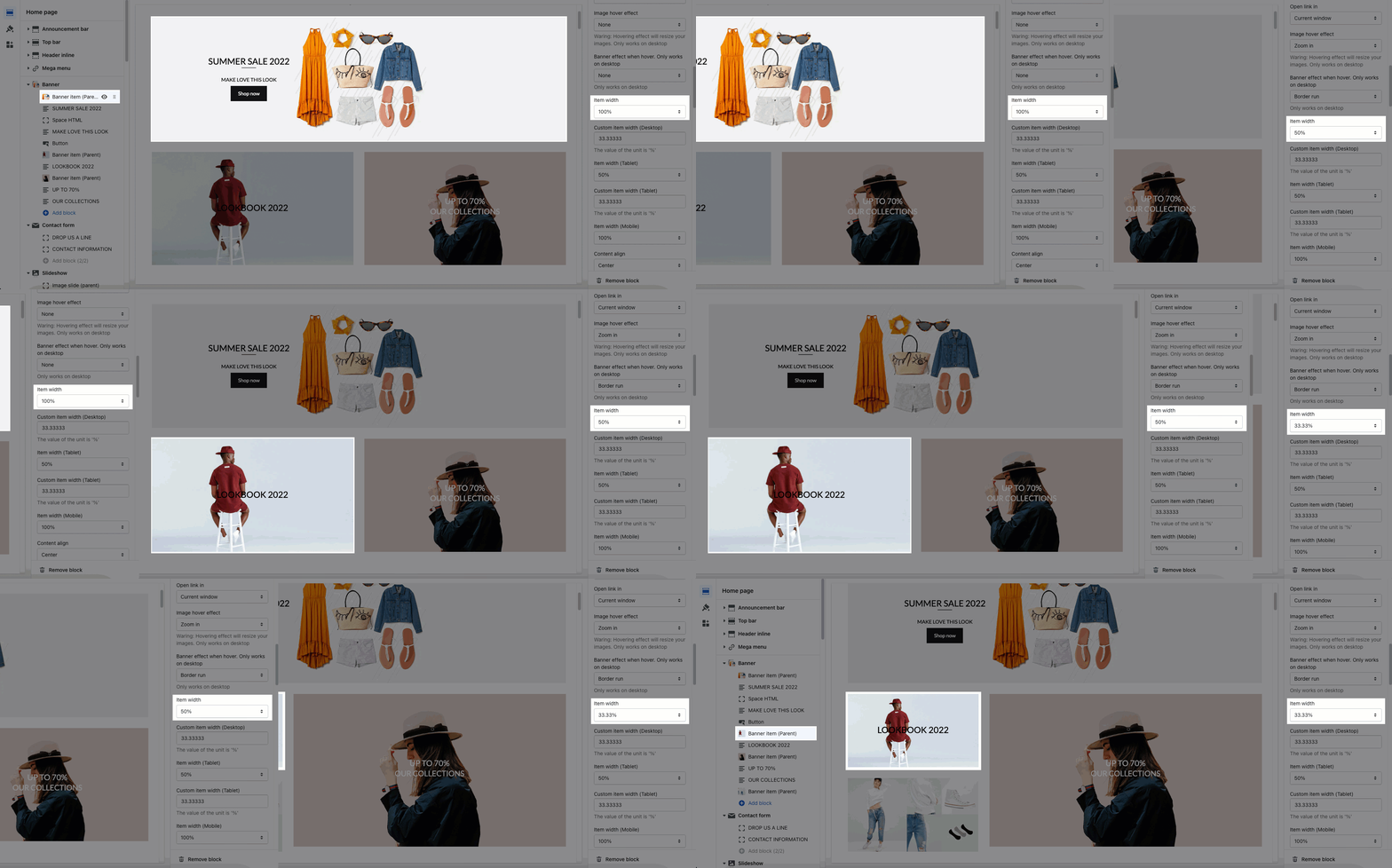
Item width: Choose a different width for the banner. With each different width, you will get different banner display results. You can refer to this video:
Content aligns: You can align content to Left, Center or Right.
Content vertical/horizontal position: Choose the position for the content inside.
Content padding: You can set the padding for Block content on desktop or mobile devices.
Background content, Border content: You can set color, opacity, style, padding for background and border content.
Text: You can add a text to the banner image and you can adjust text with many options like Font family, Font size, color, etc.
Button: This block allows you to create a button for the banner, you can customize this button with many options like add a link, style, effect, color, etc.
HTML: You can add HTML codes to the banner.
Image (Child): With this block, you can add a Image(child) inside the Image(parent) and you can adjust the Image(child) more creatively.
Countdown timer: This block helps you add the countdown timer and set it very easily just by adding the date countdown.
Newsletter: You can add a subscription form here.
Space HTML: This block allows you to create a separator line for this section.
You can refer to this video to learn more about these blocks:
You can enter the Heading and Subheading, choose the design for the heading, also can choose text-align: center.
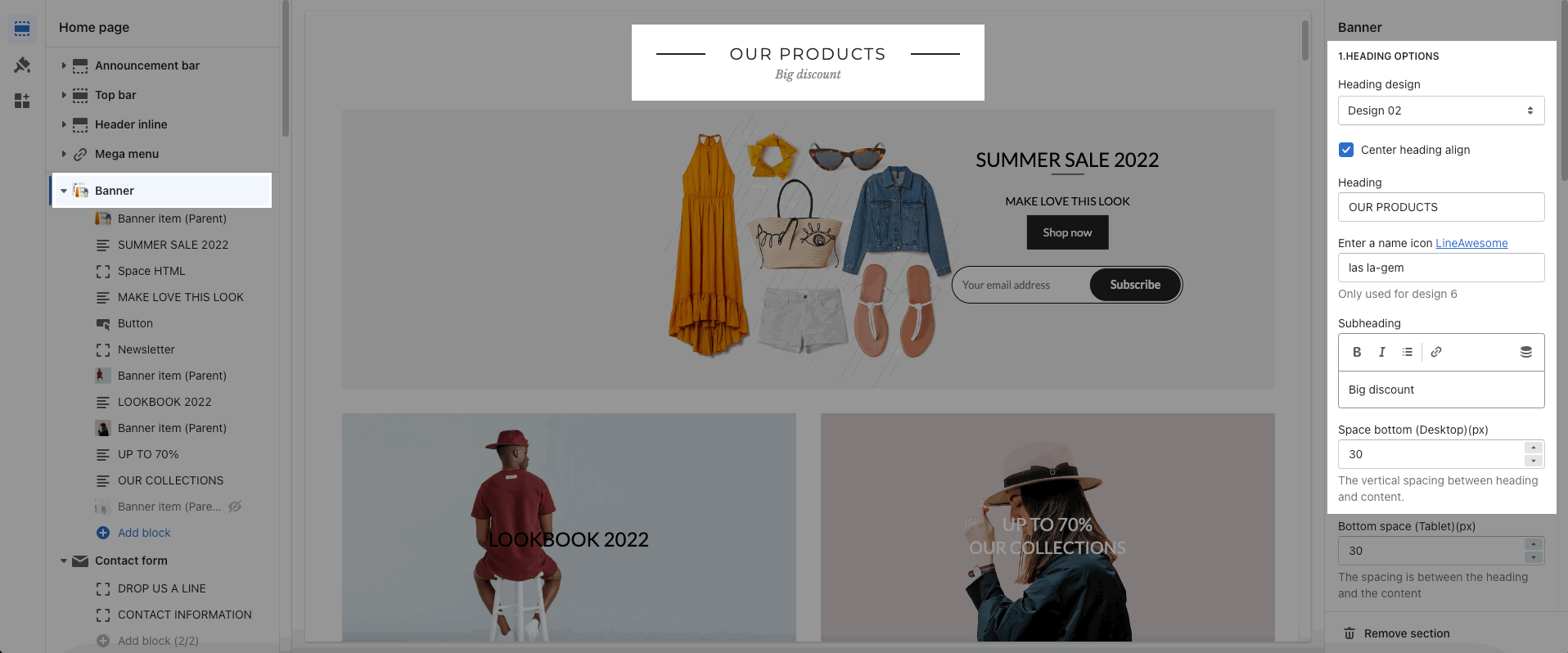
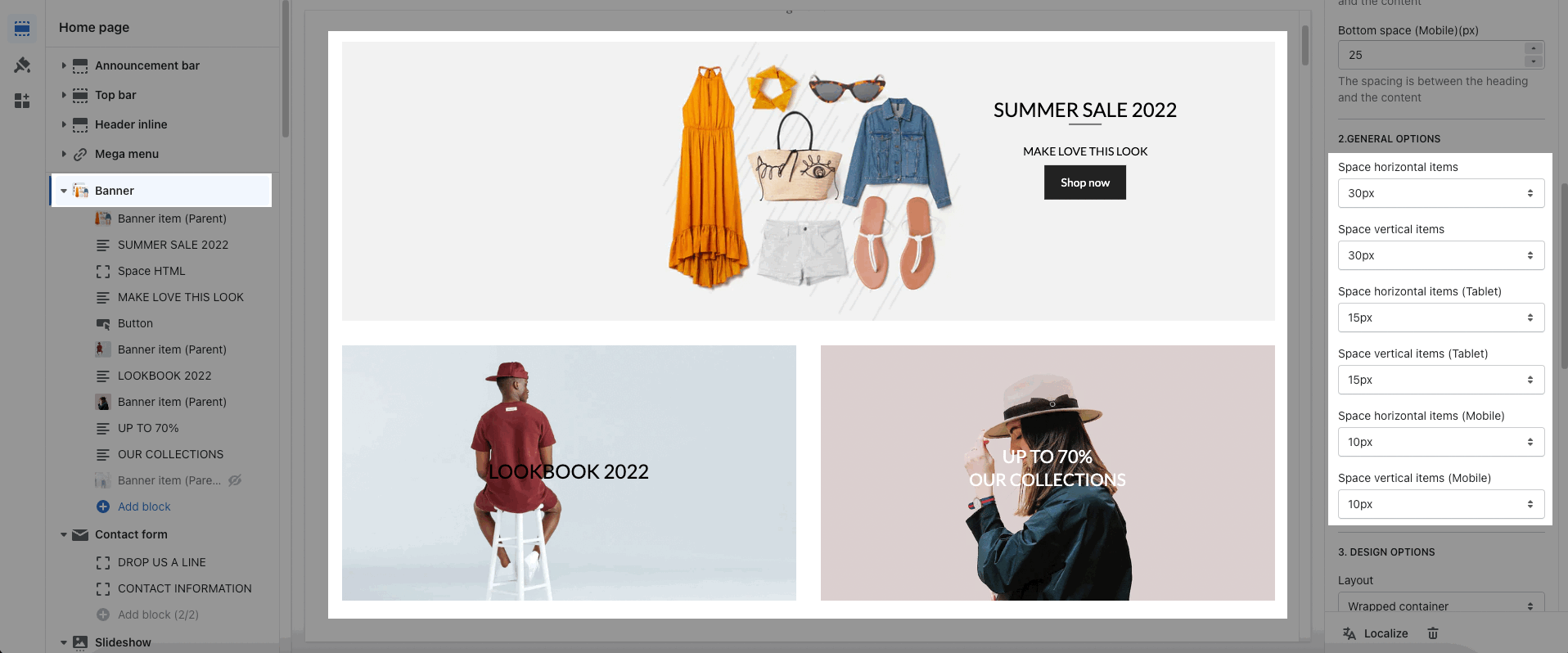
Space horizontal/vertical items: You can set the space between items by horizontal/vertical. Moreover, you can choose different spaces for many devices: Desktop, Tablet, Mobile.
About Design options, please follow this guideline to config Layout, Background, and Margin/Padding for the section.