The section Blog Post allows you to automatically add those articles that have the same blog group without manually adding them one by one. It's never been easier to create a blog post.
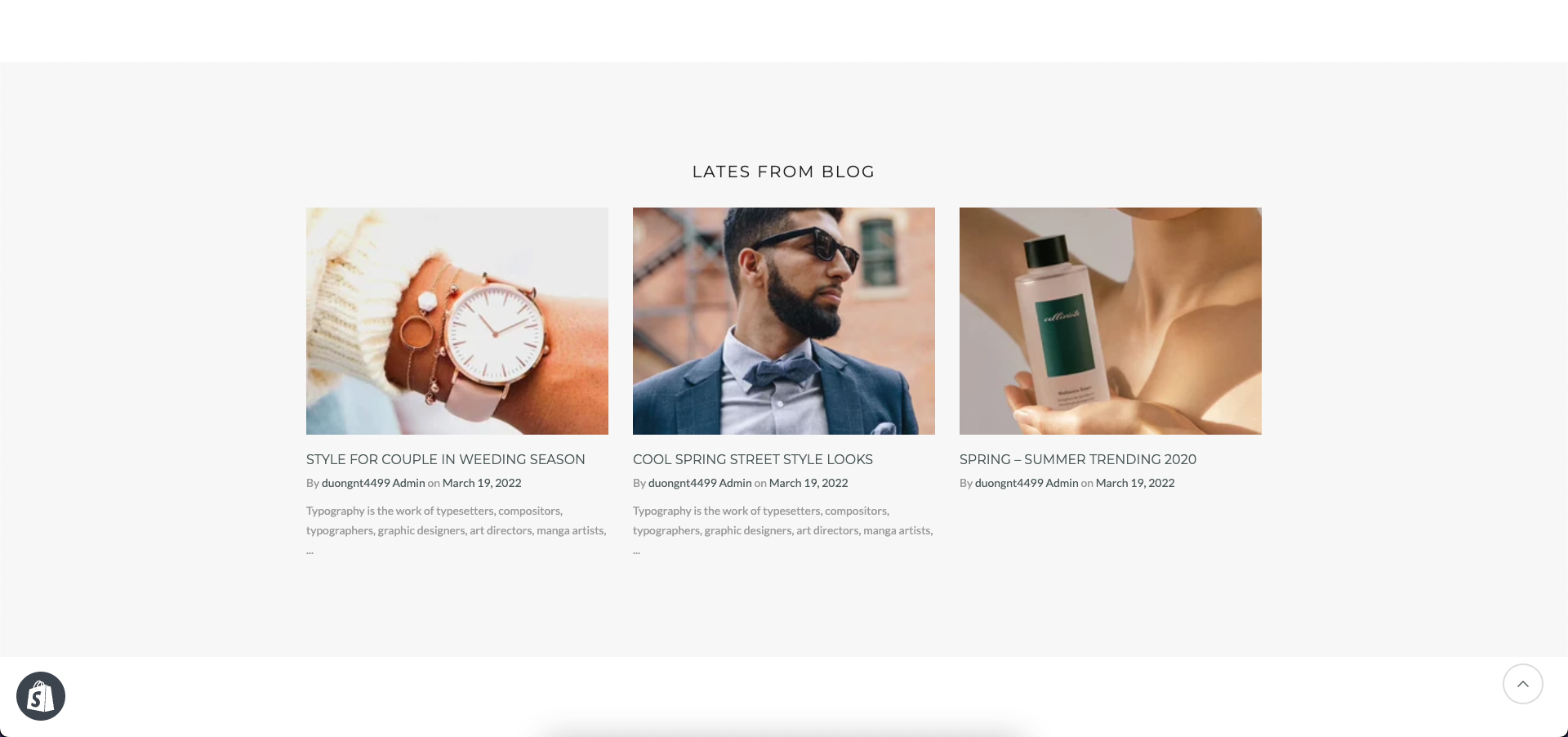
Steps:
In the theme editor (Customize), click Add section
Search Blog post
Click Save
We have a total of 3 designs for items. You can look over this video to learn about Blog post design:
You can choose the design for the heading, also can choose text align: center.
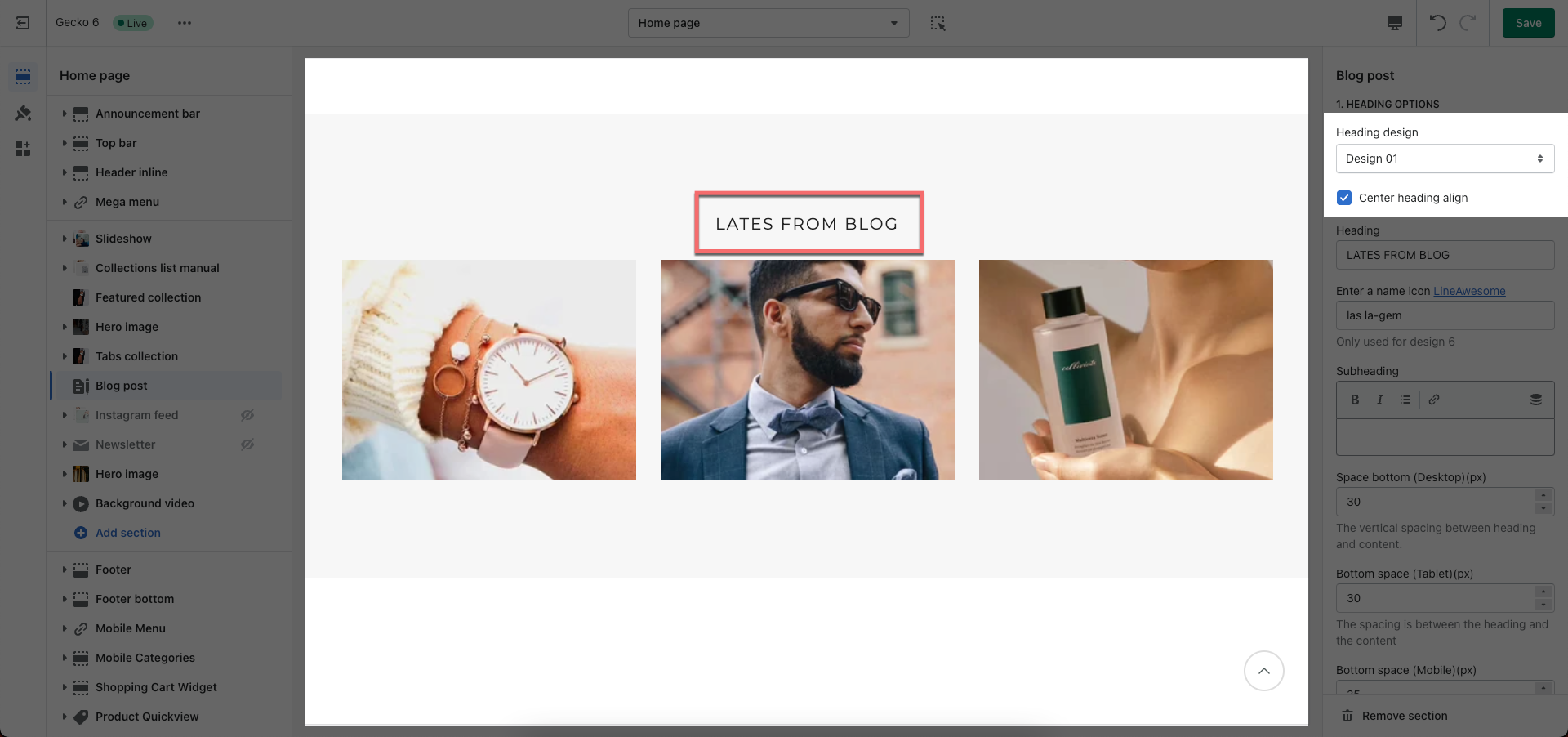
Blog post: Select statistic blog to show.
Number of articles to show: You can set number of articles per page to show.
Show blog information: you can choose show/hide blog title, short content, tags, author, comment, ...
Date format: You can set date format to display (different format options display for various languages).
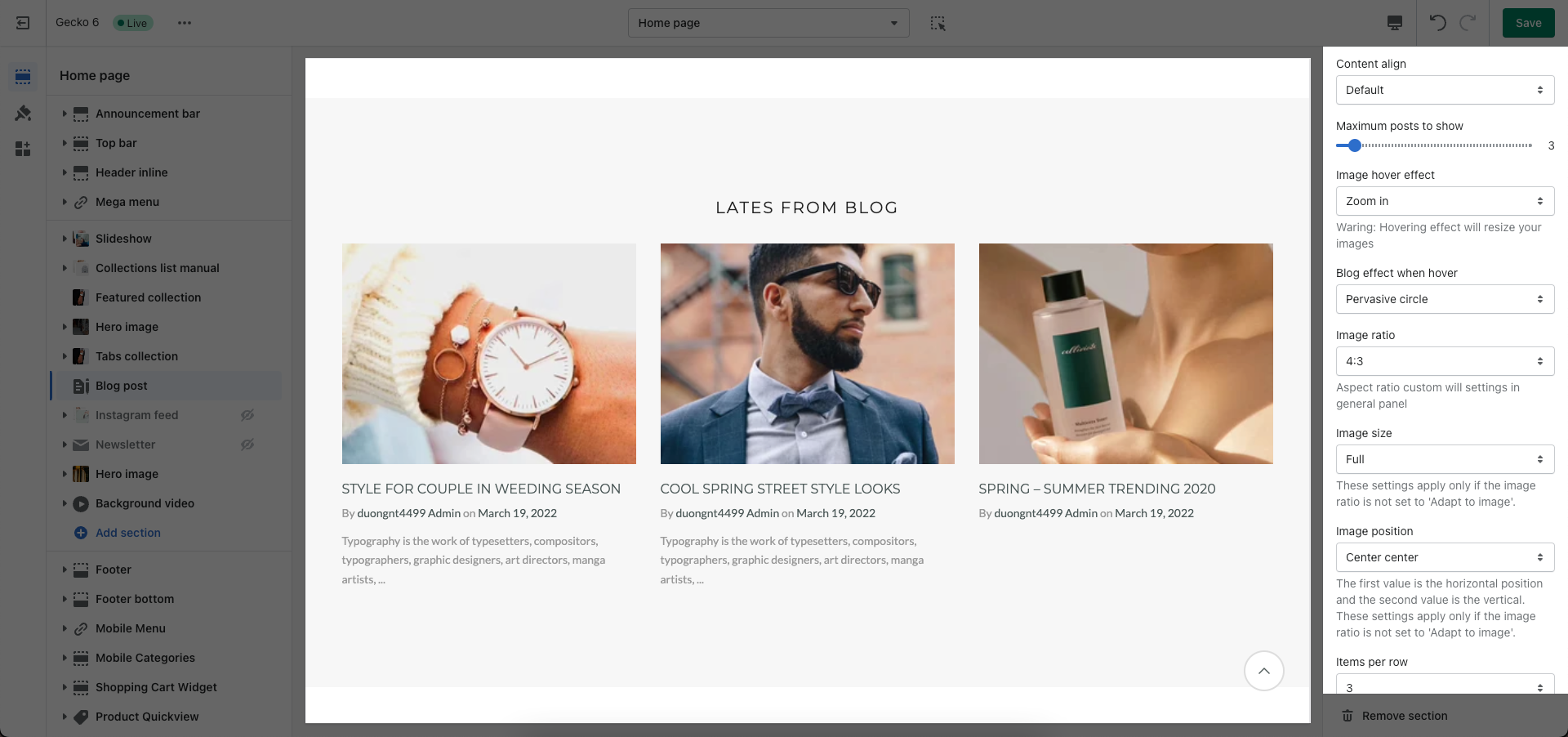
CONTENT OPTIONS: You can choose content align, image effect, image ratio, image size, image position, also items per row, and space between items blog.
Layout design: you can choose Grid, Carousel or Masonry
About Design options, please follow this guideline to config Layout, Background, and Margin/Padding for the section.