This section allows you to create a Lookbook slider. One of the best sections that make customers impressive right first time access to your store.
From Theme Section Sidebar -> Add section Lookbook Slider
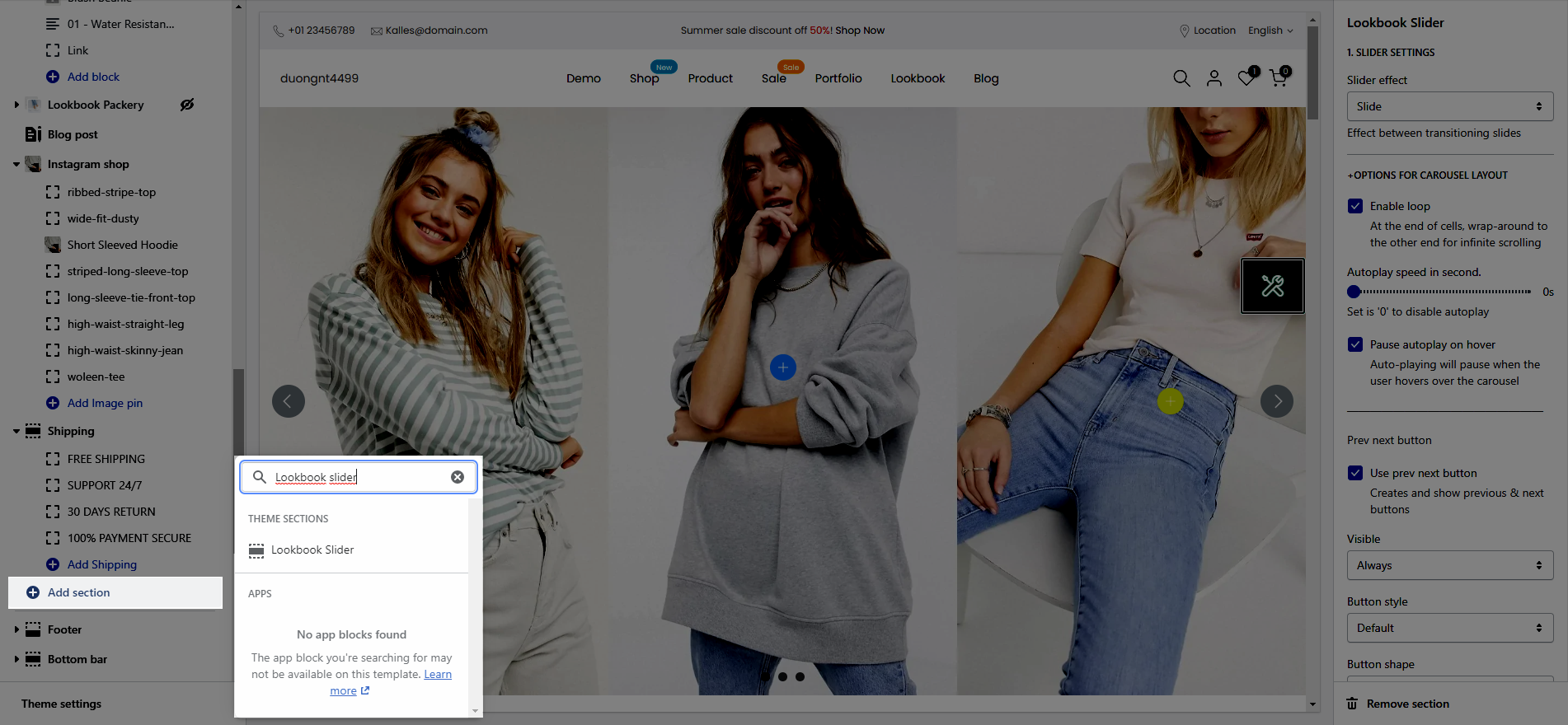
Slider effect: Effect between transitioning slides, you can choose between Slide and Fade.
Enable loop: At the end of cells, wrap-around to the other end for infinite scrolling.
Autoplay speed in second: You can set the automatically time move on to the next slider. Set is ‘0’ to disable auto play.
Pause autoplay on hover: Auto-playing will pause when the user hovers over the slideshow.
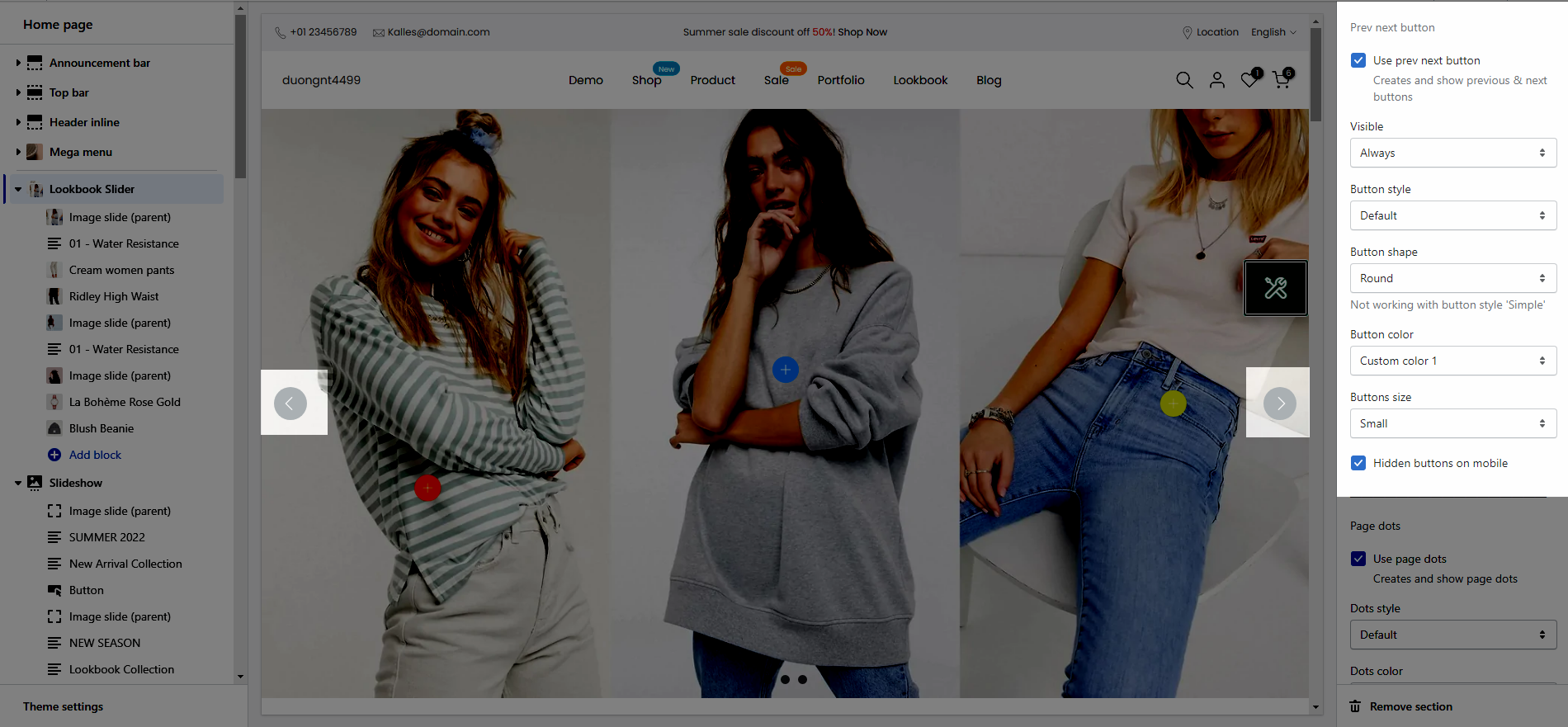
Use prev next button: This option allows you to enable/disable prev/next buttons for Slideshow.
Visible: You can choose between Always/ Only hover.
Button style: You can choose between Default, Outline, Simple.
Button shape(Not working with button style 'Simple'): You can choose between Default, Round, Rotate.
Button color: You can choose color for this button.
Buttons size: You can choose between Small, Medium, Large.
Hidden buttons on mobile: This option allows you disable this button on mobile devices.
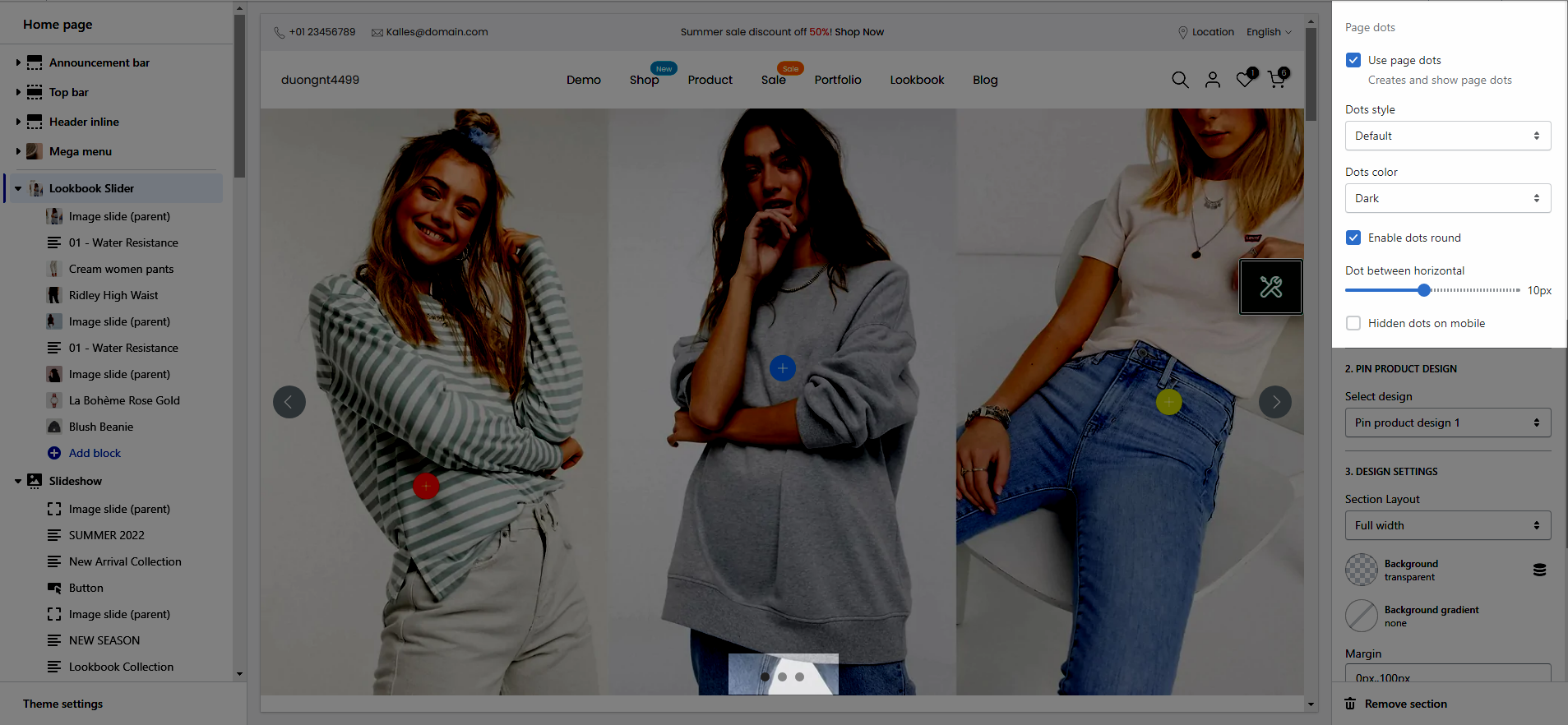
Use page dots: This option allows you to enable/disable page dot.
Dots style: You can choose between Default, Outline, Elessi.
Dots color: You can choose color for Dots.
Enable dots round: You can change dots from square to round.
Dots between horizontal: You can change the space between dots.
Hidden dots on mobile: This option allows you disable dots on mobile devices.
This option allows you to choose any designs that you want to display for Product on Lookbook section.
We have created 4 designs for you to select, lets check it out:
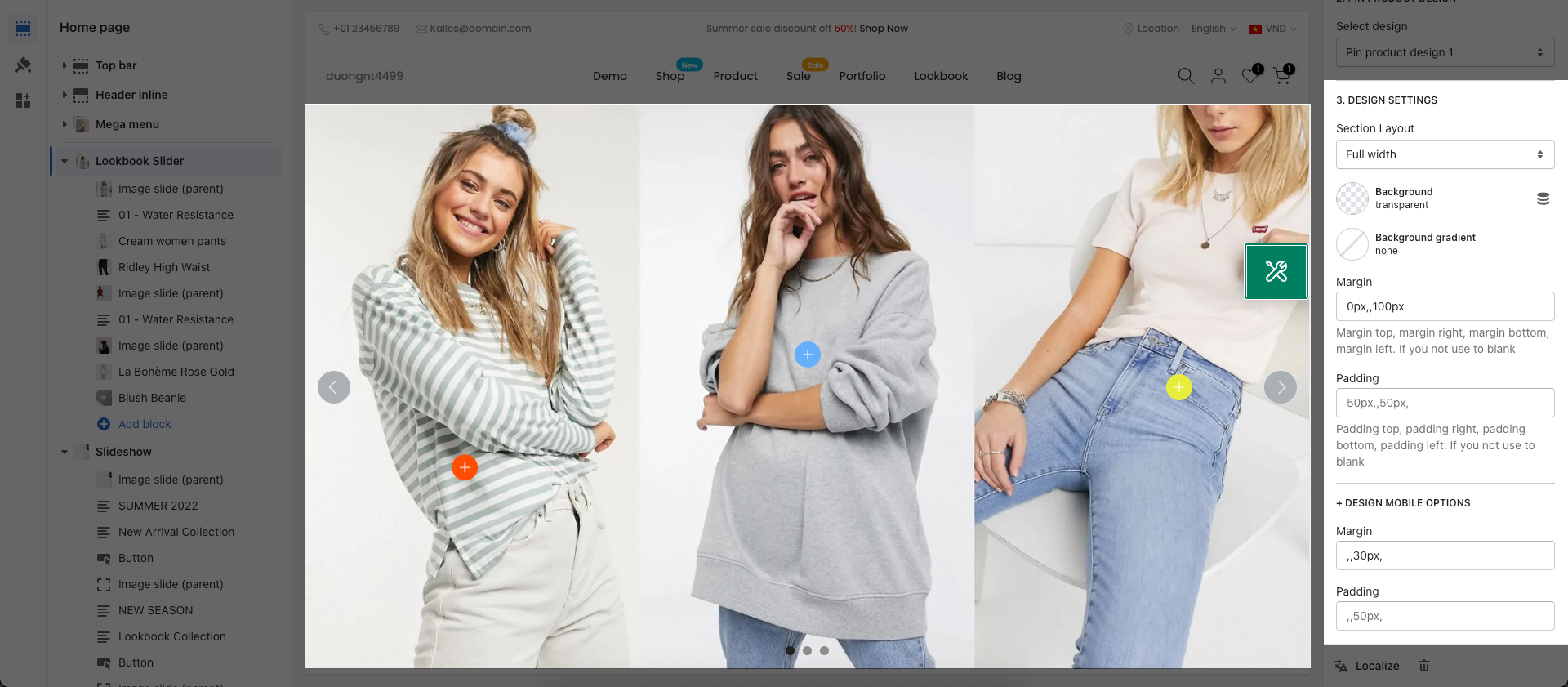
Layout: You can choose between Container, Full width and Wrapped container.
Background: You can change the background color for this section.
Background gradient: You can change the background gradient color for this section.
Margin, Padding: You are allowed to change both of them for this section.
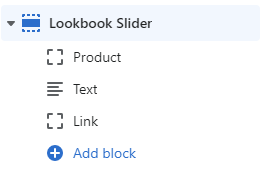
This is parent block which mean if you want to display a pin inside an image then you need to put it below this block as Sub content.
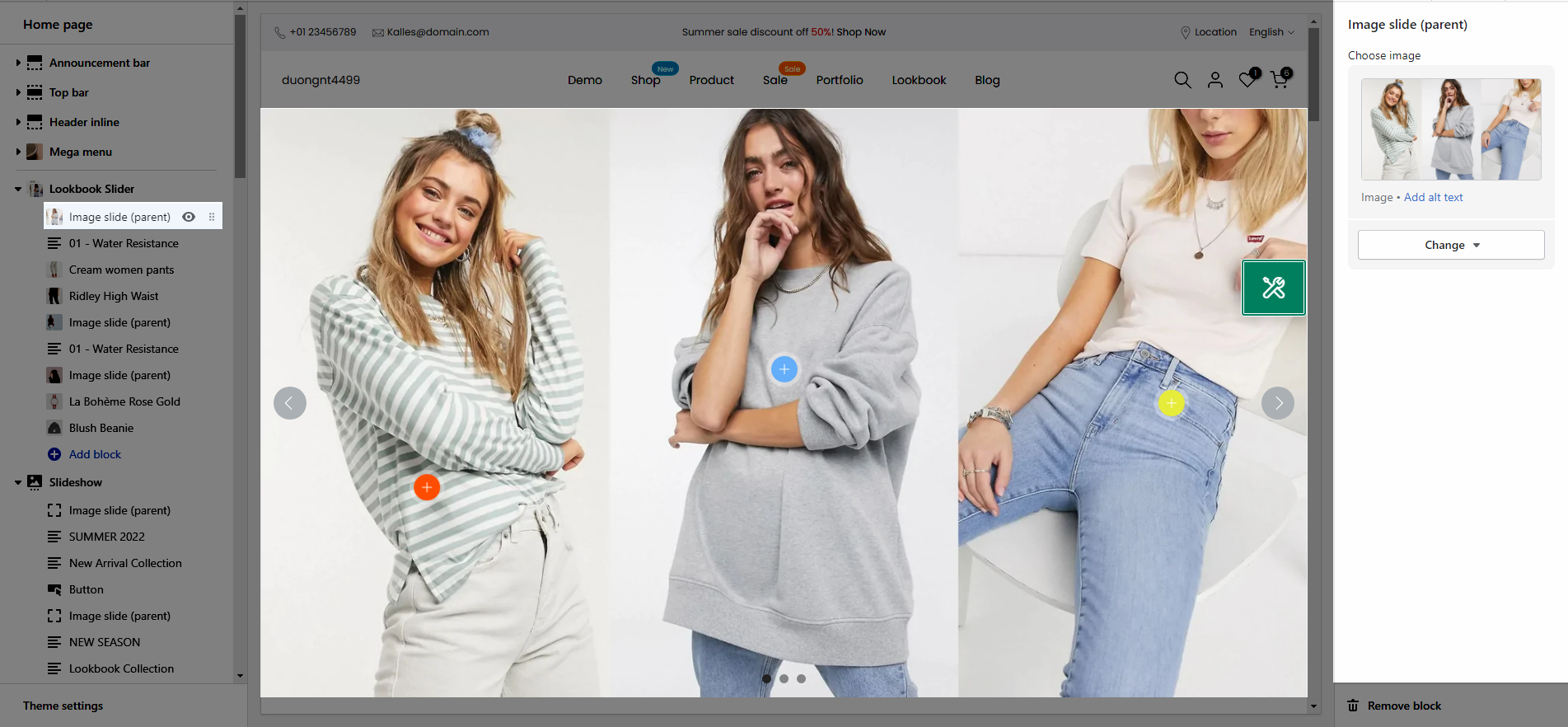
On this section, we provide 3 types of Pin as Product, Text and Link.
Pin position: You can adjust position for pin by Top and Left parameter.
Title type: There are three types of icon design for you to select.
Short text: You can change the text content to display when your Title type is "Short text".
Pin size: You can set the pin size with many selections as Small, Medium, Large and Extra large.
Backgound color: This option allows you to set the background color for pin.
Icon/Text color: This option allows you so set the color for icon and text inside pin.