This section show to Customers your Instagram shop look, they can interact with the section and make purchases right on it.
From Theme Section Sidebar -> Add section Instagram shop
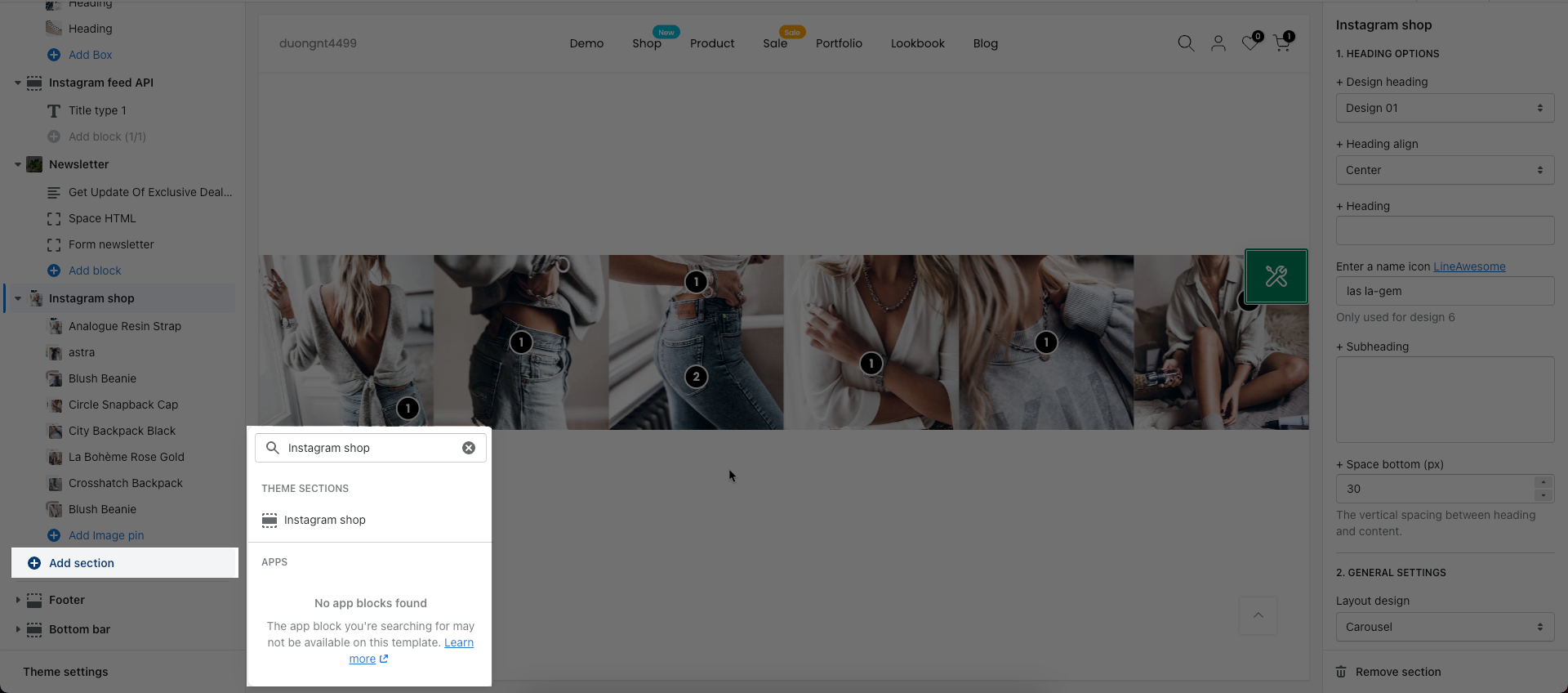
This section allows you create up to 16 Image pin blocks.
You can get your Image or picture from your Instagram account and then add it to this block.
Besides, you can also add link for Image, product pin and adjust positions.
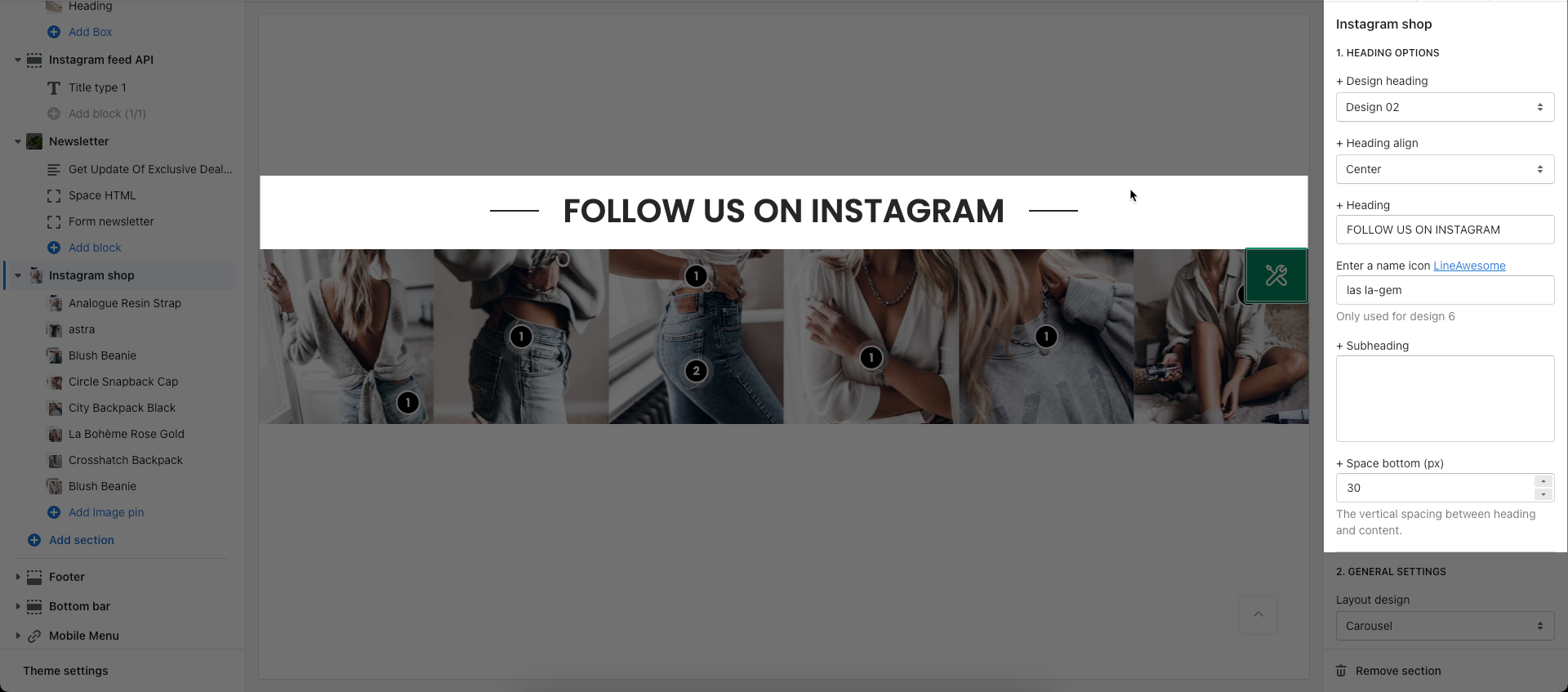
You can adjust Title for this section with many options like Design, heading align, icon, ...
Layout design: You can choose between Grid and Carousel.
Pin product design: You can change the design for pin product.
Open link in: Current window or New window.
Spaces between photos
Photos per row: How many photos you want to show per row.
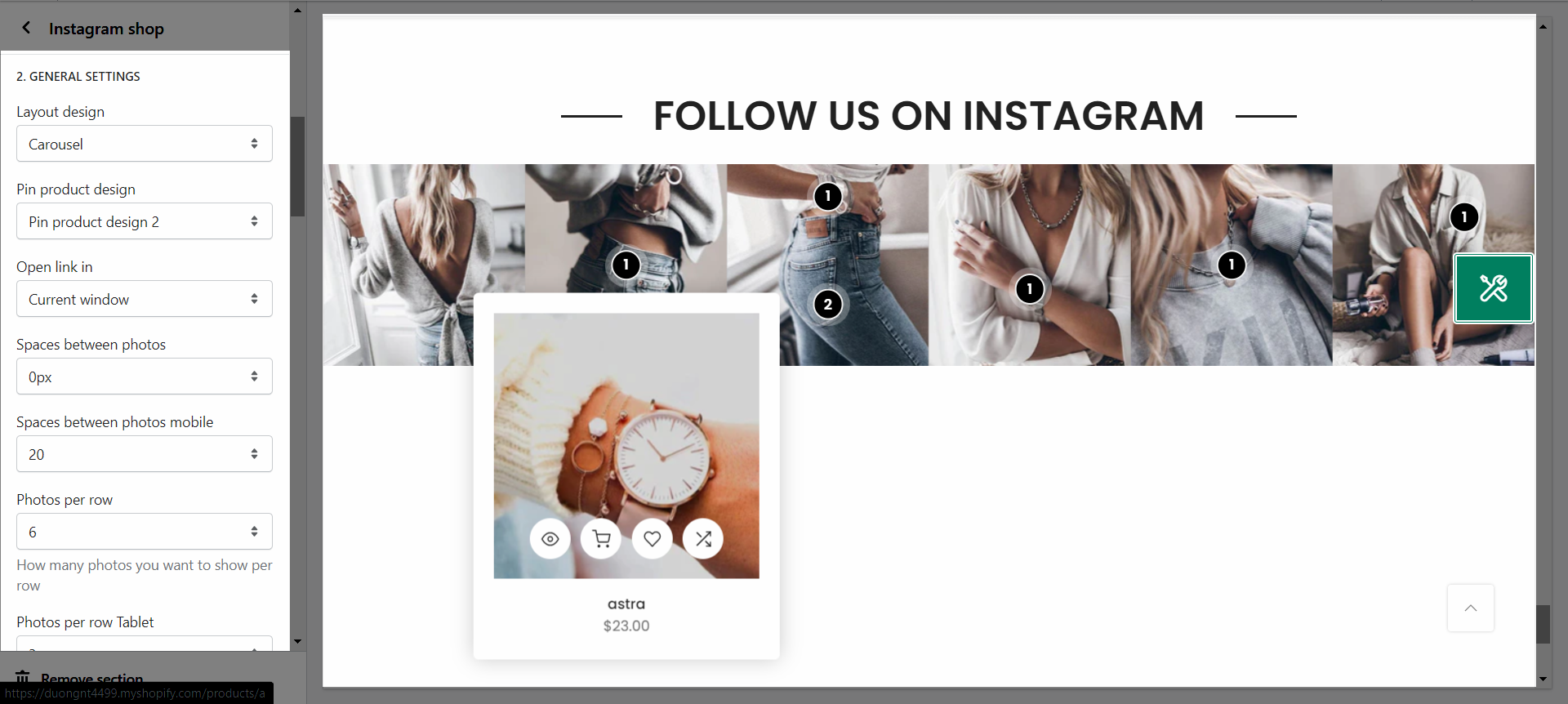
With those options, you can adjust your Images to display on your store.
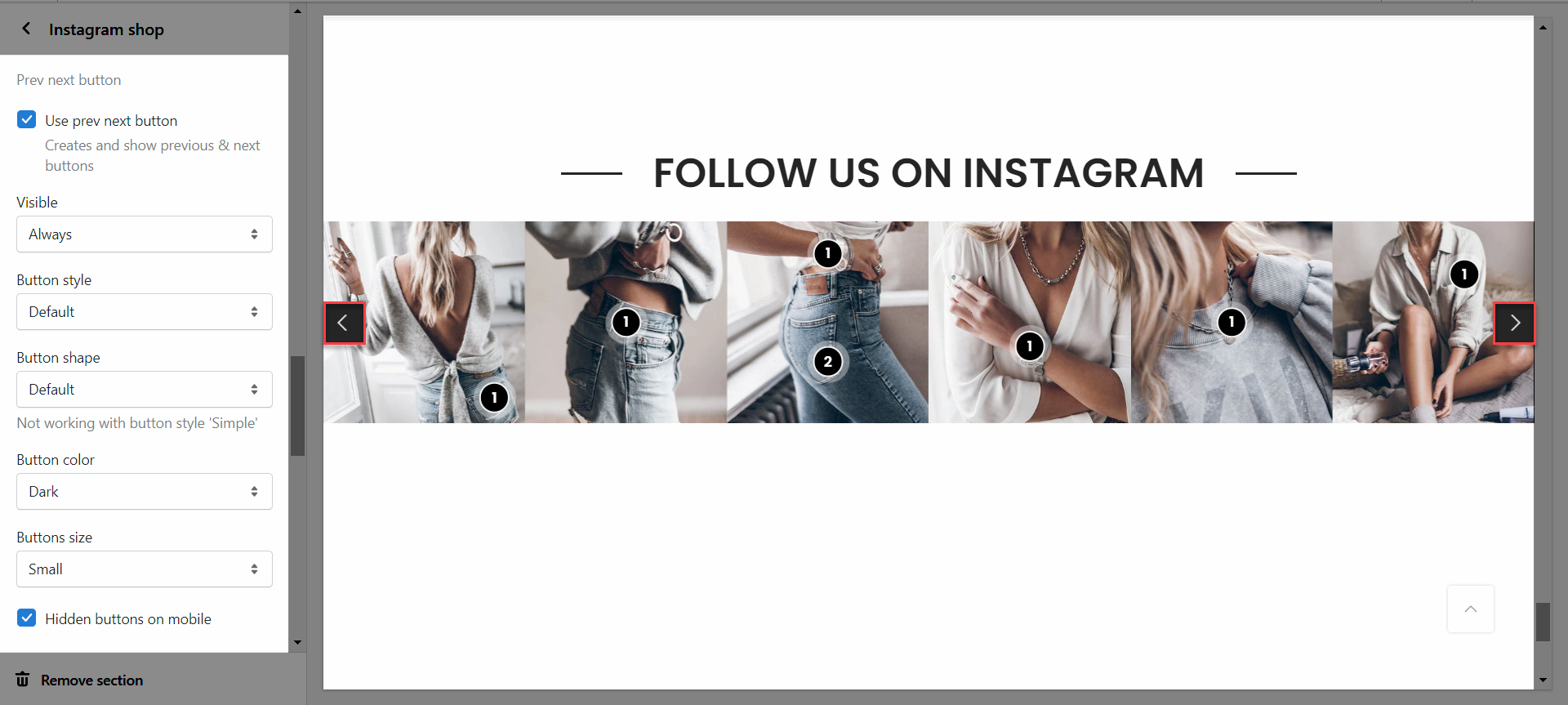
PREV NEXT BUTTON
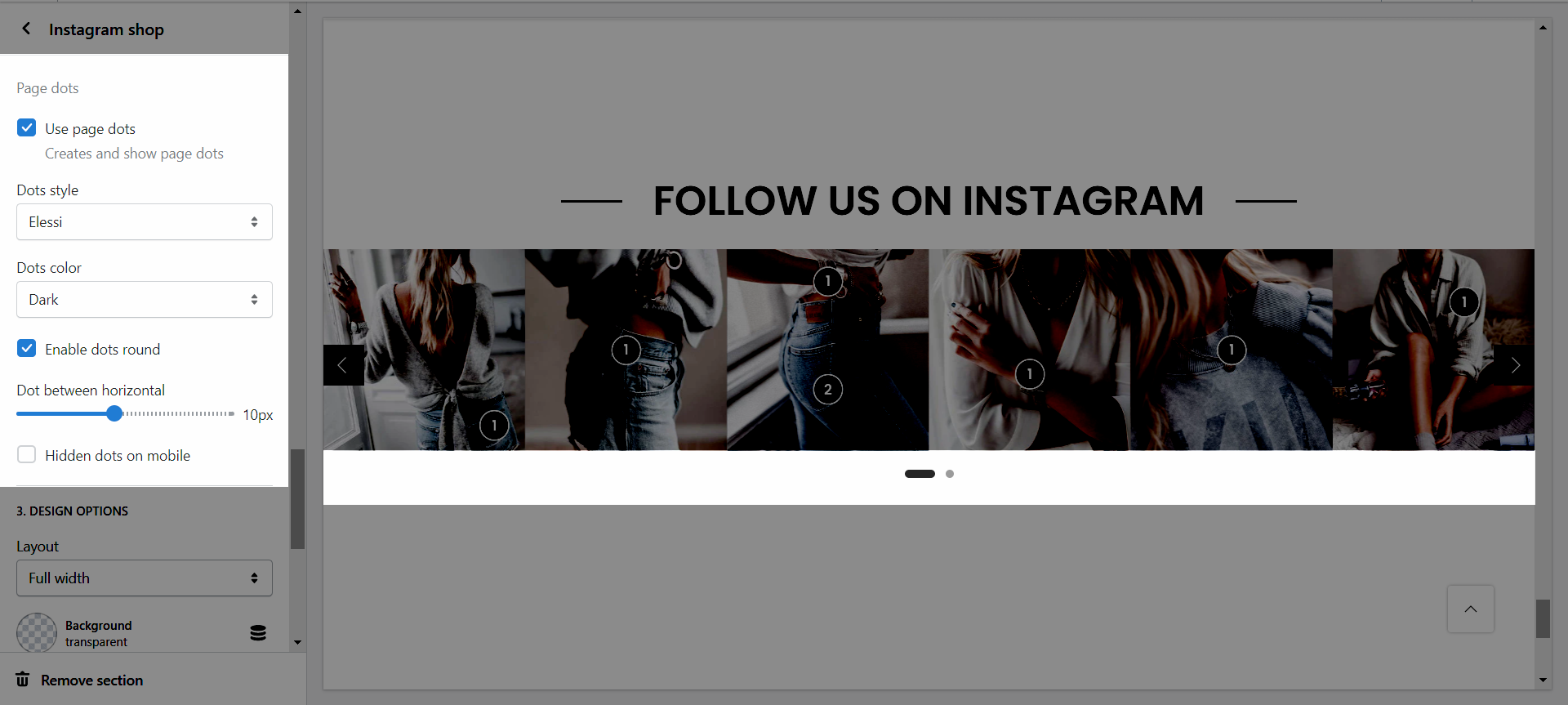
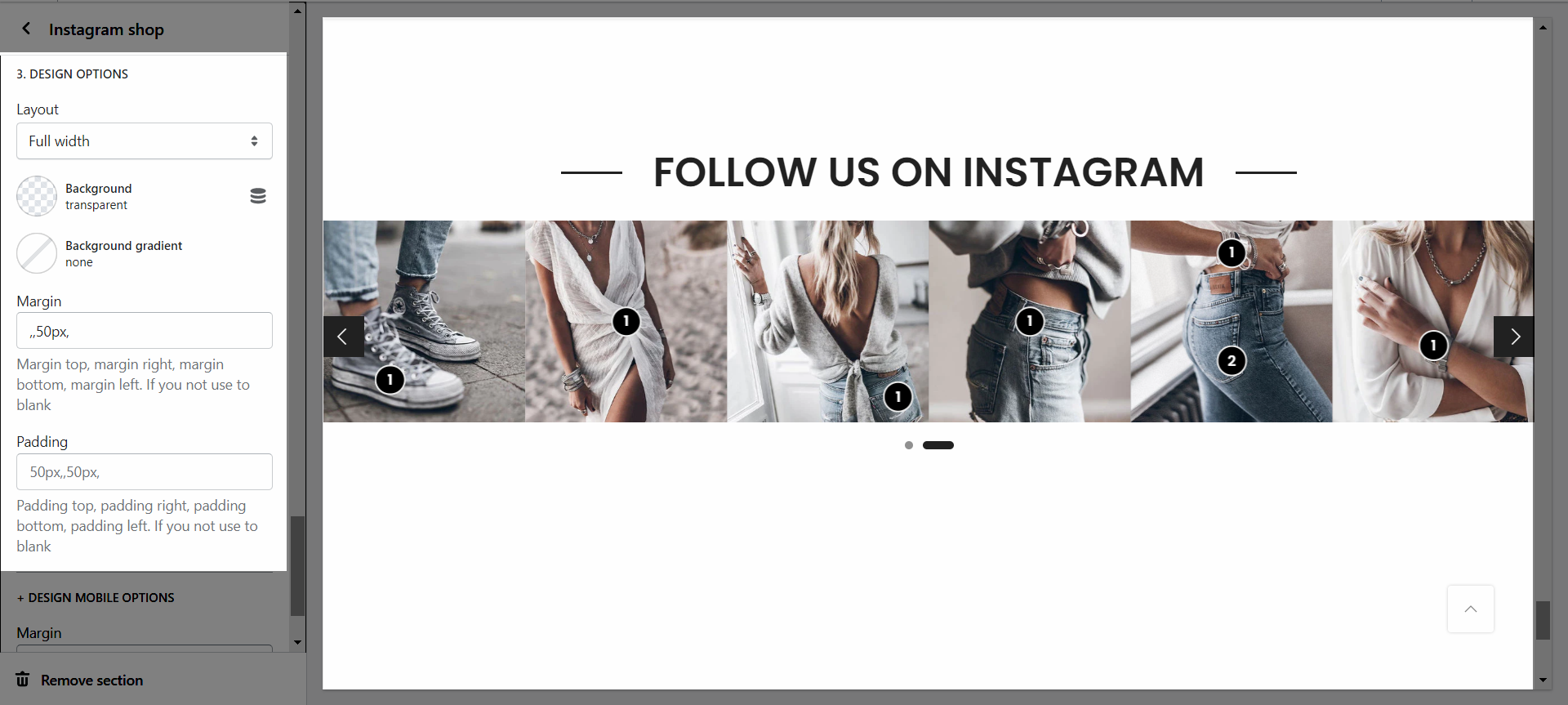
Please follow this guideline to config Layout, Background, Margin/Padding for the section.