A timeline is the presentation of a chronological sequence of events along a drawn line that enables a viewer to understand temporal relationships quickly.
This section allows you to display detailed histories as well as write notes and comments for the processes you want to show the customer.
You can go to this page to view an example:
Steps:
Theme editor (Customize) > Add Section
Search Timeline
Click Save
Icon: This option helps you to choose to show the icon from Use SVG, Line awesome or Use image.
Content: You can freely add the Step Label, Heading, Description, Button Label and customize it with many design options.
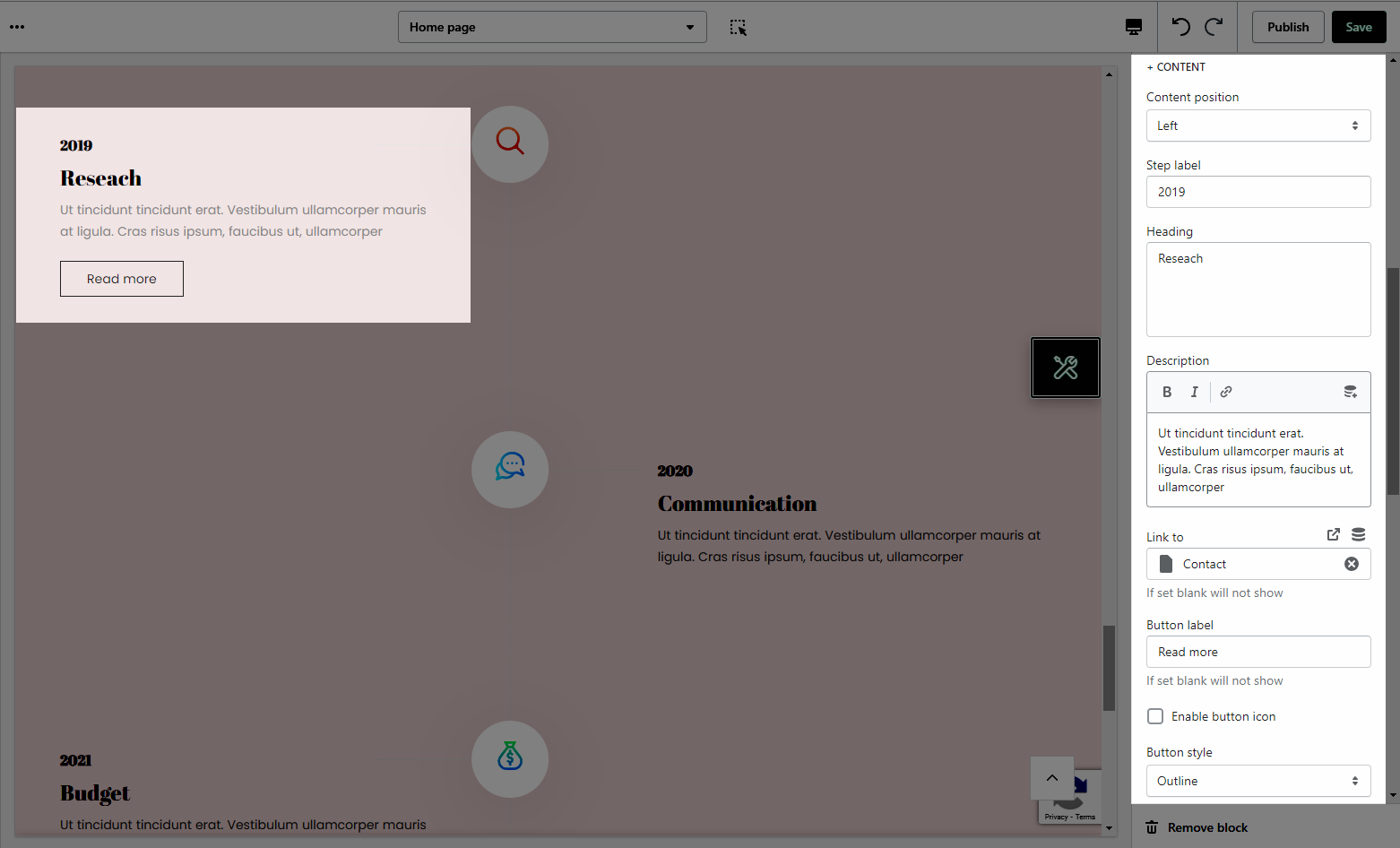
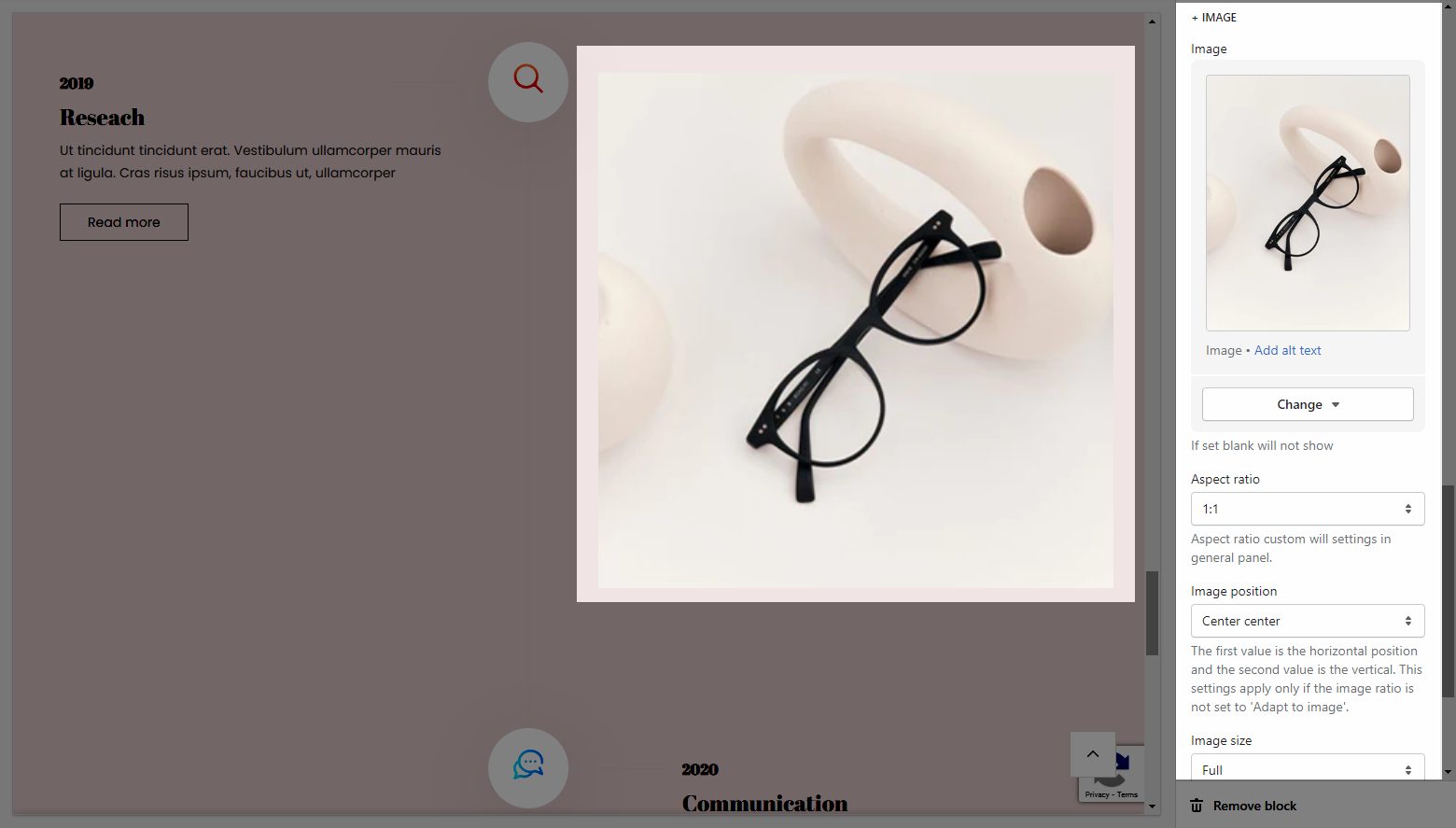
Image: This option allows you to upload image and customize it with many design options.
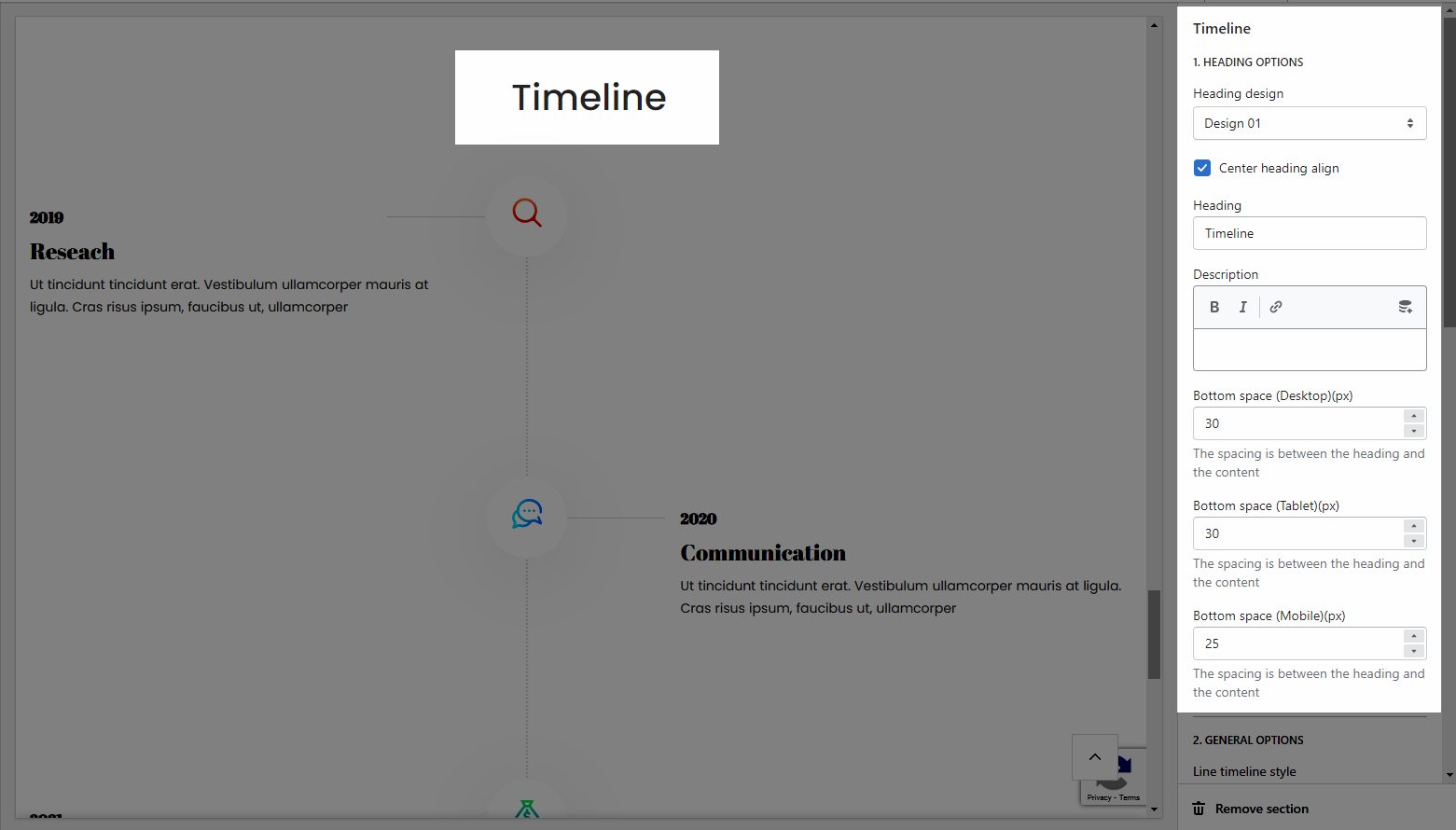
Heading option: This option allows you to choose a design heading and set the Heading align center or not. And you can also enter the content of the Heading and Description, add the Bottom Space for the section.
General options: This option allows you to choose a Line timeline style for the section.
Design options: This option allows you to choose layout between Custom width, Container, Wrapped Container, Custom width and Full width and you can also add margin/padding for section (all desktop, tablet, and mobile devices).