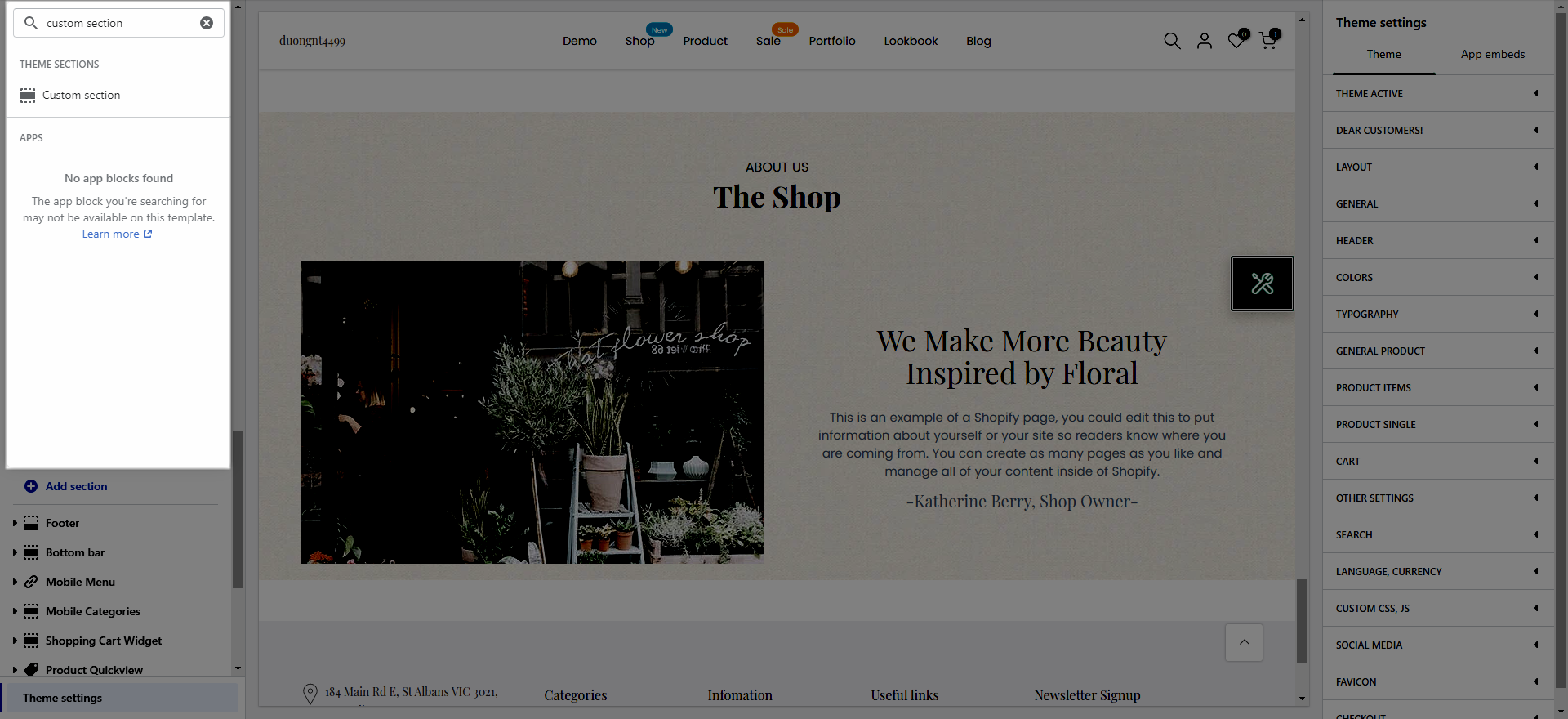
From Theme Section Sidebar > Go to Add section > Search and add Custom Section.
This section is very flexible that you can design it like what ever you want with images, text, and buttons, etc. It is usually located on Home Page. However, Shopify 2.0 allows you to add Custom Section to any pages that you want.
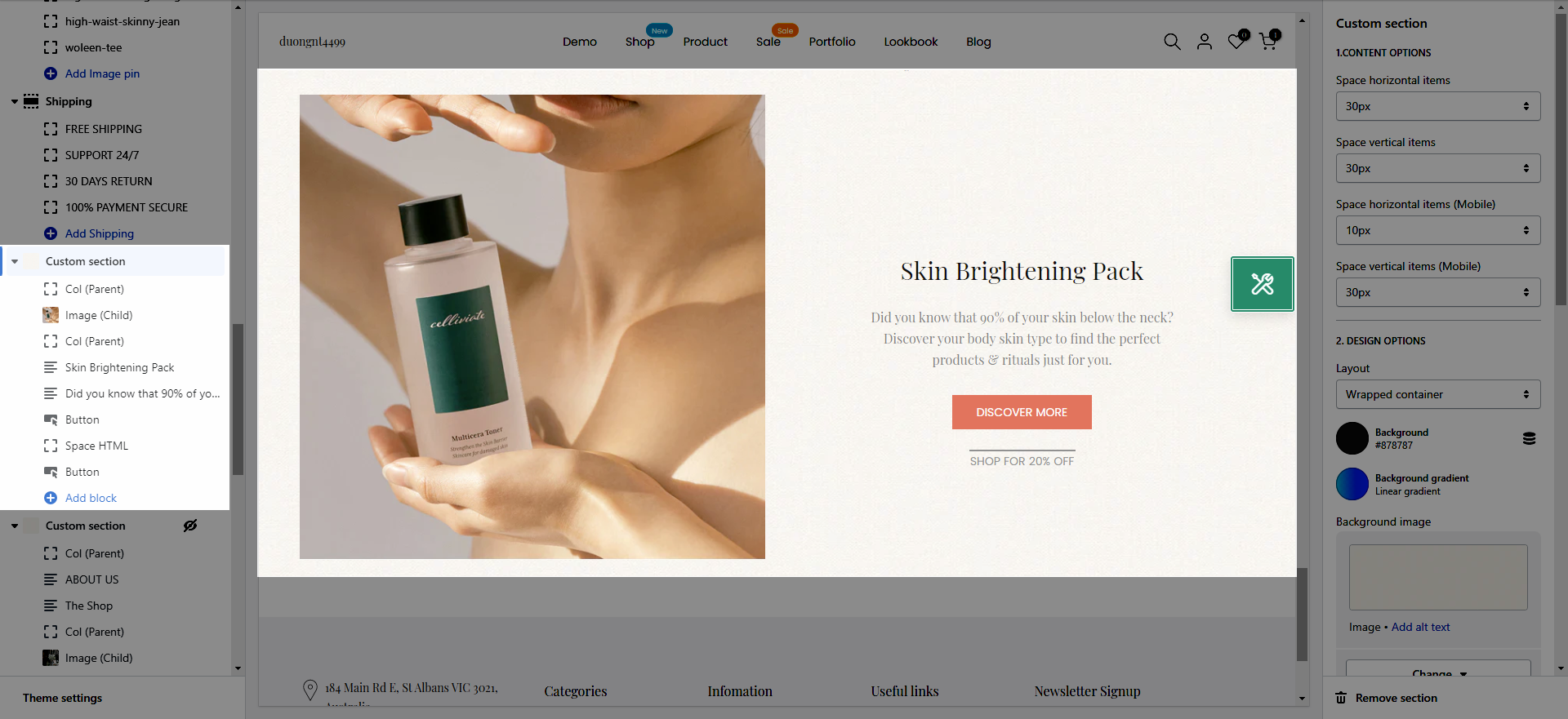
Custom Section Settings allows you to customize basic settings for different devices such as layout, section background, spacing between items, etc.
Space horizontal items: Allows you change the space between items by horizontal.
Space vertical items: Allows you change the space between items by vertical.
Space horizontal items (Mobile): Allows you change the space between items by horizontal for Mobile device.
Space vertical items (Mobile): Allows you change the space between items by vertical for Mobile device.
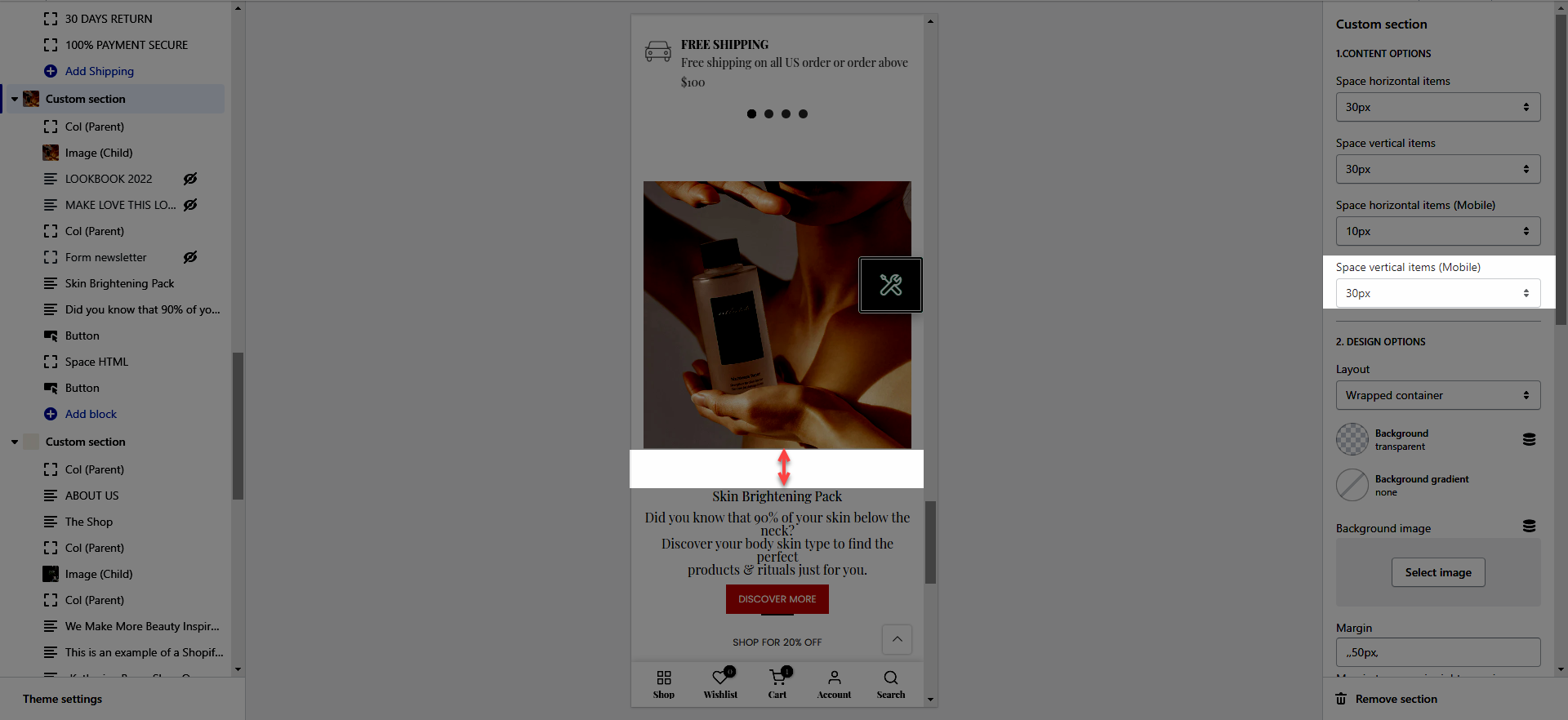
Layout: There are Three layout options for you to sellect. (Container, Wrapped container, Full width)
Background: Allows you to change to background colors for this section.
Background gradient: Allows you to change to Background gradient colors for this section.
Background image: Allows you to add the Background Image for this section.
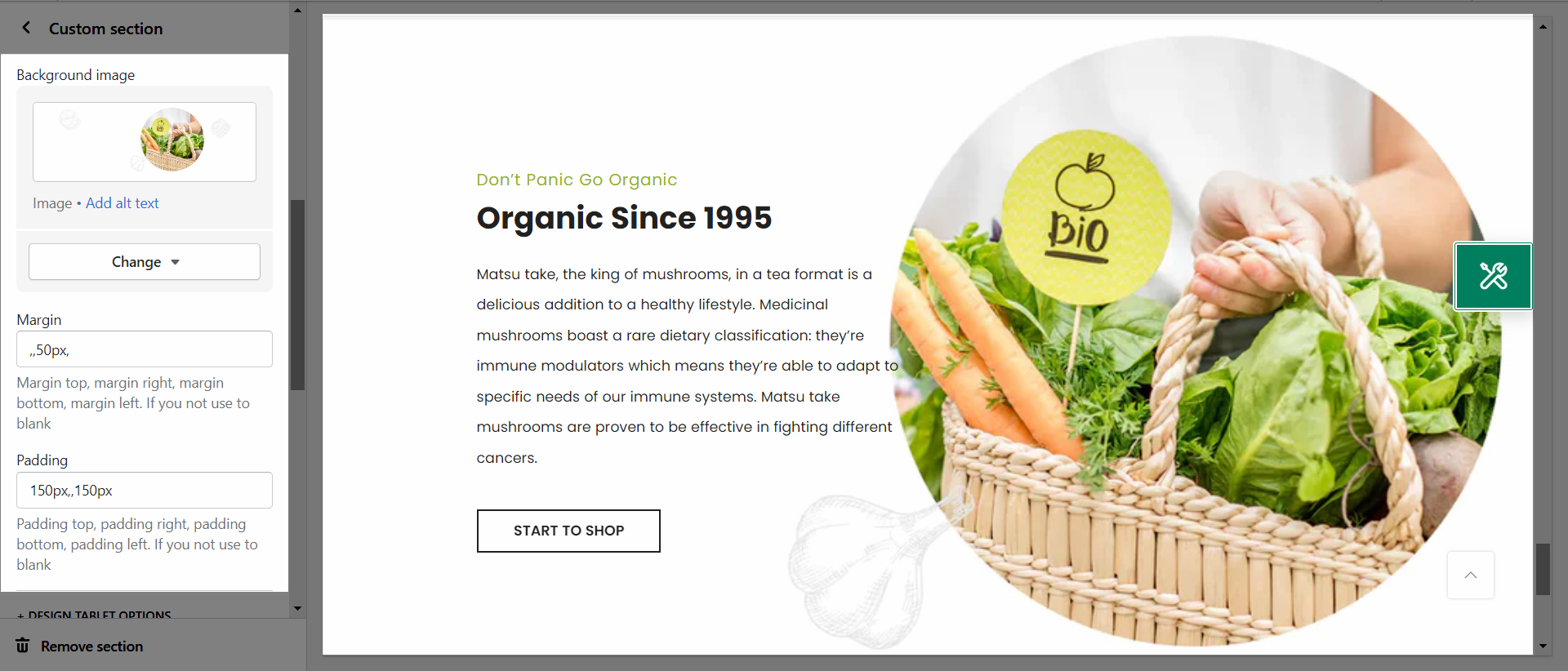
Margin: You can set Margin top, margin right, margin bottom, margin left for this section.
Padding: You cans set Padding top, padding right, padding bottom, padding left for this section.
Margin: You can set Margin top, margin right, margin bottom, margin left for this section.
Padding: You cans set Padding top, padding right, padding bottom, padding left for this section.
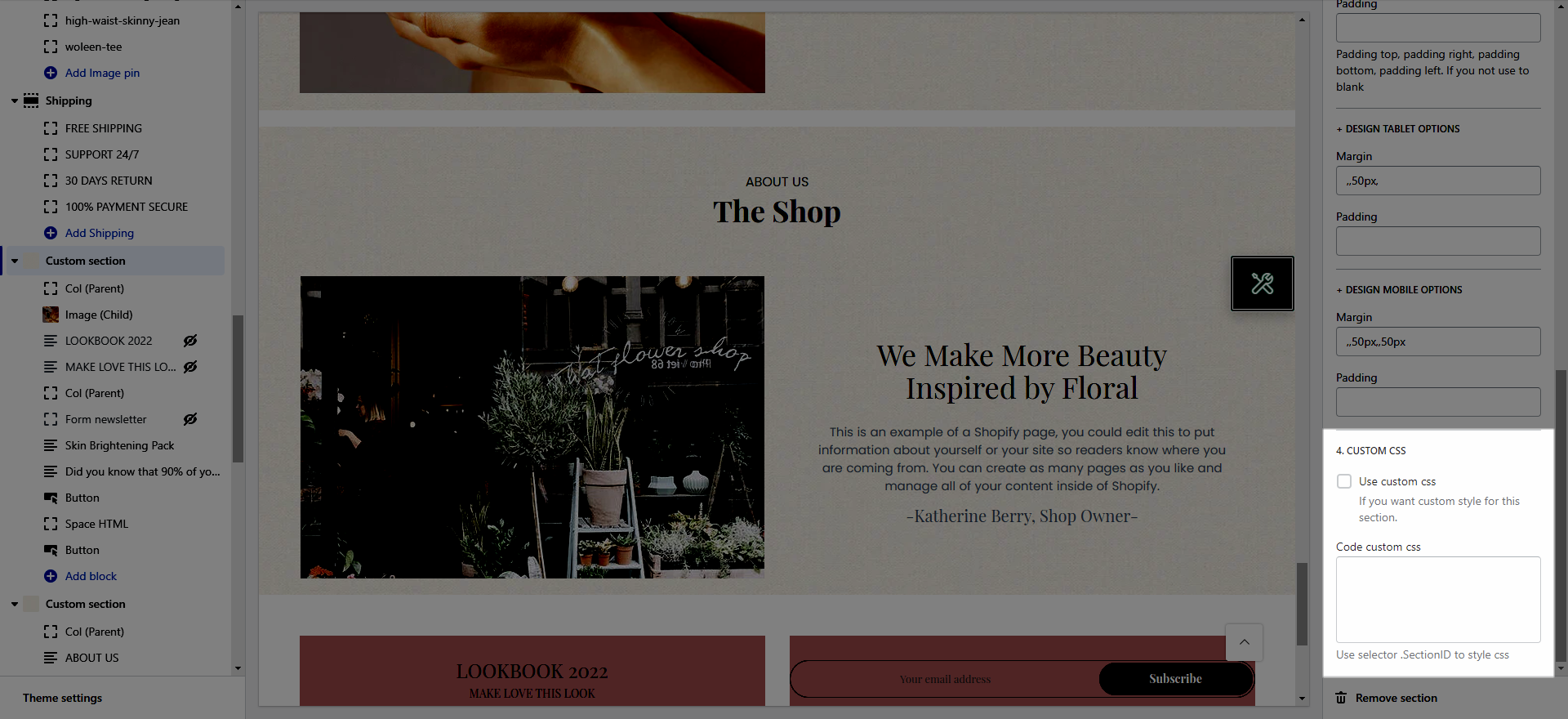
You can add the CSS codes for this section here.
In this section, we create for you many blocks so you can freely Customize more creatively.
You will notice that in this section you have Parent blocks and Child blocks, it's very important to create content.
This parent block is required if you want to add any contents to this section. That means if you want to create 3 column then you also need to create 3 Col(parent) block.
Item width: These options allow you to customize layout for this section on different devices by changing the Item width.
Content align vertical center: This option allows you to aligh center the content by vertical.
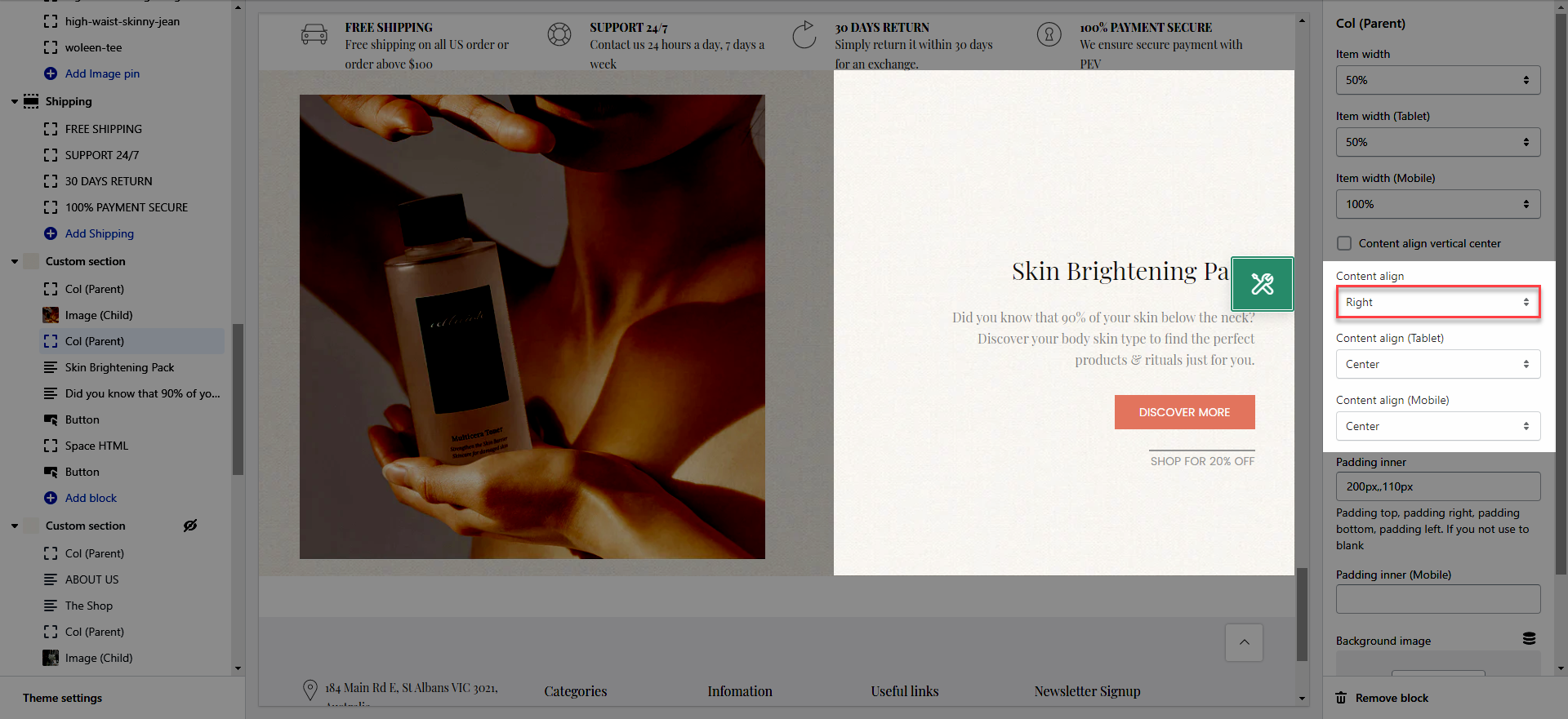
Content align: These options allow you to align the content to the Left, Right or Center on different devices.
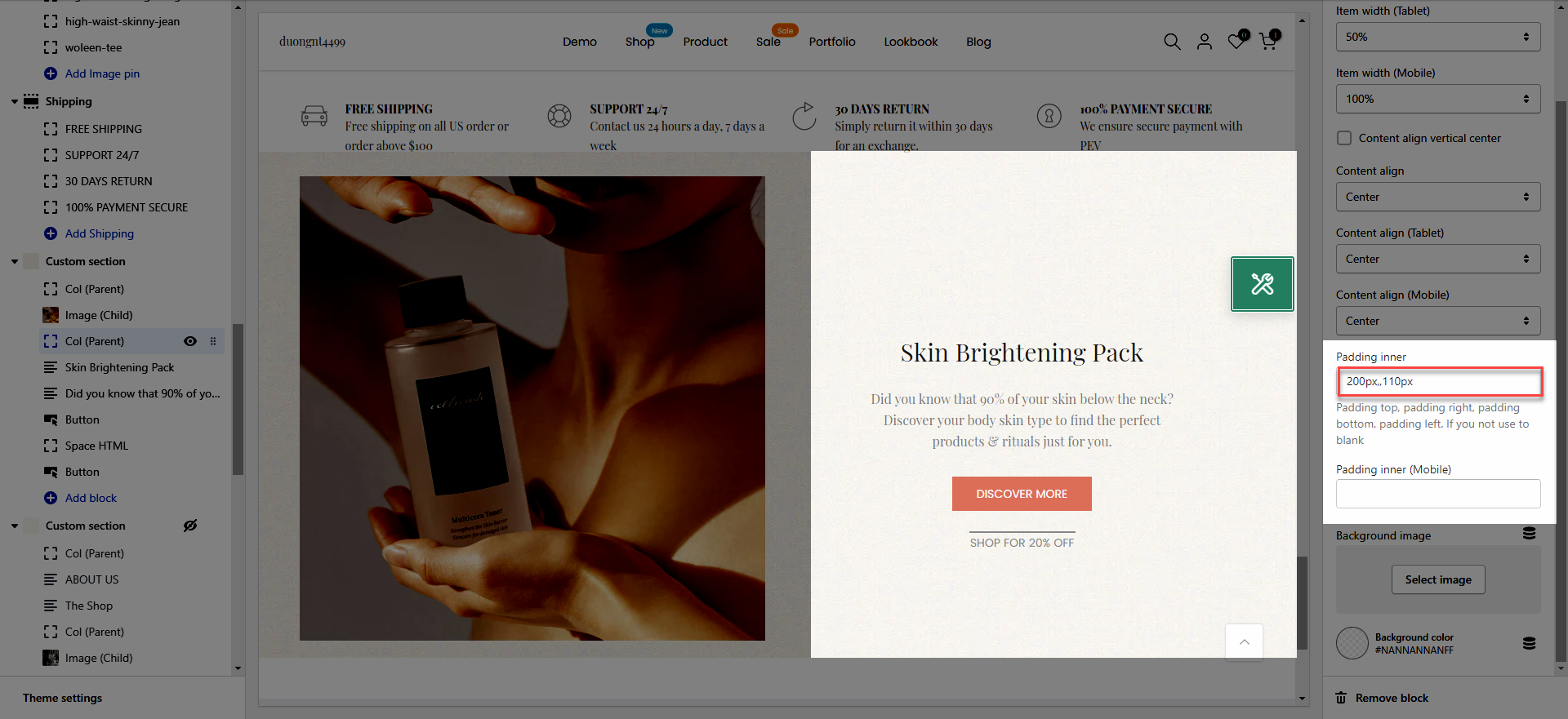
Padding inner: You cans set Padding top, padding right, padding bottom, padding left for the block Child inside.
Background image: You can add Background Image for this Column.
Background color: You can change the Background colors for this Column.
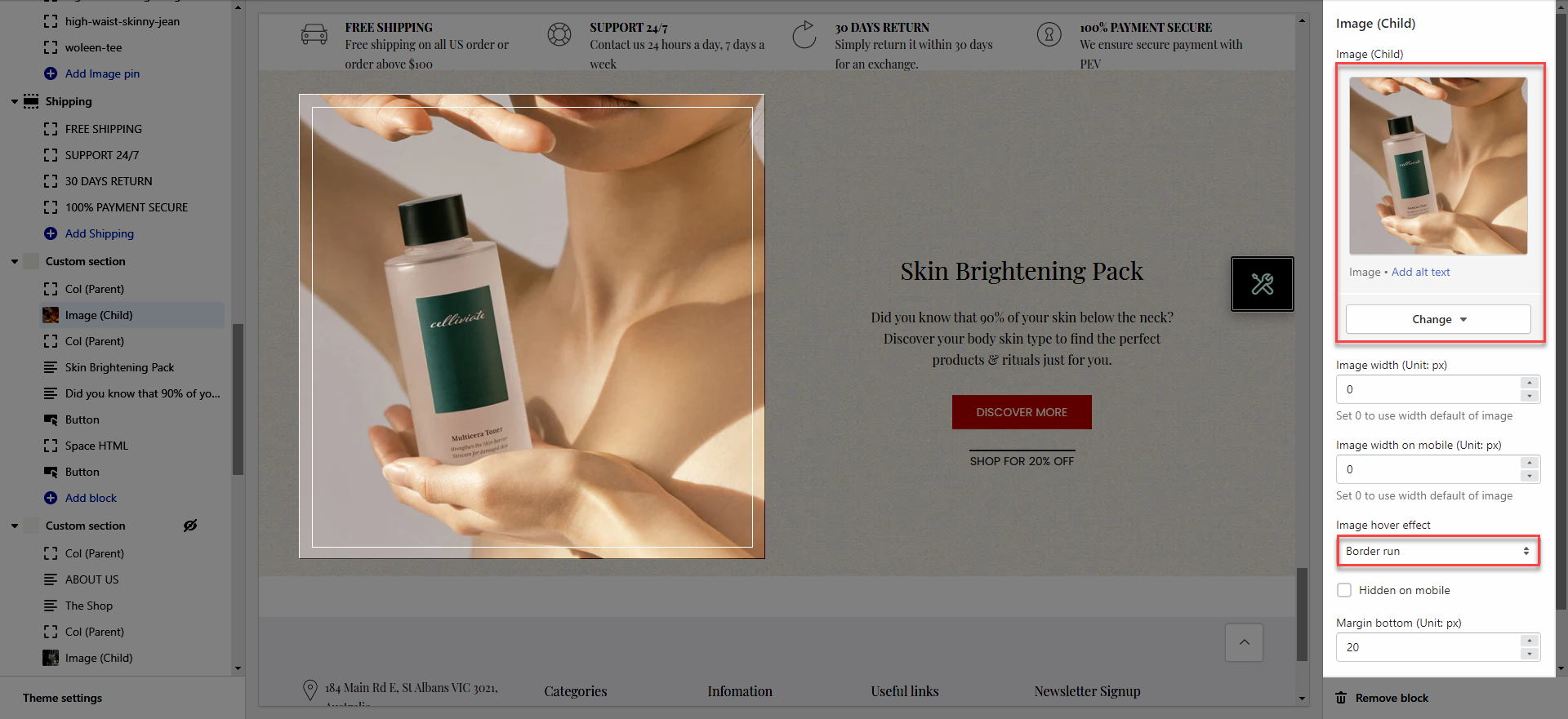
This block allows you to add an Image to this section.
You can customize some options in this block for Image like Image width, Image hover effect, Margin bottom.
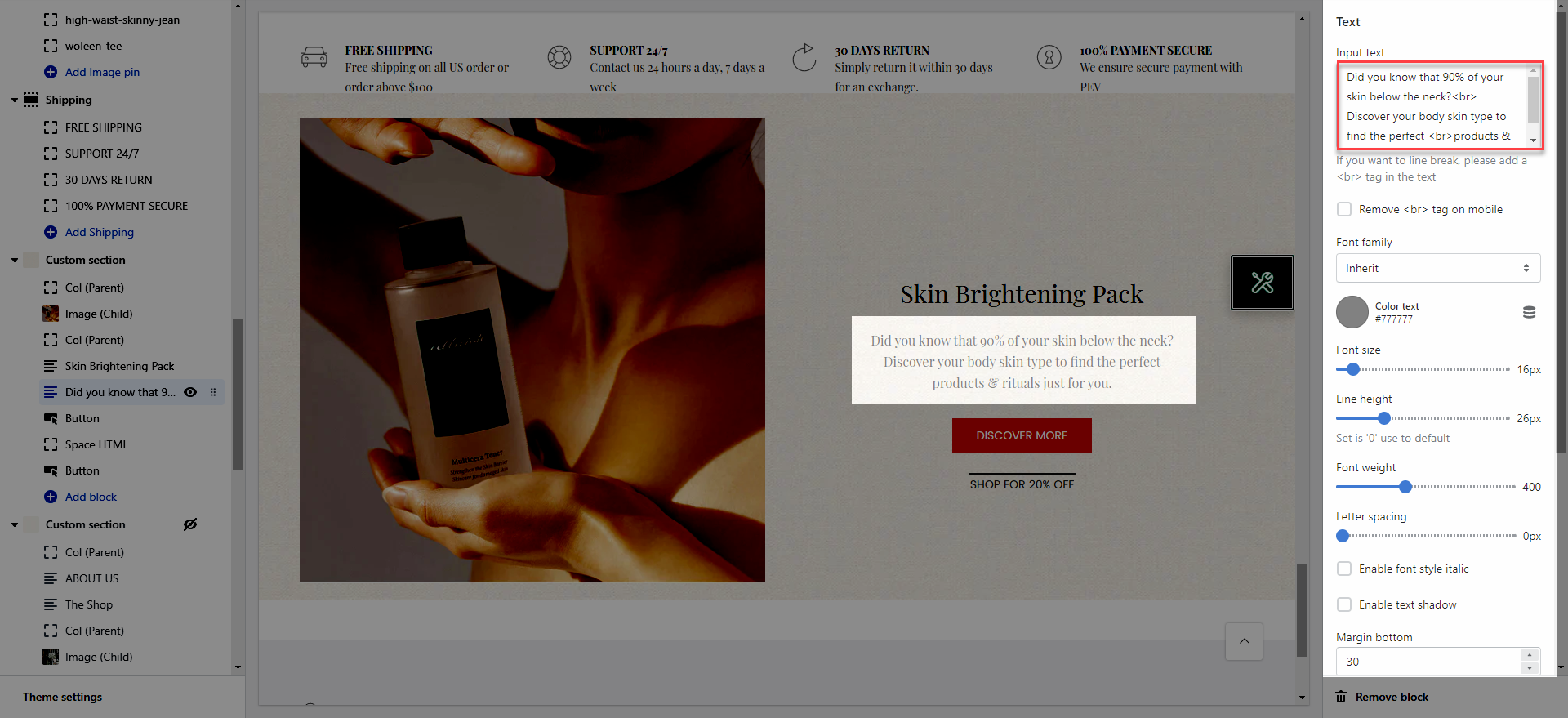
This block allows you to create a Text for this section.
You can customize some options in this block for Text like color, Font family, Font size, etc.
This block allows you to create a Button for this section.
You can customize with many options for Button like Button label, Button link, Color, Button style, etc.
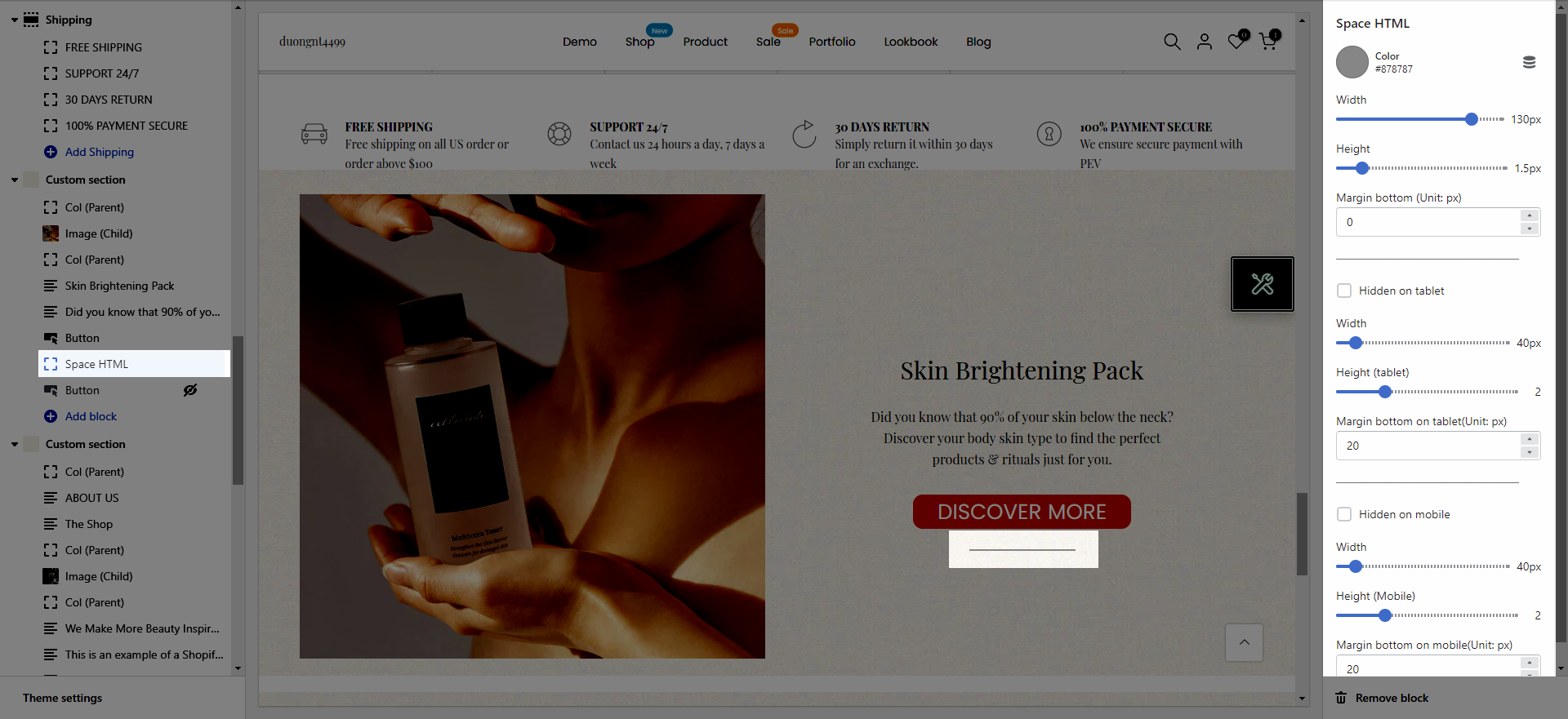
This block allows you to create a separator line for this section.
You can customize some options for Space HTML like Color, Width, Height, Margin.
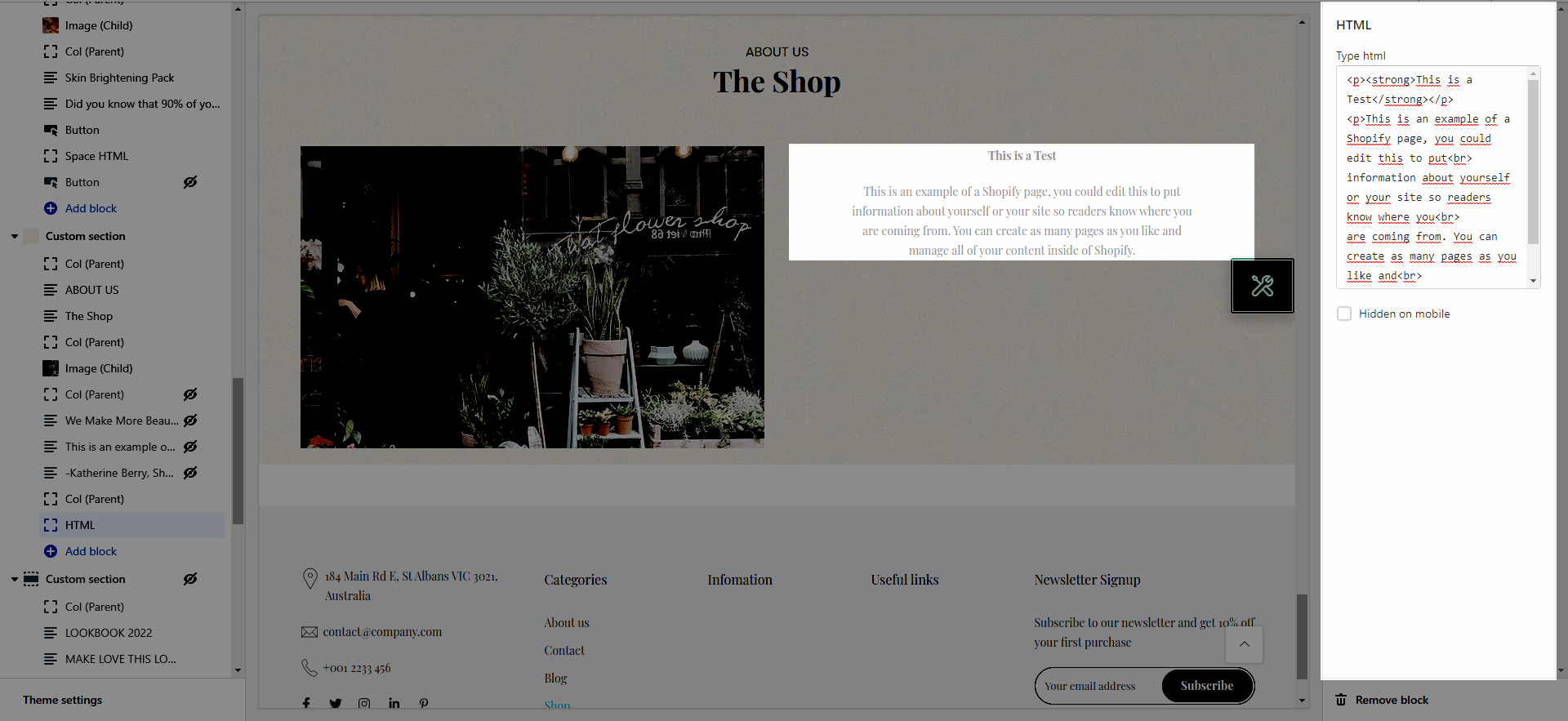
This block allows you to add an HTML code to this section.
This block allows you to create a Newsletter Form in this section.
You can customize with many options for Newsletter Form like Form width, Newsletter design, Newsletter size, etc.
This block allows you to create the time countdown to the end sale date for this section.
You can customize some options for Countdown timer like insert Date countdown, Countdown design, Countdown size, etc.