This section allows you to create images packery called Lookbook, you can freely design your lookbook in many ways you like. Its very flexible.
From Theme Section Sidebar -> Add section Lookbook Packery
This is parent block which mean if you want to display a pin inside an image then you need to put it below this block as Sub content.
In this Block, you can add an image and adjust image width by '%' so you can freely design your Lookbook layout flexibly.
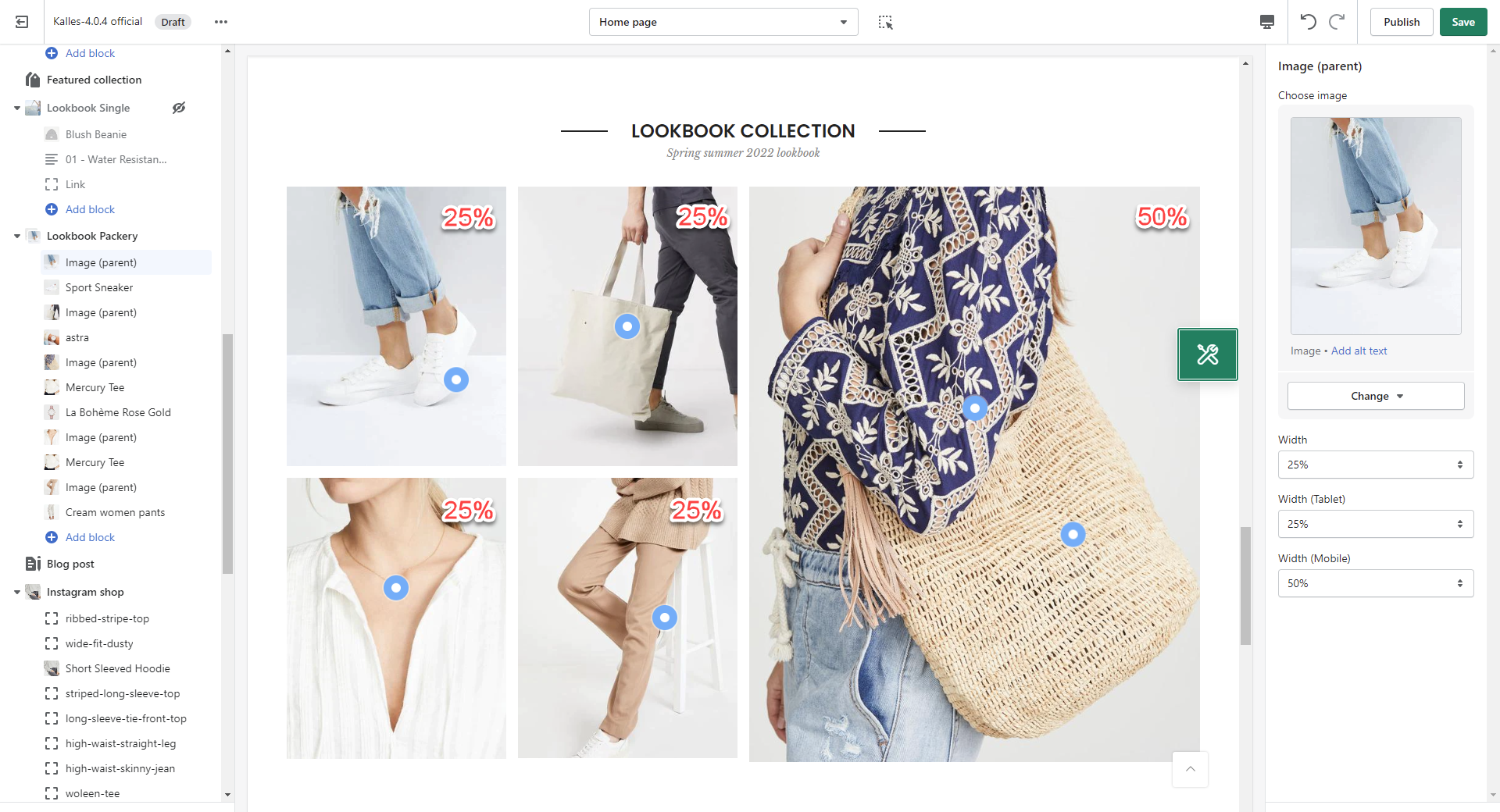
We provide 3 types of Pin as Product, Text and Link.

You can adjust Pin position, Title type, Short text, Pin size, Backgound color, Icon/Text color
You can enter the Heading and Subheading, choose the design for the heading, also can choose text align: center.
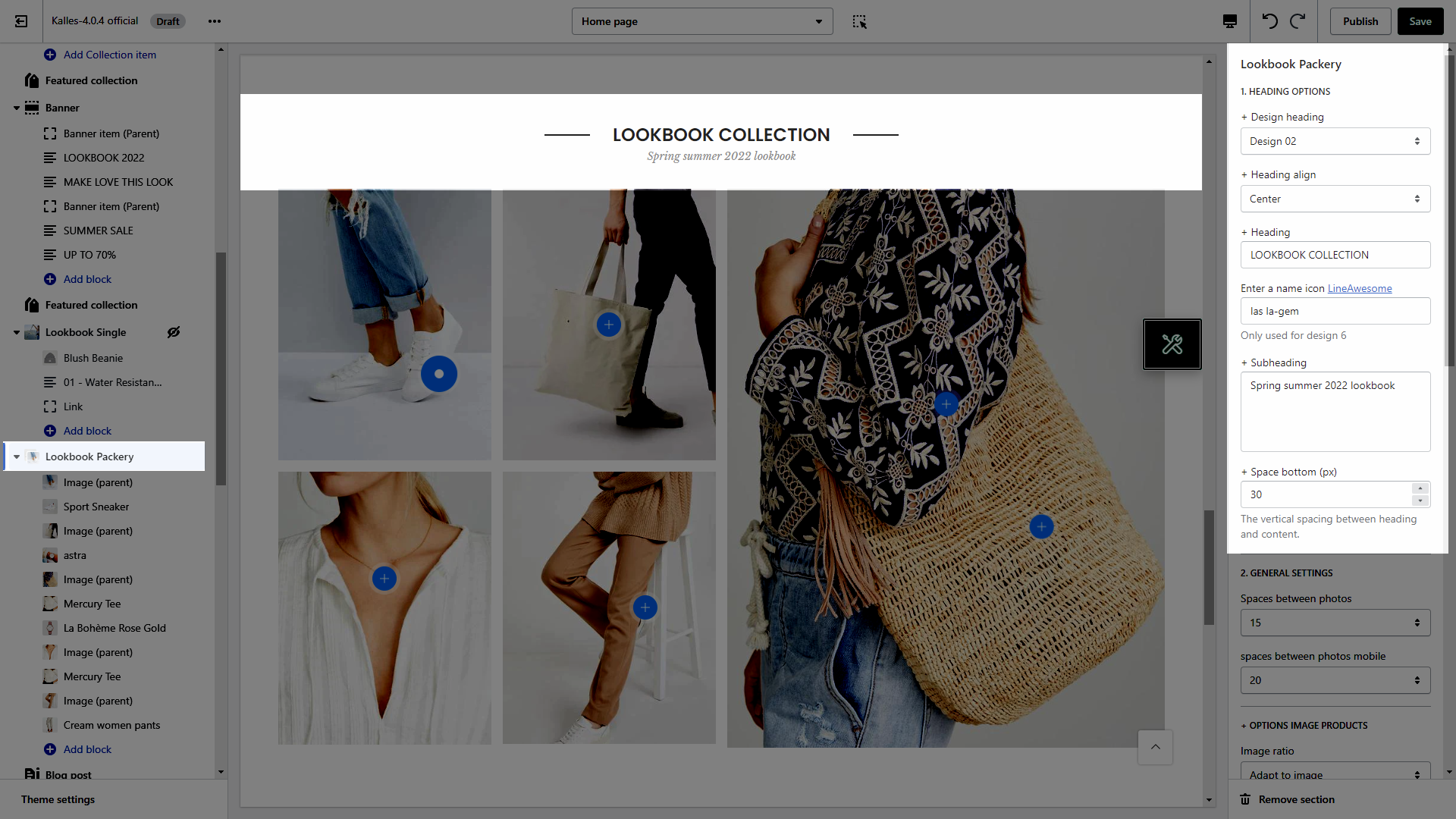
You can adjust spaces between photos for desktop and mobile devices.
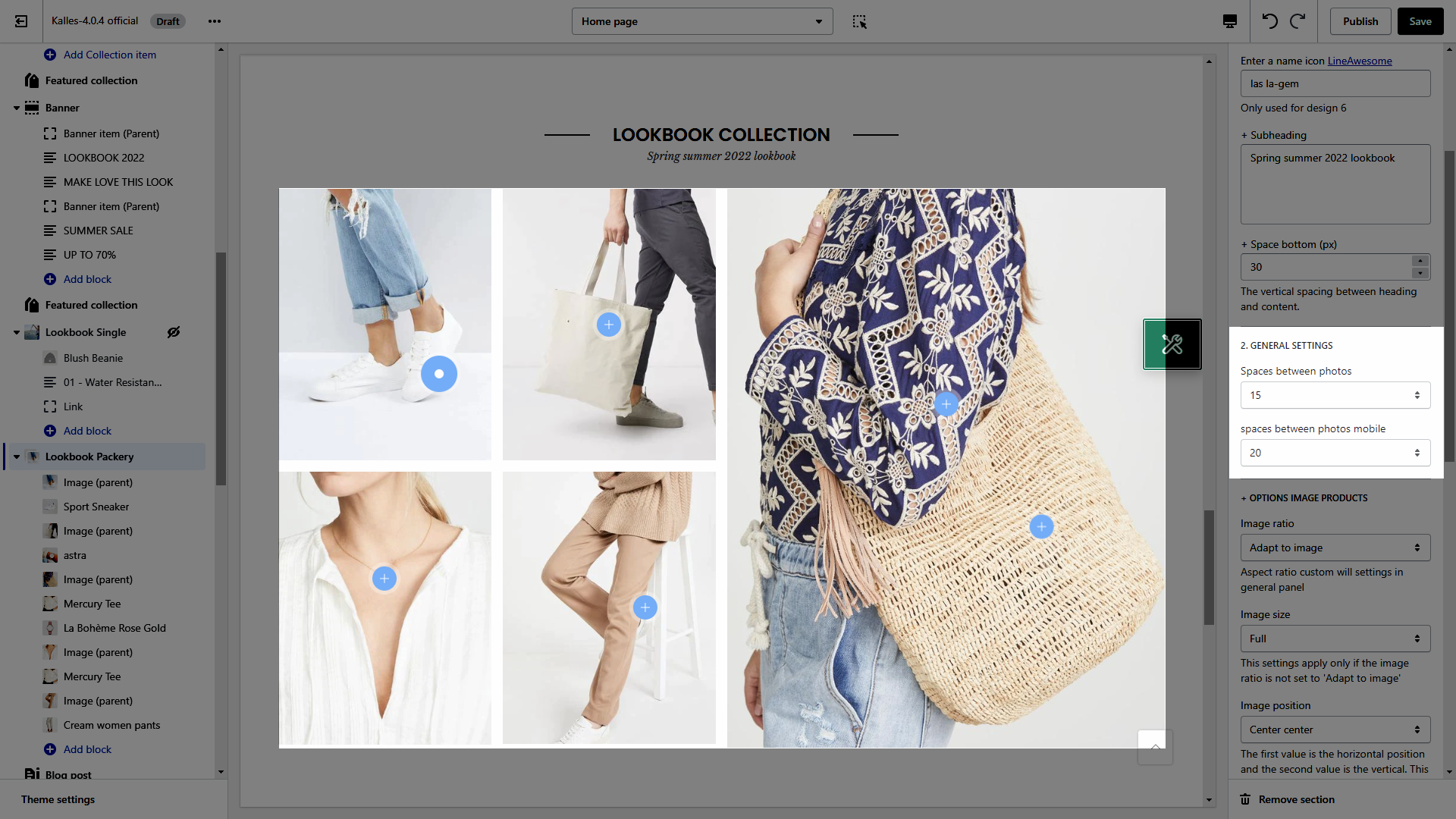
Image ratio: Aspect ratio custom will settings in general panel.
Image size: This settings apply only if the image ratio is not set to 'Adapt to image'.
Image position: The first value is the horizontal position and the second value is the vertical. This settings apply only if the image ratio is not set to 'Adapt to image'.
This option allows you to choose any designs that you want to display for Product on Lookbook section. Lets check it out:
Please follow this guideline to config Layout, Background, Margin/Padding for the section.