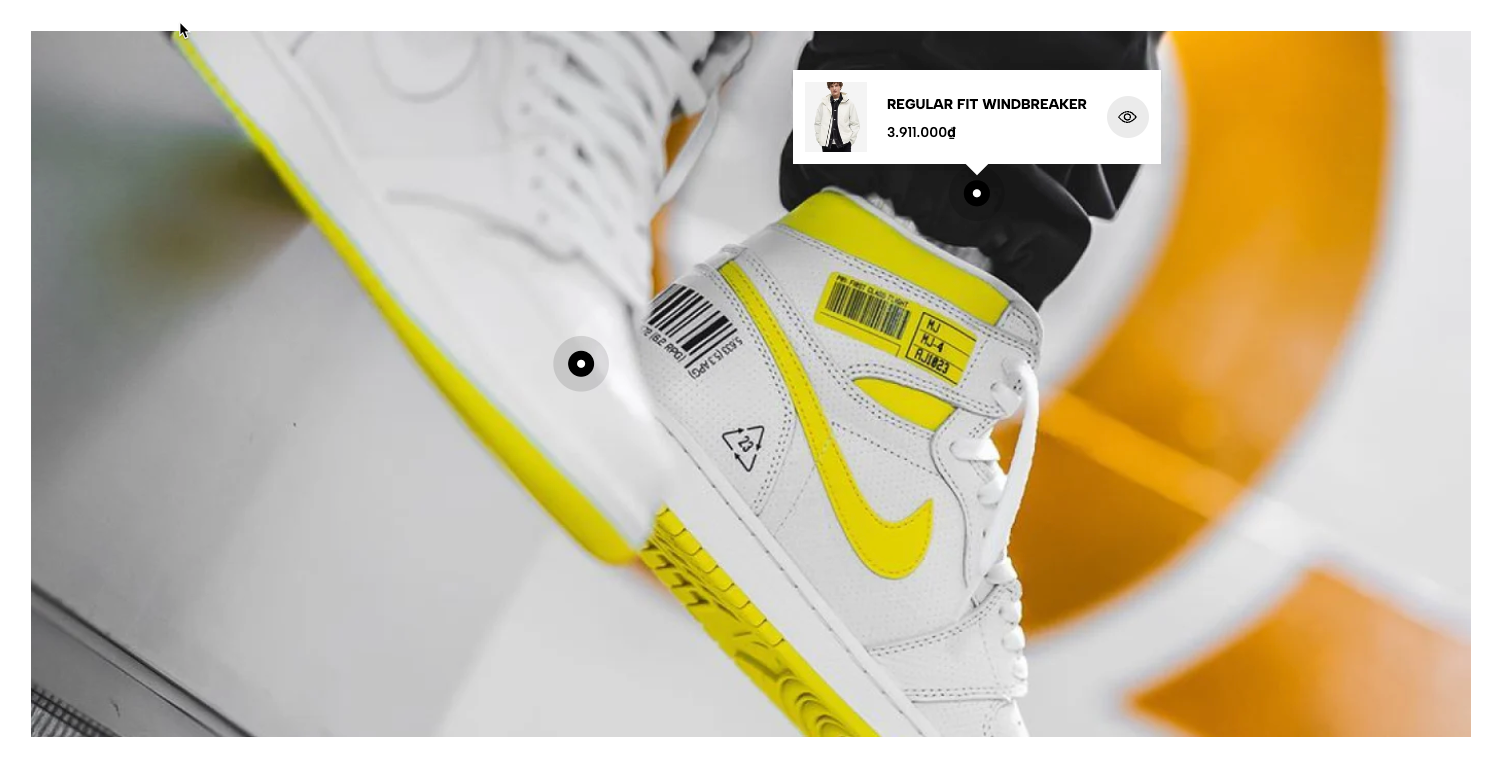
Displays multiple lookbook images in a carousel with interactive product or text hotspots. Suitable for shop-the-look layouts, styled collections, and visual product discovery.
Homepage
Lookbook page
Fashion collections
Lifestyle product showcases
Shop-the-look campaigns
Shopify Admin → Online Store → Themes → Customize → Add section → Lookbook Carousel
Lookbook item: Adds the main image and hover effects.
Pin product: Adds a product hotspot with a detailed product pop-up.
Pin product 2: Adds a simplified product hotspot.
Pin text: Adds an informational hotspot.
Setting | Description |
|---|---|
Image | Uploads the main lookbook image. |
Image hover effect | Applies an effect to the image on hover. |
Item effect when hover | Applies an effect to the entire lookbook item. |
Setting | Description |
|---|---|
Product | Links a product to the hotspot. |
Position | Sets the horizontal and vertical pin position. |
Pin size | Selects the hotspot size. |
Pin style | Displays an icon or text label. |
Text | Adds text when using a text-based pin style. |
Product design | Selects the product pop-up layout. |
Image ratio | Controls the product-image proportion. |
Full image | Displays the complete product image. |
Show vendor | Displays the product vendor. |
Placement | Positions the pop-up around the pin. |
Color scheme | Controls the pin and product pop-up colors. |
Provides a simpler product hotspot with:
Product selection
Pin position, size, and style
Optional pin text
Pop-up placement
Pin and product color schemes
Setting | Description |
|---|---|
Position | Sets the hotspot location. |
Pin size and style | Controls the hotspot appearance. |
Text | Adds a pin label when supported by the selected style. |
Title | Adds the text-box heading. |
Content | Adds supporting information. |
Placement | Positions the text box around the pin. |
Color scheme | Controls the pin and text-box colors. |
Setting | Description |
|---|---|
Image ratio | Sets the lookbook-image proportion. |
Item show | Sets the number of visible items on desktop. |
Autoplay speed | Sets the delay between slides. Use |
Pause on hover | Stops autoplay while customers hover over the carousel. |
Navigate style | Selects Mixed or Normal navigation behavior. |
Use prev/next button | Displays navigation arrows. |
Use dots | Displays pagination dots. |
Make section full width | Expands the section across the browser width. |
Color | Controls the section color scheme. |
Section padding | Adjusts spacing above and below the section. |
Rate padding (mobile) | Controls responsive spacing on mobile. |
Use clear lifestyle images with enough space for hotspots.
Place pins close to the related products.
Avoid overlapping pins or pop-ups.
Use consistent image ratios across carousel items.
Keep autoplay slow enough for customers to interact with hotspots.
Check pin and pop-up positions on mobile.
Issue | Solution |
|---|---|
Product pin is not showing | Select a product and check the pin position. |
Pin text is missing | Select a pin style that supports text. |
Product pop-up is cut off | Change the Placement setting. |
Pins overlap | Adjust their horizontal and vertical positions. |
Autoplay is not working | Set Autoplay speed above |
Navigation is missing | Enable arrows or dots and add enough lookbook items. |