In this article, let's take a look at the Blog Post. We will learn how to configure Heading Page, Main Article.
You can refer to this document to learn how to configure the heading page.
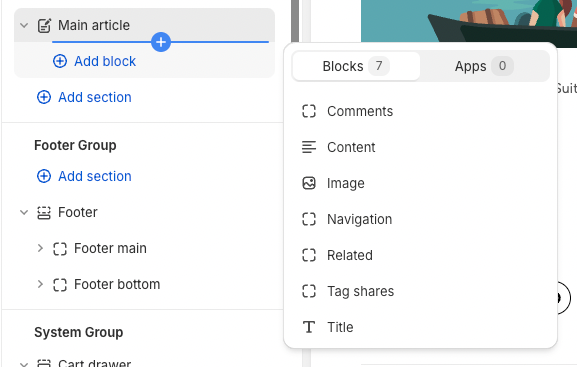
You can add a Title, Image, Content, Comments, Navigation, Related and Tag shares to the main article section.
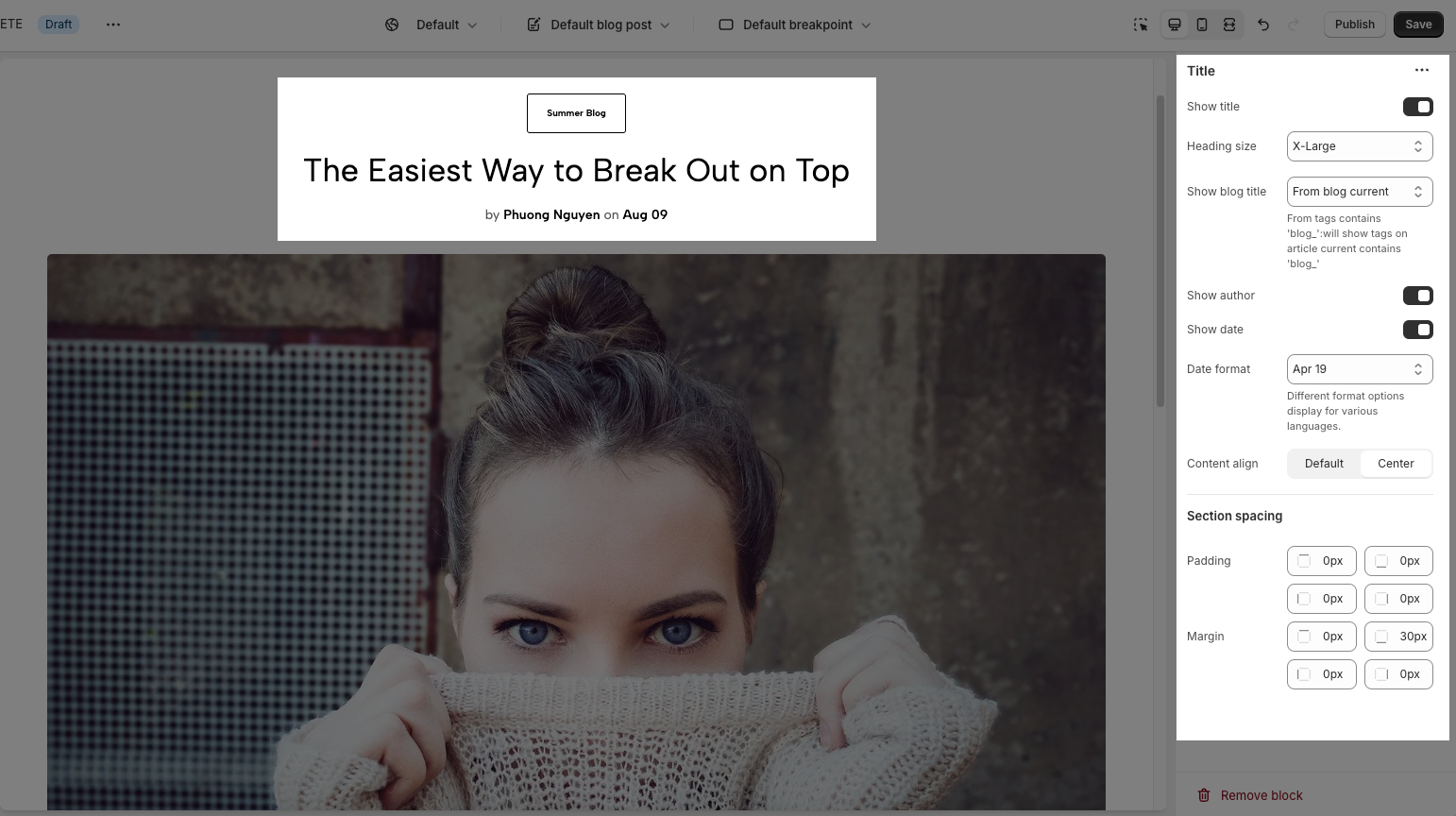
Title: You can show the blog post title, author, blog title, and publish date. Adjust the heading, alignment and section spacing
Tags, Social: Facebook, Twitter, Pinterest, Tumblr, Telegram, Whatsapp, Email are the social media you can show.
Comments: You have to allow comments in the blog, see the video below.
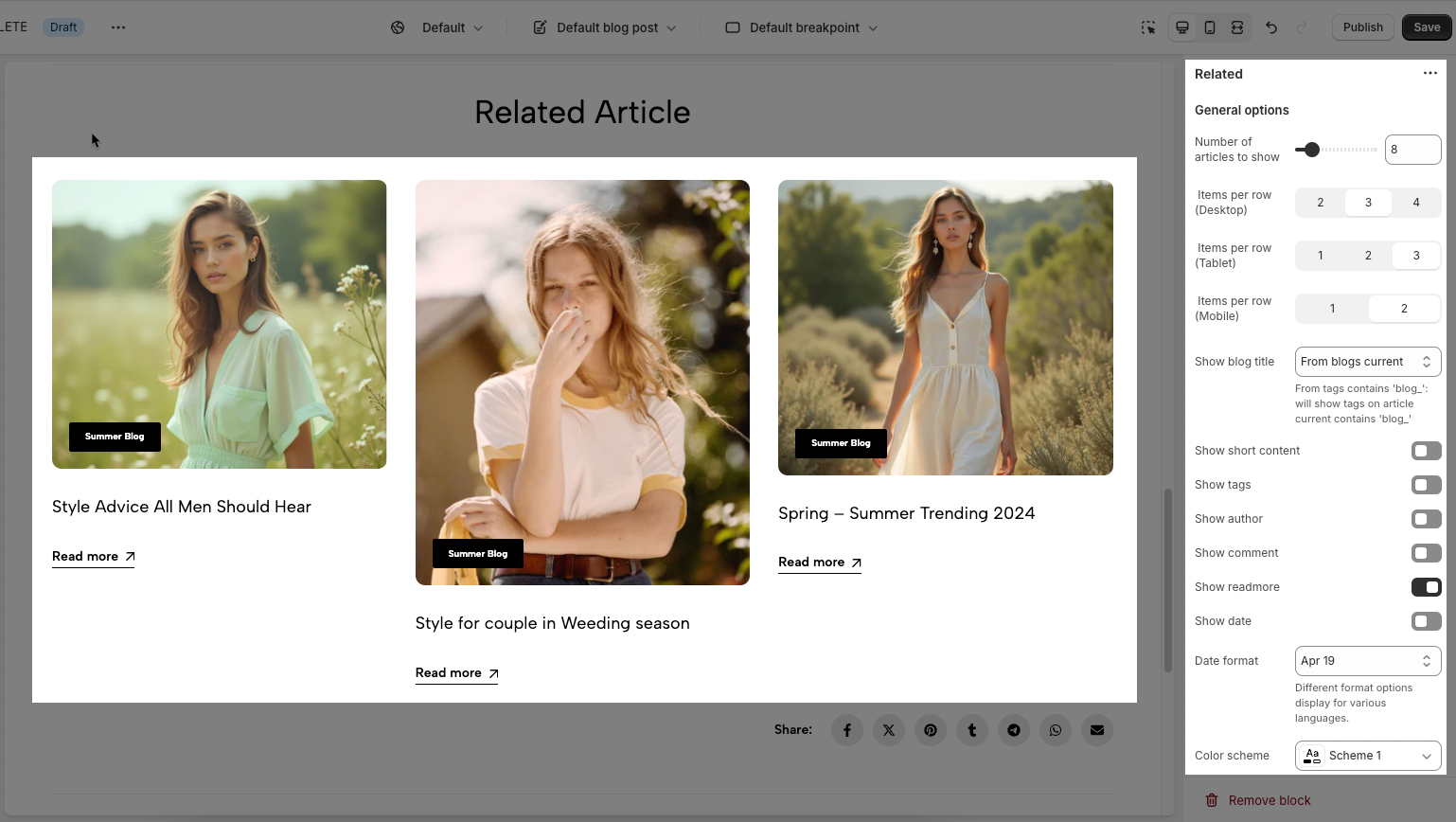
Related: You have to allow show related blog post
There are some configurations you can adjust: Enable section full-width, Color Scheme (Learn more here), and Section Padding allows you to change the padding top and bottom both on desktop and mobile.