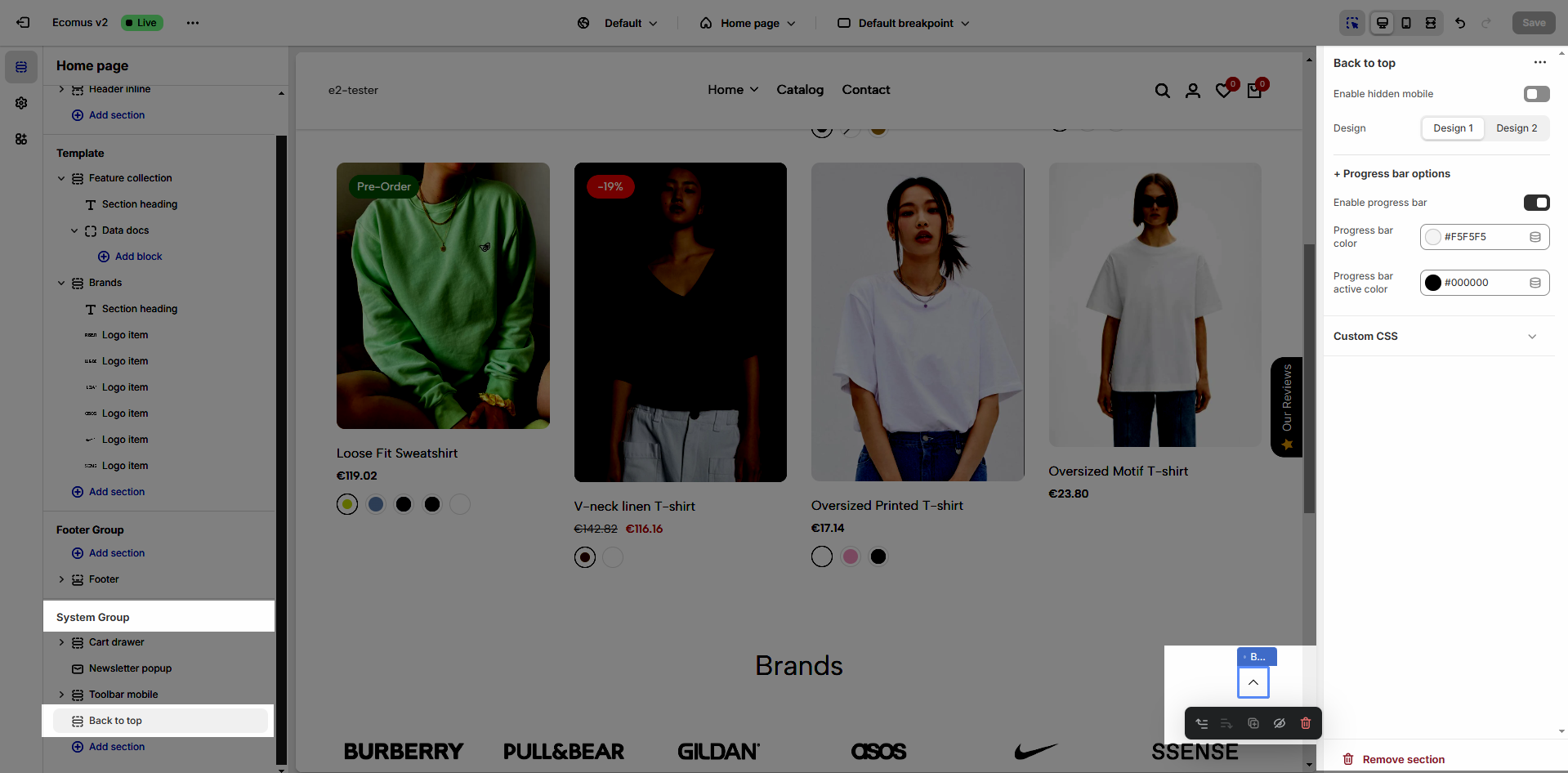
Back to top button helps you can move to the top of the page instantly with a click.
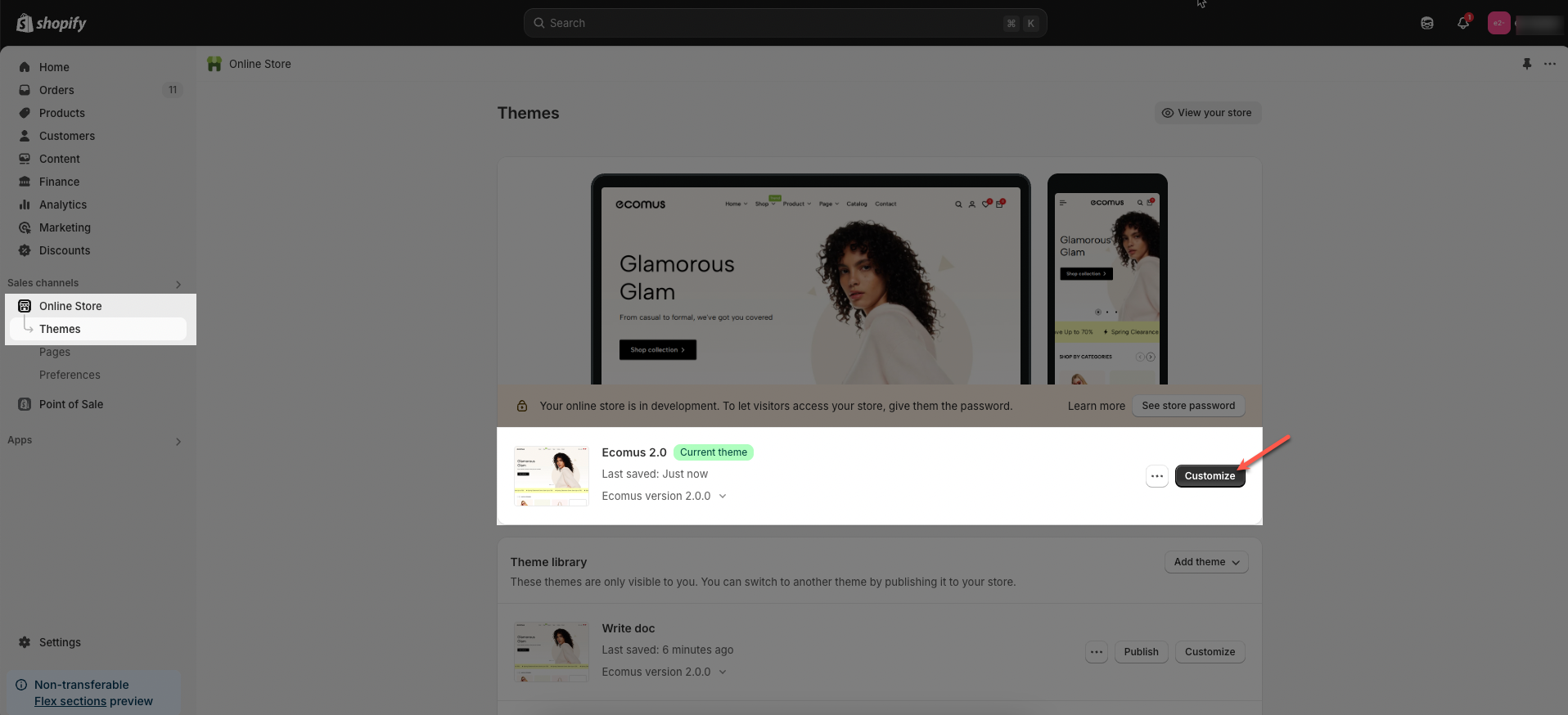
Step 01: From Shopify Admin, click on Online Store > Select Themes > In the Current theme section, click the Customize button.
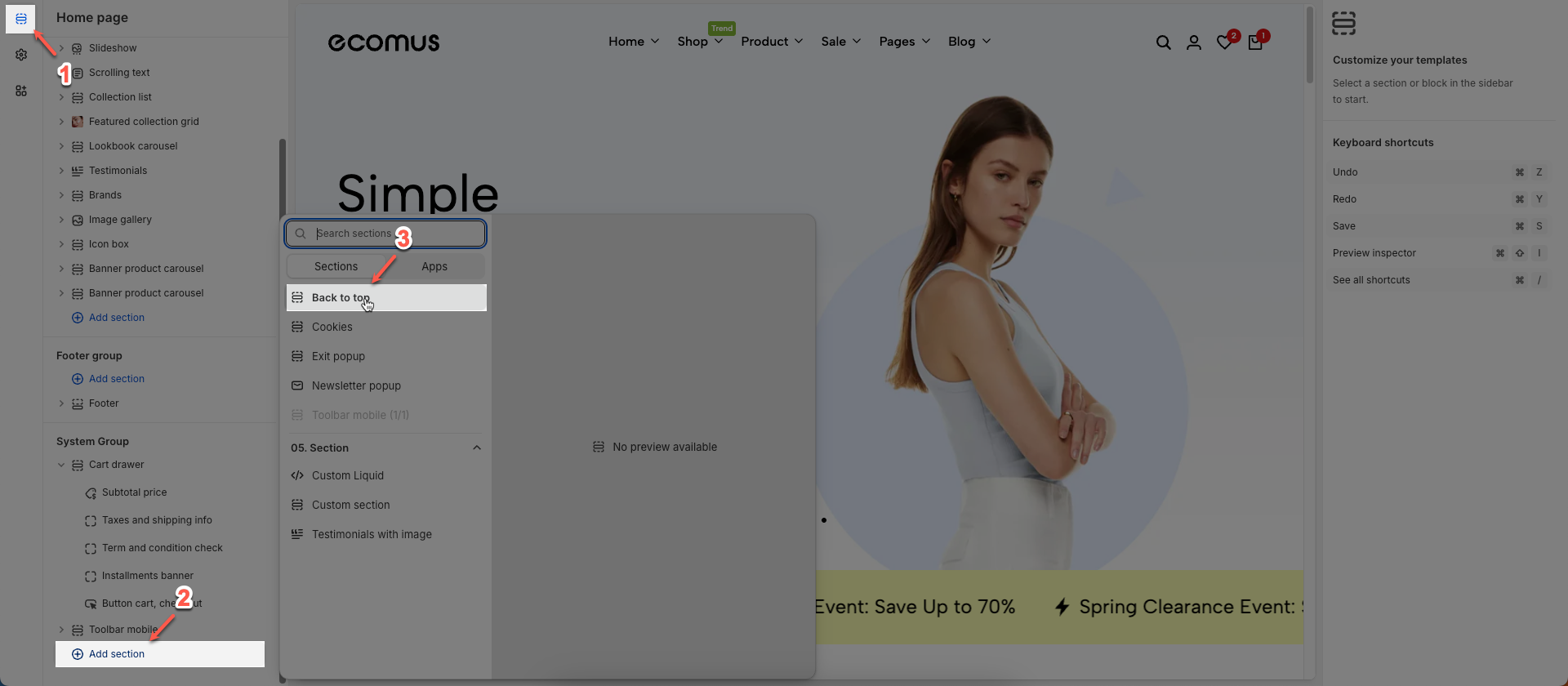
Step 02: In the theme editor (Customize) > Click the Section button > In the Sections tab, scroll through the list or use the search bar to find and select the System Group > click Add section button > add Back to top
After adding the Back to top section, you can customize its settings using the sidebar—located on the right or left side of your screen depending on your device.
Enable hidden mobile: If you want to disable please uncheck this option.
Design: There are two design
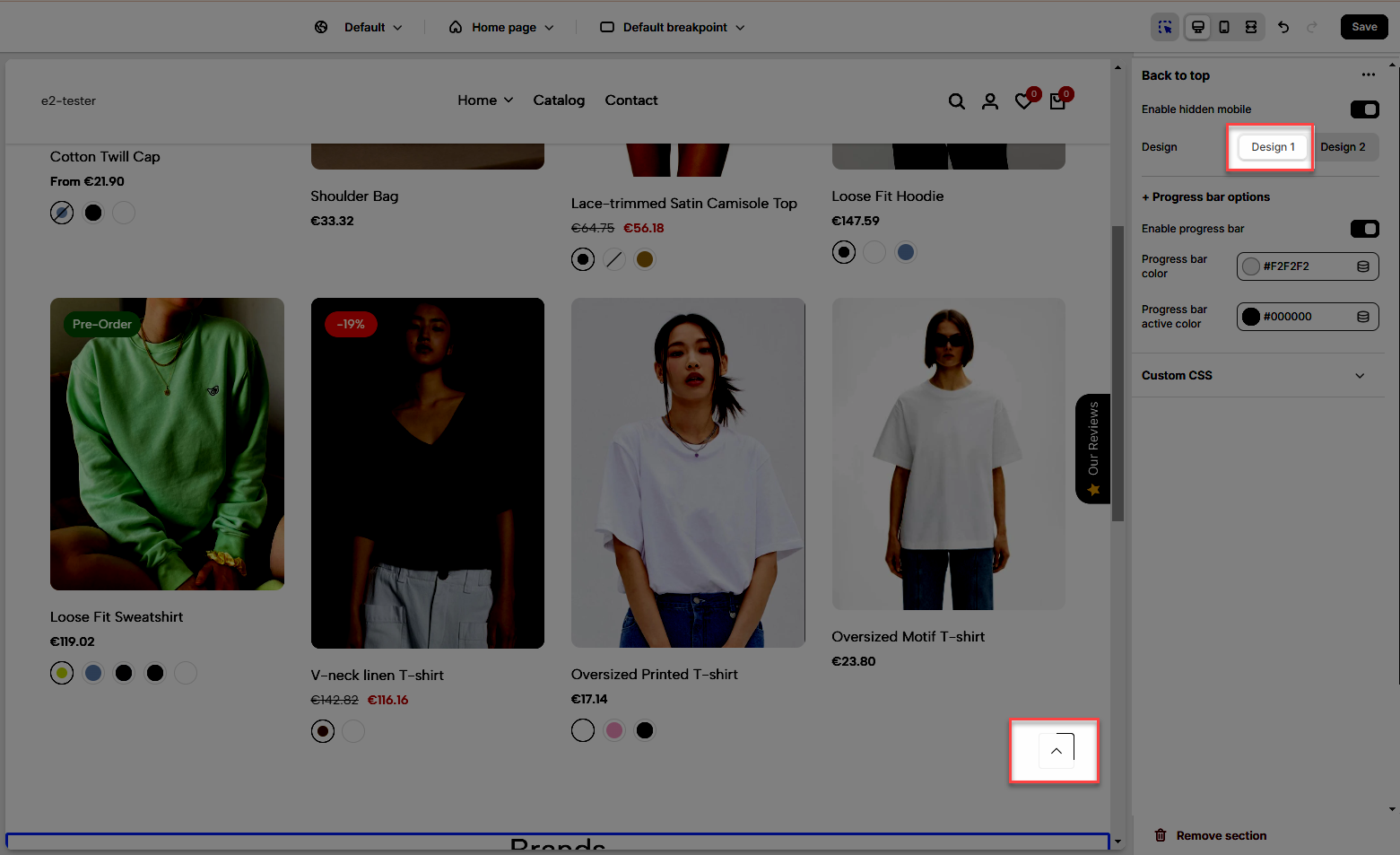
Design 1
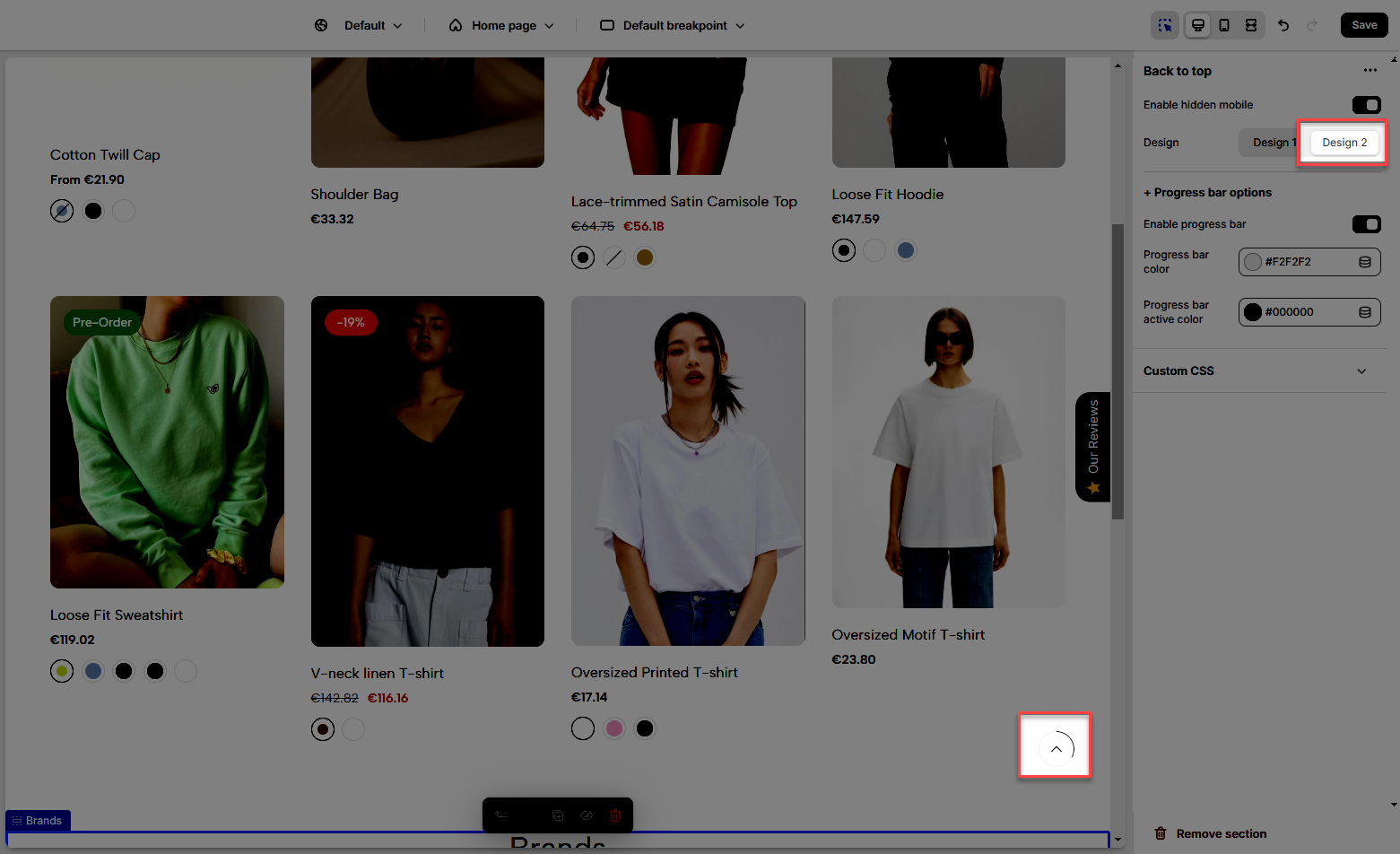
Design 2
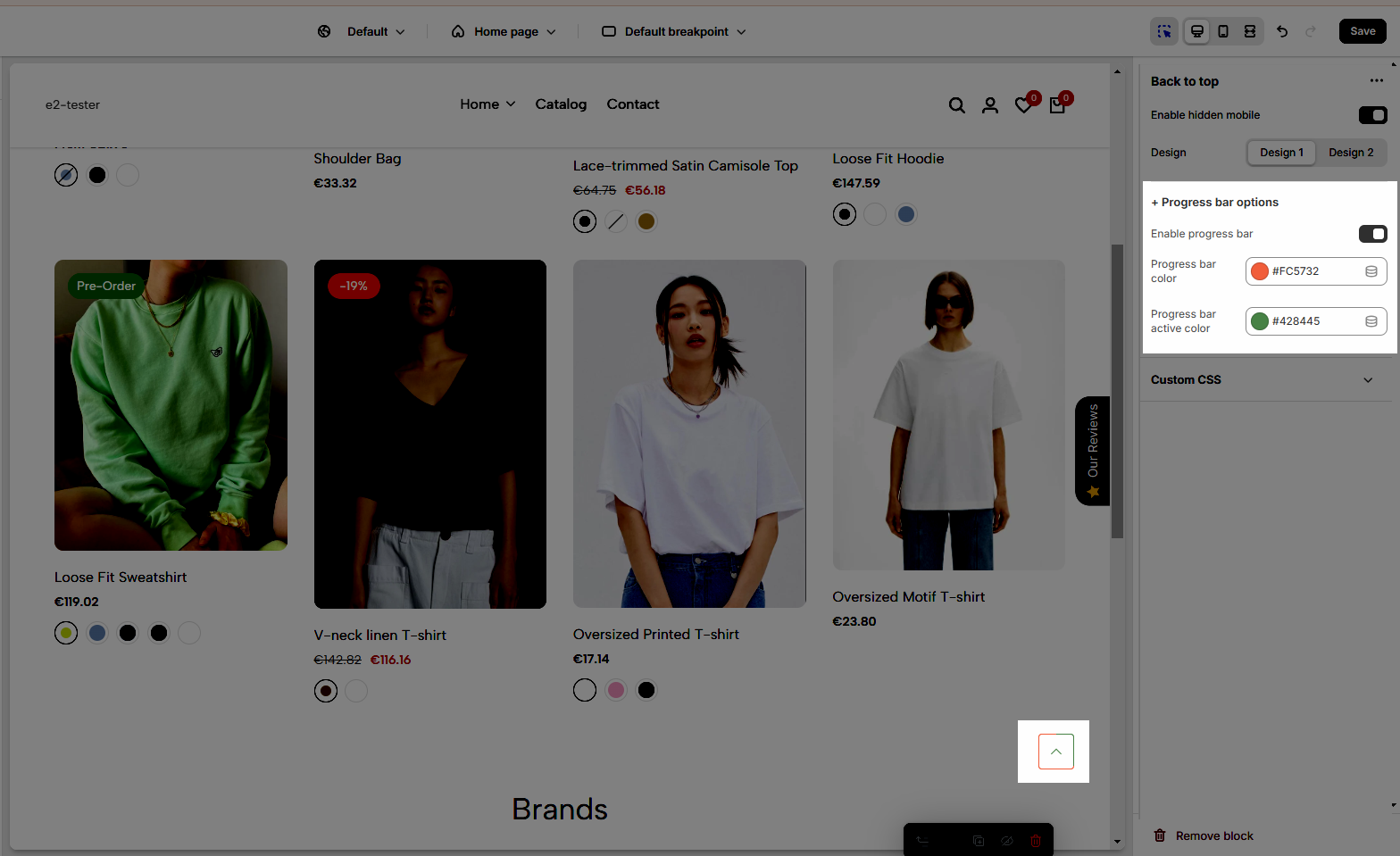
Enable progress bar: Check to display the progress bar.
Progress bar color: Select the background color of the progress bar (the unfulfilled portion).
Progress bar active color: Select the color of the active (filled) portion of the progress bar.
Allows users to customize by adding CSS rules, beyond the limitations of default settings. This allows for fine-tuning the design to every detail, to suit specific needs.
Add custom styles to this section only.
To add custom styles to your entire online store, go to theme settings.