At the Only-config template, you can customize and configure the following sections:
Quick View
Quick Add Section
Product Group Media
Color Swatch
Go to Theme Editor → Templates → Product → Only-config to open the configuration page.
The Quick View function is product preview pop-up which allows customers to preview product details in a pop-up (modal window) without leaving the current page .The button will be displayed at Product cards on collection sections
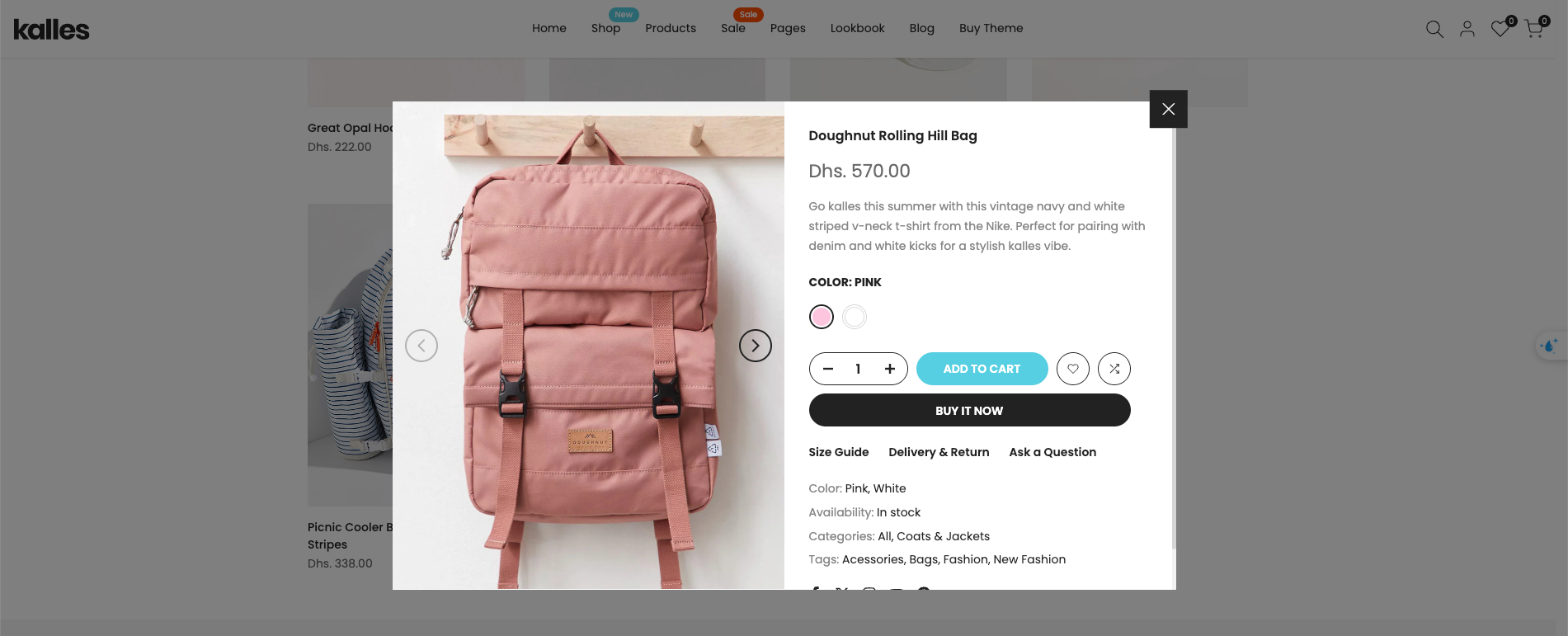
If you don’t configure the Quick View feature, clicking the quick view button on products will display the same content for all of them.
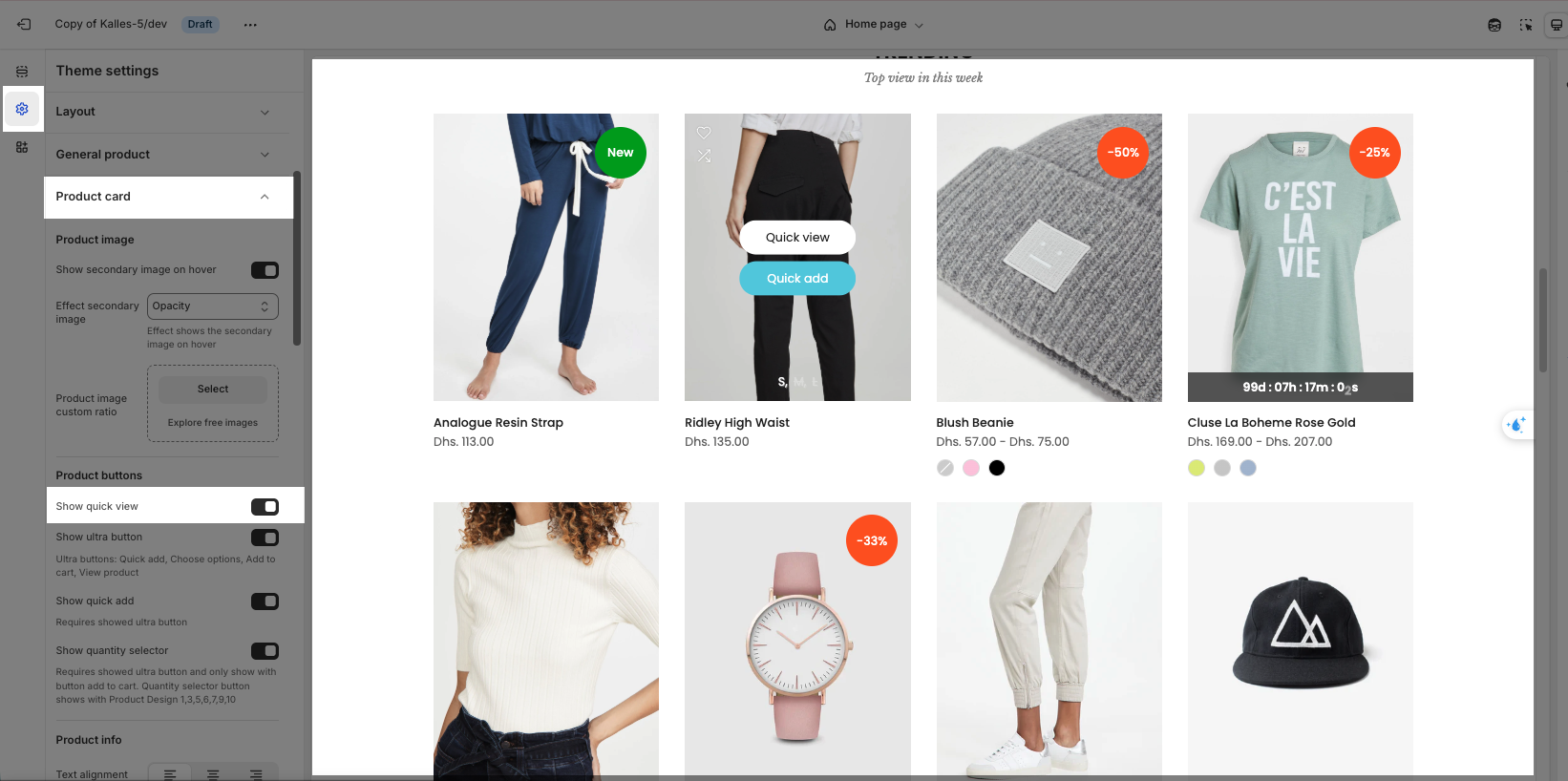
You can go to Theme settings => Product Card => Enable “Show quick view” option
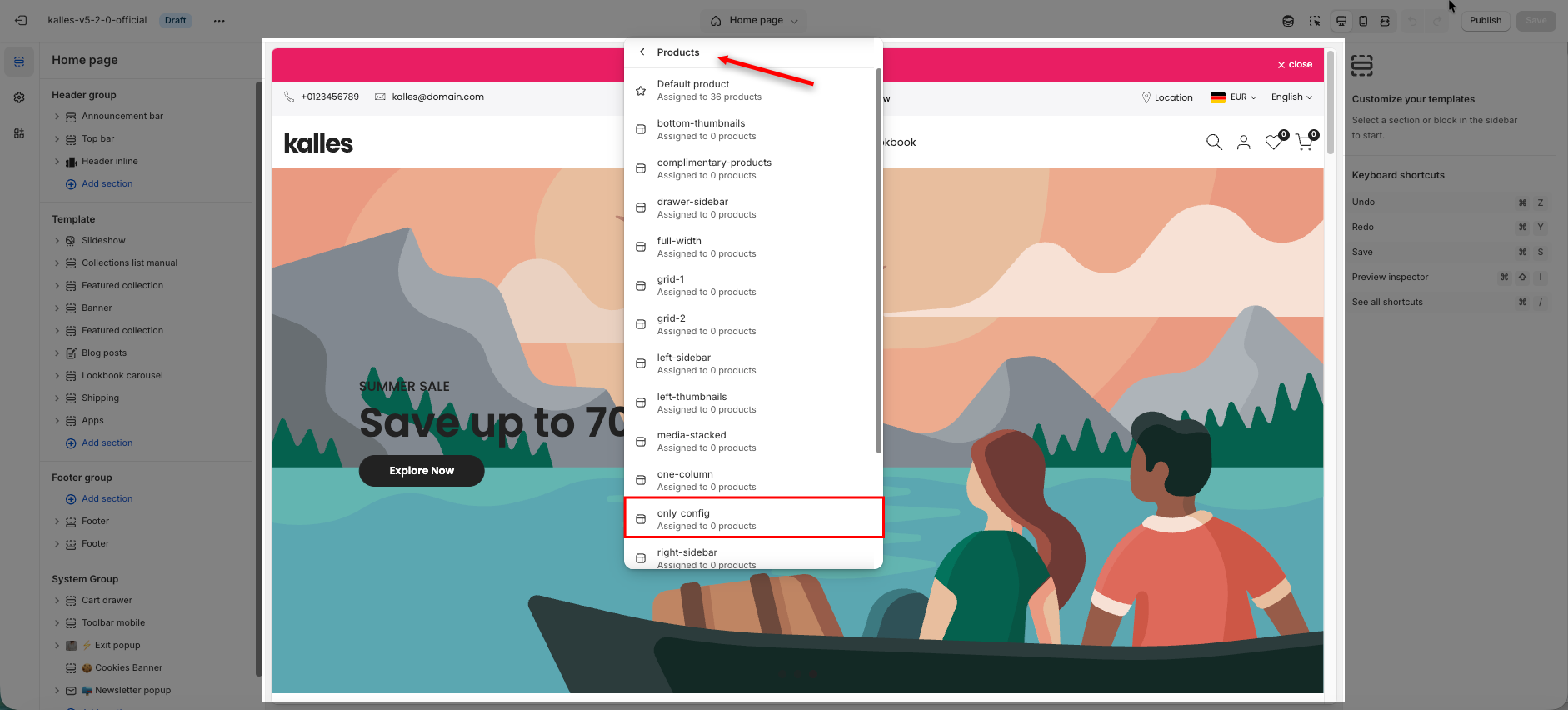
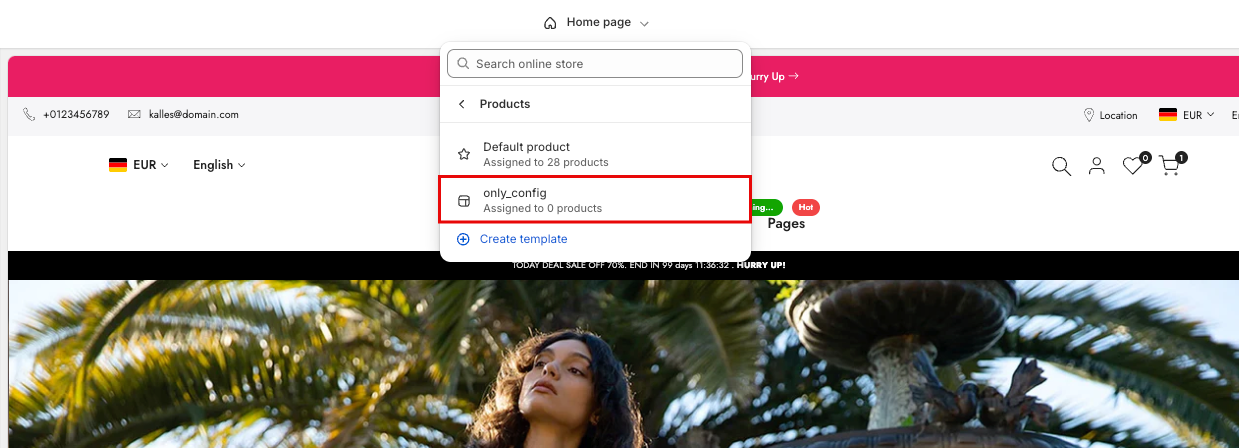
From Kalles 5, you can find the place to edit the Quick view at Template => Products => only_config
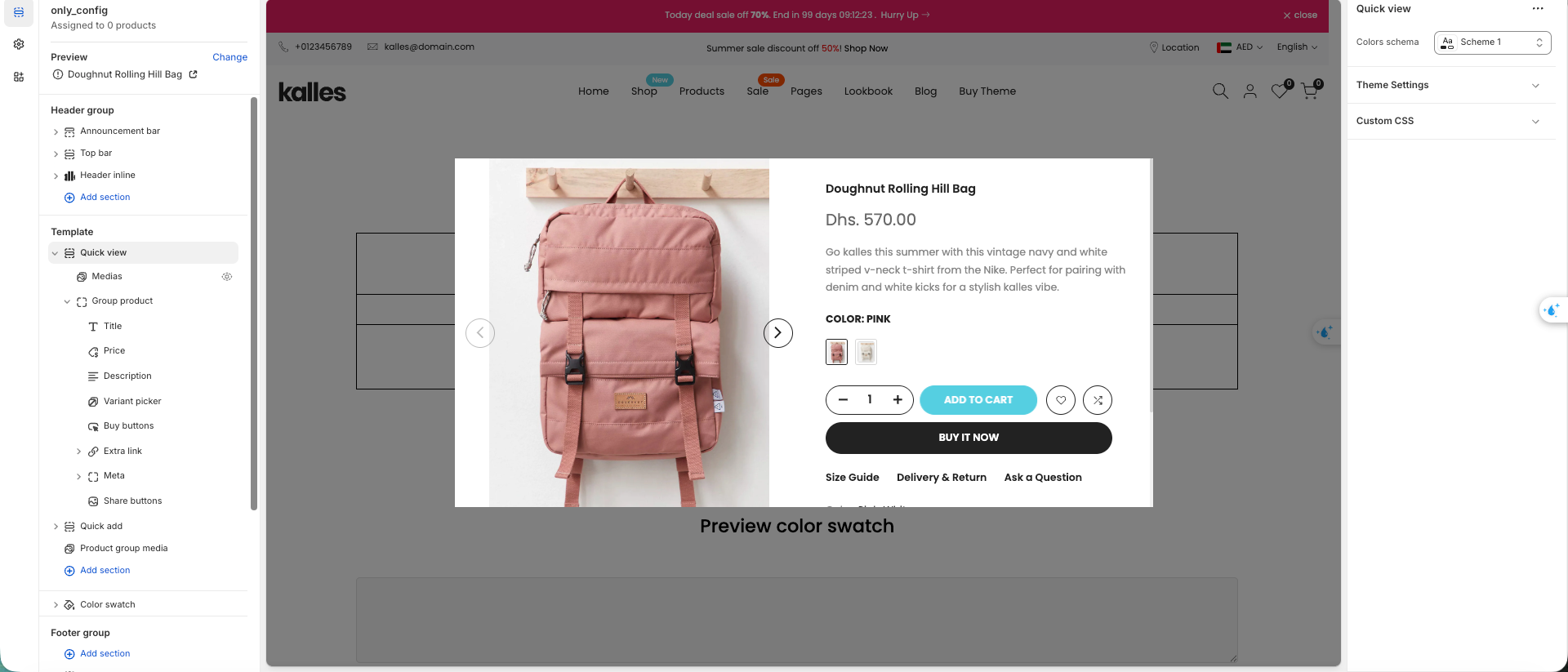
1.2.1. Description:
By default, the Quick View has a description that says:
"Go kalles this summer with this vintage navy and white striped v-neck t-shirt from Nike. Perfect for pairing with denim and white kicks for a stylish kalles vibe."
To change this default description or hide it, please edit the Description Block block.
If you want to configure metafield short description. Please follow this document

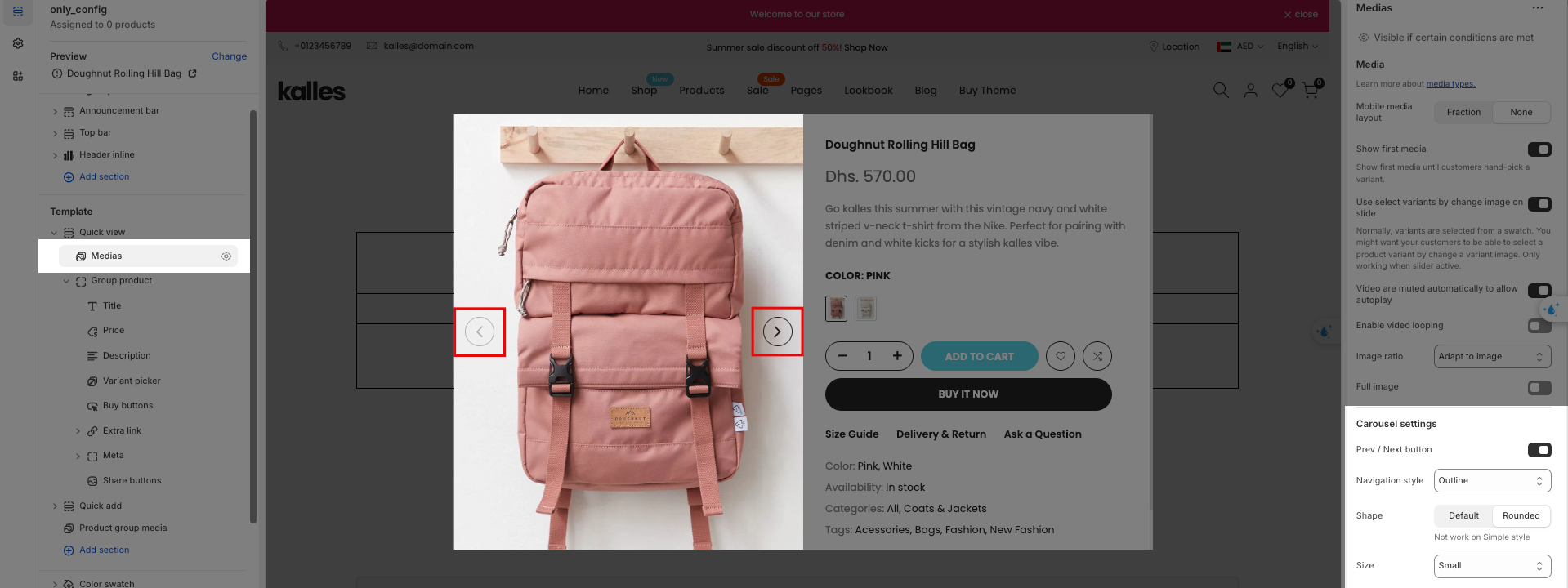
The Medias section allows you to choose how the images are displayed on Quick view modal
Mobile media layout: this have two type of image slide "None" and "Fraction"
Show first media: Show first media until customers hand-pick a variant.
Use select variants by change image on slide. Please see the video
Image ratio: The option helps you to change the image's ratio to square, landscape, etc.
Carousel settings: You can change the format of the pre/next button
Configuring the product details in Quick View is the same as configuring the product details on the product page. To learn more about this part, please go to this link
Product title, Product price, Product review, Product description
Size chart, Delivery & Return, Ask a question pop-up
Meta
Quick Add is a feature that allows adding products to the cart quickly without opening the product detail page.
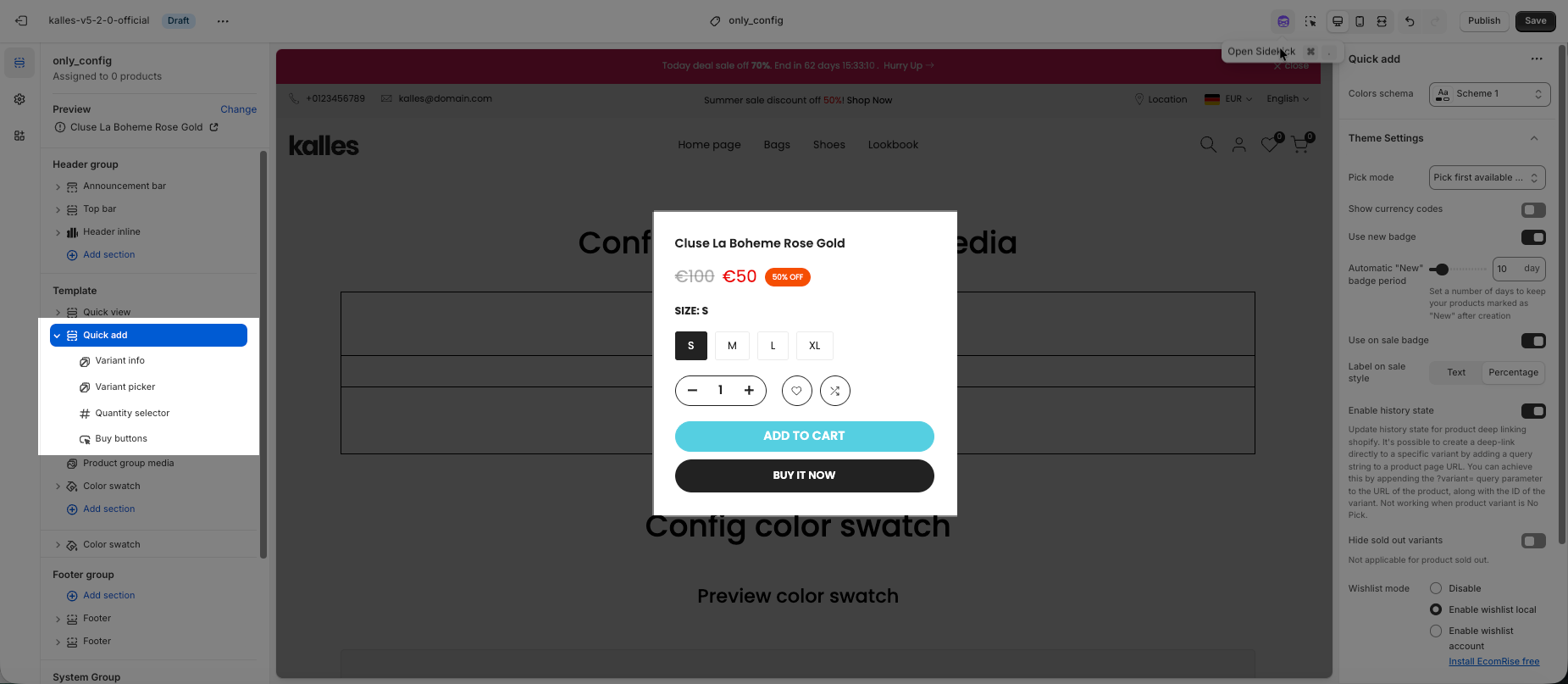
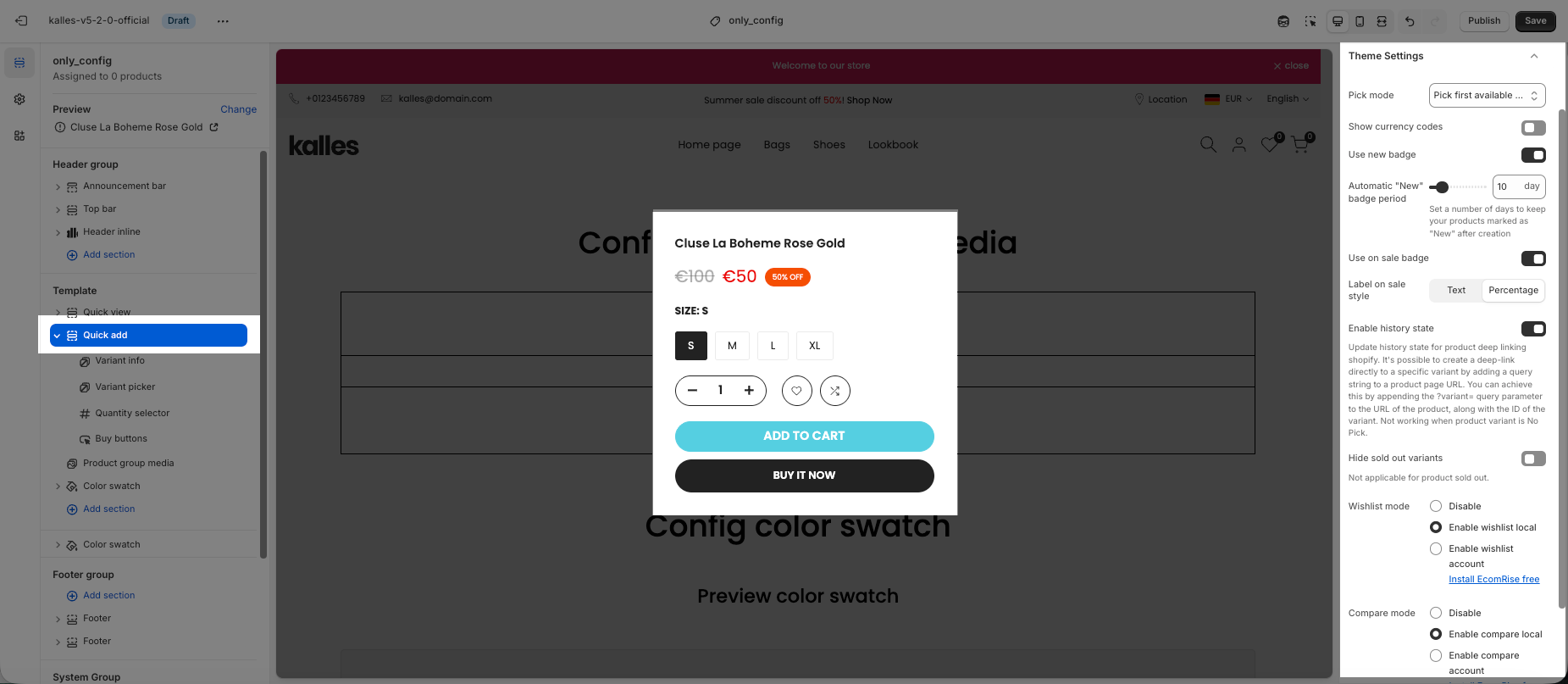
You can configure several settings for the Quick Add popup in this section.
This feature allows you to show related product images for each variants.
You can follow how to configure Product group media function at this link
https://support.the4.co/articles/kalles-5-product-group-media#2-configure-product-group-media
This section helps you configure the color variants directly in the theme.
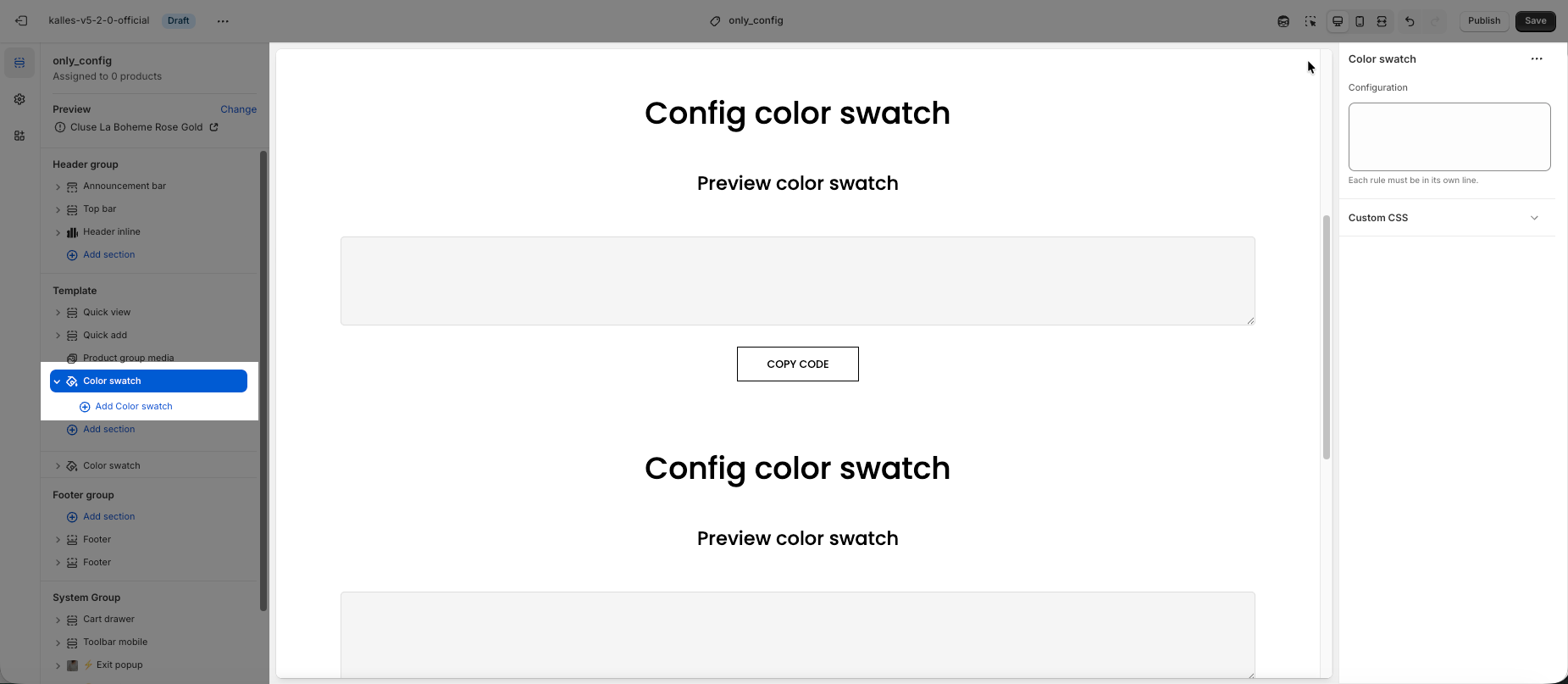
You can follow how to configure Color swatch at this link