In this setting, you can select the time zone you want the countdown to be displayed in.
This option will be applied to all countdown on the theme such as: countdown section, product countdown
There are 2 options for you to choose from: Shop timezone and Users local time zone
Shop timezone: It takes from your store time zone in Shopify Settings

Users local time zone: It shows the countdown in customer's time zone.

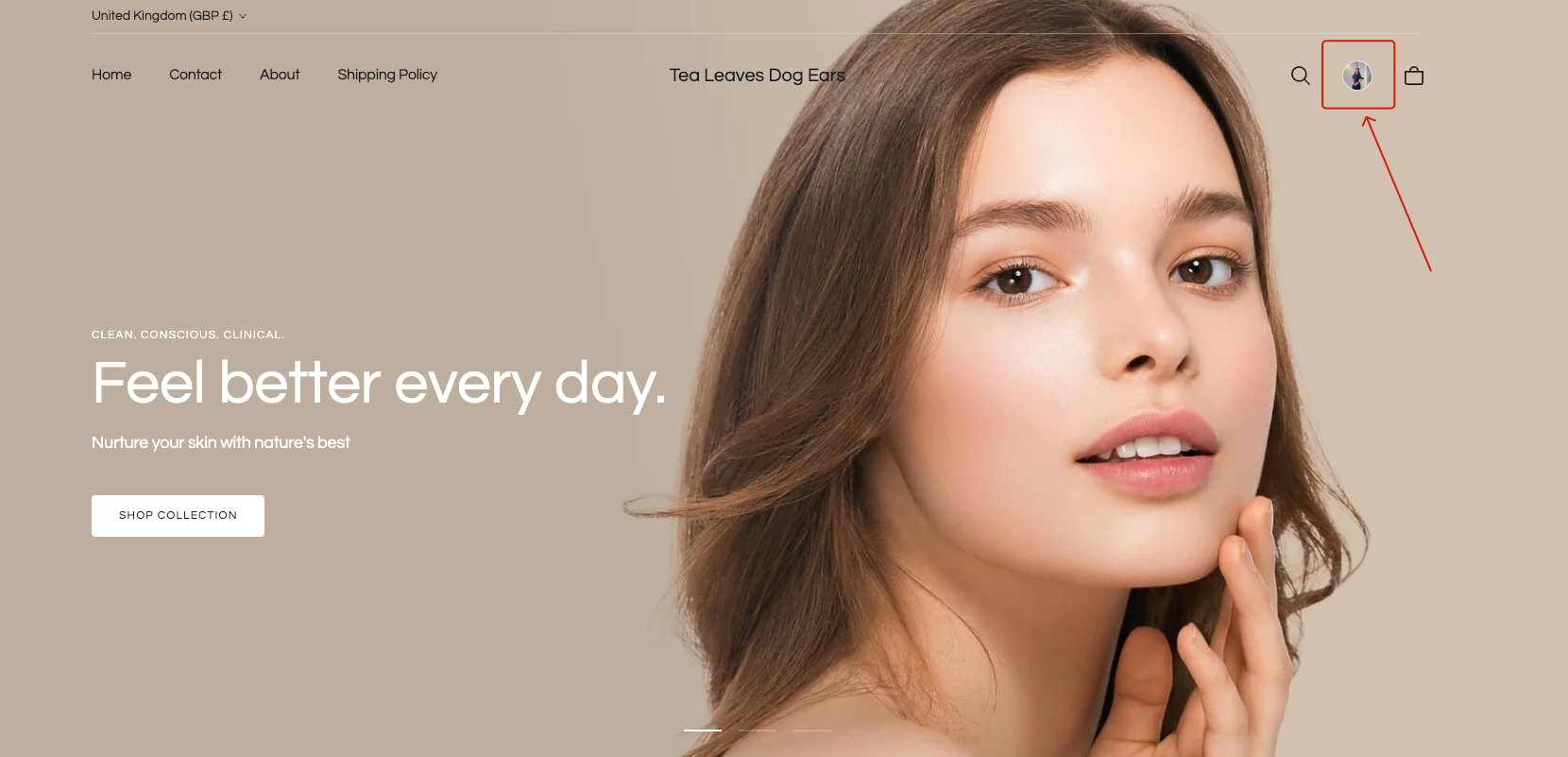
This feature allows the customer account avatar to be displayed in multiple areas of the theme, not only in the Header but also in supported locations such as the Mobile Sticky Toolbar.

How it works
The avatar is shown only when the customer is logged in
Customers must meet Shopify’s requirements
The Inactive Tab Message feature helps reduce cart abandonment by changing the browser tab title when visitors switch away from your store.
You can use engaging text and emojis to grab attention and encourage customers to return.