In Shopify, a product card is a compact product preview that shows key information such as the product image, title, price, variants (e.g. color), badges, and other highlights. It helps customers quickly scan and compare products without opening the product detail page, improving usability and shopping speed.

Go to Theme settings > Product card to config it.

Use Show quick view to turn the Quick View pop-up on or off for product cards.
Enable Show secondary image on hover to display an alternate product image when hovering over a product card.
Use Title maximum lines to limit how many lines the product title displays.
Set to 0 for auto lines. Enabling this option may affect the title hover effect.
Use Text alignment to align product information to Left or Center.
Configure Swatch display mode, Show swatch type, and Swatch shape to control how swatches appear.
Enable Show variant image and choose Change product image on event (Hover or Click) to update product images when selecting swatches.
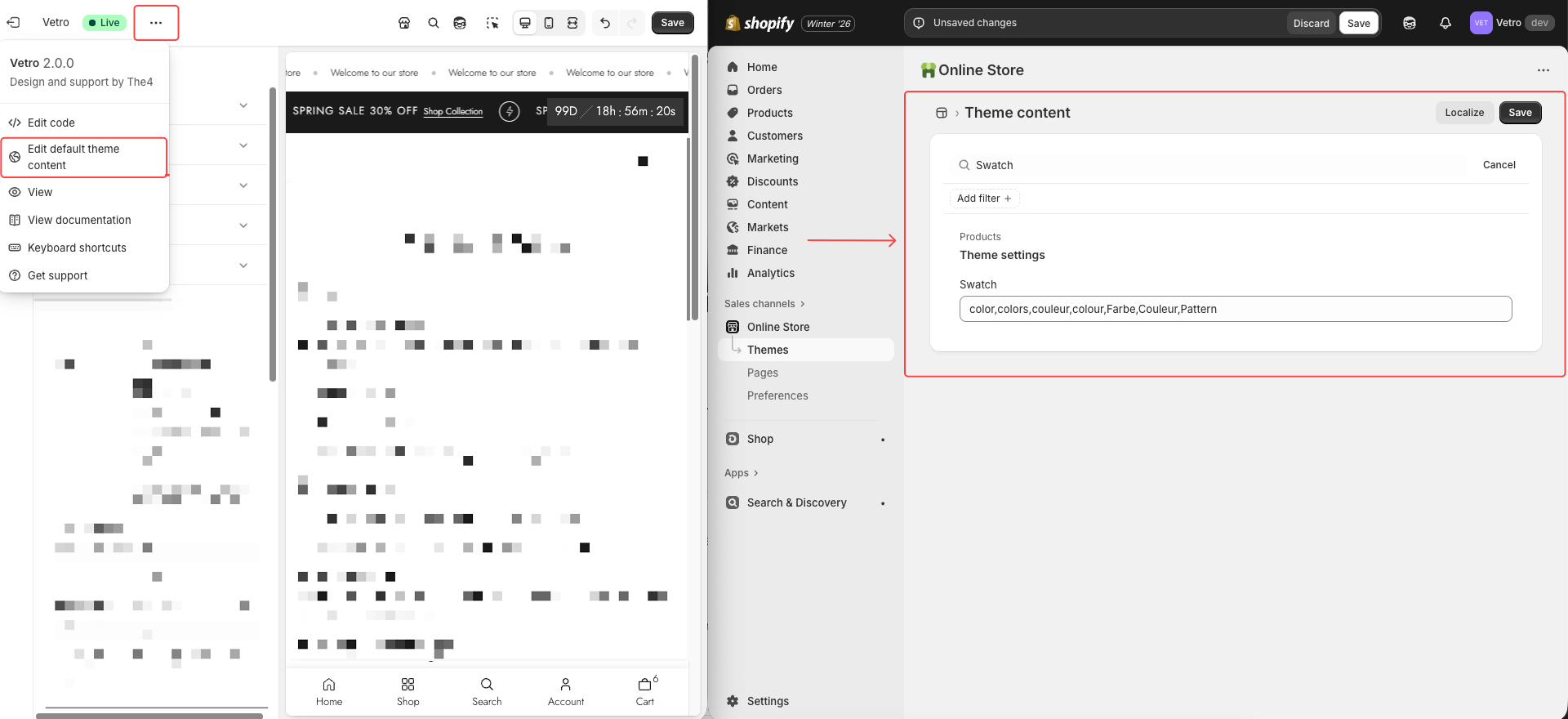
Note: You must add the option name you want to display as color or image swatches in Edit theme default content for this feature to work correctly.
Enable Enable swatch limit and set Maximum swatch to show.
Extra swatches will follow the action selected in Action after swatch view more is clicked.
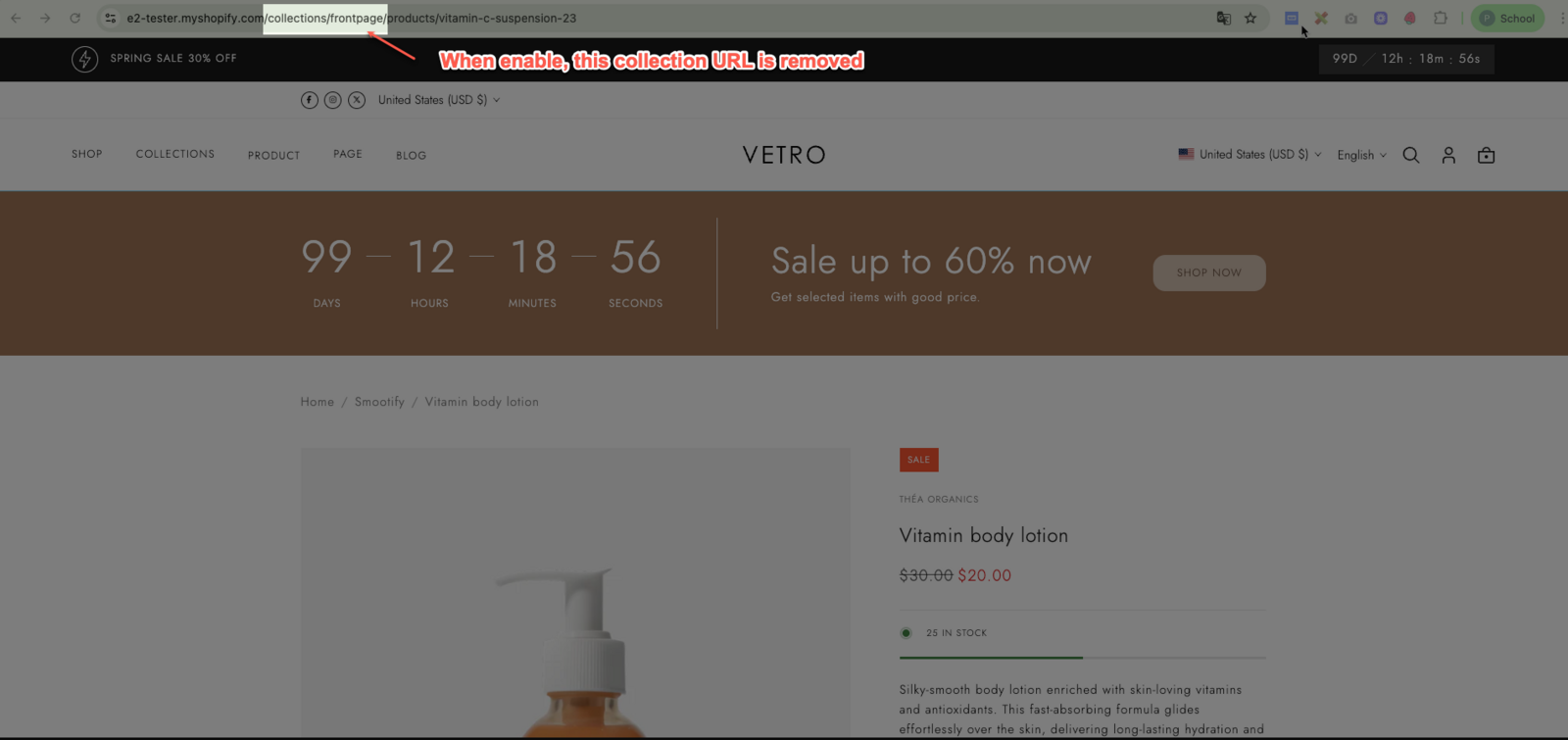
Enable Remove collection URL to remove the collection part from product URLs and keep links cleaner for SEO.